

Event Countdown
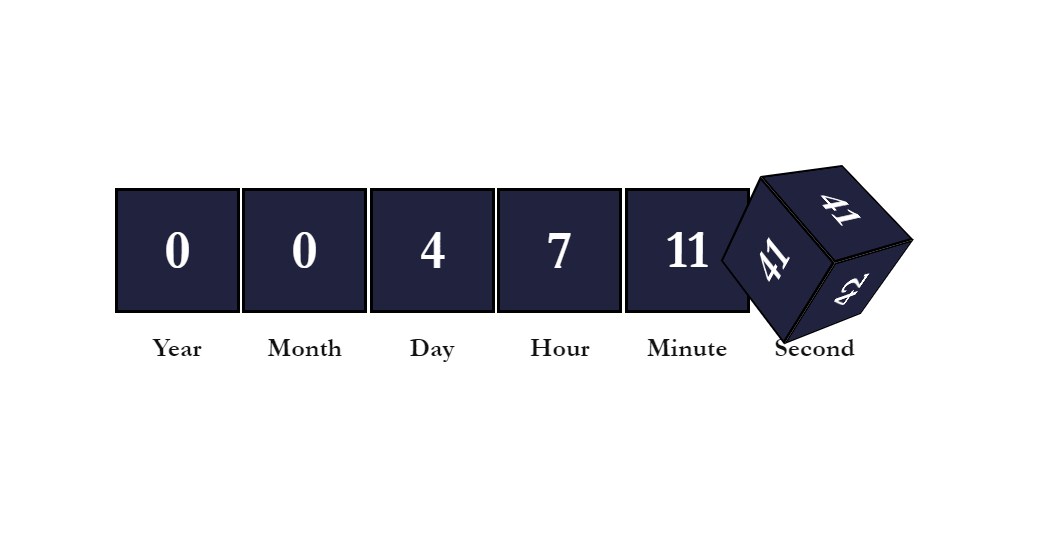
A simple and nice plugin to add countdown timer anywhere at your wordpress website. You can use it on your product sales promotion page for offer coun …
Plugin info
Maintenance & Compatibility
Maintenance score
Possibly abandoned • Last updated 2116 days ago
Is Event Countdown abandoned?
Possibly abandoned (last update 2116 days ago).
Compatibility
Similar & Alternatives
Explore plugins with similar tags, and compare key metrics like downloads, ratings, updates, support, and WP/PHP compatibility.
Description
This is very pretty simple plugin for creating countdown for maintaince page, Sales Page, Event Page and Many More. You have to add a shortcode where you want to show this countdown. You can use it for your woocommerce plugin for sales countdown. If you love this plugin leave a positive review.
How To use
[evcountdown time='09:00:00' date='2021-06-14' ]
User attributes in Shortcode for make changes in your counter –
size=’100′
color=’blue’
bg=’black’
date=’2020-06-14′ Year-month-day
time=’09:00:00′ Hour-minute-second
dayonly=’true’ for show counter with only days.
Easy for everyone
Anyone can use Plugin with or without technical skills.
Features
You will be able to customize your counter by using shortcode attributes.
- You Can use As much counter as you want in your site.
- You Can use counter for Days Only.
- You Can use counter with Years.
- Everything is customizable
- Responsive
- You can use it any kind of wordpress page builder.
- Responsive
- Easy to use.
- You Can translate it on Your Language.
Just add the shortcode its easy and simple.
Installation
Installation is fairly straight forward. Install it from the WordPress plugin repository.
From your WordPress dashboard:
- Select Add New from the plugins page;
- Type Event Countdown in the search bar or upload the .zip file;
- Install and activate the plugin.
After successful activation
Add the shortcode with your event date and it will work [evcountdown] and check our How to use section.
Frequently Asked Questions
You need to set your event date and time while adding the shortcode to your page.
Review feed
Screenshots
Changelog
1.0
Initial Release