

Extra Settings for WooCommerce
Easily customize and enhance WooCommerce store with highly demanded settings and additional features. Includes settings for Storefront theme.
Plugin info
Maintenance & Compatibility
Maintenance score
Possibly abandoned • Last updated 2315 days ago • 8 reviews
Is Extra Settings for WooCommerce abandoned?
Possibly abandoned (last update 2315 days ago).
Compatibility
Similar & Alternatives
Explore plugins with similar tags, and compare key metrics like downloads, ratings, updates, support, and WP/PHP compatibility.
Description
Easily customize and enhance WooCommerce store with highly demanded settings and additional features. Includes settings for Storefront theme.
The plugin doesn’t alter anything by default. Choose what you need. Compatible with WooCommerce 2.6+.
Features
- Multiple new WooCommerce and Storefront settings in one place.
- Useful features and solutions to issues you didn’t think about before.
- Clearly explained effects of selecting an option. No need for Google.
Example settings
- After a successful login, redirect customers to previously visited page and users with admin access to dashboard.
- Remove shop page title.
- Remove product image thumbnails from cart page, mini-cart or both.
- Remove price range for variable and grouped products on all pages.
- Set a number of products per row & page on product listing pages.
- Set a number of thumbnails per row for product gallery.
Installation
Recommended:
Install and activate from WordPress “Plugins > Add New” screen.
Manual installation:
- Unzip plugin file and upload folder to directory /wp-content/plugins/
- Activate plugin in WordPress \”Plugins\” menu.
Frequently Asked Questions
Do I need to use Storefront theme?
No. There are additional options for Storefront, but any theme can be used with this plugin.
I changed and saved settings, but I see no effect.
Be sure to clear cache on your website and either open the browser in Incognito\Private mode or clear browser cache as well.
Review feed
Screenshots
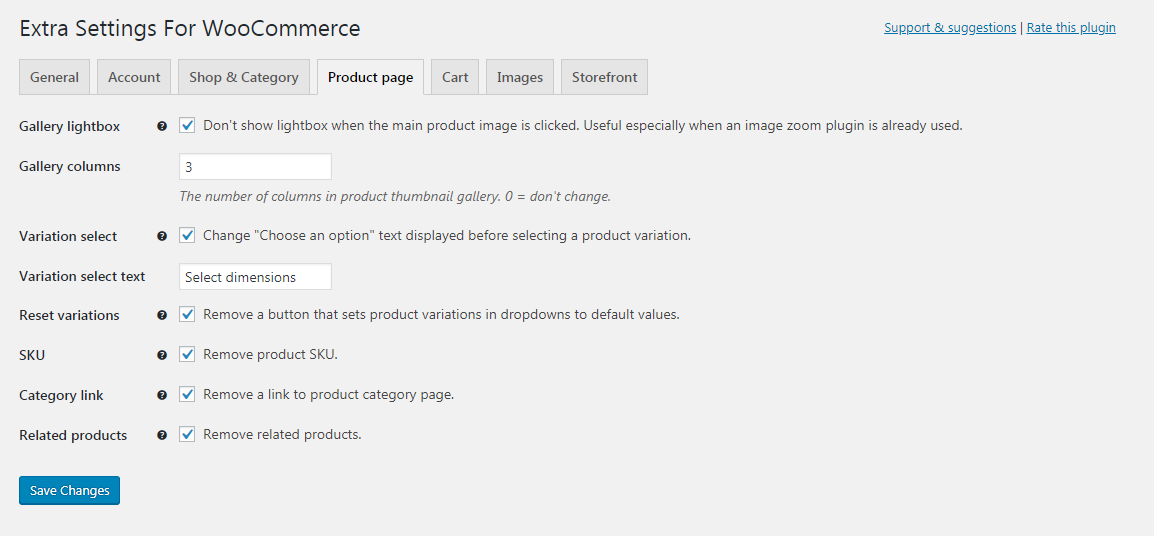
Plugin settings - Product page tab.
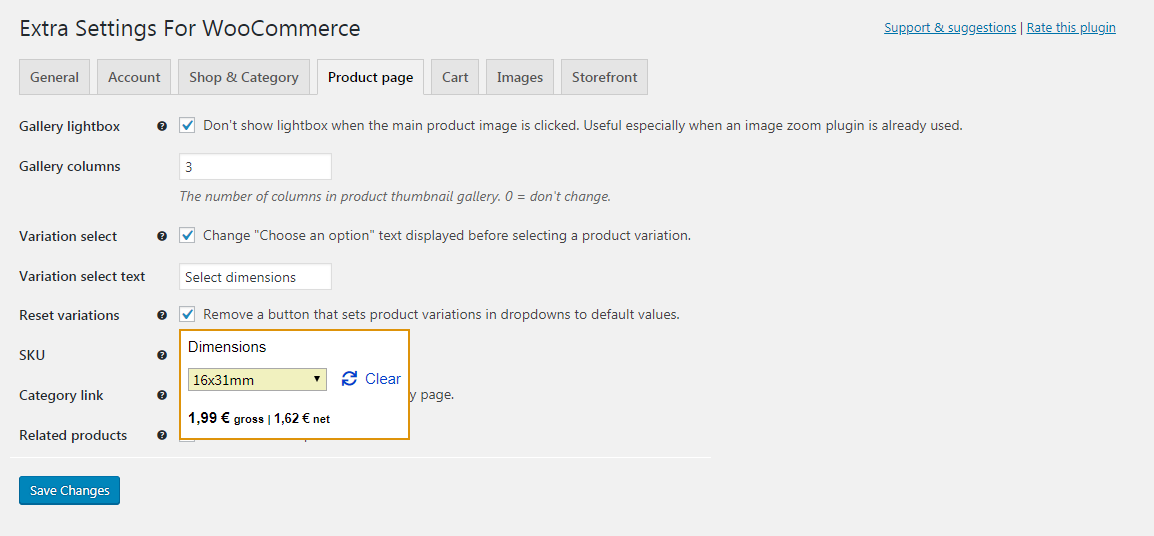
A helper image on question mark icon hover for "Reset variations" setting.
Changelog
1.0.1
- Increased required WordPress version from 4.4 to 4.6 for translate.wordpress.org compatibility.
- Reworked the code to make translate.wordpress.org load all strings for translation automatically.
- Tab names can now be translated.
- Fix – reset password page is now correctly displayed with Login redirect setting enabled.
1.0
- Initial release with 20 WooCommerce store and 5 Storefront-specific settings.