

Fancy Elementor Flipbox
Create flip box and 6 more effects with front and back side options
Plugin info
Maintenance & Compatibility
Maintenance score
Stale • Last updated 325 days ago • 4 reviews
Is Fancy Elementor Flipbox abandoned?
Likely maintained (last update 325 days ago).
Compatibility
Similar & Alternatives
Explore plugins with similar tags, and compare key metrics like downloads, ratings, updates, support, and WP/PHP compatibility.
Description
Fancy Elementor Flipbox for Elementor WordPress Page Builder. A fully free and endless customization Flipbox, Rotate Style, Zoom In Style, Right-Side, Left-side, To Top, To Bottom and Zoom Out Style. You could use this plugin to show Services, Features, Categories, team members, contact info boxes, portfolio and image galleries.
Short Description
Fancy Elementor Flipbox for Elementor WordPress Page Builder.
Check out Demos
- Check demos — This plugin has many features that you could use it for many purposes.
Installation
Note : This plugin works with Elementor. Make sure you have Elementor installed.
- Upload the plugin folder to the
/wp-content/plugins/directory, or install the plugin through the WordPress plugins screen directly. - Activate the plugin through the \’Plugins\’ screen in WordPress
- You can type \”Fancy Elementor Flipbox\” on your element tabs within Elementor editor and all the flipbox element will appear.
- Done! Enjoy 🙂
Frequently Asked Questions
8 Styles. Flipbox, Rotate Style, Zoom In Style, Right Side, Left Side and Zoom Out Style.
No. You could not use without Elementor since it’s a widget for Elementor.
Sure! It will work with any theme where Elementor works.
Yes, you could use the dynamic fields if you install the Elementor Pro.
Yes, it’s a free plugin. We don’t have any premium version and we don’t show you any go to pro box on your dashboard.
Yes, It’s possible. Please request your needs on this page: (https://themeprix.com/order/)
Review feed
Screenshots
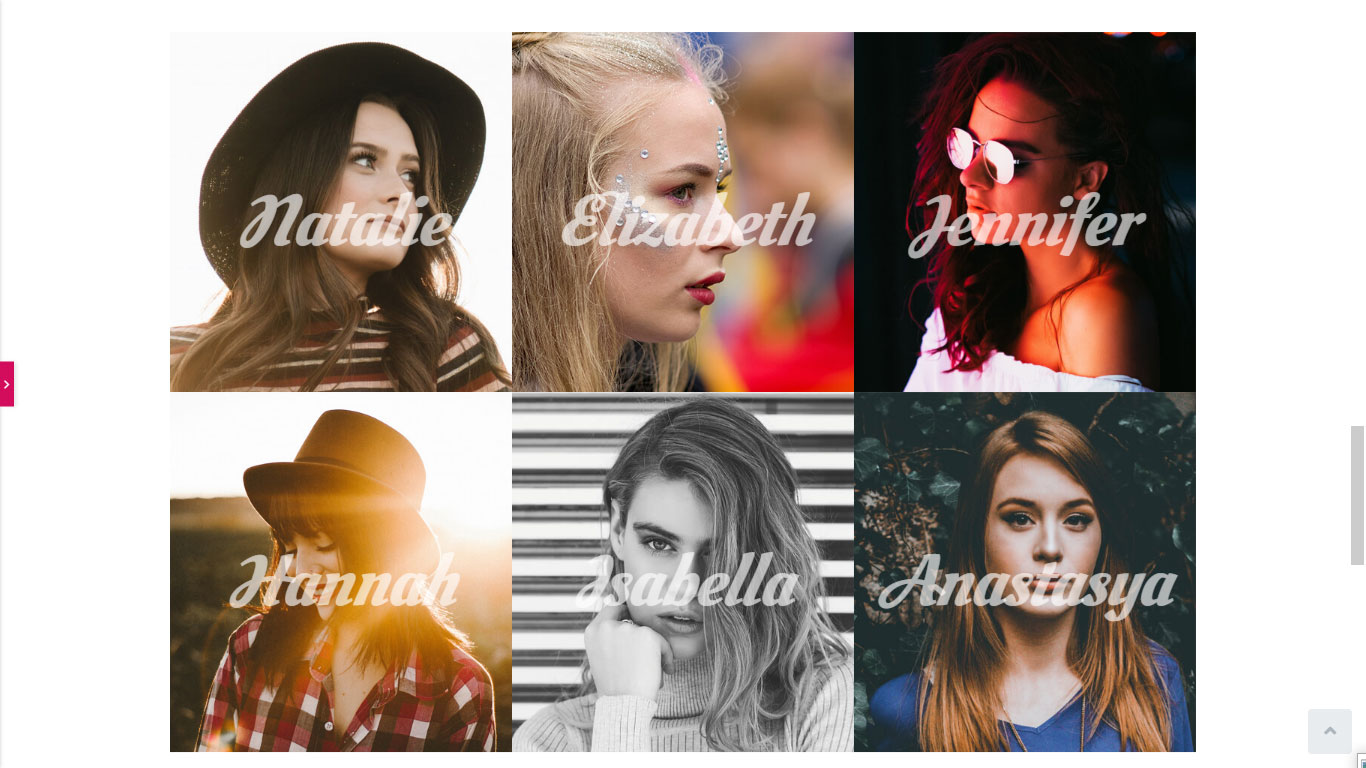
Use flip-box as photo gallery.

Options and features.

Services demo.

Creative Branding demo.
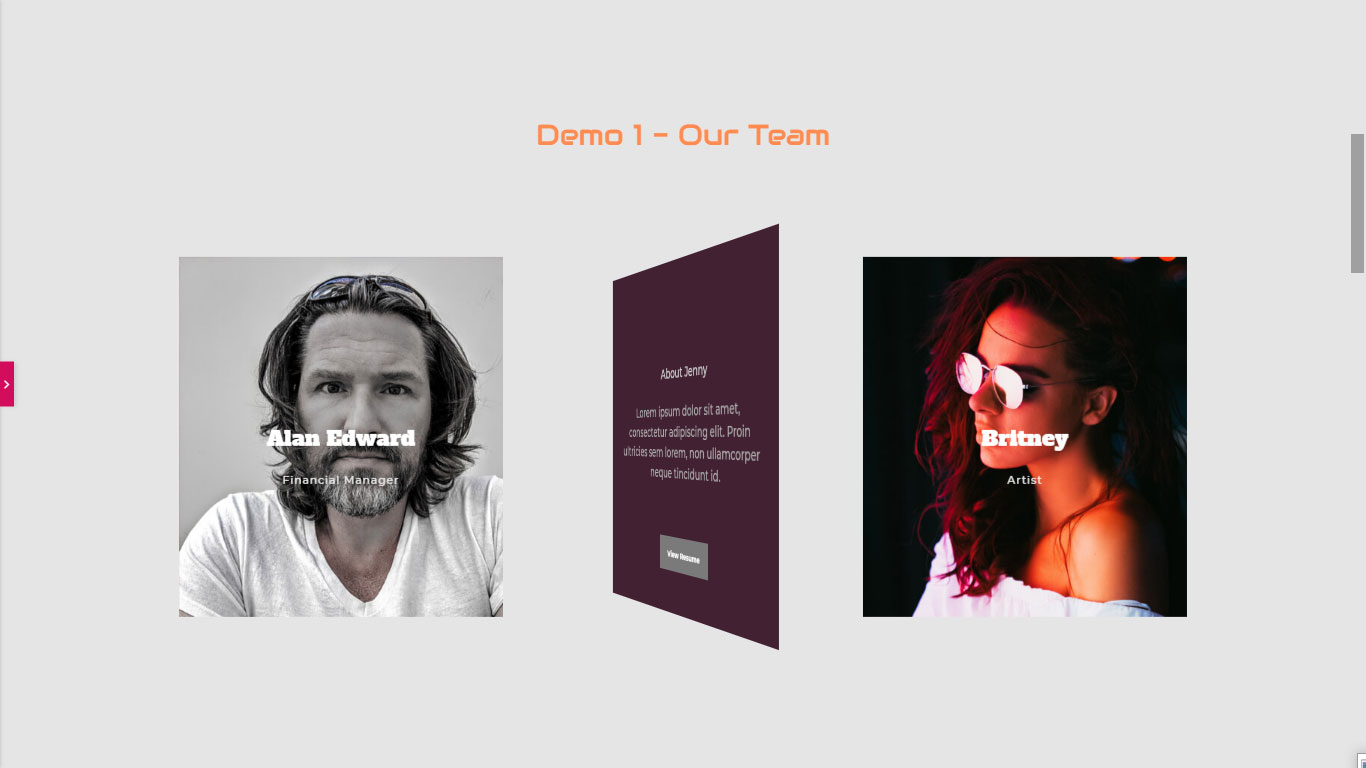
Use flip-box elements as team members items.
Changelog
2.5.0
- Update codes for Elementor and a new fade style added as update 2024.
2.4.2
- Update codes for Elementor update 2022.
2.4.1
- Add two new styles.
- Update codes for new Elementor update.
2.3.2
- Add two new styles.
- Make it SEO-Freindly for images.
- Bug fix for flipbox height.
1.0.3
- Add dynamic field for Elementor Pro
1.0.0
- Initial Launch
1.0.6
- Fix a minor error reported by users.