

Image Block for Pollinations.ai
Generate AI images directly from the WordPress editor and add them to your media library.
Plugin info
Maintenance & Compatibility
Maintenance score
Stale • Last updated 318 days ago
Is Image Block for Pollinations.ai abandoned?
Likely maintained (last update 318 days ago).
Compatibility
Similar & Alternatives
Explore plugins with similar tags, and compare key metrics like downloads, ratings, updates, support, and WP/PHP compatibility.
Description
Image Block for Pollinations.ai allows you to generate images using AI technology directly within the WordPress block editor. Simply enter a text prompt describing the image you want to create, and the plugin will generate it for you.
Features:
- Generate AI images from text prompts
- Save generated images to your WordPress media library
- Insert AI-generated images directly into your content
- User-friendly interface integrated into the block editor
- Automatically sets image alt text based on your prompt
This plugin uses the Pollinations.ai API to generate images based on your text descriptions.
Plugin Demo
External services
This plugin uses the AI image generation. When you enter a prompt, that text is sent to Pollinations.ai. The generated images are saved to your WordPress media library.
This feature is provided by “Pollinations.AI”: Terms & Conditions
Pollinations AI an open-source platform offering easy text & image generation APIs.
Plugin sourcecode
https://github.com/aslamdoctor/image-block-for-pollinations-ai
Installation
- Upload the plugin files to the
/wp-content/plugins/image-block-for-pollinations-aidirectory, or install the plugin through the WordPress plugins screen directly. - Activate the plugin through the ‘Plugins’ screen in WordPress
- Use the Image Block for Pollinations.ai in the block editor to start generating images
Frequently Asked Questions
- Add the ‘Image Block for Pollinations.ai’ to your post or page
- Enter a descriptive text prompt in the text area
- Click “Generate Image”
- When the image appears, click “Save and insert” to add it to your content and media library
The prompt text is limited to 475 characters. Image generation speed depends on the Pollinations.ai API response time.
Yes, this plugin is completely free to use as it relies on the free tier of the Pollinations.ai API.
Review feed
Screenshots
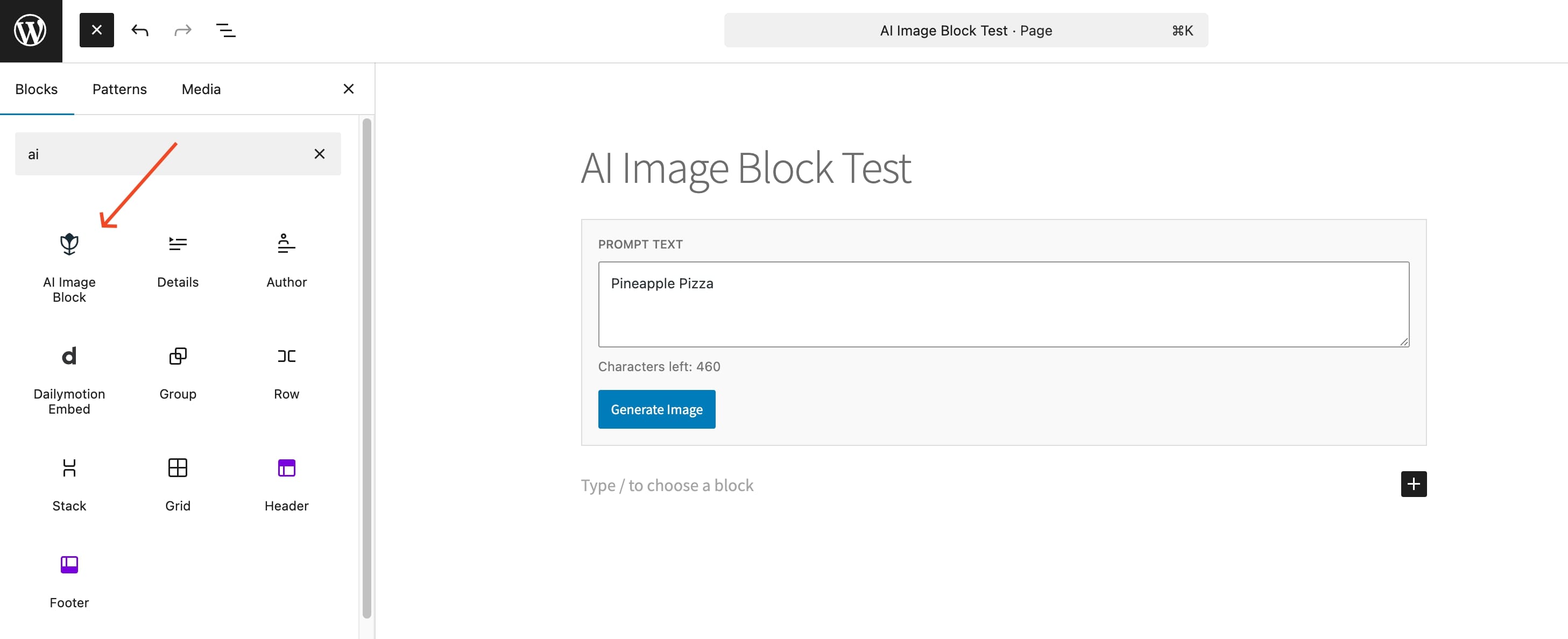
Image Block for Pollinations.ai in the editor
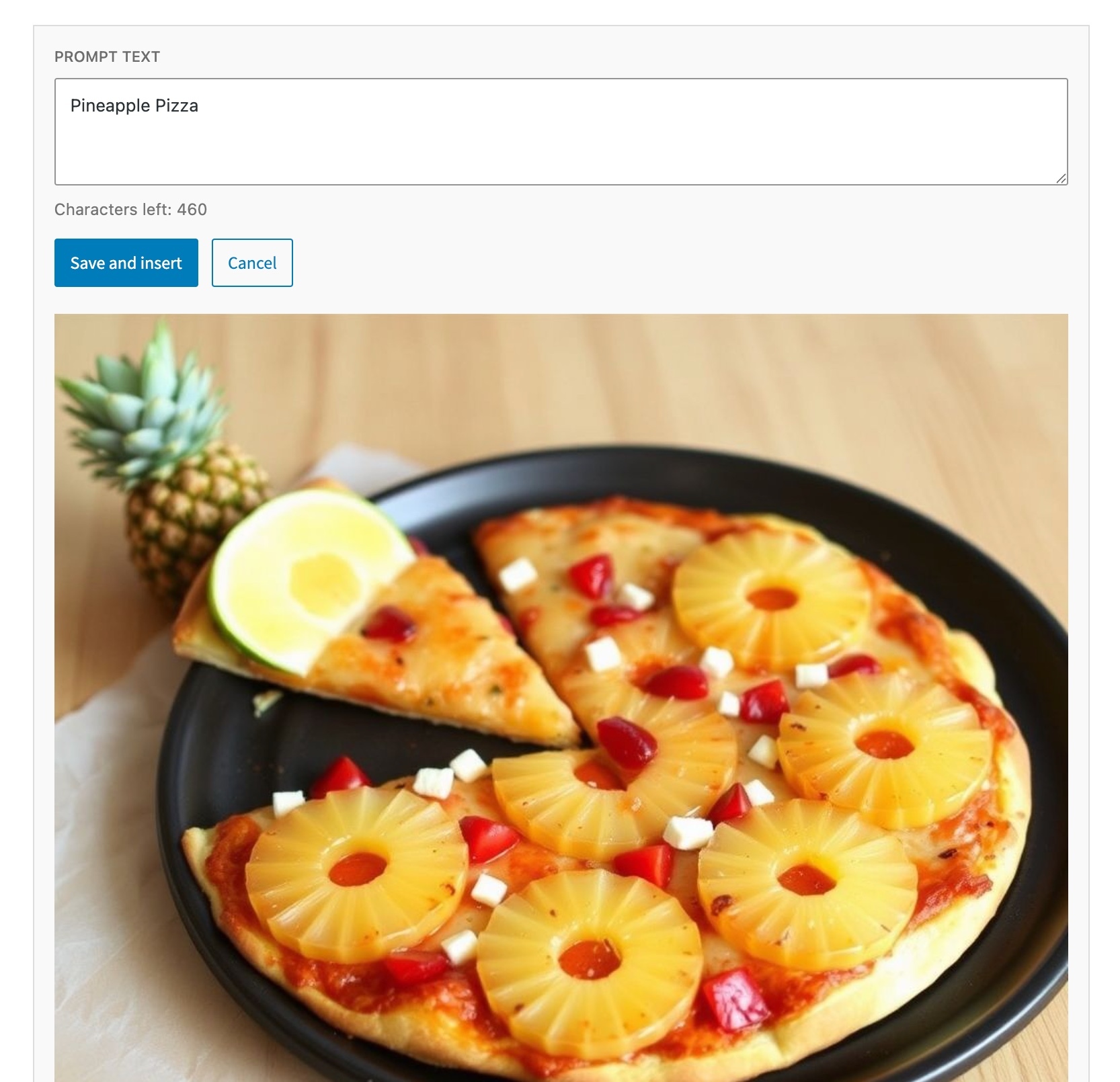
Entering a prompt and generating an image
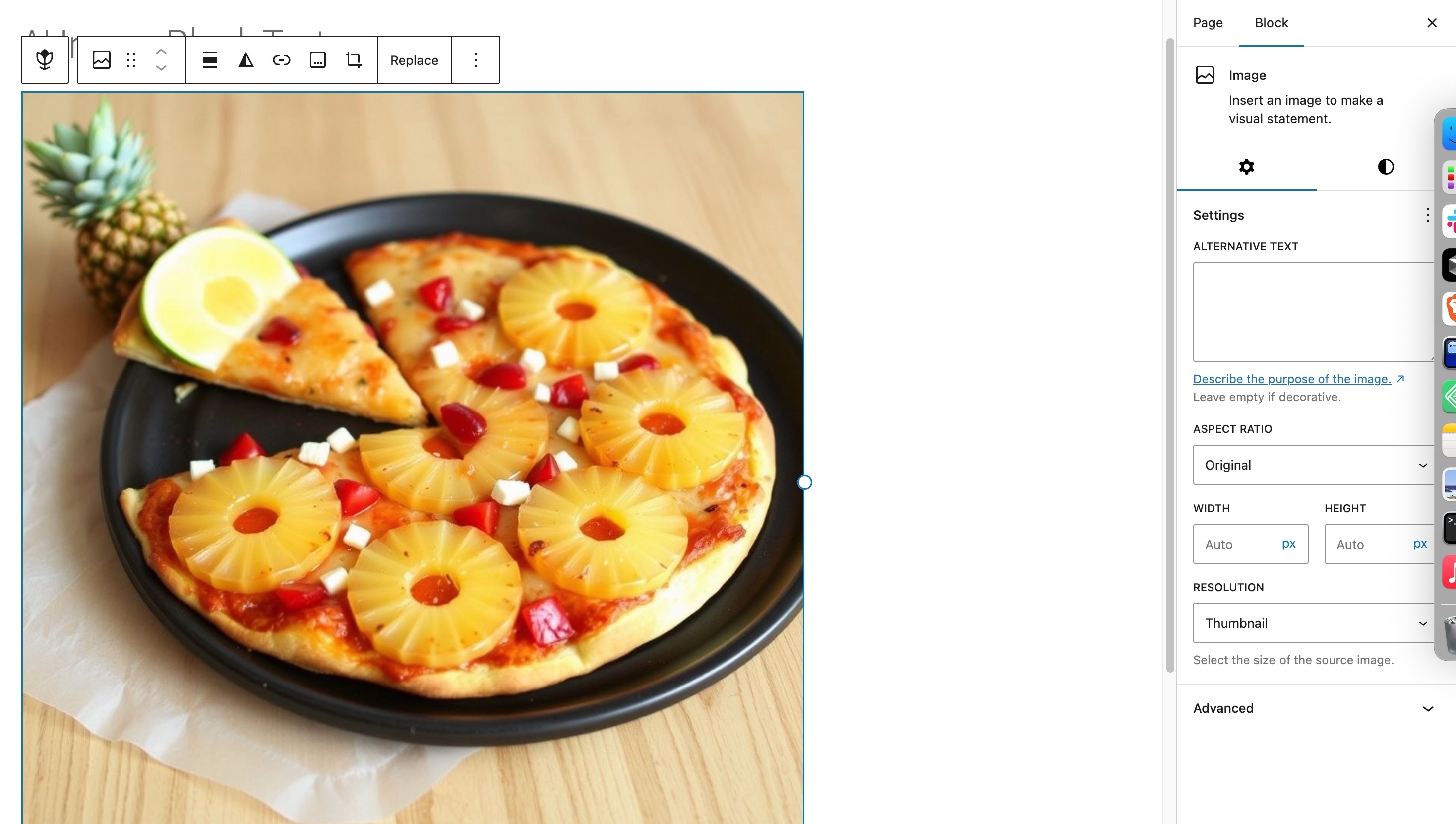
The generated image ready to be inserted
Changelog
1.0.2
- Minor fixes and rebuild files
1.0.1
- Banner image updated
- Code cleanup
1.0.0
- Initial release