

Image Roulette – Random Image Block
Display a random image from your Media Library galleries with full accessibility support. Spin the wheel of images!
Plugin info
Maintenance & Compatibility
Maintenance score
Maintained • Last updated 163 days ago
Is Image Roulette – Random Image Block abandoned?
Likely maintained (last update 163 days ago).
Compatibility
Similar & Alternatives
Explore plugins with similar tags, and compare key metrics like downloads, ratings, updates, support, and WP/PHP compatibility.
Description
Image Roulette is a plugin that allows you to create galleries from your Media Library and display a random image from those galleries using either shortcodes or Gutenberg blocks. Perfect for displaying rotating testimonials, featured products, random artwork, or any content where you want to show variety.
Features
- Create Custom Galleries: Organize your Media Library images into custom galleries
- Random Image Display: Show a different image each time the page loads
- Gutenberg Block Support: Native block editor integration
- Shortcode Support: Use anywhere shortcodes are supported
- Flexible Image Sizing: Choose from registered image sizes or set custom dimensions
- Aspect Ratio Preservation: Smart resizing that maintains image proportions
- Accessibility Ready: Full support for alt text, captions, and screen readers
- User-Friendly Admin: Intuitive interface for managing galleries
- Bulk Operations: Select, edit, and delete multiple images at once
Usage
Creating a Gallery:
1. Go to Settings Image Roulette in your admin dashboard
2. Click “Create New Gallery”
3. Enter a gallery name
4. Select images from your Media Library
5. Save your gallery
Using the Block:
1. Add the “Image Roulette” block to any page or post
2. Select your gallery from the dropdown
3. Configure image size settings
4. Publish your content
Using the Shortcode:
[imagro id=”gallery_1″]
Shortcode Parameters:
* id – Gallery ID (required)
* size – Registered image size (thumbnail, medium, large, full)
* width – Custom width in pixels
* height – Custom height in pixels
Examples:
* [imagro id="gallery_123" size="large"]
* [imagro id="gallery_123" width="300"]
* [imagro id="gallery_123" width="400" height="300"]
Credits
This plugin was inspired by a request from @michelleames for speednetworkonline.com to create an accessible random image block.
Installation
- Upload the plugin files to the
/wp-content/plugins/image-roulettedirectory, or install the plugin through the plugins screen directly. - Activate the plugin through the ‘Plugins’ screen
- Use the Settings Image Roulette screen to create your first gallery
Frequently Asked Questions
Yes! You can use as many Image Roulette shortcodes or blocks as you want on a single page, each displaying from different galleries.
Yes, when using custom width or height (setting one to 0), the plugin automatically calculates the other dimension to maintain the original aspect ratio.
Absolutely! Image Roulette includes full support for alt text, image titles, captions, and follows web accessibility standards.
Yes, the plugin outputs clean HTML with CSS classes that you can style:
* .imagro-image – Main container
* .imagro-error – Error messages
Review feed
Screenshots
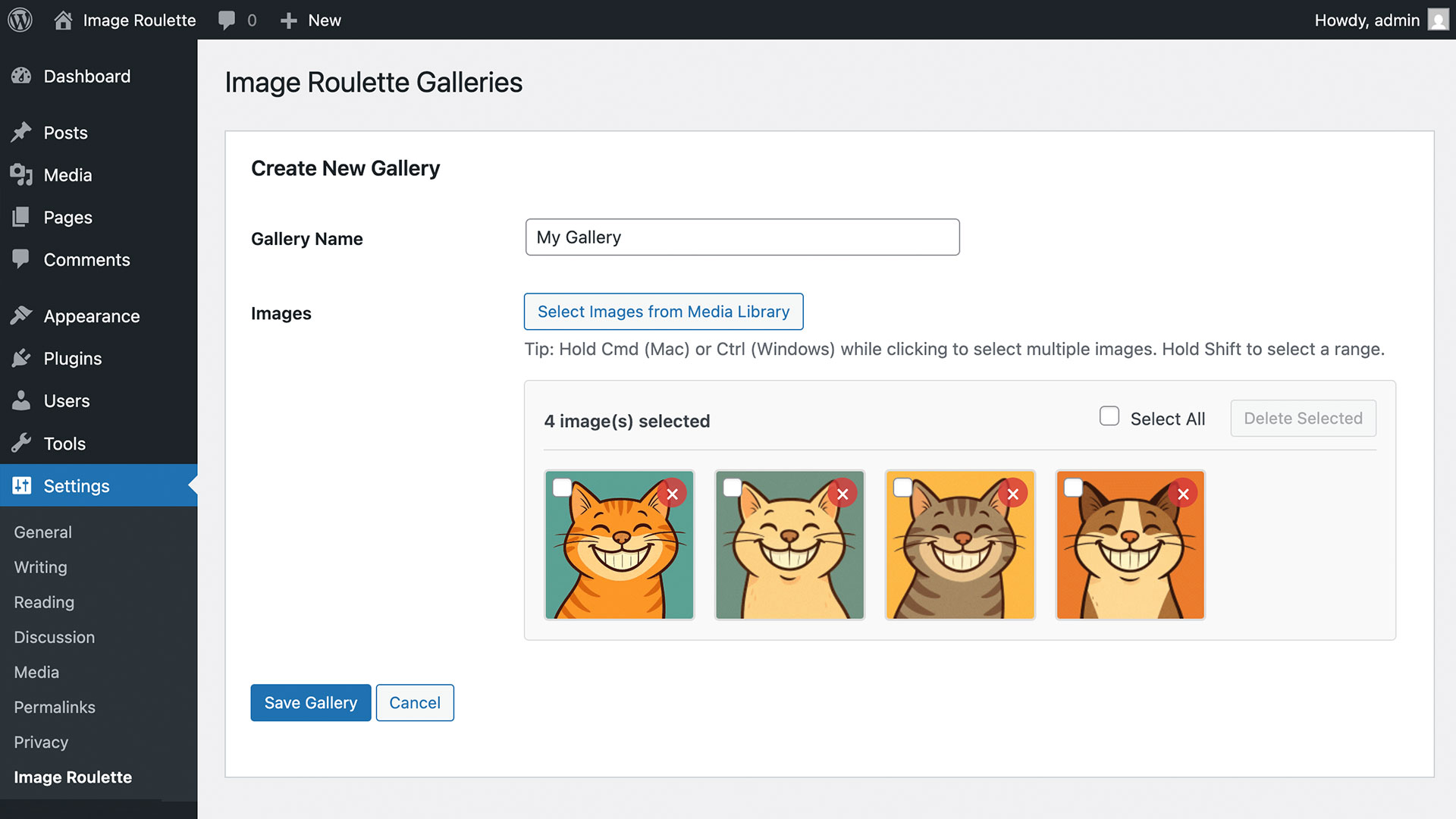
Gallery management interface
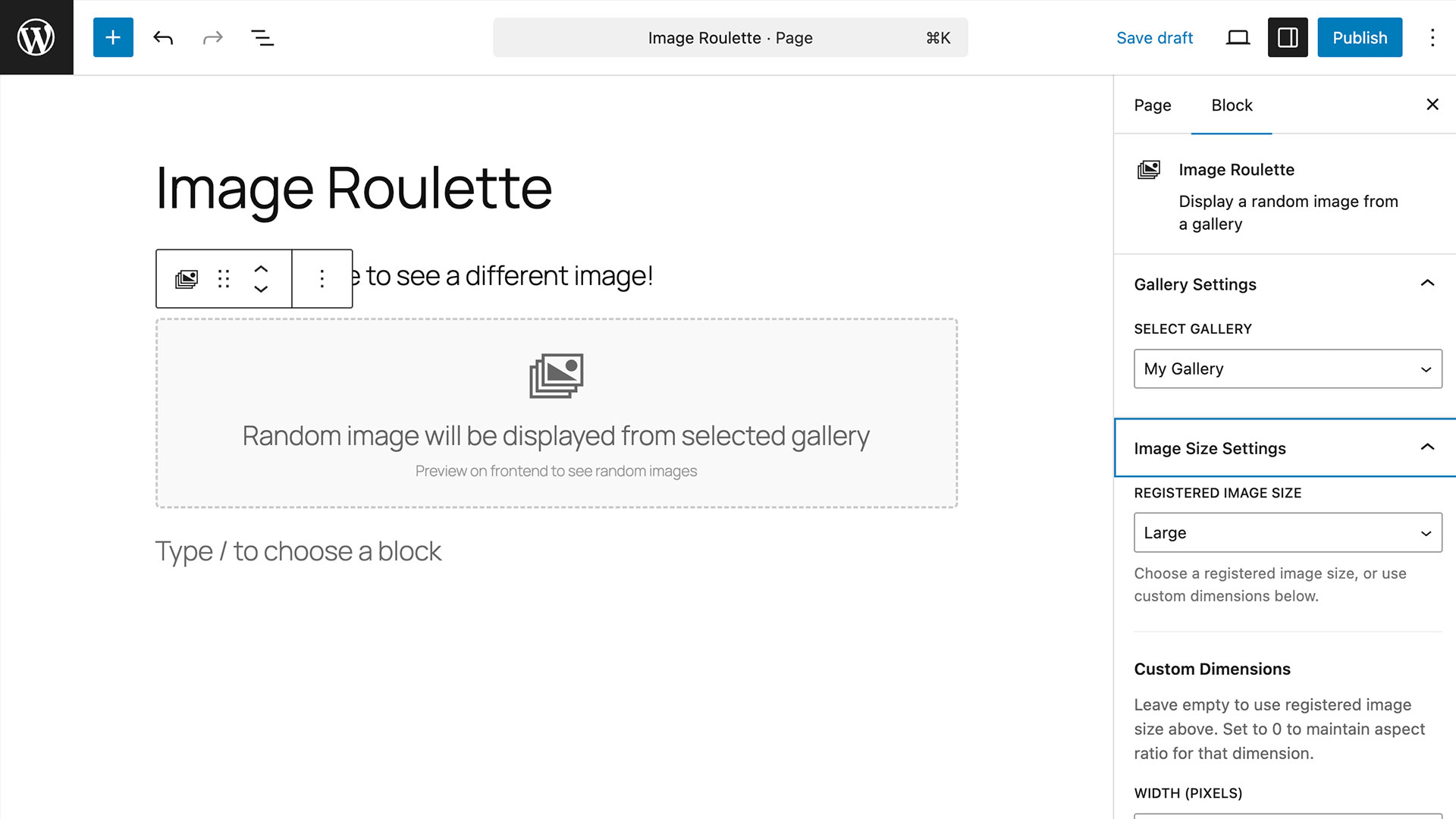
Gutenberg block settings panel with sizing options
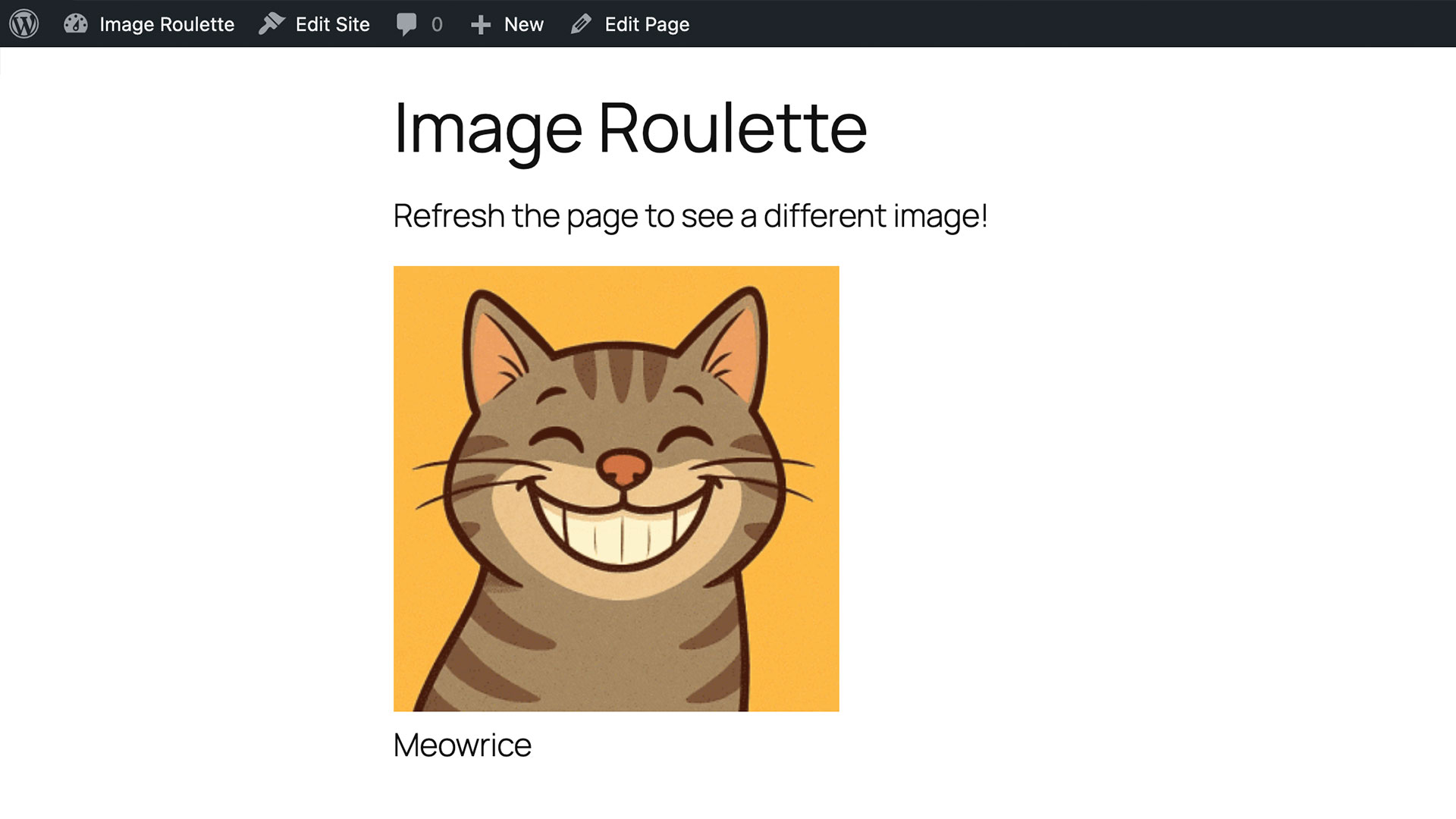
Example of random image display on frontend
Changelog
1.0.0
- Initial release
- Gallery creation and management
- Gutenberg block support
- Shortcode support
- Custom image sizing
- Accessibility features
- Bulk image operations