

ContentOracle AI Chat
ContentOracle AI Search seamlessly blends the power of generative AI with your website’s unique content.
Plugin info
Maintenance & Compatibility
Maintenance score
Stale • Last updated 356 days ago
Is ContentOracle AI Chat abandoned?
Likely maintained (last update 356 days ago).
Compatibility
Similar & Alternatives
Explore plugins with similar tags, and compare key metrics like downloads, ratings, updates, support, and WP/PHP compatibility.
Description
ContentOracle AI Chat adds powerful no-code, fully-customizable, content-aware AI chat features to your site. By combining the power of AI with the insights provided by your site content, ContentOracle AI Chat brings your users an unrivaled chat experience.
Demo!
Try it Here: demo.contentoracleai.com/
Intro
The internet is changing. Millions of people every day ask artificial intelligence for recommendations, facts, and how-to knowledge. However, AI lacks the specialist knowledge that many online content creators and businesses provide.
ContentOracle AI Chat bridges this gap by combining your unique content with AI’s capabilities. It delivers tailored answers based on your content, recommends relevant posts, products, and events, and provides analytics to enhance your site’s user experience.
3rd-Party Services
This plugin uses the ContentOracle AI API to process user messages, index website content, and generate responses.
– API URL: https://app.contentoracleai.com
– Terms of Service: https://app.contentoracleai.com/terms
Data sent to the API includes user messages, site content, server/client domains, and analytics. Messages and content may be stored for debugging and feature development.
3rd-Party Libraries
This plugin uses the following libraries:
– AlpineJS: Reactive data for UI (GitHub)
– Floating UI: Tooltip positioning (GitHub)
– PHP NLP Tools: Natural language processing (GitHub)
– Marked: Markdown to HTML parser
– DOMPurify: HTML XSS sanitizer
Installation
- Upload the plugin files to the
/wp-content/plugins/contentoracle_ai_chatdirectory, or install the plugin through the WordPress plugins screen directly. - Activate the plugin through the ‘Plugins’ screen in WordPress.
- Go to app.contentoracleai.com and create an account.
- Navigate to the Tokens tab, create a new token, and copy it to your clipboard.
- Navigate to the Subscription tab, enter your billing information, or use the free trial.
- On your WordPress site, go to ContentOracle > Settings and paste the token into the “ContentOracle API Token” field.
- Place the provided blocks on your site, and you’re done!
Frequently Asked Questions
ContentOracle AI Chat uses retrieval-augmented generation (RAG) to incorporate your WordPress site content into AI responses, unlike generic AI chat services.
No! Just link your site to your ContentOracle AI account, and we handle the rest. No need to integrate directly with LLM apis or third-party vector databases!
Navigate to ContentOracle > Prompt in the admin dashboard to edit prompt settings, tone, jargon, and more.
Use the block editor to place the AI chat block on your desired page.
Follow the installation instructions.
Billing is usage-based and monthly. Visit https://contentoracleai.com/pricing for details. A free trial is available.
The AI Search block redirects users to your AI chat page with their query preloaded, enhancing the search experience.
Review feed
Screenshots
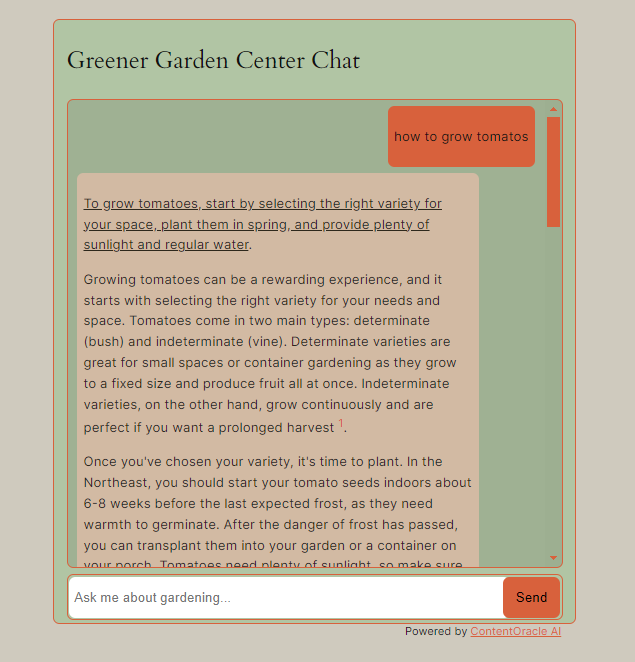
AI chat with inline citations from site content.
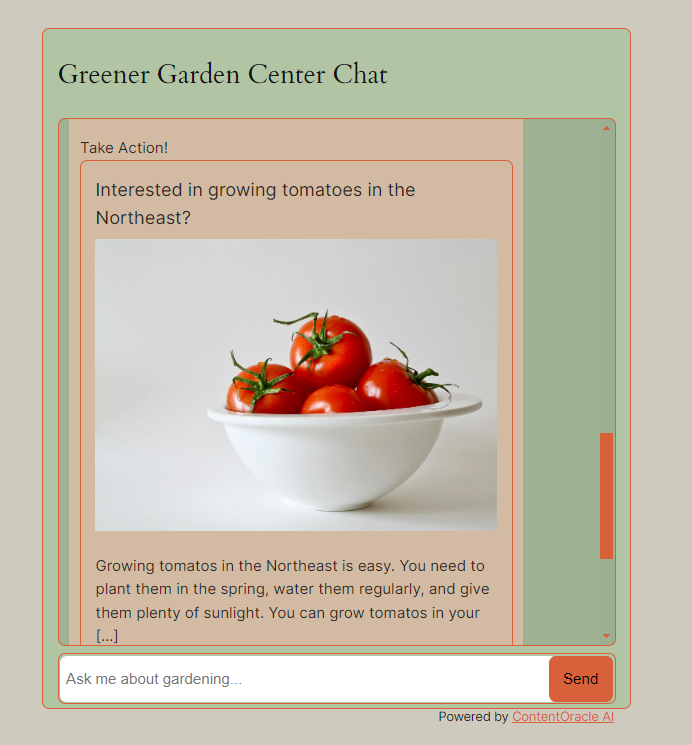
AI recommending a relevant post based on the conversation.
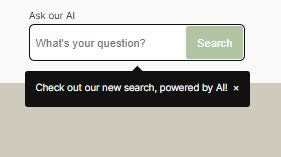
AI search bar.
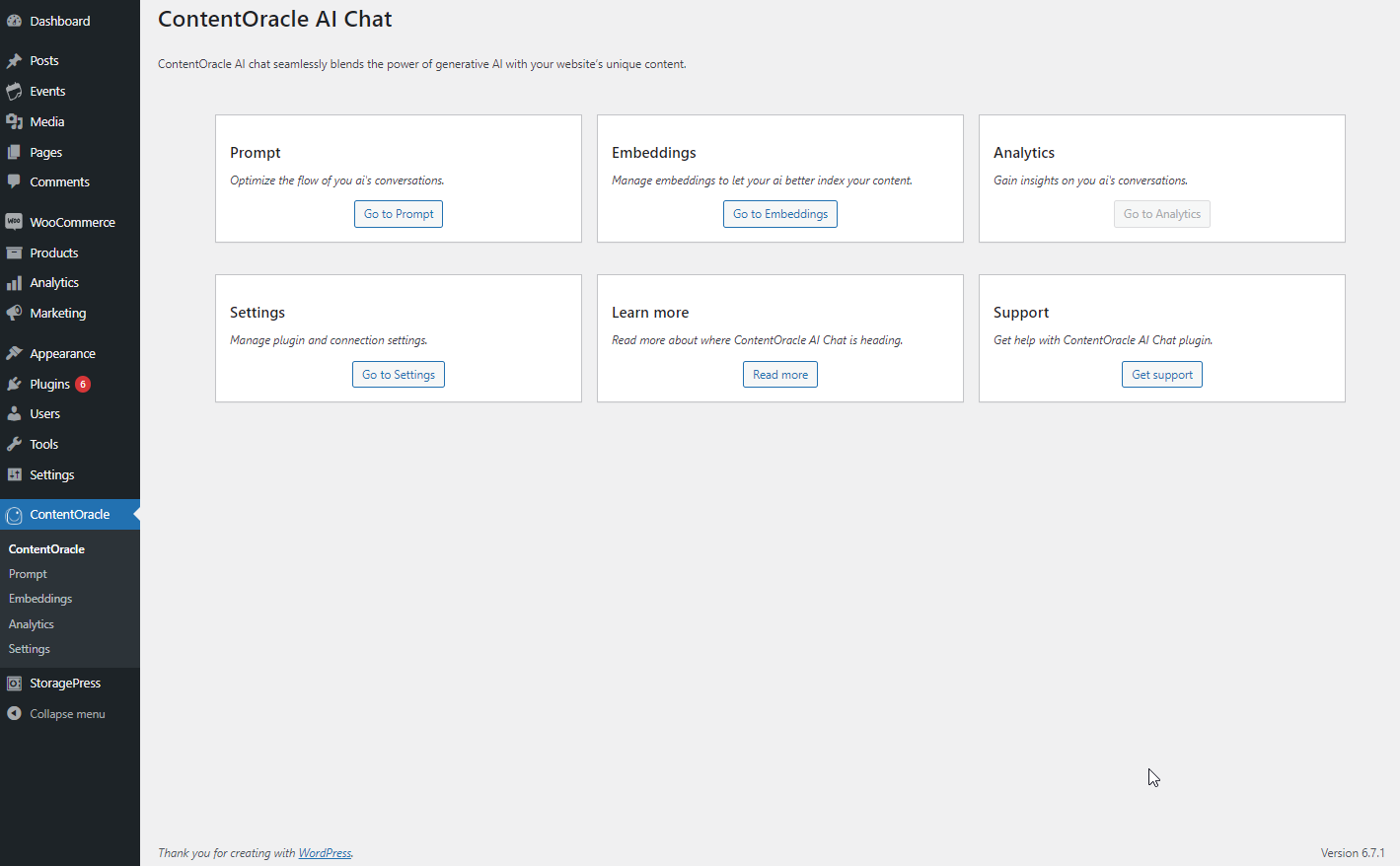
Main settings menu of the plugin.
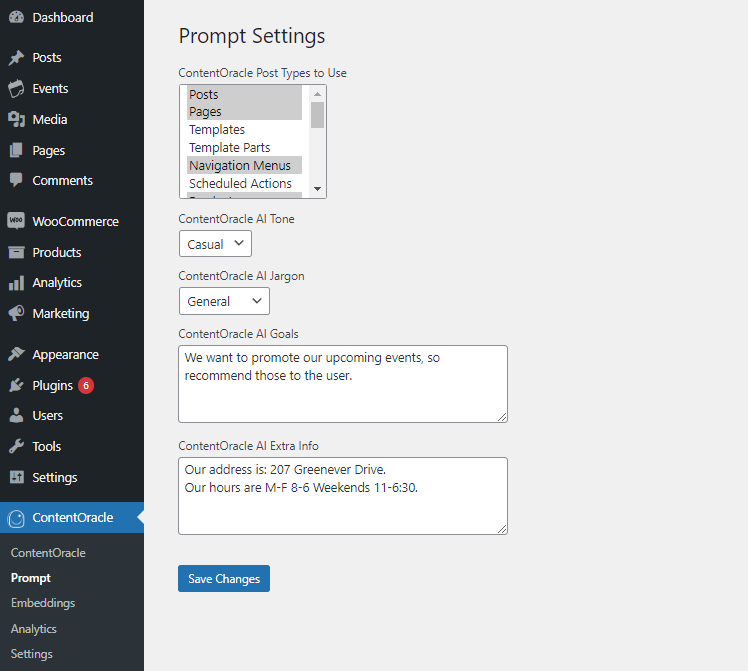
Customizing AI responses in the admin dashboard.
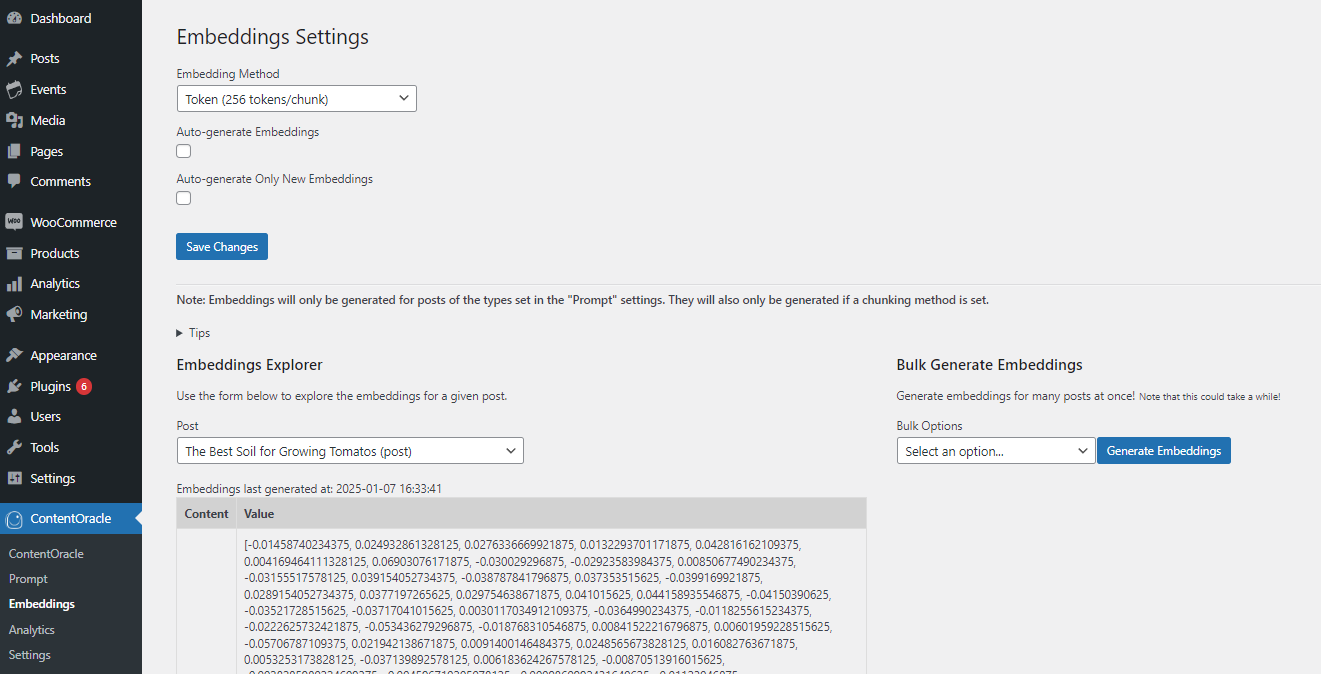
Embeddings explorer for semantic text similarity search.
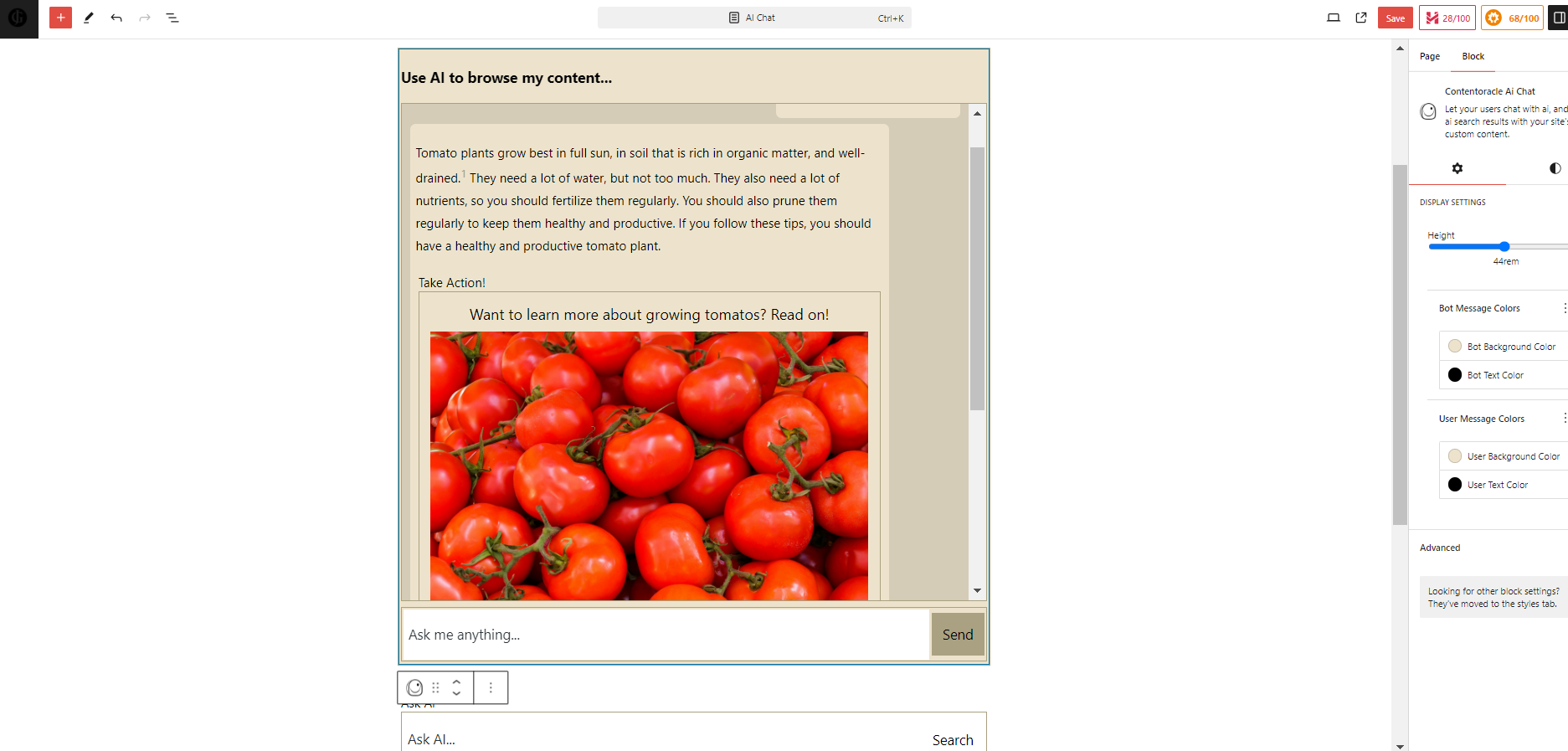
Customizing an AI chat block in the block editor.
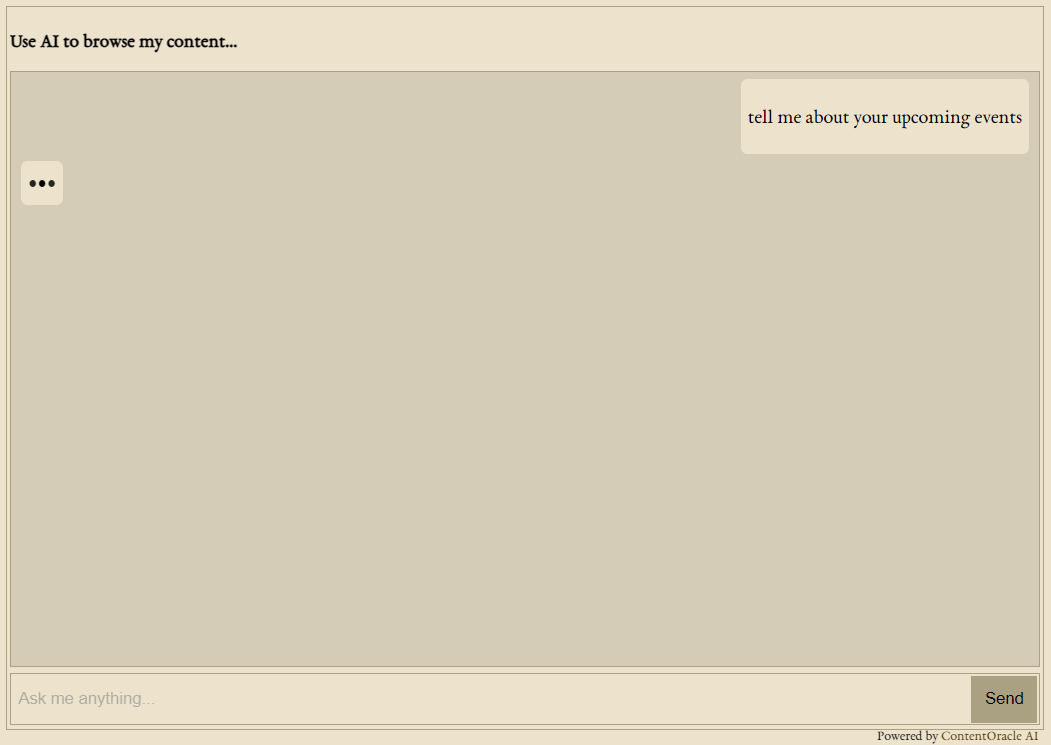
Customized block on the frontend.
Changelog
1.6.0
- Added a greeter section to help your visitors get the convesation started.
- You can now configure suggested starting messages for your visitors.
- Made button background and text colors configurable independently of border and text styles in the chat block.
- Fixed several styling bugs.
1.5.2
- Fix outputting of content supplied.
- Updates to readme.txt
1.5.1
- Fix a small error display bug.
1.5.0
- Add support for sending certain post meta to AI API.
- Fix issue with unpublished posts in response generation.
- Fix bug in WP Admin popup menu.
- Unrender unsupported artifacts.
1.4.2
- Fix to the response streaming feature.
1.4.1
- Various bug fixes.
1.4.0
- Inline content recommendations.
- Auto-scroll to chat block on page load.
- Improved search bar notification.
1.3.1
- Fix a bug in response streaming.
1.3.0
- Artifact rendering for interactive chats.
- Improved conversation structure.
1.2.0
- Implemented streaming of AI chat responses.
- Fixed bugs with semantic text matching.
- Improved error handling and auto-scrolling.
1.1.1
- Modified similarity calculation for database compatibility.
1.1.0
- Changed database prefix and admin menu slugs.
1.0.0
- Initial release.