

Local Business Schema Generator
Add Google-friendly LocalBusiness and WebSite schema to your WordPress site—no coding required.
Plugin info
Maintenance & Compatibility
Maintenance score
Stale • Last updated 310 days ago
Is Local Business Schema Generator abandoned?
Likely maintained (last update 310 days ago).
Compatibility
Similar & Alternatives
Explore plugins with similar tags, and compare key metrics like downloads, ratings, updates, support, and WP/PHP compatibility.
Description
This plugin provides a simple interface to generate crucial LocalBusiness schema markup (JSON-LD) for your website. Simply fill in your business details on our easy-to-use settings page, and the plugin automatically adds the correct structured data code for search engines like Google. This helps them understand your business details (name, address, phone, etc.), potentially improving your local search ranking and Knowledge Panel appearance. Also includes basic WebSite schema.
Add Google-friendly structured data to improve your local SEO and search visibility. Perfect for:
- Local businesses
- Restaurants
- Stores
- Medical practices
- Service providers
Key Features
✓ Simple schema generation via settings page
✓ Supports multiple common business types
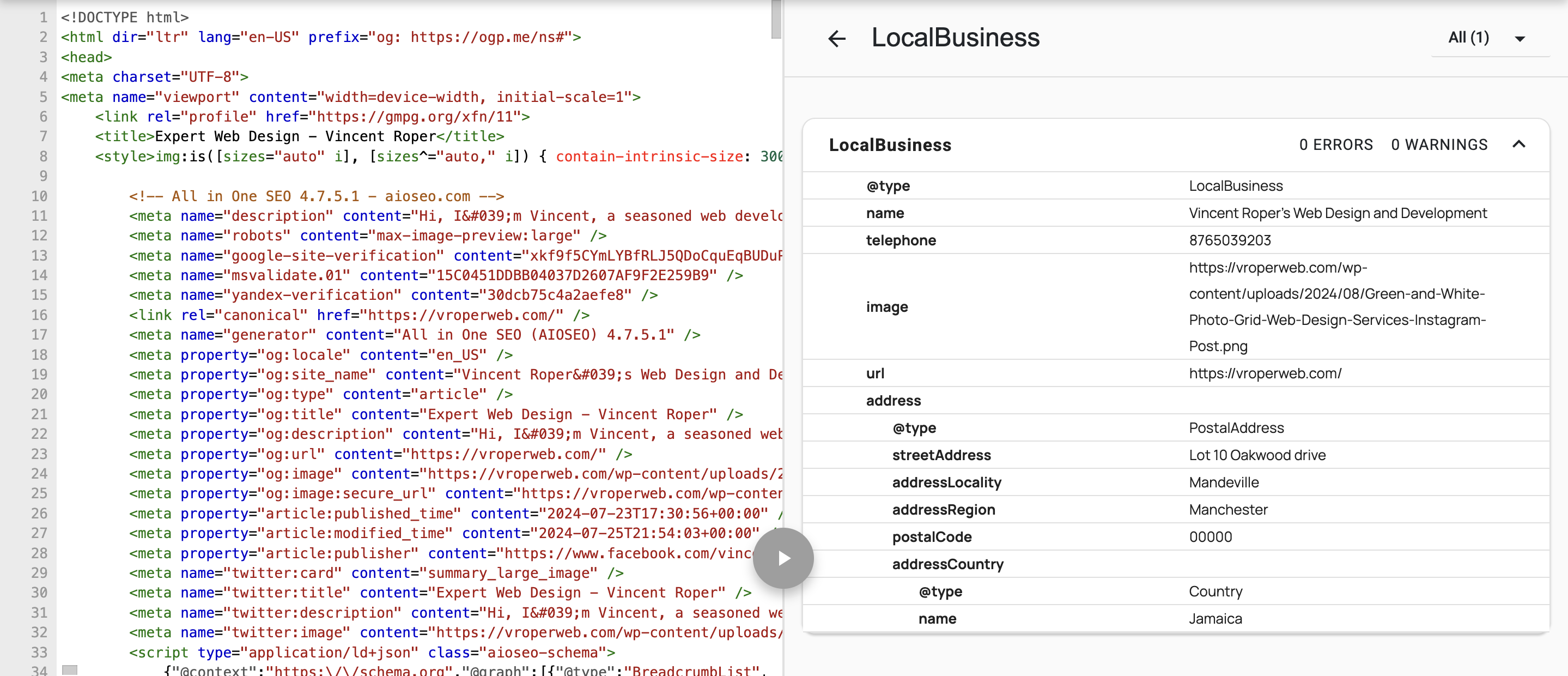
✓ Automatic JSON-LD output in website
✓ No coding required
✓ Outputs valid JSON-LD markup
✓ Passes Google’s Structured Data Testing Tool
✓ SEO Compatibility
✓ Enhances Google search presence
Compatibility
✓ Designed to work alongside major SEO plugins
✓ No conflicts with core WordPress features
✓ Clean schema output validated by Google
✓ Boosts local search visibility
✓ Enhances your Google Knowledge Panel
✓ Helps your business show up on Google Maps more accurately
✓ Avoids duplicate WebSite schema when used with SEO plugins
Support
License
GPLv2 or later
Installation
- Upload the
local-business-schema-generatorfolder to the/wp-content/plugins/directory - Activate the plugin through the ‘Plugins’ menu in WordPress
- Configure the settings under the main Business Schema menu item in your WordPress admin sidebar.
- The schema markup appears automatically in your website’s HTML head section.
Frequently Asked Questions
Generates JSON-LD structured data markup, which helps search engines like Google understand your business details accurately. This can improve visibility in local search results and potentially enhance your site’s appearance in search listings (like the Knowledge Panel).
- The plugin currently supports single-location schema markup. Additional location support may be considered in future updates.
No! Just fill in your business details through the simple settings interface. The plugin handles the code generation.
The plugin automatically detects if popular SEO tools (Yoast SEO, Rank Math, All in One SEO) are active. When detected:
– Our WebSite schema (search box markup) will be disabled to prevent duplication
– Your LocalBusiness schema will still be added as normal
Check your page source or use Google’s Rich Results Test. The plugin’s schema blocks will have IDs starting with “lbsg-“.
No! Just fill in your business details.
Review feed
Screenshots
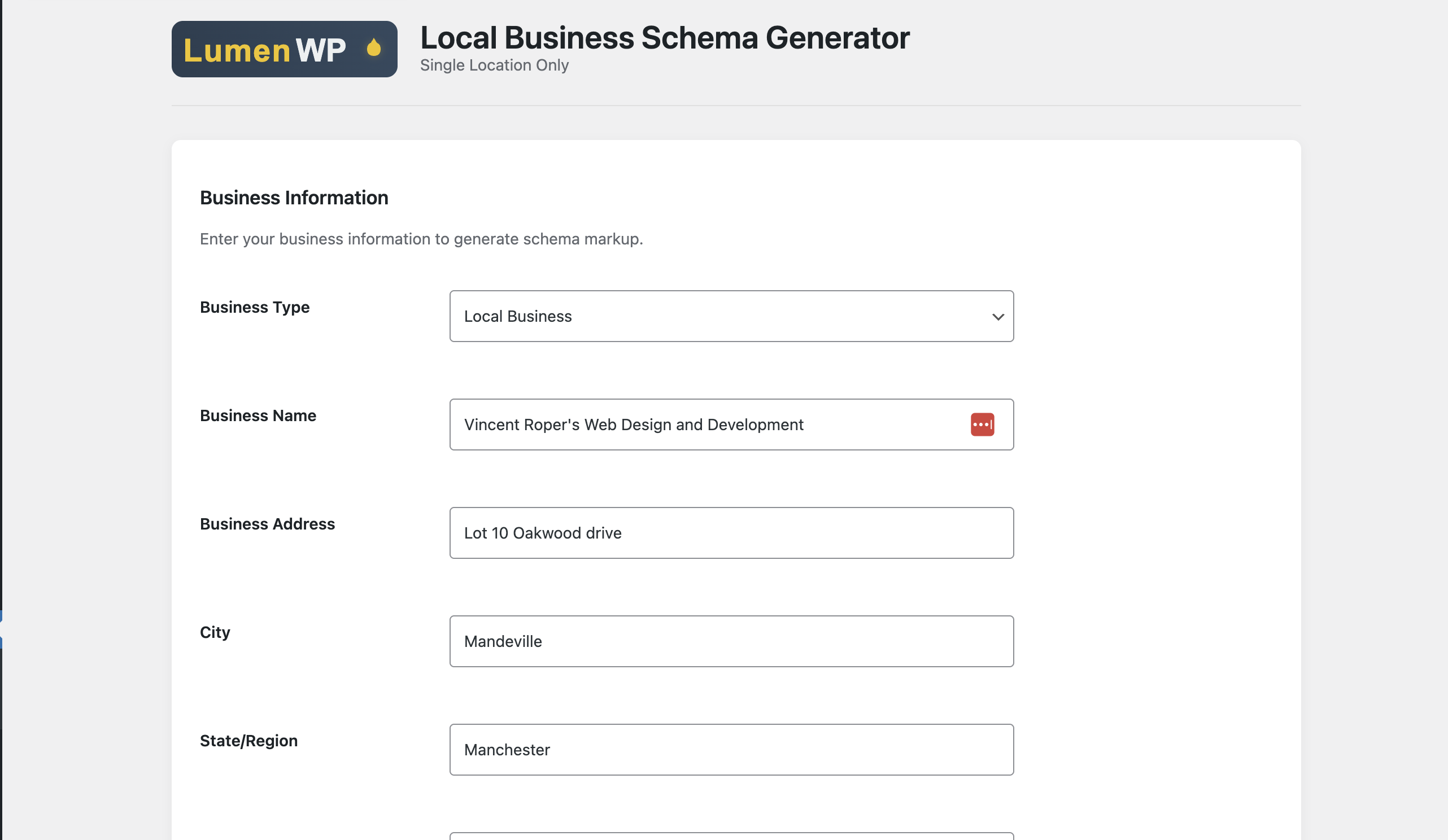
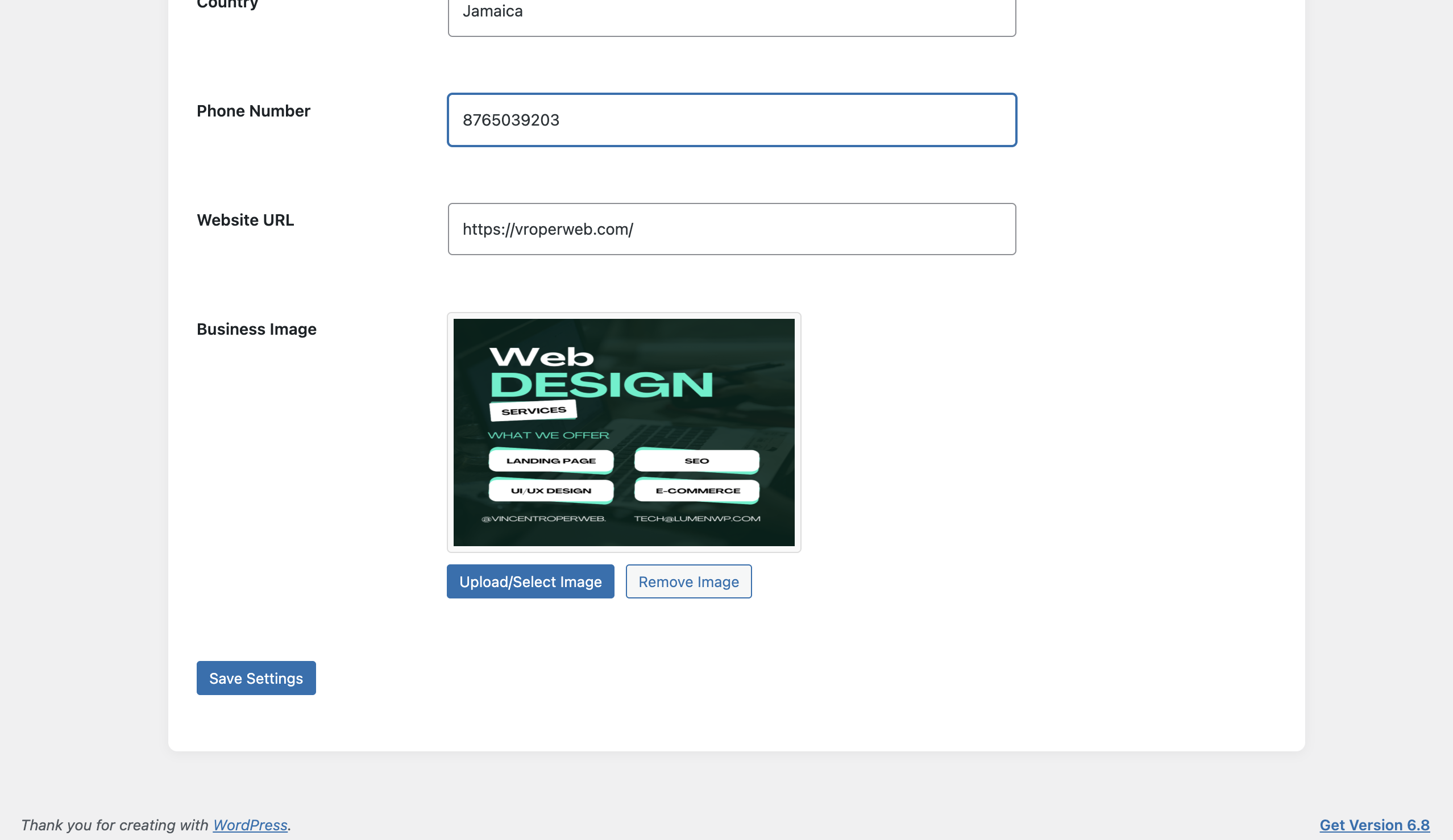
Settings page - Simple business info form
Schema output - Clean JSON-LD in page source
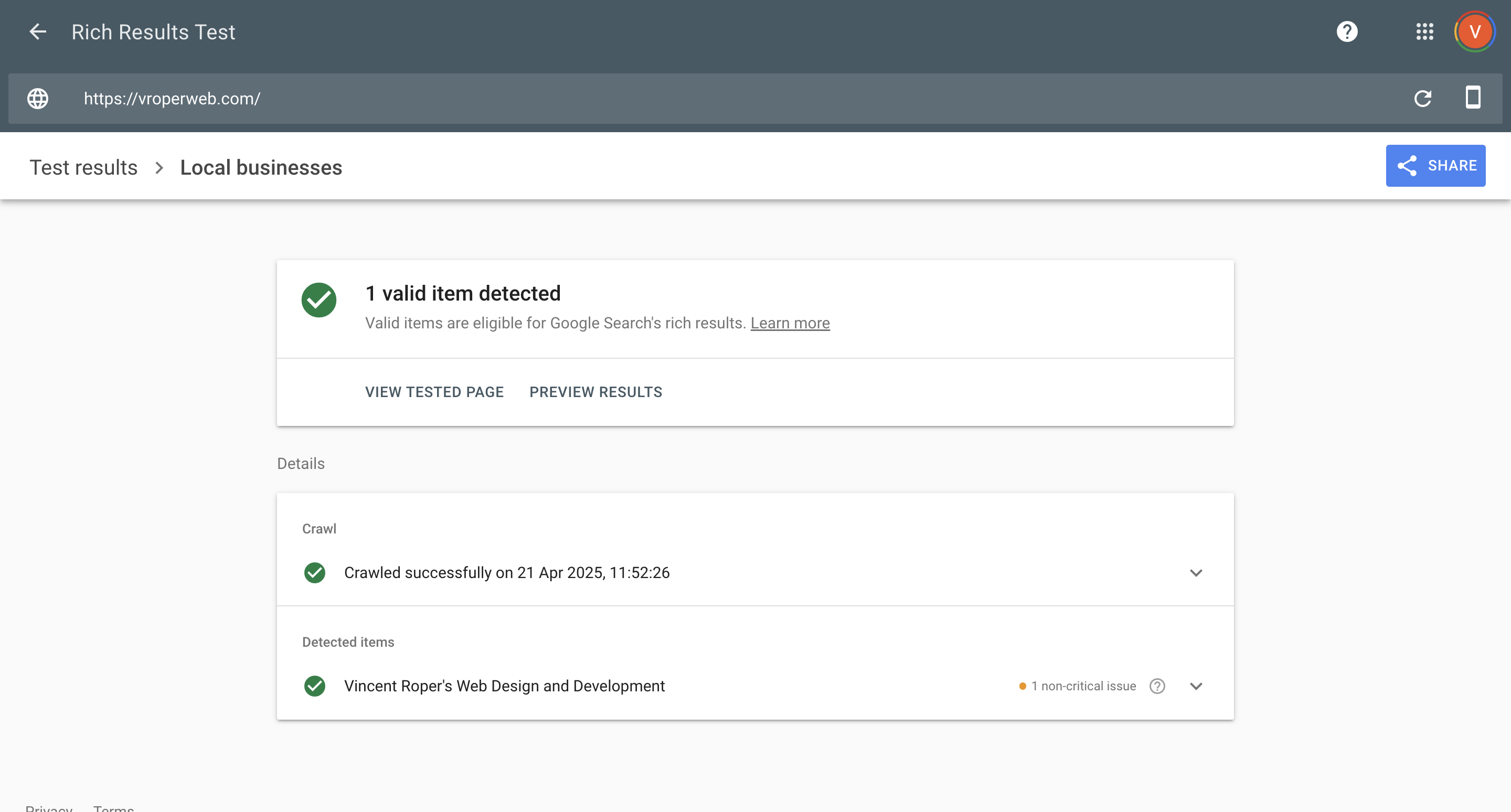
Google validation - Passing rich results test
Changelog
1.4.0
- Added direct link to Google’s Rich Results Test on the settings page for easy schema validation.
- Added more specific Business Types: Included “Plumber”, “Lawyer”, and “Hair Salon” to the business type options.
- Implemented Basic Opening Hours: Added a simple interface with checkboxes for each day of the week and an “Open 24/7” option.
- Added Simple Price Range: Included a text field for users to input a basic price range (e.g., $, $$, $$$).
- Improved User Experience: Added descriptions to most settings fields for better clarity.
1.3.0
- Verified compatibility with WordPress 6.8
- Added full translation support (I18n)
- Created
/languagesfolder with.potfile - Implemented
load_plugin_textdomain() - Improved WordPress language pack compatibility
1.2
- Initial public release.
- Generates LocalBusiness and WebSite schema using JSON-LD format.
- Simple settings page to configure core business details (name, type, address, phone, website, image).
- Supports 20+ common LocalBusiness types via a dropdown selector.
- Implements WordPress coding standards and security best practices including proper escaping, prefixing, and nonce usage.
- Includes Freemius SDK integration configured for WordPress.org guideline compliance.
- Internationalized and translation-ready.