

myCred for Elementor
📢 🚨 Important Notice: The myCred for Elementor is now part of myCred Core plugin and will no longer receive updates here. Only security fixes will be …
Plugin info
Maintenance & Compatibility
Maintenance score
Maintained • Last updated 170 days ago • 2 reviews
Is myCred for Elementor abandoned?
Likely maintained (last update 170 days ago).
Compatibility
Similar & Alternatives
Explore plugins with similar tags, and compare key metrics like downloads, ratings, updates, support, and WP/PHP compatibility.
Description
📢 🚨 Important Notice: The myCred for Elementor is now part of myCred Core plugin and will no longer receive updates here. Only security fixes will be provided.
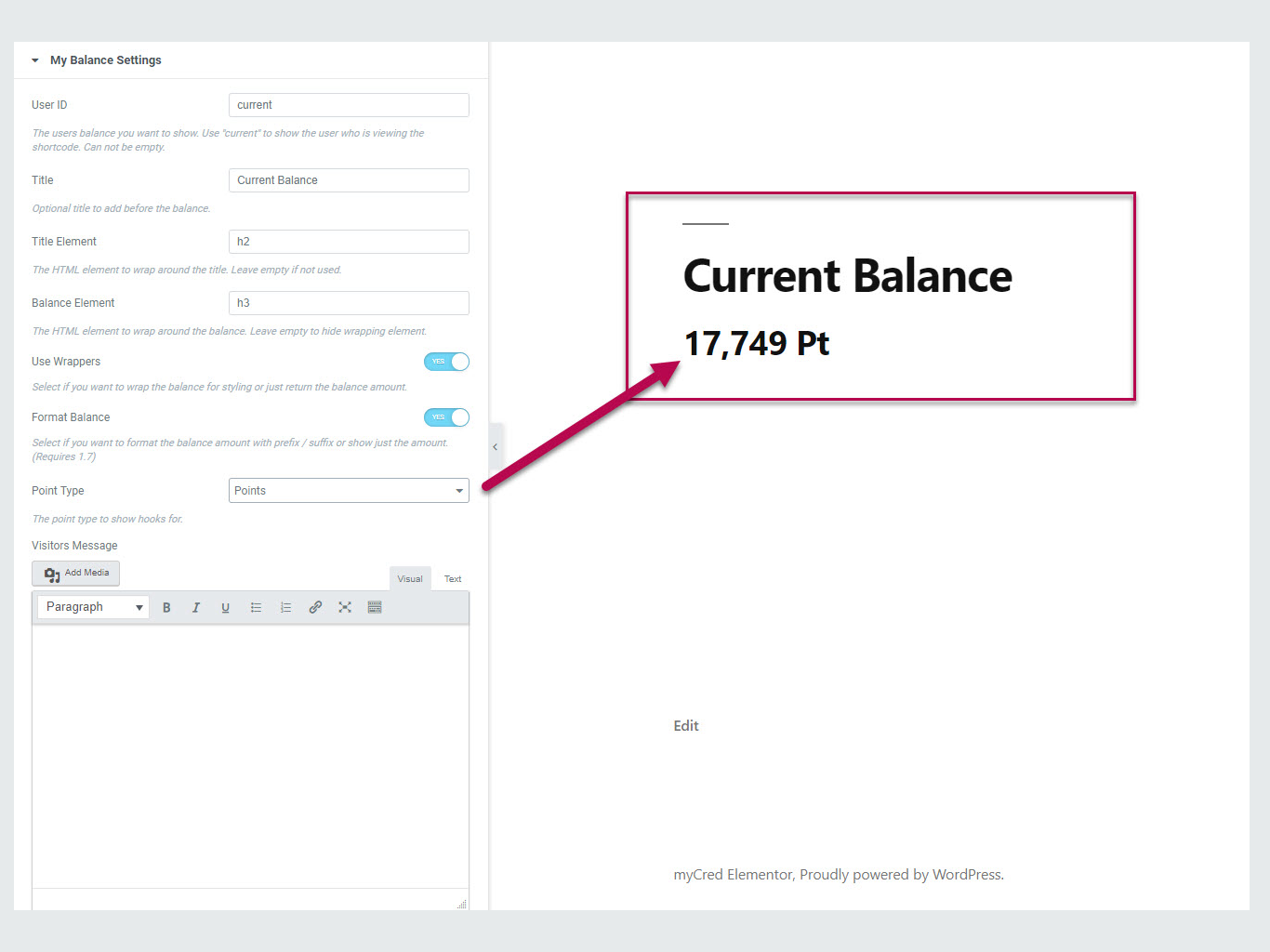
Elementor with myCred plugin converts myCred shortcodes into Elements of Elementor. There are 34 myCred Elements supported in this addon which helps admin to drag and drop each Element according to their requirement.
Built-in Support
Here are the most notable features of myCred for Elementor plugin.
- myCred for Elementor comes with 34 Elements, which can be used as a drag and drop.
- Admin can manage settings of each Block (Element) from the front-end.
Plugin Requirements
- myCred 1.8+
- Elementor Page Builder
- WordPress 5.0+
- PHP 5.3+
More myCred Freebies Integrations
- myCred H5P
- myCred Credly
- myCred – Learndash
- LifterLMS Plugin Integration with myCred
- myCred BP Group Leaderboards
- myCred for Event Espresso 4.6+
- myCred for Wp-Pro-Quiz
- myCred for Rating Form
- myCred Birthdays
- myCred for WP-PostViews
- myCred for TotalPoll
- myCred Gutenberg
- myCred for Events Manager Pro
- myCred for BuddyPress Compliments
- myCred Retro
- myCred for Courseware
- myCred for GD Star Rating
- myCred for BuddyPress Links
- myCred for BP Album and BP Gallery
DOCUMENTATION AND SUPPORT
For more information visit our Documentation Page.
Installation
- Go to Plugins > Add New.
- Under Search, type myCred for Elementor
- Find myCred for Elementor and click Install Now to install it
- If successful, click Activate Plugin to activate it and you are ready to go.
Frequently Asked Questions
Review feed
Screenshots


Changelog
1.3
TWEAK – Code improvement.
1.2.9
TWEAK – Compatible with WordPress Version 6.8.
1.2.8
NEW – Added depreciation notice for existing users
1.2.7
NEW – Code improvement.
1.2.6
TWEAK – Compatible with WordPress Version 6.6.1.
1.2.5
TWEAK – Compatible with WordPress Version 6.5.2.
1.2.4
TWEAK – Added compatibility for the myCred v2.6.
1.2.3
TWEAK – Compatible with WordPress Version 6.3.2.
1.2.2
TWEAK – Compatible with WordPress Version 6.2.
1.2.1
TWEAK – Compatible with WordPress Version 5.8.1.
Version 1.2
Improvement – Get plugin updates from wordpress.org
Version 1.1
Fix – Plugin License
Version 1.0
Initial Release