

Naz Testimonial Carousel & Grid Block
A customizable Gutenberg block to display testimonials in grid or carousel layout.
Plugin info
Maintenance & Compatibility
Maintenance score
Maintained • Last updated 133 days ago
Is Naz Testimonial Carousel & Grid Block abandoned?
Likely maintained (last update 133 days ago).
Compatibility
Similar & Alternatives
Explore plugins with similar tags, and compare key metrics like downloads, ratings, updates, support, and WP/PHP compatibility.
Description
** Naz Testimonial Carousel Grid Block** is a lightweight and powerful Gutenberg plugin that lets you easily display your client testimonials. With fully customizable grid and carousel layouts, responsive controls, and flexible styling options, you can Carousel Grid your team and testimonials beautifully on any device.
Features
-
Layouts: This block is enriched with grid, carousel
-
Container Width: You can customize the custom container width for a responsive design.
-
Responsive Column: Get column number, column gap, row gap to customize.
-
Style: Customize all content styles with responsive options for padding, margin, and font size.
-
Responsive Control: Responsive control has been implemented to enhance flexibility.
-
Animation: Over 53+ animation effects have been integrated.
-
Custom Css: You have the option to include custom CSS.
-
Naz Testimonial Carousel Grid Block
Using Build Tools (npm and webpack)
To modify or rebuild the plugin using npm and webpack, follow these steps:
- Install Node.js and npm on your system if not already installed.
- Navigate to the plugin directory in your terminal.
- Run
npm installto install dependencies listed in package.json. - Make your desired modifications to the source code.
- Run
npm run buildto compile and bundle the code using webpack. - The compiled code will be available in the designated build directory for use.
Build directory
naz-testimonial-carousel-grid\build\blocks\index.js
From WordPress.org
- Download Testimonial Carousel Grid Blocks for Gutenberg
- Upload the ** Testimonial Carousel Grid Blocks** folder to the /wp-content/plugins/ directory
- Activate ** Testimonial Carousel Grid Blocks for Gutenberg** plugin from your plugins page
Installation
Installation is fairly straightforward. Install it from the WordPress plugin repository.
If you don’t know how then:-
Install by upload plugin:-
1. Go to wordpress.org.
2. Go to plugins and search Gutenium
3. Download This.
4. Go to Dashboard click on Plugins->Add New->Upload Plugin->Choose File->Install Now->Active.
** Install by search plugin:-
1. In your Admin, go to Plugins > Add New
2. Search Gutenium
3. Click to install
4. Activate the plugin
Frequently Asked Questions
For a complete immersion in the advanced WordPress block editor, ensure your WordPress theme is Gutenberg-ready.
No, it is not mandatory to install the Gutenberg Plugin for utilizing the Testimonial Carousel Grid Blocks. The block is designed to work within the native WordPress block editor without the need for additional plugins.
Yes, it offers responsive support for various devices, ensuring optimal display and functionality across different screen sizes and types of devices.
Yes, pagination is a built-in feature of this plugin. It’s important to note that pagination works only in the frontend.
Yes, you can control the visibility of various post elements, including the title, featured image, meta-data, excerpt, comments, pagination and the “Read More” button. This allows you to customize the display of these elements based on your preferences and requirements.
Certainly! You have the flexibility to change the content alignment, background, padding, margin, box-shadow and border, as well as customize the typography, colors, and spacing for all elements, including the title, metadata, excerpt, and read more button within the Testimonial Carousel Grid Blocks.
Review feed
Screenshots
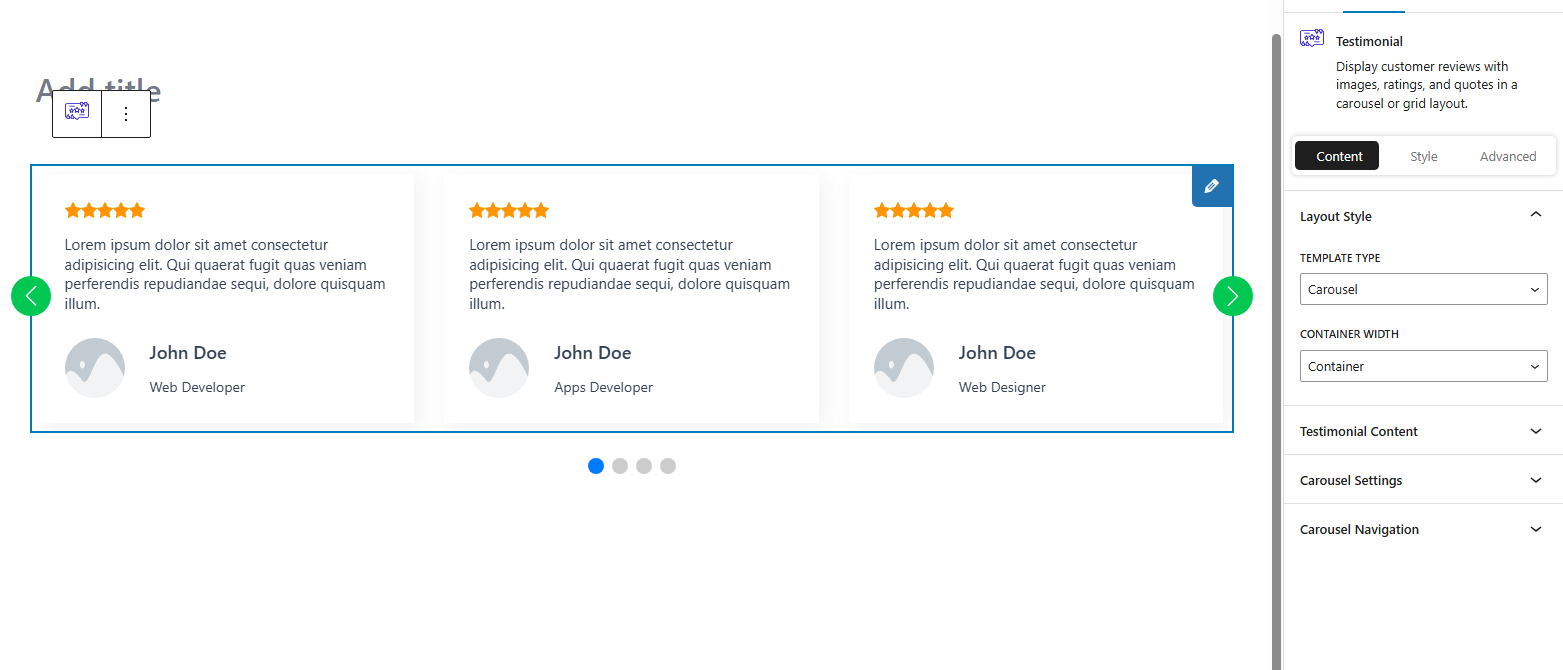
Layout 1 /assets/screenshot-1.jpg
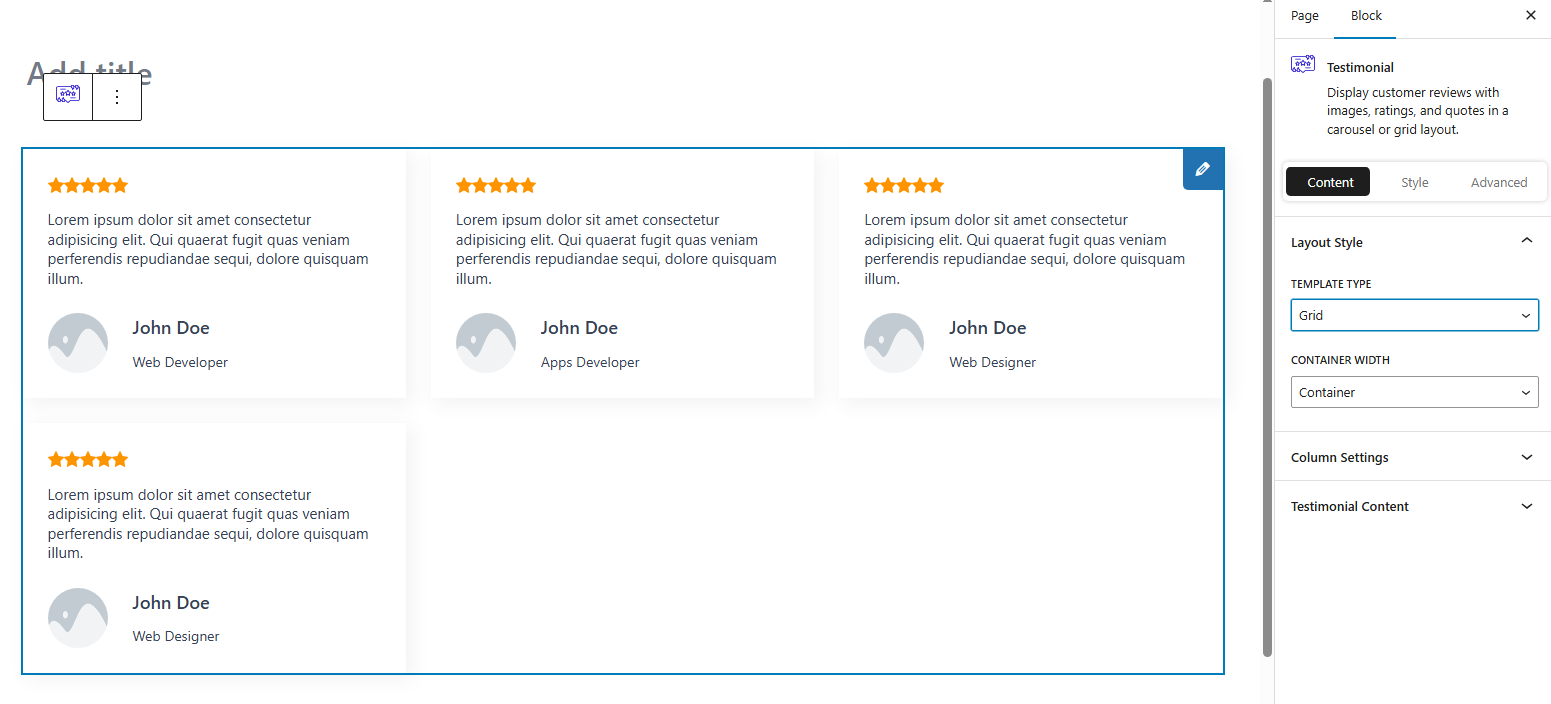
Layout 2 /assets/screenshot-2.jpg
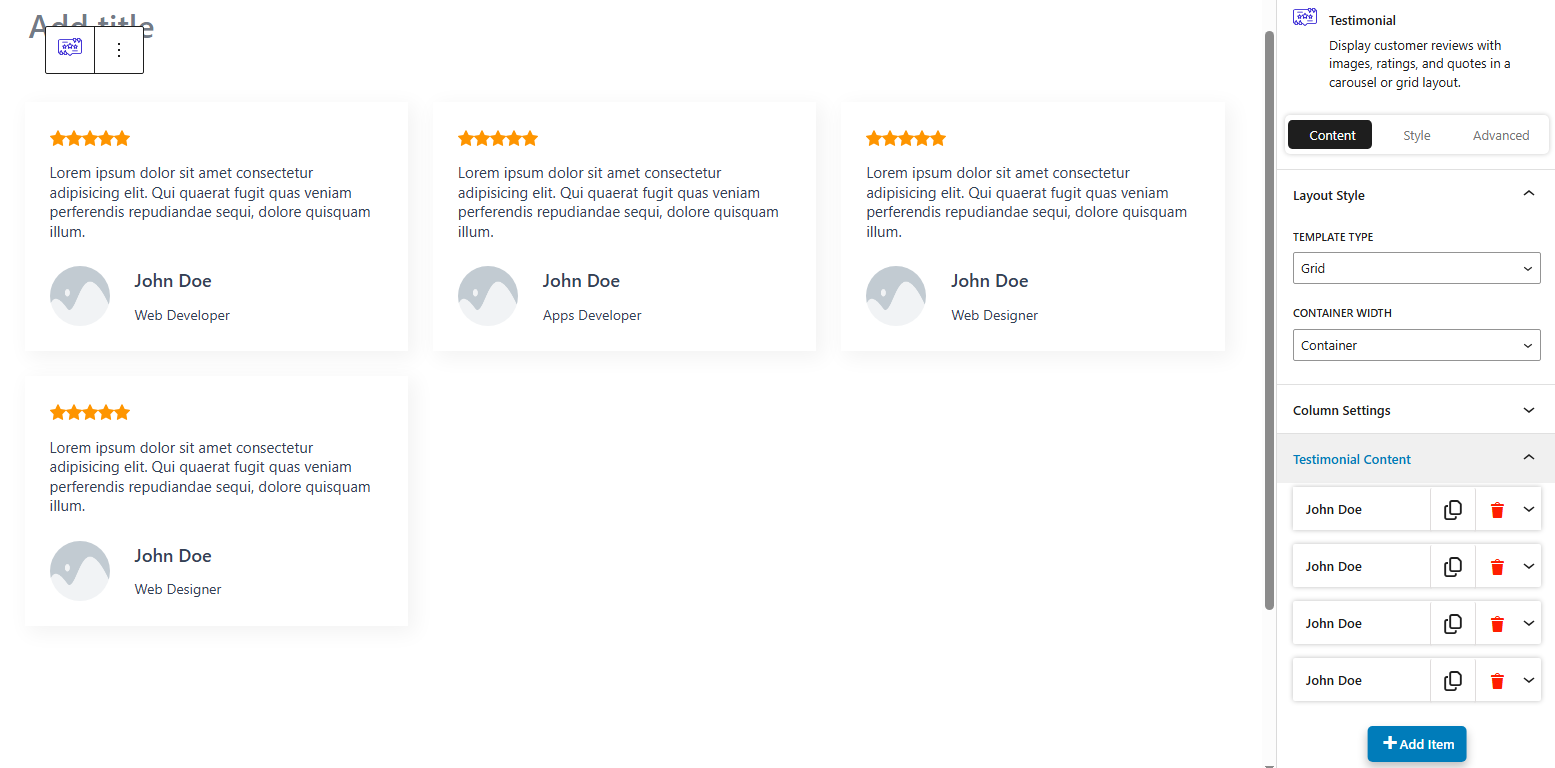
Post Query /assets/screenshot-3.jpg
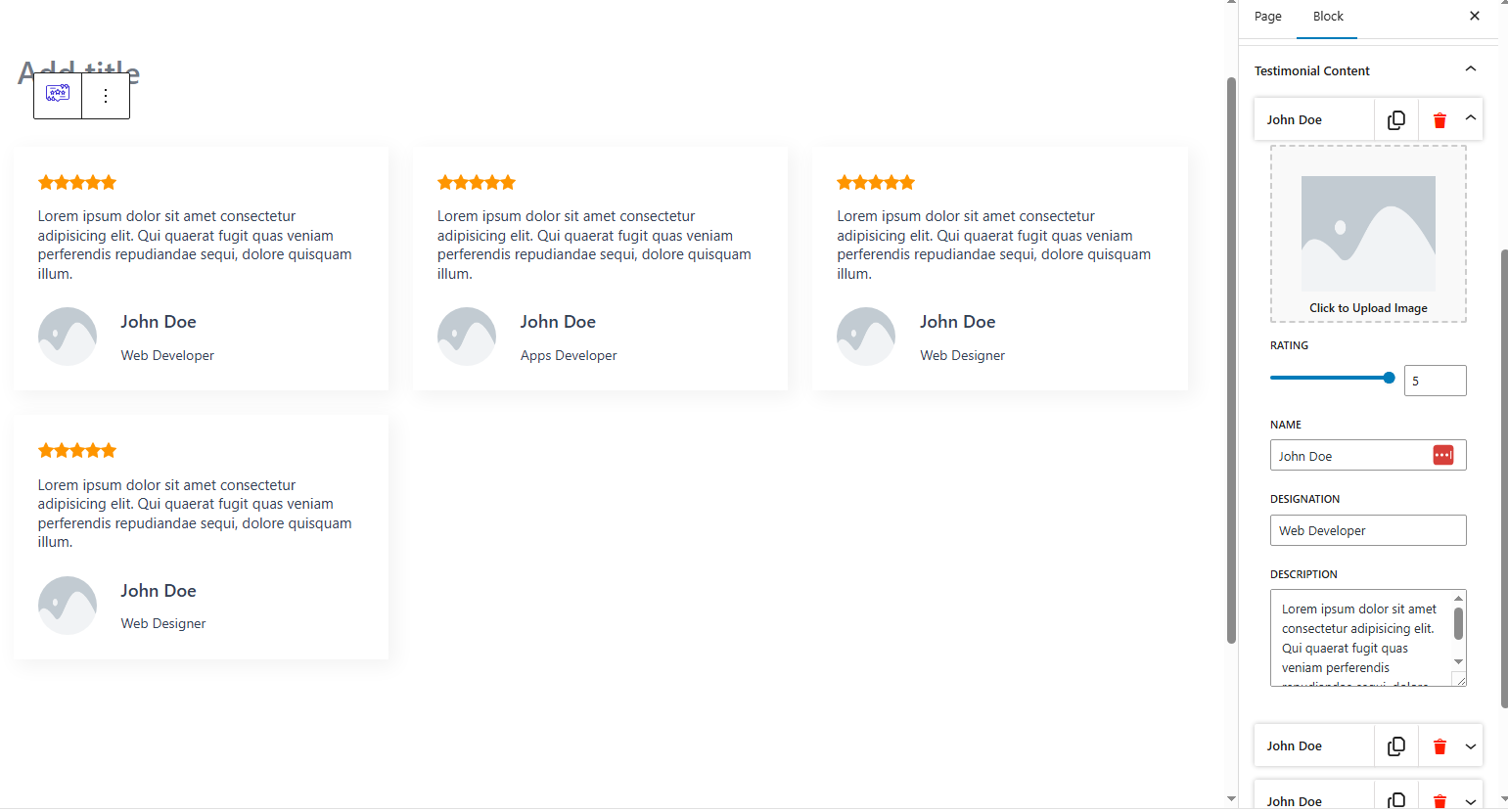
Layout 4 /assets/screenshot-4.jpg
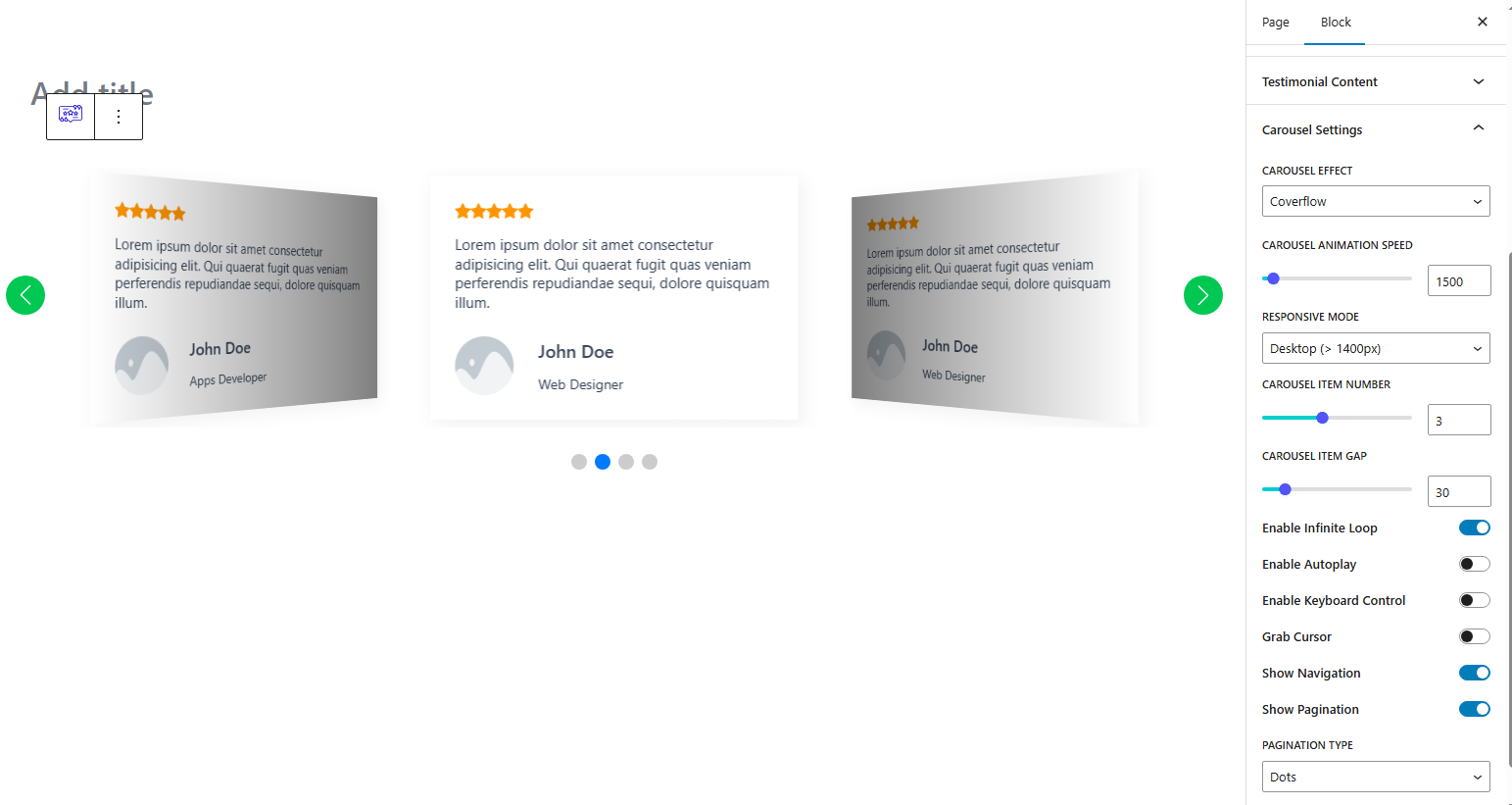
All Settings /assets/screenshot-5.jpg