

Noted!
A simple, lightweight, and user-friendly note-taking system within the WordPress admin.
Plugin info
Maintenance & Compatibility
Maintenance score
Possibly abandoned • Last updated 497 days ago • 13 reviews
Is Noted! abandoned?
Possibly abandoned (last update 497 days ago).
Compatibility
Developers
Similar & Alternatives
Explore plugins with similar tags, and compare key metrics like downloads, ratings, updates, support, and WP/PHP compatibility.
Description
Noted! is a user-friendly note-taking plugin that allows Admin users to create and manage notes directly in WordPress.
Your Project Memory Bank
Store project-specific notes, instructions, and reminders all in one place — no more searching through old emails or docs.
Always One-Click Away
Access Noted! from the front-end, back-end, or any screen — only visible to site administrators.
Lightweight and Clutter-Free
No over-the-top features or extras. Noted! is there when you need it and gone when you don’t.
Installation
- Upload the
noteddirectory to your/wp-content/plugins/directory. - Activate the plugin through the ‘Plugins’ menu in WordPress.
- Access your notes via the Noted! button in the admin bar.
Frequently Asked Questions
To add a note, click on the Noted! button in the admin bar, fill in the title and description, and click “Add Note”.
Yes! You can easily edit or delete any note by clicking on the respective action links.
Review feed
First impression - very cool. A good candindate for my standard WP install
Screenshots
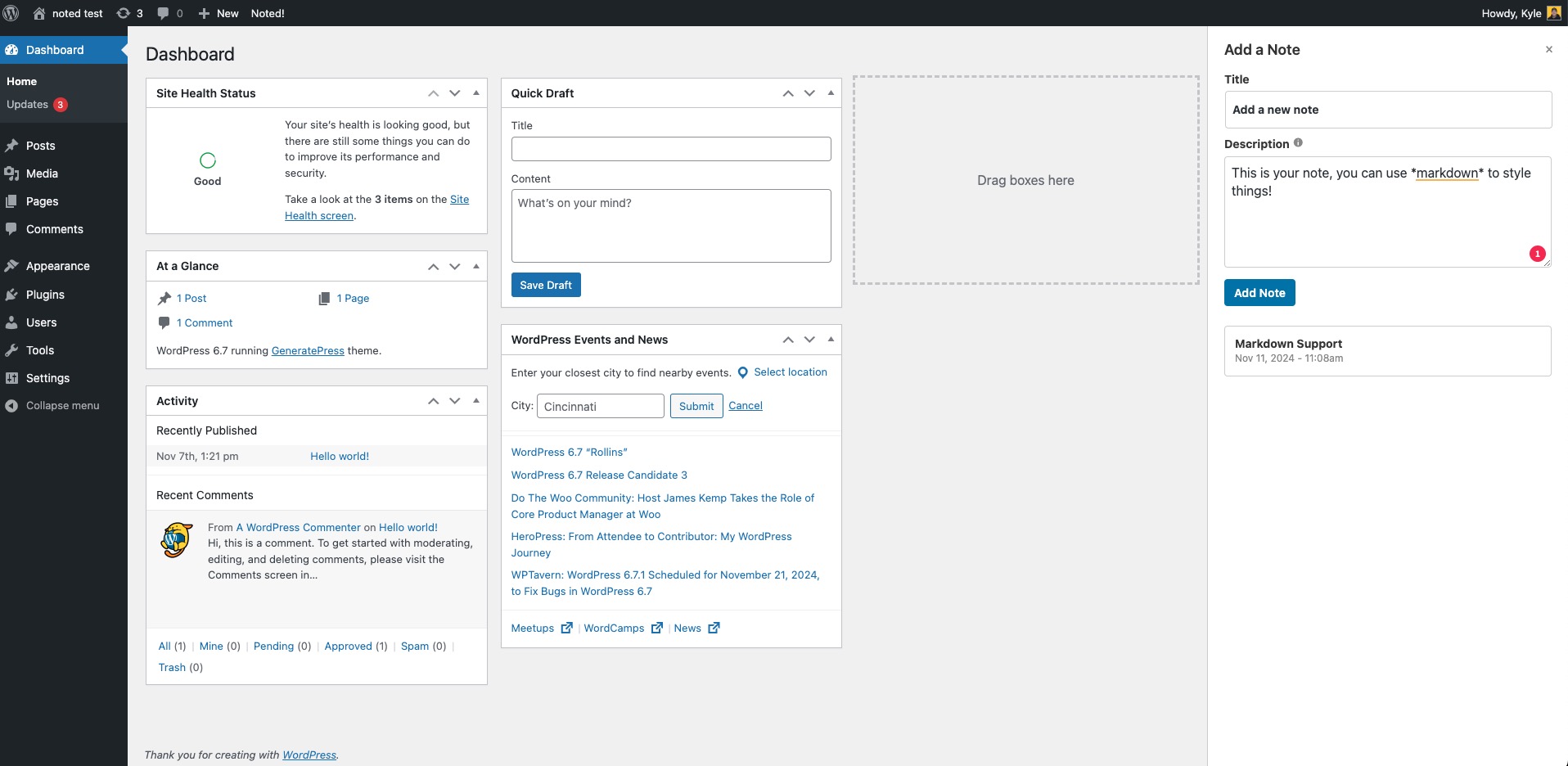
Adding a new note
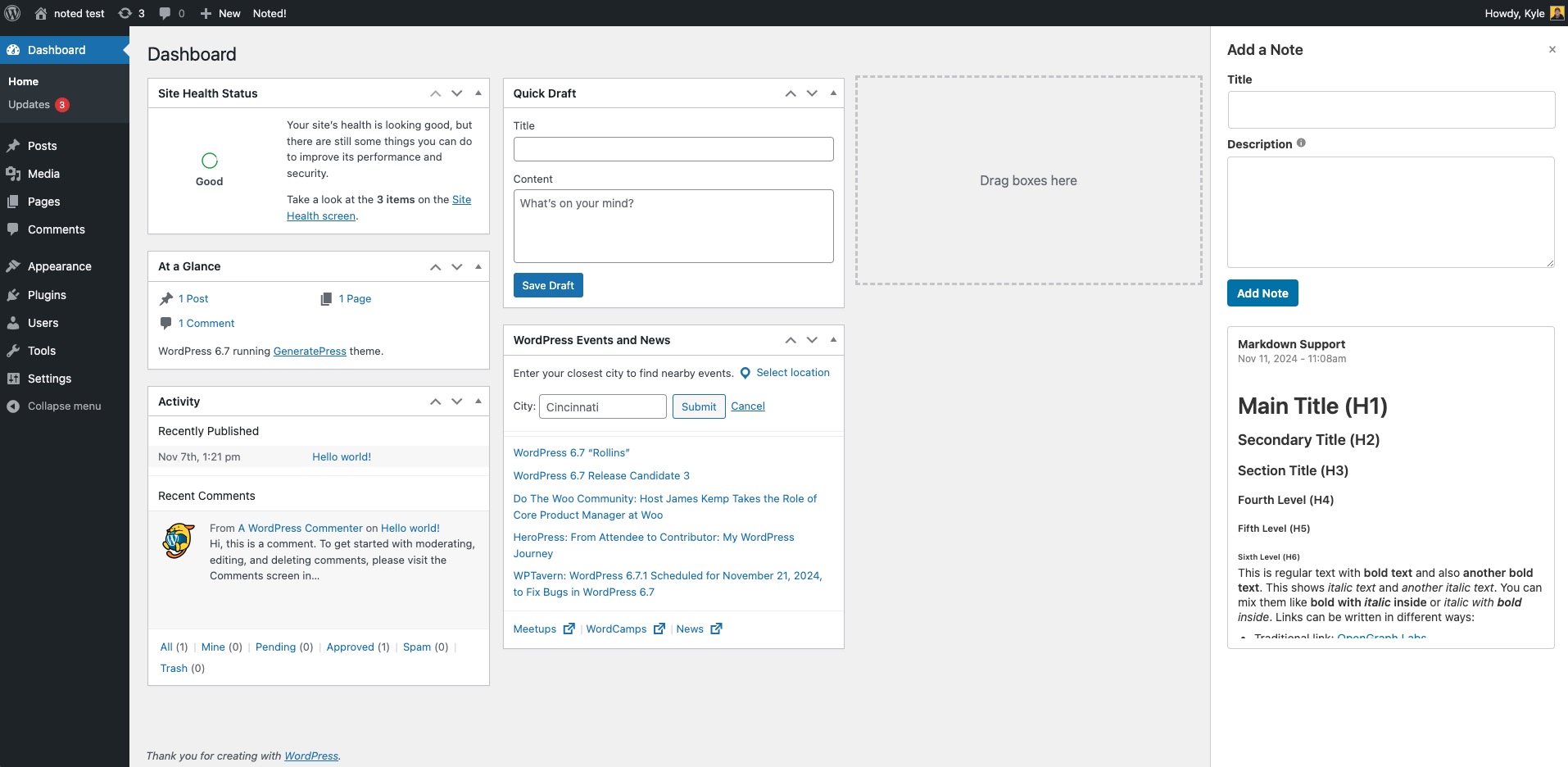
Viewing existing notes
Changelog
1.0
- Initial release of the Noted! plugin.