

The Paste
Paste files and image data from clipboard and instantly upload them to the WordPress media library.
Plugin info
Maintenance & Compatibility
Maintenance score
Maintained • Last updated 118 days ago • 34 reviews
Is The Paste abandoned?
Likely maintained (last update 118 days ago).
Compatibility
Developers
Languages
Similar & Alternatives
Explore plugins with similar tags, and compare key metrics like downloads, ratings, updates, support, and WP/PHP compatibility.
Description
Speed up your workflow by pasting files and image data directly into the WordPress media library.
You can copy files and image data from many desktop applications:
- macOS Finder
- Windows Filesystem
- Screenshots
- Adobe Photoshop
- Gimp
- LibreOffice
- GoogleDocs
- Adobe XD
- SVG from Adobe XD, Illustrator, Figma and Affinity Designer (Note: An additional plugin for SVG Support is required. My favorite: Safe SVG)
- And some more…
… and paste it to Classic Editor or directly to the media library.
The most recent Desktop versions of Chrome, Edge, Firefox and Safari are supported.
Install Safe SVG to enable SVG support.
You like it? You can’t stop pasting? Paste some cash with PayPal!
Known Issues
- Firefox does not support pasting multiple files from the OS filesystem.
- Safari lacks the support to convert images to the webP format.
- Pasting in TinyMCE triggers a JavaScript error if Real Media Library is active. Pasting in the media library is still working.
- Edge is working suspiciously well, which is very unusal in the Microsoft world and must be considered a bug.
Installation
Follow the standard WordPress plugin installation procedere.
Frequently Asked Questions
Review feed
On my "essential" list
Screenshots

Pasting into classic editor. You can either upload the image immediately or do so later. Disable ‘Paste as file’ to turn off pasting.

The media library is pastable too

Pasted multiple images from macOS Photos into Chrome
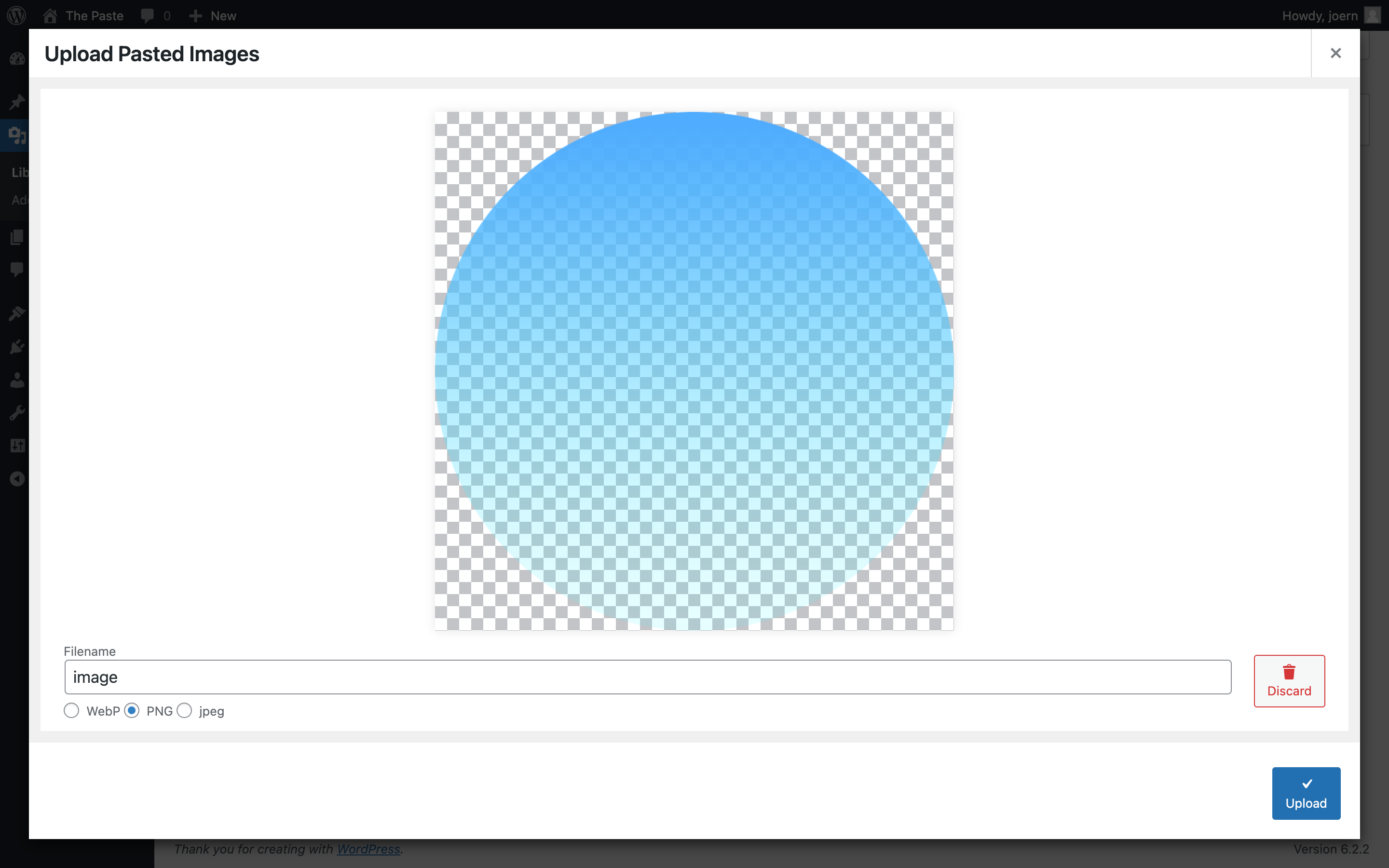
A layer pasted from Adobe Photoshop 2023

Pasted from Affinity Designer. SVG Clipboard contents on the right.
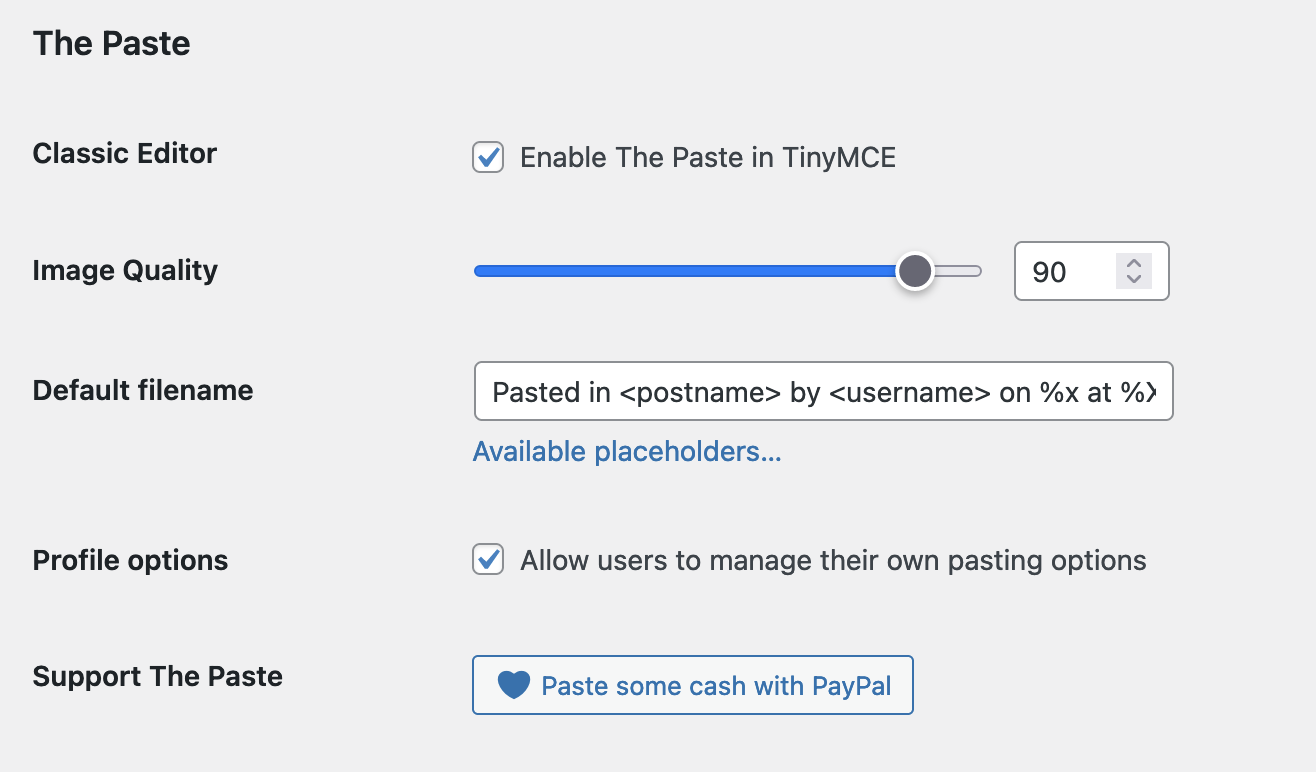
Plugin options (Settings > Writing)
Changelog
2.1.4
- Fix Image dialog: hide webp option if extension not allowed in multisite
- Fix: Fall back to pasting if tinymce content is pasted
- Bind debug mode to constant SCRIPT_DEBUG
2.1.3
- Bring TinyMCE activation to Editor toolbar
- SVG paste: Without SVG upload allowed you can still upload pasted SVG as raster image
- Fix: Pasting with Safe SVG forbidden
- Fix: render shortcode after inserting in tinymce
2.1.2
- Fix Classic Editor + Safari not pasting image (re-arrange js build)
2.1.1
- Fix PHP Fatal on Alpine/Solaris (
GLOB_BRACE) - Fix some tweaks in block editor
2.1.0
- Introduce Admin Settings
- Quality slider in image dialog
- Pasting into image dialog now possible
- TinyMCE: Remove DataURI pasting feature
- TinyMCE: “Paste as File” is now “Prefer pasting files”
- TinyMCE: Restore functionality of “Paste as Text”
- TinyMCE: Use current attachment display settings when pasting
- TinyMCE: Skip images with src from same origin
- Fix: Resolve some Block Editor conflicts
- Fix: Paste issue in Classic Block
2.0.9
- Fix: pasting plain HTML broken
2.0.8
- Introduce Image Quality option
- Image Dialog: use generated filename if filename is empty
- Rearrange user options
- Add date and time format options for default filenames
- Compatibility with Advanced Editor Tools
- Reduce JS filesize
- Fix: missing TinyMCE toolbar icon
- Fix: Image Quality setting not effective
2.0.7
- Support images from MS Teams chat
- A11y: Paste Modal submit now submits on press enter
- A11y: Aria hidden attributes on buttons
- Fix: Cannot paste into textfield in paste modal
- Fix: Filename entered in paste modal unfunctional
2.0.6
- Feature: Toggle image pasting in tinymce toolbar
- Feature: Support SVG
2.0.5
- Fix: Compatibility issue with Real Media Library
2.0.4
- Remove debugging artefact
2.0.3
- UI Tweak (instruction placement)
- Fix: Classic editor plugin crashing
- Fix: sometimes not pasting in Firefox
- Fix: Dialog overlays media frame in Block Editor
2.0.2
- Paste from Google Docs (Docs and Presentation)
- More Filename placeholders
- Fix PHP Fatal if network activated on a multisite
2.0.1
- Fix: Filename placeholders
2.0.0
- Paste files and images in the media Library
- Paste multiple files (except firefox)
- Convert to WebP (except Safari)
- Disable dataURI pasting in user profile (now default)
- Performance: Check upload capability before scripts are loaded
1.1.2
- Fix: Fatal error in user profile
- Fix: Compatibility with the SEO Framework
1.1.1
- Feature: Make pasting into tinyMCE optional. (Fixes unpredictable cursor position during file drop)
- Fix: php 8.2 deprecation warnings
1.1.0
- Fix: PHP 8 warning
- Fix: Add
data:to wp_kses allowed protocols - TinyMCE: Users without file upload capability could not paste images as data-url.
- TinyMCE: Don’t show upload buttons if user are not allowed to upload files
1.0.7
- Fix auto upload large images
1.0.5
- Prevent Editor Crashes: Only embed images up to 262144 px, upload otherwise
1.0.4
- Support Text Widget
- Better Media Titles
1.0.3
- Fix JS Error in TextWidget
1.0.2
- Performance improvements
- Add Textdomain to plugin header
- Remove unnecessary settings
1.0.1
- Update plugin URL
- Fix double pasting
1.0.0
- Initial release