

Order Status & Tracking Emails for WooCommerce
Order Status & Tracking Emails for WooCommerce lets you create custom order statuses, send emails, and add tracking info.
Plugin info
Maintenance & Compatibility
Maintenance score
Maintained • Last updated 163 days ago
Is Order Status & Tracking Emails for WooCommerce abandoned?
Likely maintained (last update 163 days ago).
Compatibility
Similar & Alternatives
Explore plugins with similar tags, and compare key metrics like downloads, ratings, updates, support, and WP/PHP compatibility.
Description
Order Status & Tracking Emails for WooCommerce (OSTE) is a powerful yet lightweight plugin that allows you to create unlimited custom order statuses, send transactional emails, and insert tracking codes with carrier links — all directly from your WooCommerce store.
Main Features:
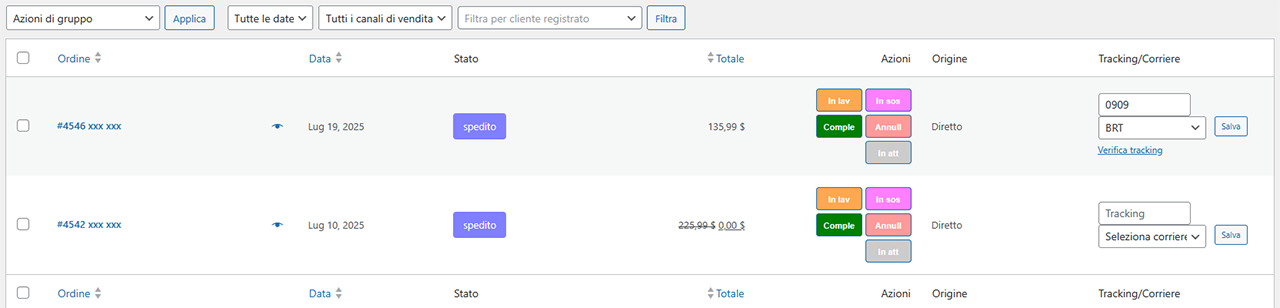
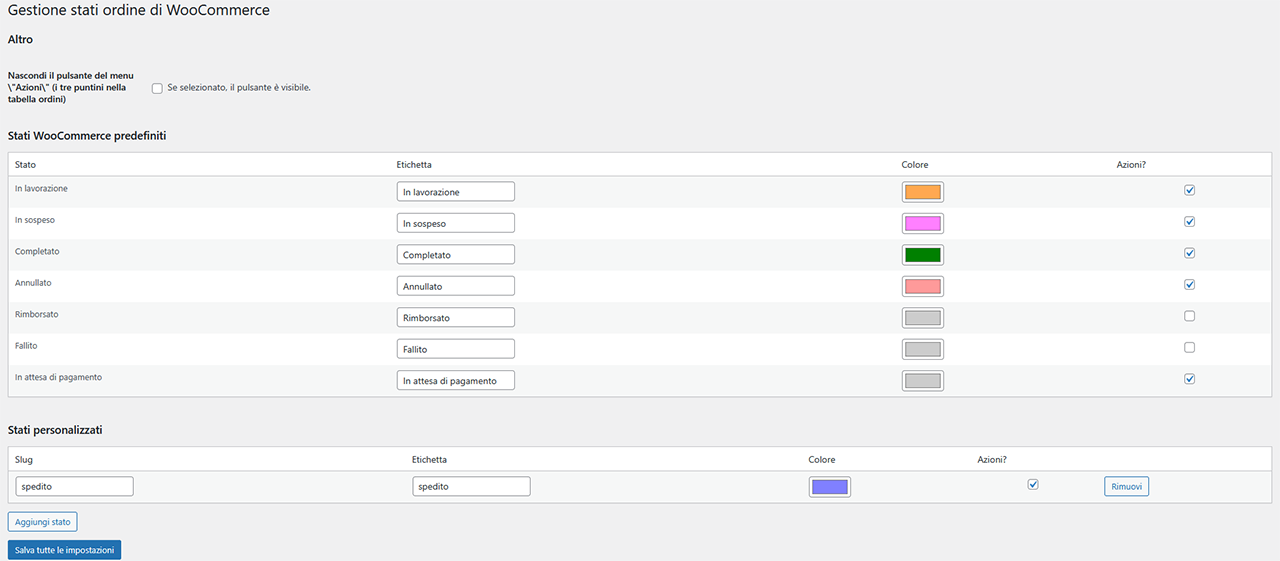
Create unlimited custom order statuses with colored badges and bulk actions.
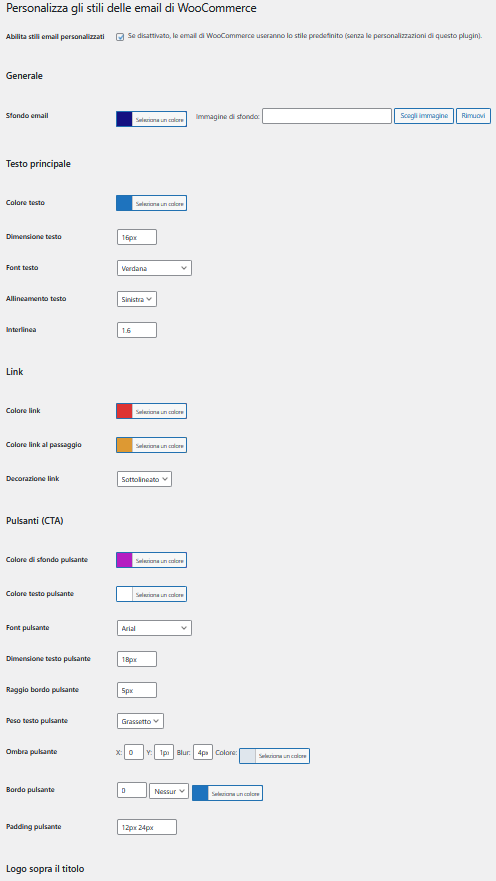
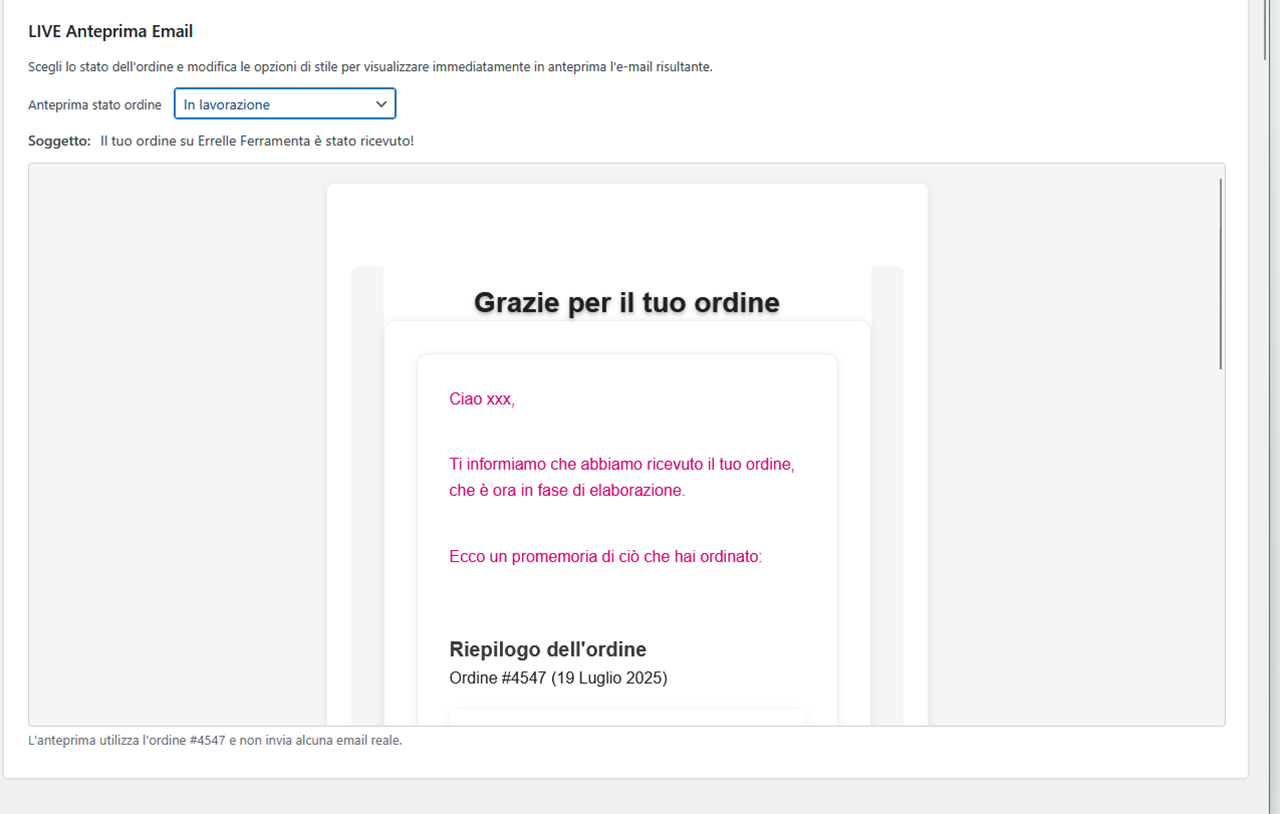
Automatically send personalized emails for each status (HTML editor included).
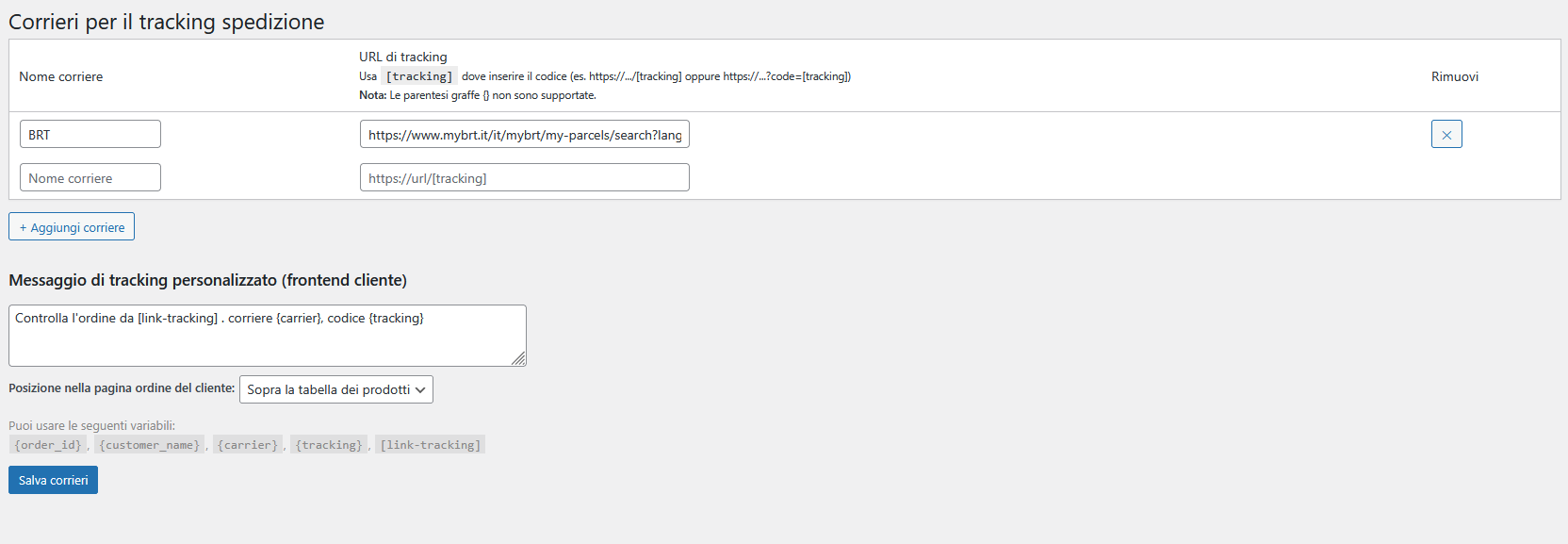
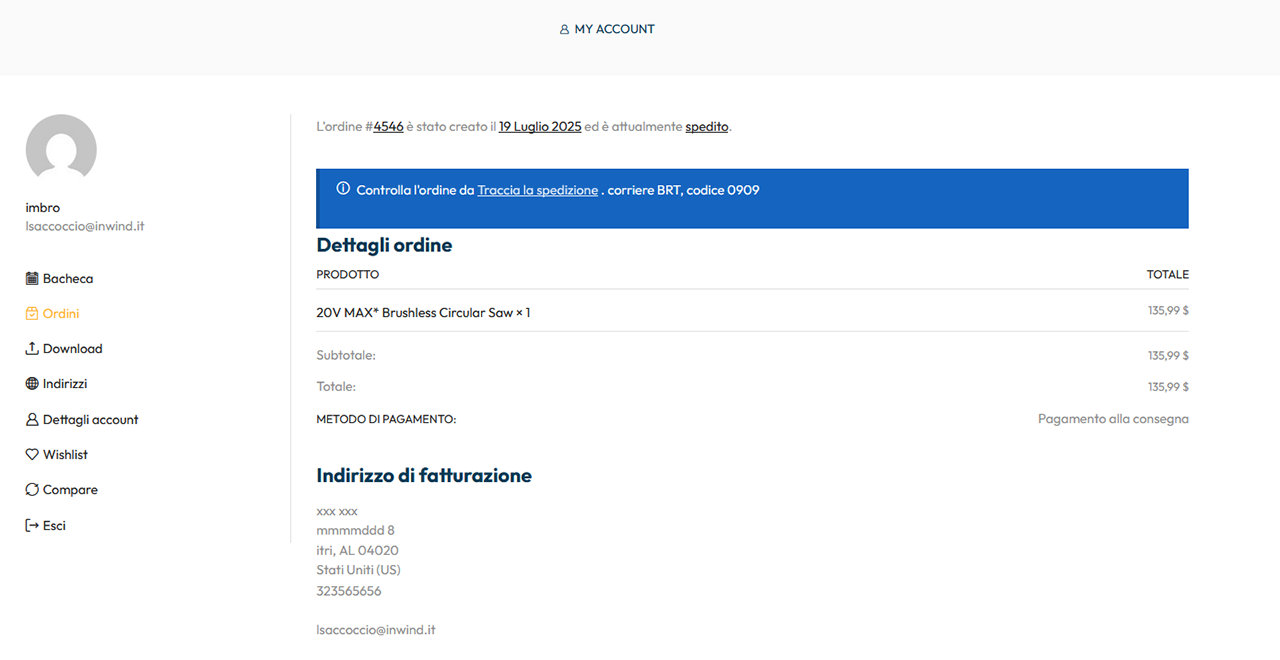
Add tracking number and carrier link in the emails and in the customer’s My Account page.
Rename or hide WooCommerce default statuses without writing code.
Live email edit preview
Fully translatable, 100% GPL — no third-party services required.
Perfect for store owners who want full control over order management and customer notifications.
Installation
Upload the order-status-tracking-emails-for-woocommerce folder to /wp-content/plugins/ or install it via Plugins Add New.
Activate the plugin.
Go to WooCommerce Settings Order Statuses to start creating and managing your custom statuses.
Frequently Asked Questions
Yes. The plugin inherits WooCommerce’s native styling from your active theme.
Absolutely. All plugin strings are translation-ready. You can use tools like Loco Translate or contribute via translate.wordpress.org.
No. It adds separate email templates triggered by your custom statuses. Core WooCommerce emails remain active.
In the email received when the order status changes, and in the order details on their account page.
Review feed
Screenshots

Changelog
1.0.2
- Fix:
- When uninstalling, orders with custom statuses return to on-hold
1.0.1
- Fix:
- Compatibility with php 8.2
- Improved and streamlined CSS submission for email templates
-
Small corrections
-
Update:
- Viewing the Order Status Template Editor in Accordion
- Added live email edit preview
1.0.0
Initial public release.