

Password Protection with Shareable Links
This plugin allows you to protect your WordPress content with a password and share access to it through encrypted links.
Plugin info
Maintenance & Compatibility
Maintenance score
Possibly abandoned • Last updated 416 days ago • 1 reviews
Is Password Protection with Shareable Links abandoned?
Possibly abandoned (last update 416 days ago).
Compatibility
Similar & Alternatives
Explore plugins with similar tags, and compare key metrics like downloads, ratings, updates, support, and WP/PHP compatibility.
Description
Password Protection with Shareable Links is a WordPress plugin designed to enhance the security of your content. With Password Protection with Shareable Links, you can protect any post, page, or custom content type with a password. Additionally, the plugin generates encrypted links that provide direct access to your protected content, bypassing the need for manual password entry.
To ensure functionality and security, the plugin disables caching on protected content, making sure the password gate displays correctly and updated content is served as expected.
Key Features:
– The wp-admin page is not protected and remains accessible for login at all times.
– Logged-in admins can always view all normal pages without restrictions.
– Feed access is also restricted, aligning with the intention to prevent unauthorized external access to the site’s content.
For a hands-on test of the plugin, visit the test installation (password: 1234). Alternatively, access a protected page directly with a shareable link: Direct Access Link (Please use incognito mode or clear cookies if the password was previously entered).
Translations
Password Protection with Shareable Links is available in the following languages:
- 🇩🇪 German (de)
- 🇪🇸 Spanish (es)
- 🇫🇷 French (fr)
- 🇮🇹 Italian (it)
- 🇵🇹 Portuguese (pt)
- 🇺🇦 Ukrainian (uk)
- 🇨🇳 Chinese (zh)
Installation
- Upload the
password-protection-shareable-linksfolder to the/wp-content/plugins/directory, or install the plugin directly through the WordPress plugins screen. - Activate the plugin through the ‘Plugins’ screen in WordPress.
Frequently Asked Questions
Yes, you can explore the plugin’s functionality through our test installation at this link with the password 1234. Alternatively, access a protected page directly via a shareable link.
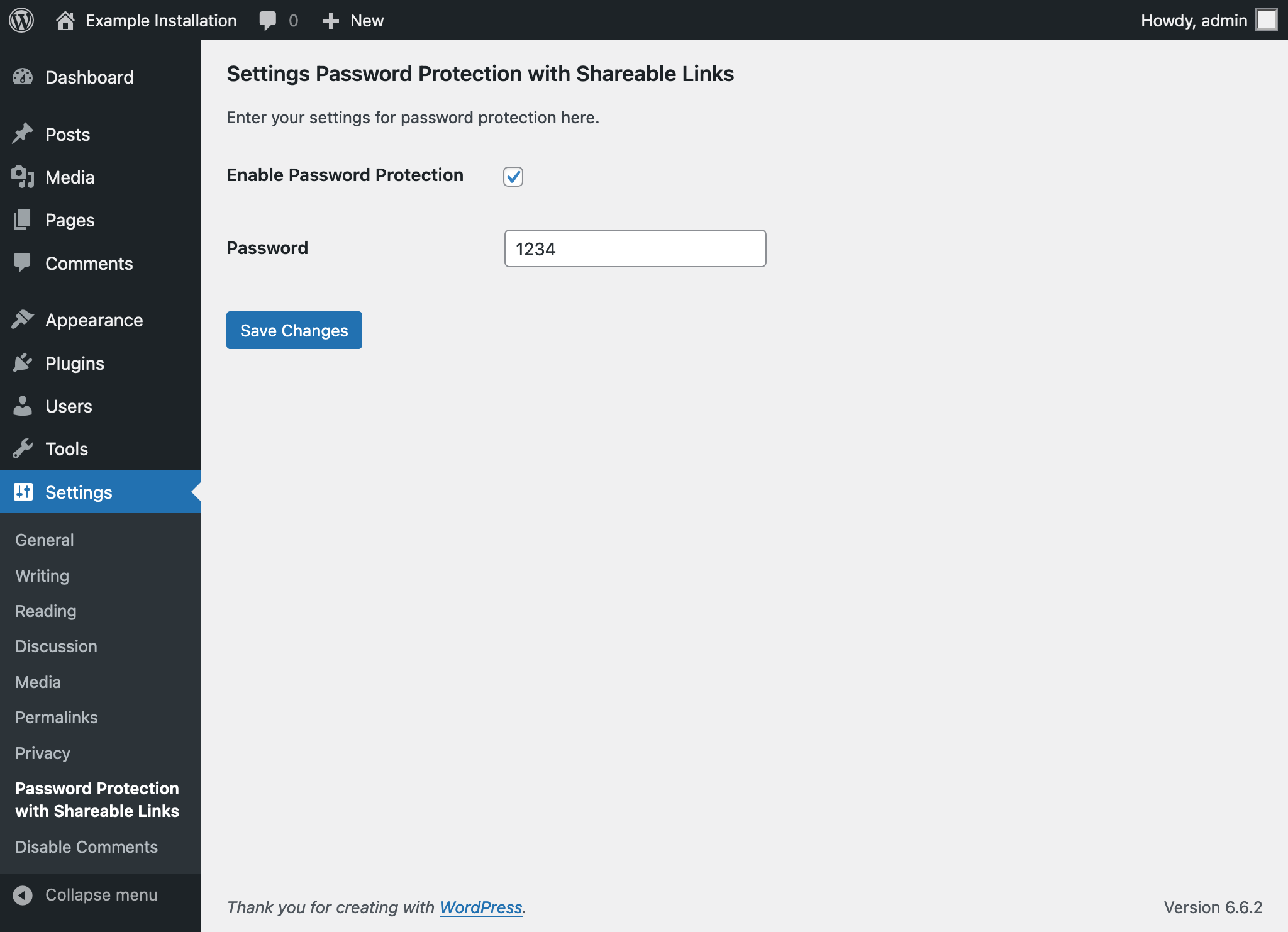
After activating the plugin, navigate to the plugin settings where you can set a universal password for your content. Additionally, you have the option to automatically append this password to your site’s URLs, providing seamless access to protected content. For a visual guide, see:
A password prompt is displayed whenever a new visitor accesses your blog or a specific article for the first time. This ensures that only users with the correct password can view your protected content. See the password prompt here:
The plugin encrypts a password and appends it as a query parameter to URLs, enabling direct access to protected content for anyone with the link. This feature can be utilized when creating or editing a post/page, via a dedicated meta box provided by the plugin. For further details, visit:
Yes, users will be informed that they are accessing content through a secure link. Furthermore, they have the option to choose how long they wish to store the credentials, enhancing both security and convenience. For an example, check out:
Should the password be changed, users attempting to access content with an outdated link will encounter an error message, prompting them to obtain a new, valid link. This ensures that access to your content remains secure and controlled. View the error message here:
No, the feed is also not accessible, aligning with the intention to prevent unauthorized external access. This ensures that content is secured against unintended distribution.
Review feed
Perfect for Private Family Blogs
Screenshots
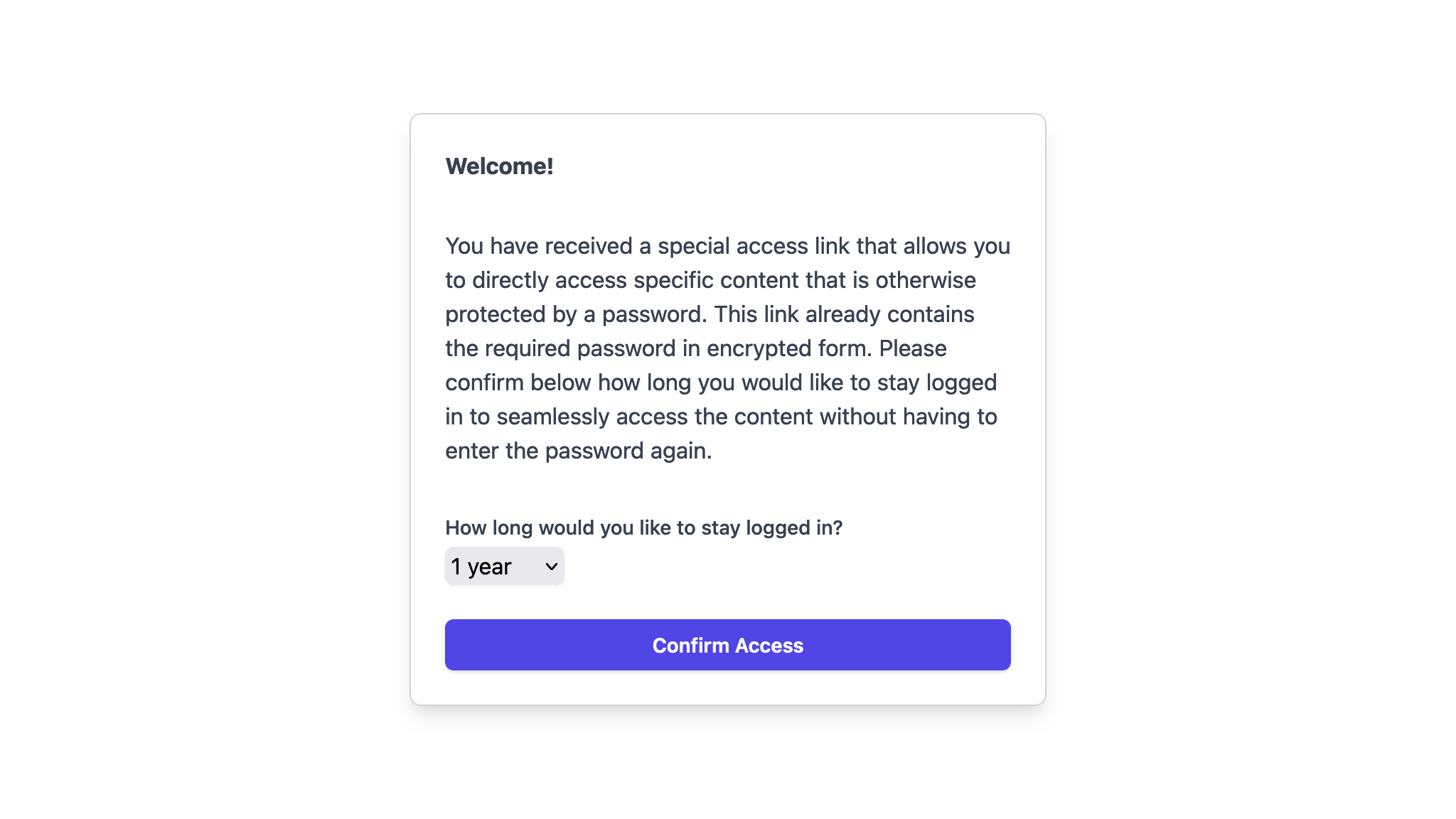
Password Gate with Secure Link
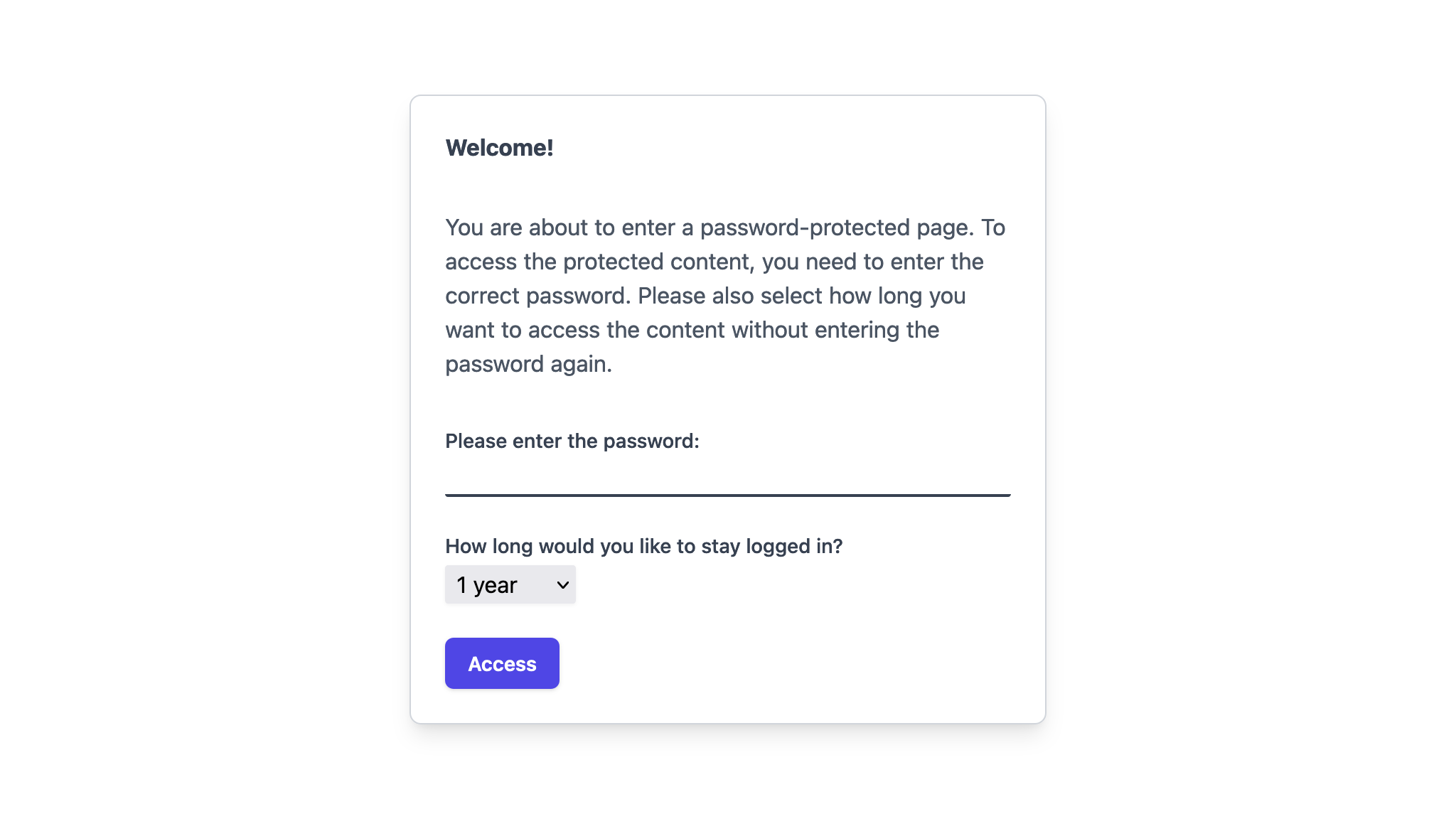
Password Gate without Secure Link
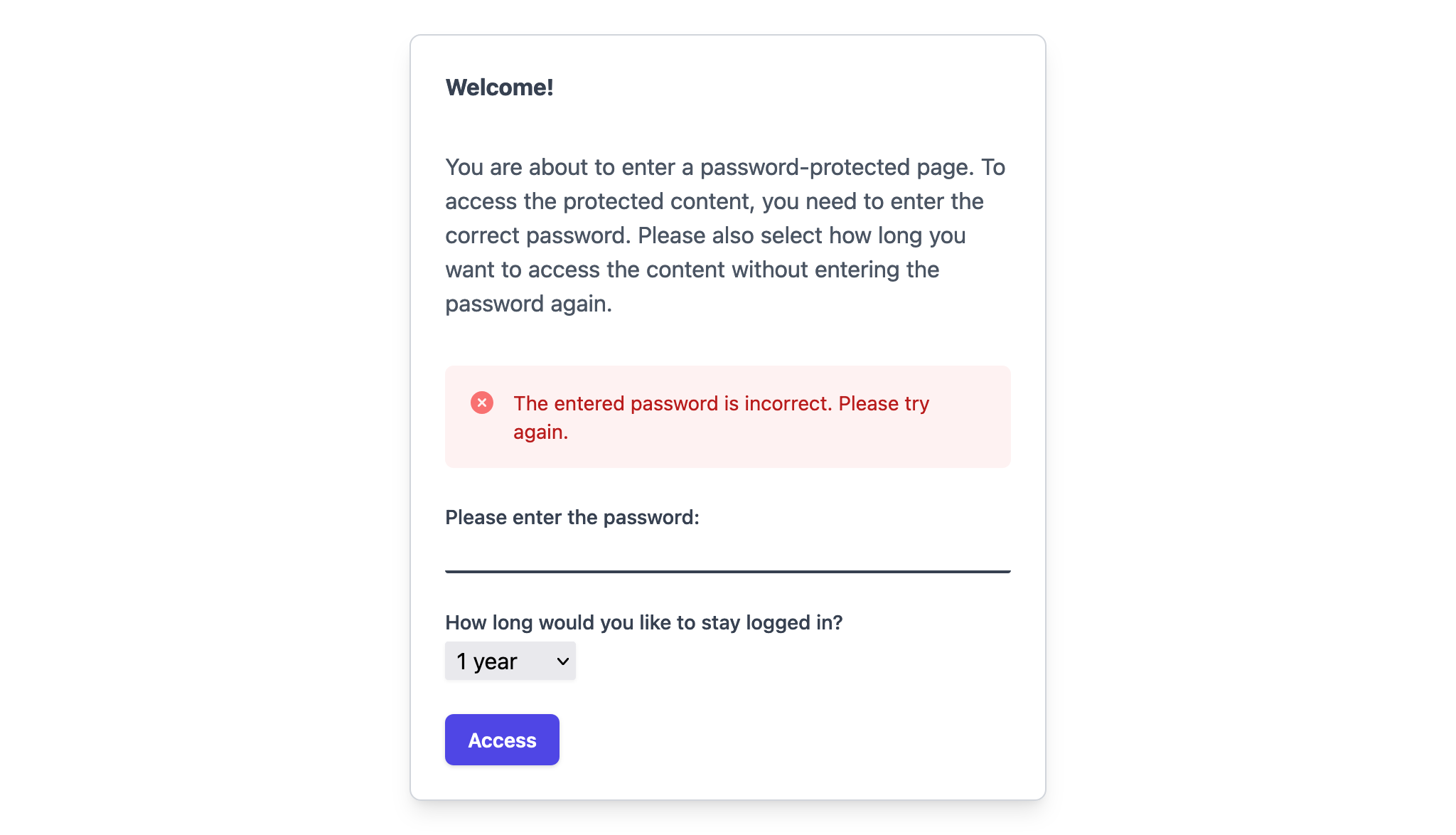
Generating Shareable Link
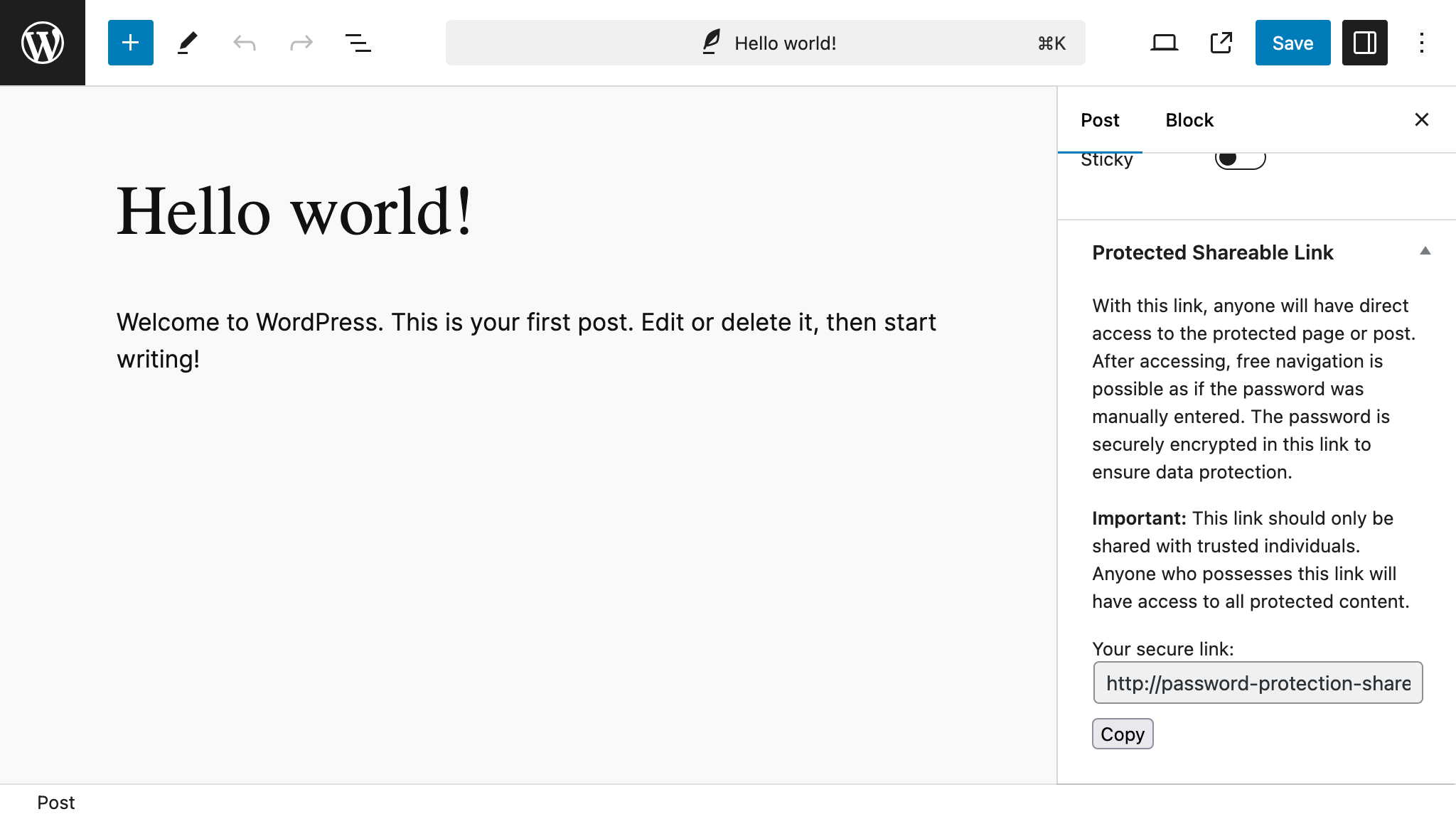
Secured Link Notification
Password Change Error
Changelog
1.2
- Plugin directory related changes.
1.1
- Added functionality to disable caching for content protected by the plugin to ensure correct display of the password gate and up-to-date content delivery.
1.0
- Initial release.