
Post Types Slider
Create fully customizable, responsive sliders and carousels for any WordPress post type or taxonomy. Powered by the Slick Slider library.
Plugin info
Maintenance & Compatibility
Maintenance score
Stale • Last updated 185 days ago • 2 reviews
Is Post Types Slider abandoned?
Likely maintained (last update 185 days ago).
Compatibility
Similar & Alternatives
Explore plugins with similar tags, and compare key metrics like downloads, ratings, updates, support, and WP/PHP compatibility.
Description
Post Types Slider is a powerful and flexible plugin that lets you create stunning sliders and carousels from any WordPress post type, custom post type, or category. With an intuitive settings panel and dynamic live preview, you can build professional, responsive sliders in minutes—without writing a single line of code.
Perfect for showcasing blog posts, products, portfolio items, testimonials, or any custom content type.
Key Features:
- Slider Type & Layout Options – Create and edit sliders with support for both grid and carousel layouts.
- Post Type Selection – Choose any WordPress post type, including custom post types, for dynamic content display.
- Category & Taxonomy Filters – Display posts from all categories or filter by specific category terms.
- Sorting Options – Sort posts in ascending (ASC) or descending (DESC) order for flexible display.
- General Settings – Show or hide titles, descriptions, thumbnails, carousels, and navigation arrows.
- Styling Controls – Customize fonts, colors, and layouts with dynamic options and live preview.
- Button Settings – Adjust button styling, colors, and padding to match your theme.
- Responsive & Touch-Friendly – Built with Slick Slider for smooth swipe and mobile support.
- Shortcode Integration – Easily embed sliders anywhere with simple shortcodes.
Usage
To display a slider, use the shortcode:
[posttysl_slider id=74]
Parameters:
– id (required) – The unique identifier of the slider you wish to display.
You can create multiple sliders, each with its own configuration and shortcode.
License
This plugin is licensed under the GPLv2 or later.
For details, visit https://www.gnu.org/licenses/gpl-2.0.html.
Installation
-
Upload the Plugin Files
- Upload the
post-types-sliderfolder to the/wp-content/plugins/directory.
- Upload the
-
Activate the Plugin
- Go to the Plugins menu in WordPress and activate Post Types Slider.
-
Configure Your Slider
- Access the plugin settings from the admin panel, create a slider, and configure its options.
Frequently Asked Questions
A: Yes, you can create as many sliders as you like, each with unique layouts and filters.
A: Absolutely. Any registered custom post type can be displayed in your slider.
A: Yes. Use the built-in styling options with live preview, or add custom CSS for full control.
A: Yes. The slider is fully responsive with touch and swipe navigation support.
Review feed
Exactly What I Needed to Display Custom Post Types
Screenshots
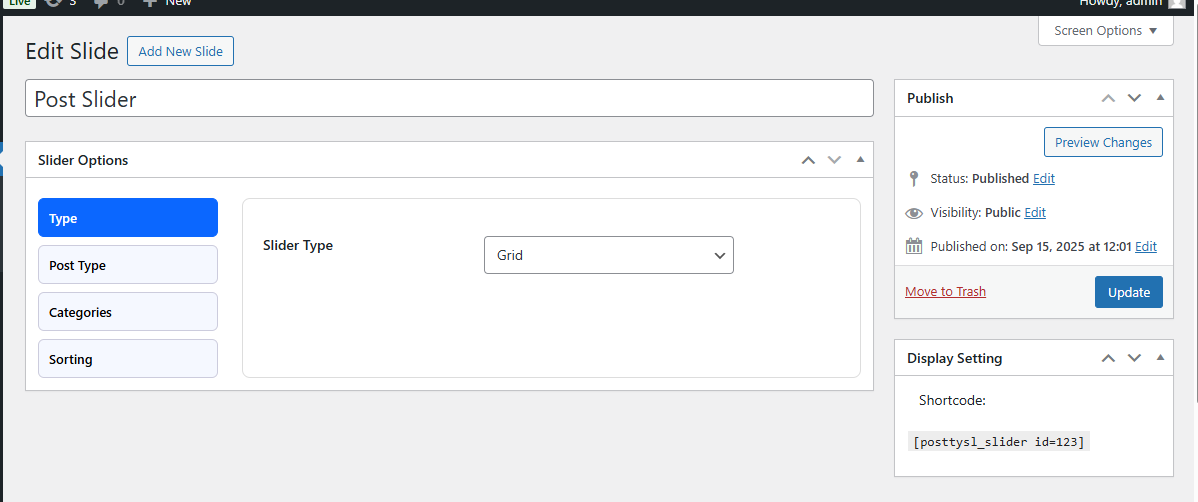
Slider Options – Layout: Choose between grid or carousel layouts.
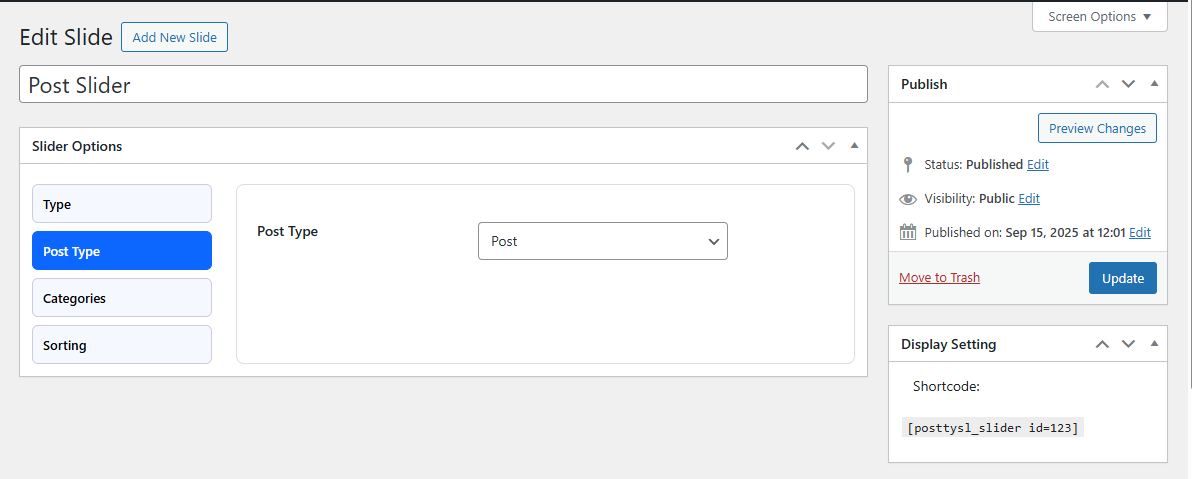
Slider Options – Post Type: Select any WordPress post type, including custom post types.
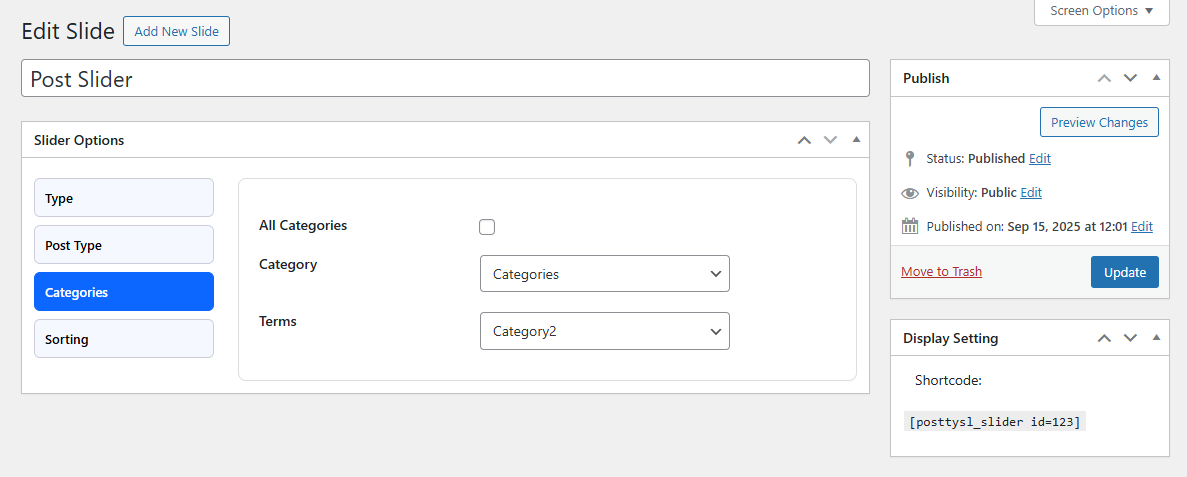
Slider Options – Categories: Filter content by specific categories or display posts from all categories.
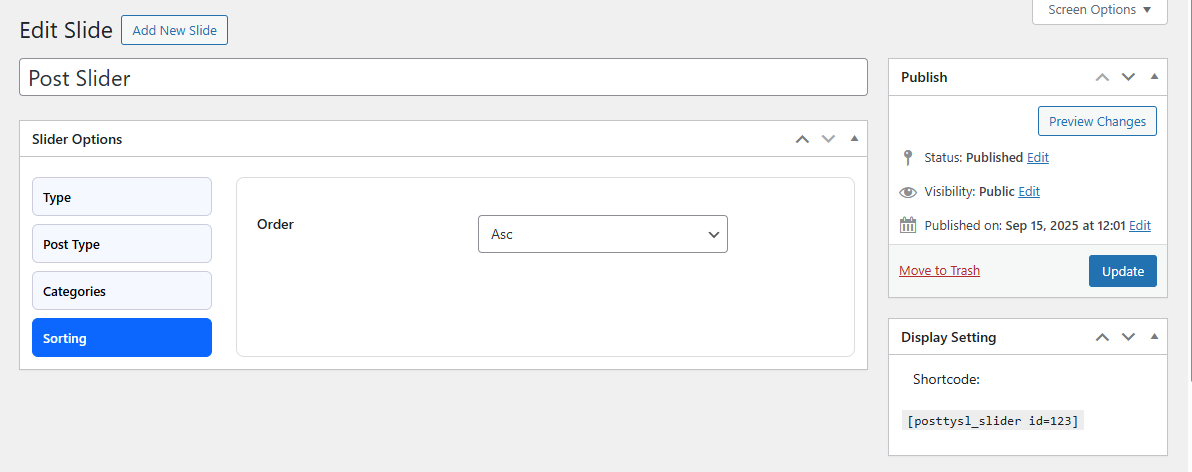
Slider Options – Sorting: Configure the display order of posts (ASC or DESC).
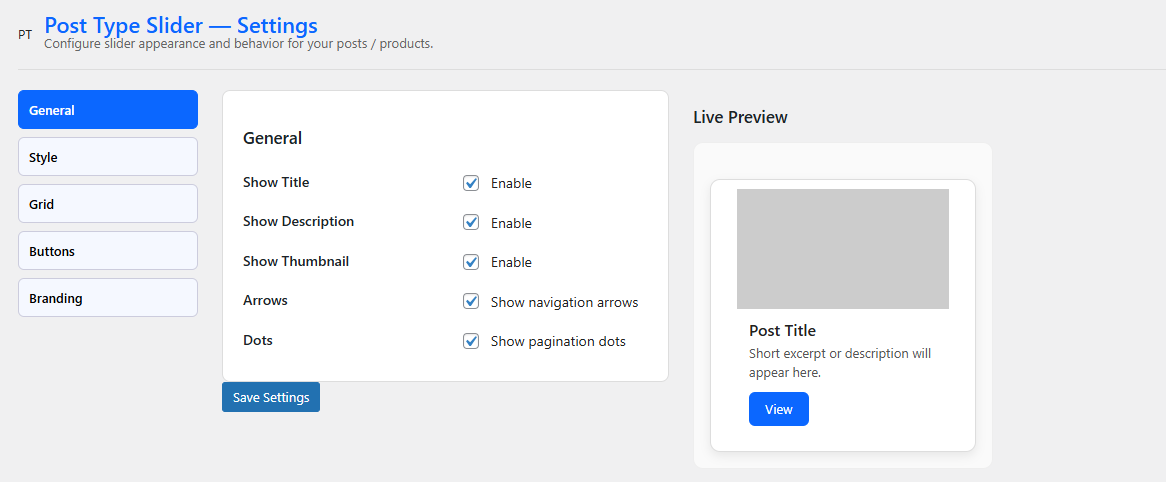
General Settings: Toggle the display of title, description, thumbnails, carousel, and navigation arrows.
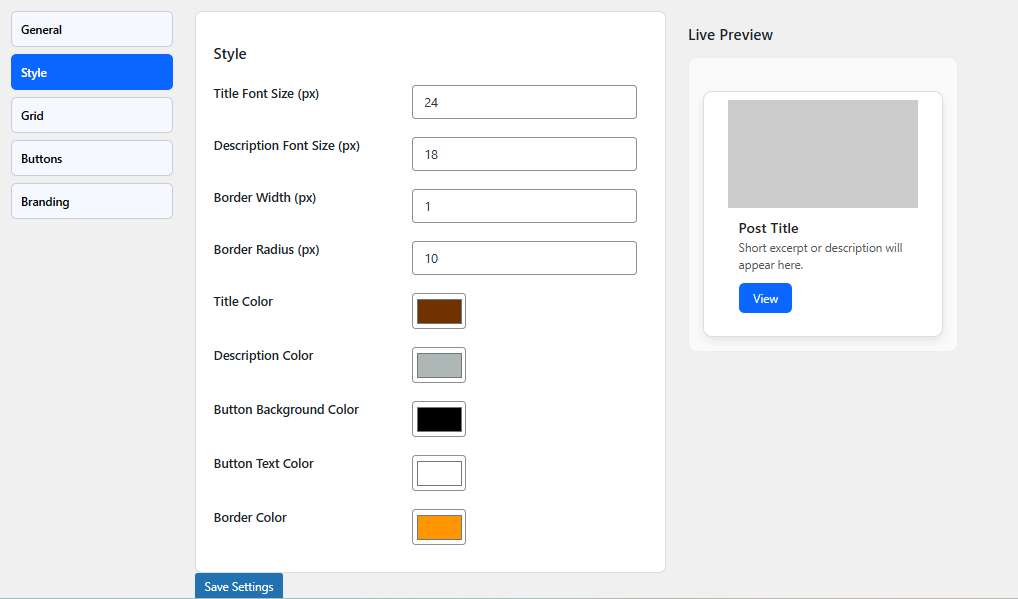
Style Settings: Customize fonts, colors, and layouts with dynamic live preview.
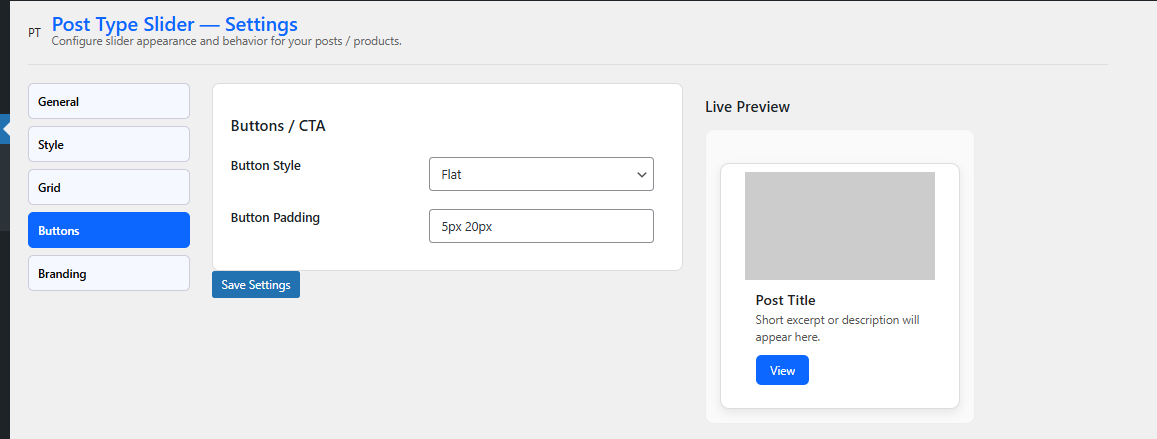
Button Settings: Adjust button styles, colors, and padding to match your site’s design.
Changelog
1.0.5
- Improved: Improvements on the slider functionality.
1.0.4
- Improved: Global settings updated.
- Added: General, style, and button settings with live preview.
1.0.3
- Fixed: Fatal error after installation.
1.0.2
- Improved: Compatibility with the latest WordPress version.
1.0.0
- Initial release with basic slider creation for post types and categories.