

Presentation Block
Creates a custom post type “Presentation”, which will render as a presentation on the front end using Reveal.js.
Maintenance 26/100672d since update
Active installs
30
Downloads
4,124
Reviews
0
Age
3.7y
Plugin info
Total downloads: 4,124
Active installs: 30
Total reviews: 0
Average rating: 0
Support threads opened: 0
Support threads resolved: 0 (0%)
Available in: 1 language(s)
Contributors: 7
Last updated: 5/31/2024 (672 days ago)
Added to WordPress: 7/12/2022 (3 years old)
Minimum WordPress version: 5.3
Tested up to WordPress version: 6.5.7
Minimum PHP version: 5.6
Maintenance & Compatibility
Maintenance score
Possibly abandoned • Last updated 672 days ago
26/100
Is Presentation Block abandoned?
Possibly abandoned (last update 672 days ago).
Compatibility
Requires WordPress: 5.3
Tested up to: 6.5.7
Requires PHP: 5.6
Languages
Similar & Alternatives
Explore plugins with similar tags, and compare key metrics like downloads, ratings, updates, support, and WP/PHP compatibility.
Slides & Presentations
Rating 5.0/5 (13 reviews) • Active installs 400
Responsive Slide
Rating 4.4/5 (5 reviews) • Active installs 50
WP Present – beta
Rating 4.5/5 (4 reviews) • Active installs 10
SlideShare for WordPress by Yoast
Rating 3.9/5 (7 reviews) • Active installs 9,000
SlideShare Embeds for WordPress
Rating 0.0/5 (0 reviews) • Active installs 200
Description
This plugin requires WordPress version 5.3 or higher! It works best if you also have the Gutenberg plugin installed and up-to-date.
Report issues, or collaborate, on Github.
- Creates a custom post type “Presentation”, which will render as a presentation on the front end using Reveal.js.
- Enables the block editor with a “Presentation Block” block, which can be used as a container for each slide in the presentation.
- You can add background colors, gradients, images, even iframes for the whole presentation, but also per slide.
- You can select a font, color, and size.
- If that’s not enough, you can always add some custom CSS!
- You can import a custom font by adding
@import url('https://fonts.googleapis.com/css?family=...');above any other rules in the CSS input field. - It’s possible to include some notes with every slide.
- You can enter a speaker view which will show the current slide, next slide, notes and timers.
- A lot more options coming soon!
Installation
- From the dashboard of your site, navigate to Plugins –> Add New.
- Select the Upload option and hit “Choose File.”
- When the popup appears select the presentation-block-x.x.zip file from your desktop. (The ‘x.x’ will change depending on the current version number).
- Follow the on-screen instructions and wait as the upload completes.
- When it’s finished, activate the plugin via the prompt. A message will show confirming activation was successful.
Frequently Asked Questions
Yes, the ‘Presentation Block’ can be found under the Common Gutenberg Blocks under the ‘Presentation’ post type.
Review feed
No reviews available
Screenshots
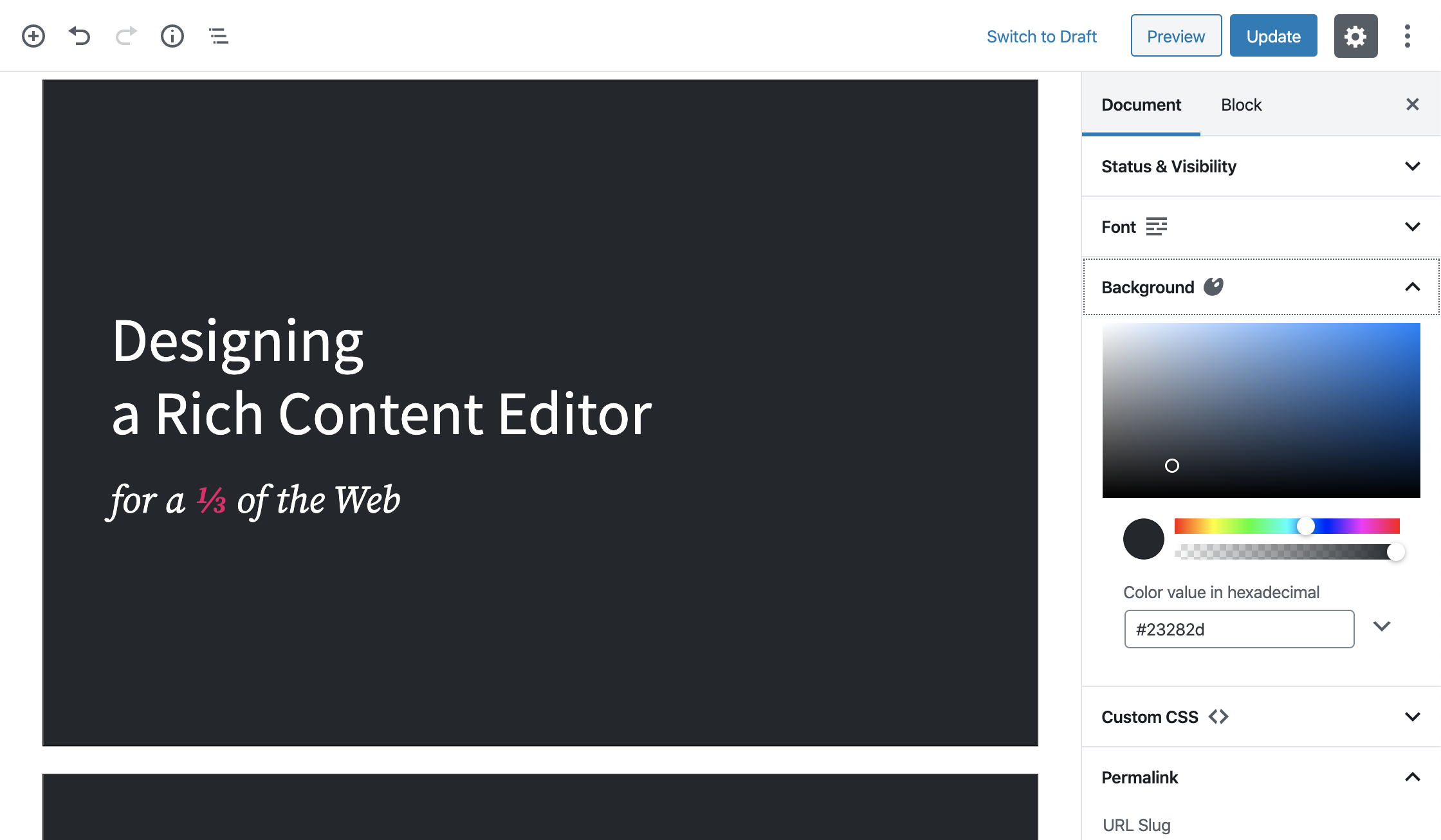
screenshot-1.png
Changelog
1.0.5
- Upated readme.
1.0.4
- Add a button to easily add a new slide.
- Update the allowed blocks on slides.
1.0.3
- Bug fixes to have build files.
1.0.0
- A change since the previous version of slide.
- Bug fixes for slide.