
Maintenance 38/100317d since update
Active installs
0
Downloads
243
Reviews
0
Age
0.9y
Plugin info
Total downloads: 243
Active installs: 0
Total reviews: 0
Average rating: 0
Support threads opened: 0
Support threads resolved: 0 (0%)
Available in: 1 language(s)
Contributors: 4
Last updated: 5/21/2025 (317 days ago)
Added to WordPress: 5/21/2025 (0 years old)
Minimum WordPress version: 6.6
Tested up to WordPress version: 6.8.3
Minimum PHP version: 7.4
Maintenance & Compatibility
Maintenance score
Stale • Last updated 317 days ago
38/100
Is Product Categories Grid for WooCommerce abandoned?
Likely maintained (last update 317 days ago).
Compatibility
Requires WordPress: 6.6
Tested up to: 6.8.3
Requires PHP: 7.4
Languages
Similar & Alternatives
Explore plugins with similar tags, and compare key metrics like downloads, ratings, updates, support, and WP/PHP compatibility.
Yzahkin Post Grid by Category
Rating 4.0/5 (1 reviews) • Active installs 0
Ms Post Type Shortcode
Rating 0.0/5 (0 reviews) • Active installs 0
Post Grid with Category Filter
Rating 0.0/5 (0 reviews) • Active installs 0
GenerateBlocks
Rating 4.9/5 (120 reviews) • Active installs 200,000
Layout Grid Block
Rating 4.7/5 (13 reviews) • Active installs 200,000
Content Views – Post Grid & Filter, Recent Posts, Category Posts … (Shortcode, Gutenberg Blocks, and Widgets for Elementor)
Rating 4.8/5 (331 reviews) • Active installs 100,000
Description
A Gutenberg block that showcases your WooCommerce categories in a responsive grid layout. Click any category to instantly view its products in a sleek popup—no page reload needed!
GitHub Repo
https://github.com/BhargavBhandari90/product-categories-grid-block
Installation
- Upload the plugin files to the
/wp-content/plugins/woo-categories-grid-blockdirectory, or install the plugin through the WordPress plugins screen directly. - Activate the plugin through the ‘Plugins’ screen in WordPress
- Add/Edit post and search for “Categories Grid for WooCommerce” block
Frequently Asked Questions
No FAQ available
Review feed
No reviews available
Screenshots
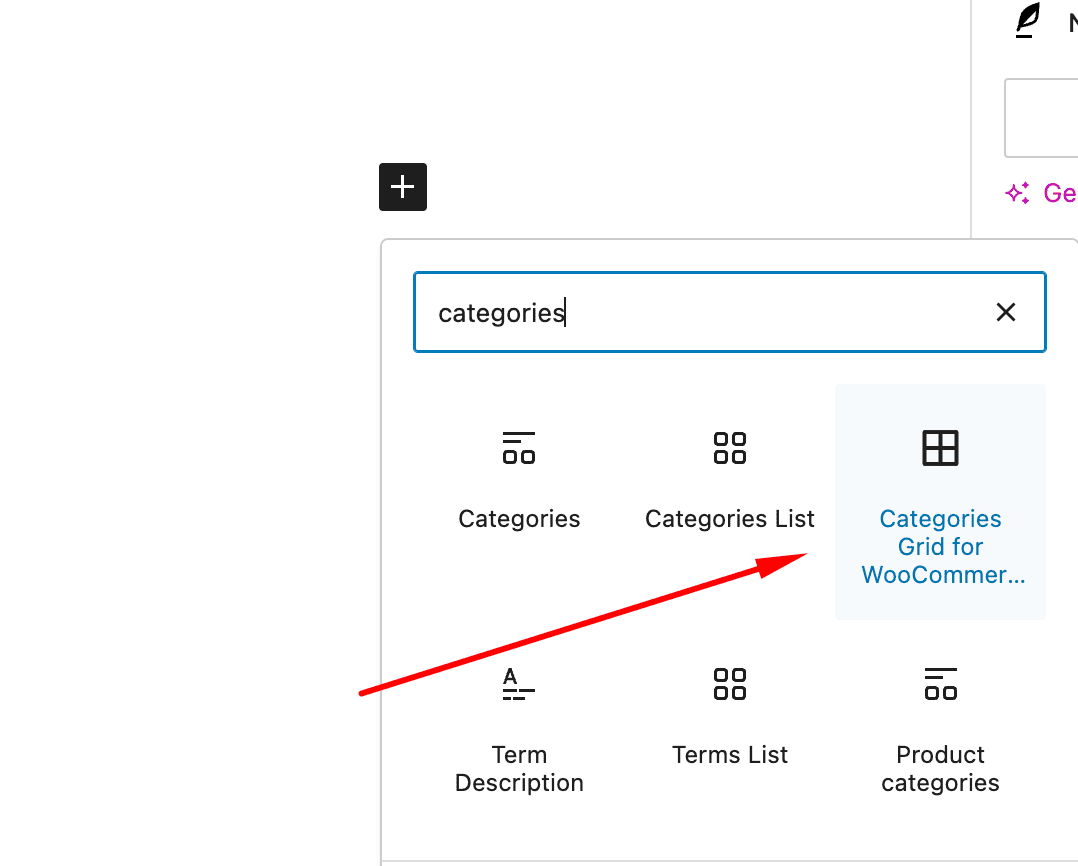
Search "Categories Grid for WooCommerce" Block
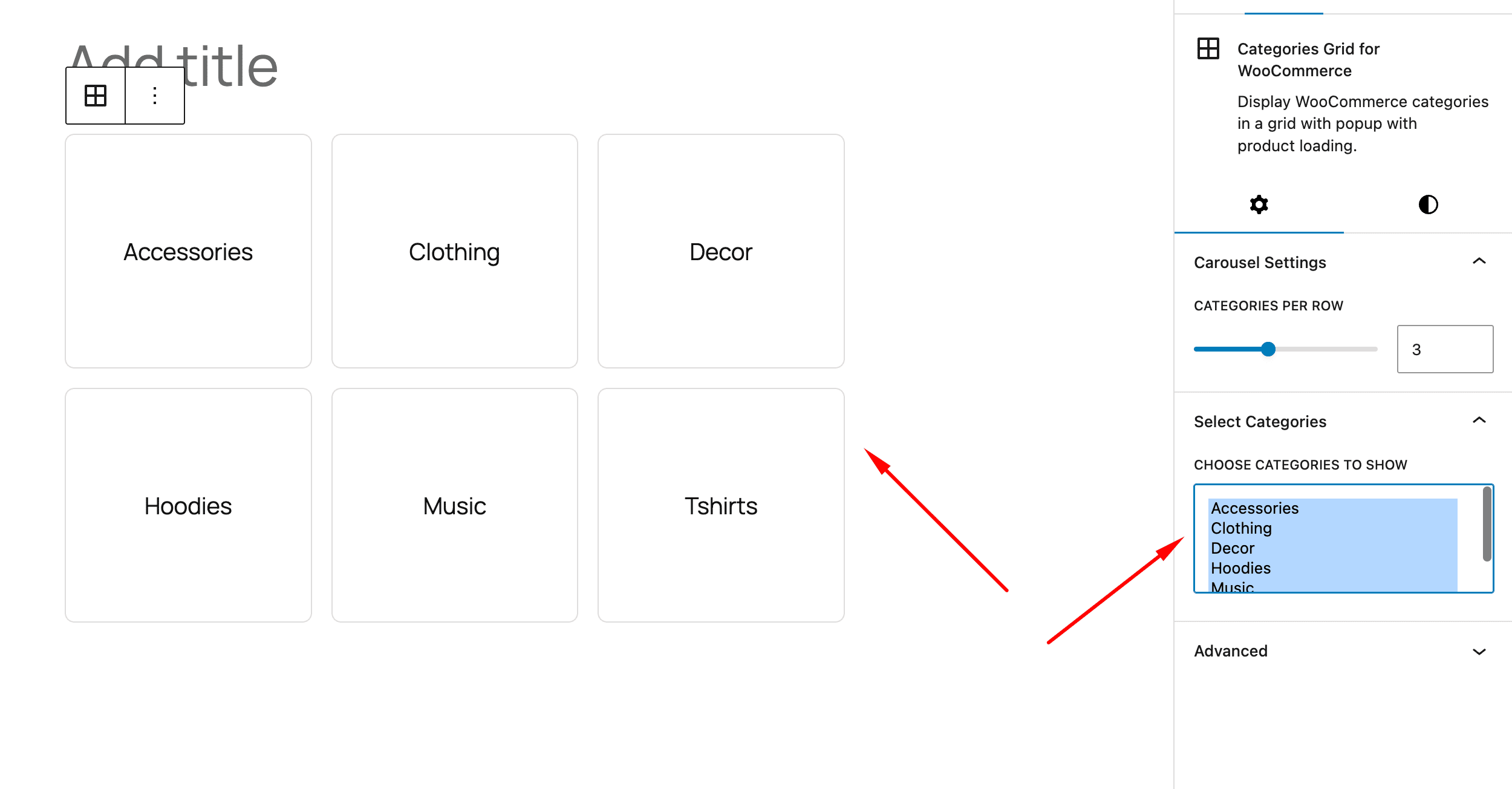
Add "Categories Grid for WooCommerce" Block
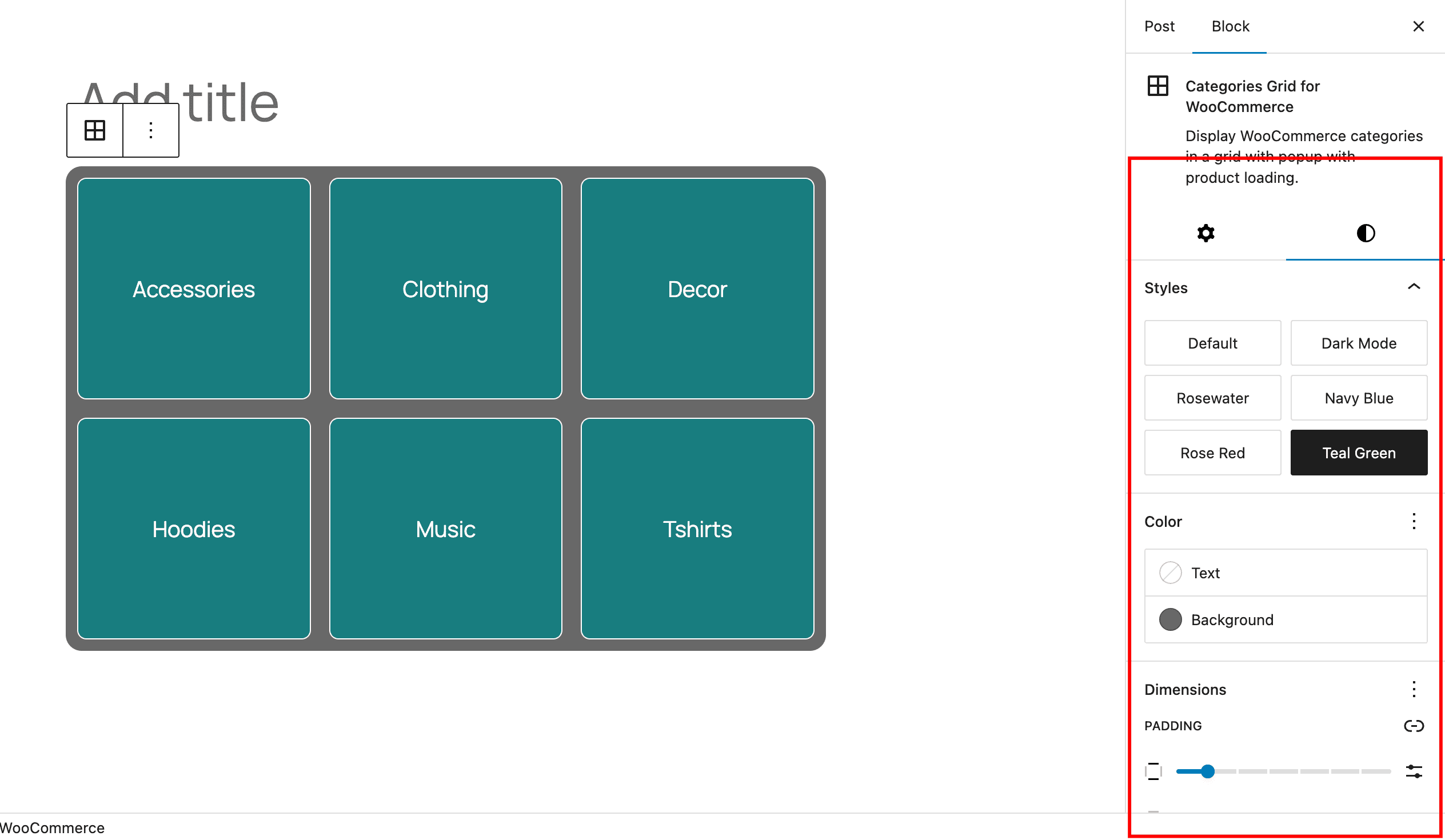
Settings for the block
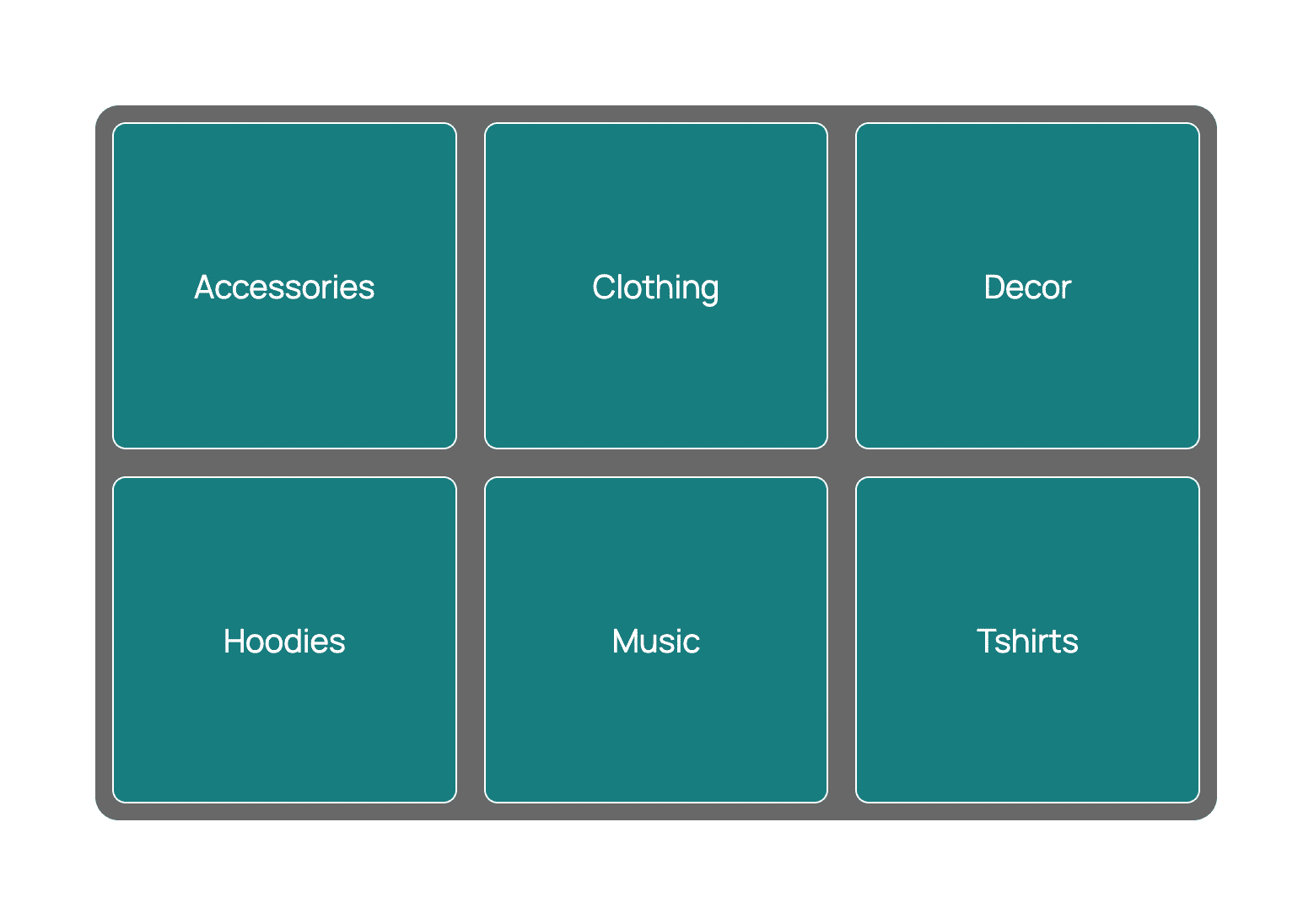
How it looks on frontend
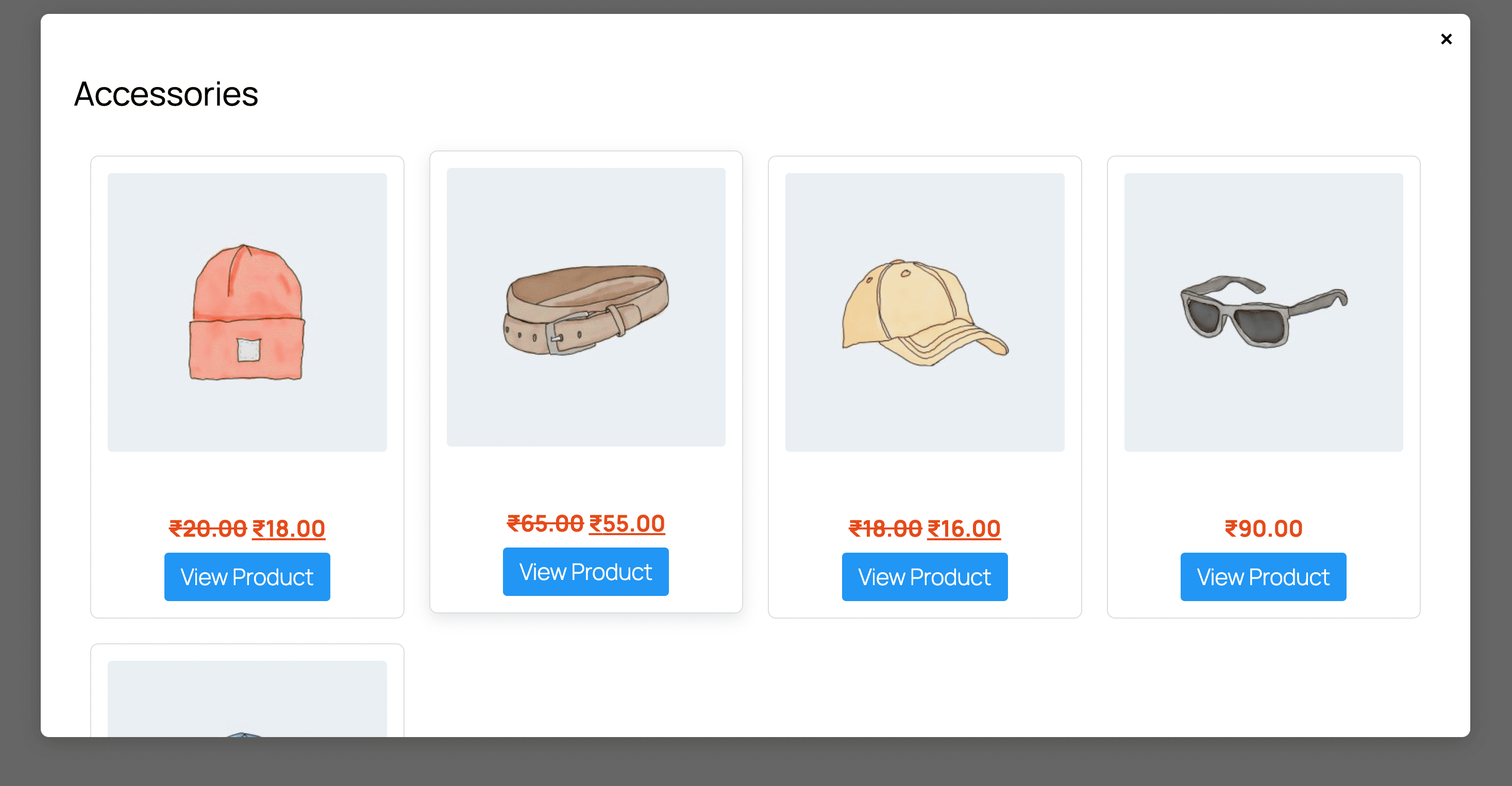
Popup for products from the category
Changelog
1.0.0
- Initial Release.