

Maintenance 22/1001744d since update
Active installs
100
Downloads
5,514
Reviews
1
Age
11.5y
Plugin info
Total downloads: 5,514
Active installs: 100
Total reviews: 1
Average rating: 5
Support threads opened: 0
Support threads resolved: 0 (0%)
Available in: 1 language(s)
Contributors: 1
Last updated: 6/23/2021 (1744 days ago)
Added to WordPress: 10/8/2014 (11 years old)
Minimum WordPress version: 3.4
Tested up to WordPress version: 5.7.14
Minimum PHP version: f
Maintenance & Compatibility
Maintenance score
Possibly abandoned • Last updated 1744 days ago • 1 reviews
22/100
Is QR Code abandoned?
Possibly abandoned (last update 1744 days ago).
Compatibility
Requires WordPress: 3.4
Tested up to: 5.7.14
Requires PHP: f
Similar & Alternatives
Explore plugins with similar tags, and compare key metrics like downloads, ratings, updates, support, and WP/PHP compatibility.
Kaya QR Code Generator
Rating 4.4/5 (37 reviews) • Active installs 10,000
QR code MeCard/vCard generator
Rating 4.4/5 (7 reviews) • Active installs 3,000
QR Code Composer – QR Code Generator
Rating 4.2/5 (9 reviews) • Active installs 2,000
QR Code Tag
Rating 3.0/5 (4 reviews) • Active installs 1,000
QR Code for WooCommerce order emails, PDF invoices, packing slips
Rating 5.0/5 (7 reviews) • Active installs 700
Master QR Code Generator – Static QR Code Generator
Rating 3.0/5 (3 reviews) • Active installs 400
Description
How to use shortcode in your post or page?
[qrcode]
or
[qrcode url=”http://my-site.com” margin=”10″ size=”100″ before=”QR Code” after=”QR Code”]
CSS:
.qrcode { float: right; }
Installation
- Extract the plugin folder from the downloaded ZIP file.
- Upload qrcode to your /wp-content/plugins/ directory.
- Activate the plugin from the “Plugins” page in your Dashboard.
- Activate the widget or using shortcode
Frequently Asked Questions
None
Review feed
No reviews available
Screenshots

screenshot-1.png
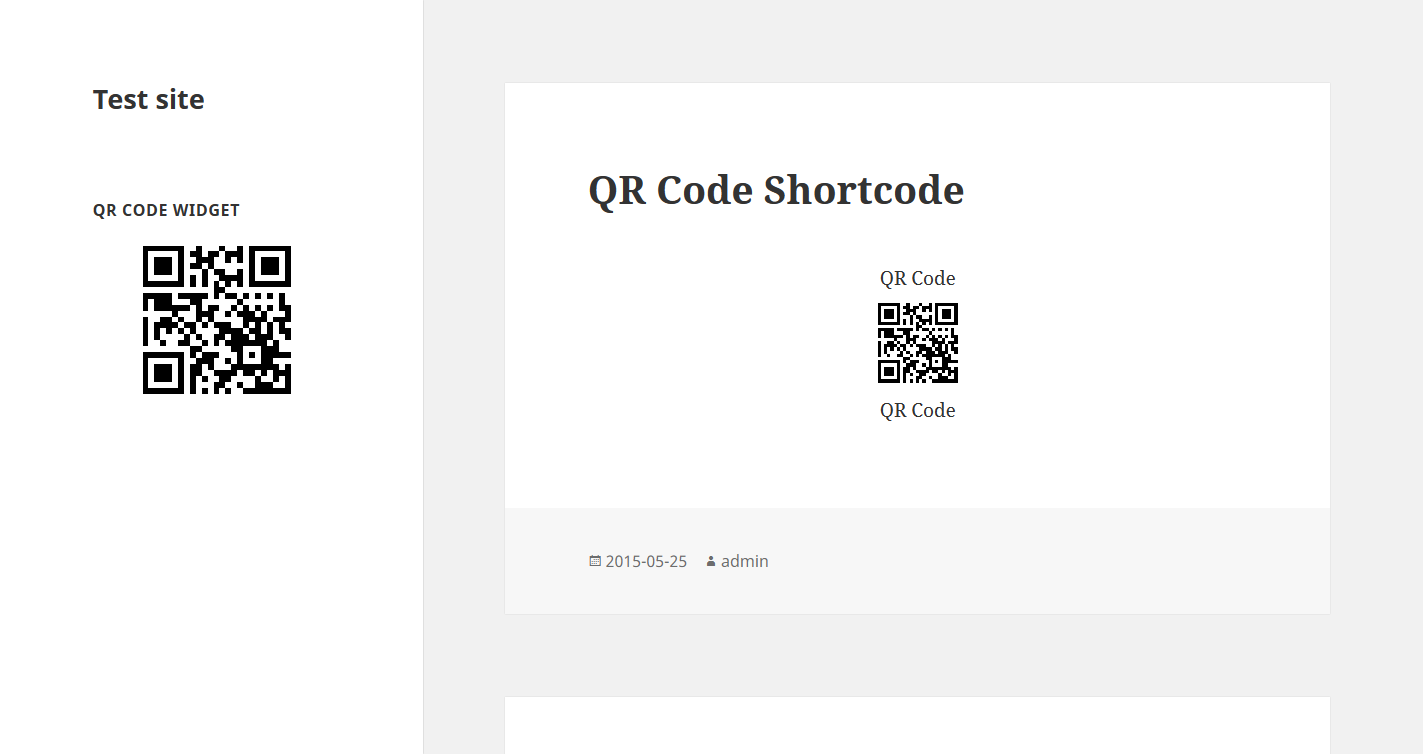
screenshot-2.png
Changelog
Nome