

Plugin info
Maintenance & Compatibility
Maintenance score
Possibly abandoned • Last updated 491 days ago
Is Redirect.txt abandoned?
Possibly abandoned (last update 491 days ago).
Compatibility
Similar & Alternatives
Explore plugins with similar tags, and compare key metrics like downloads, ratings, updates, support, and WP/PHP compatibility.
Description
With Redirect.txt, you can provide a simple list of URLs and their destinations with no post-creation bloat, no limitations, and just a simple editor.
There are many good redirect plugins that have been developed for years and have a strong code base. But we don’t like the idea of creating separate posts/entries for each redirection rule. We simply need to add, remove, and manage redirects in a simple and bulk way.
.htaccess and nginx configs are OK, but we don’t want to edit configs placed somewhere in server directories; we want to open our admin panel and add redirects easily. We also don’t care about wrong config configurations, which will stop your server.
Quick Links
Features
- Path redirects
- Full URL redirects
- Post ID redirects
- RegEx redirects
- Redirect logs
- 404 logs
Usage
Open Tools Redirect.txt and provide a list of URLs here. Here is an example of available syntax:
# The links below will automatically use 301 redirects.
/hello: /new-hello

# Support for custom status
# To make 301, 302, 303, 307, or 308 redirects, use a code like this:
308: # All redirections below will use 308 redirect status.

# Support for post ID's
# Redirect from post with ID 1 to post with ID 8:
1: 8

# Support for external redirects:
/external: https://google.com/

# Support for RegEx redirects (automatically detected when the string starts with ^):
^/news/(.*): /blog/$1

# You can use as many comments as you want to categorize your links better.
The same rules without comments:
/hello: /new-hello

308:

1: 8
/external: https://google.com/
^/news/(.*): /blog/$1
Installation
Automatic installation
Install the Redirect.txt either via the WordPress plugin directory or by uploading the files to your server at wp-content/plugins.
Usage
To start using the Redirect.txt, just open the Admin Menu Tools Redirect.txt and follow instructions.
Frequently Asked Questions
Review feed
Screenshots

Redirection rules list

Redirection and 404 logs
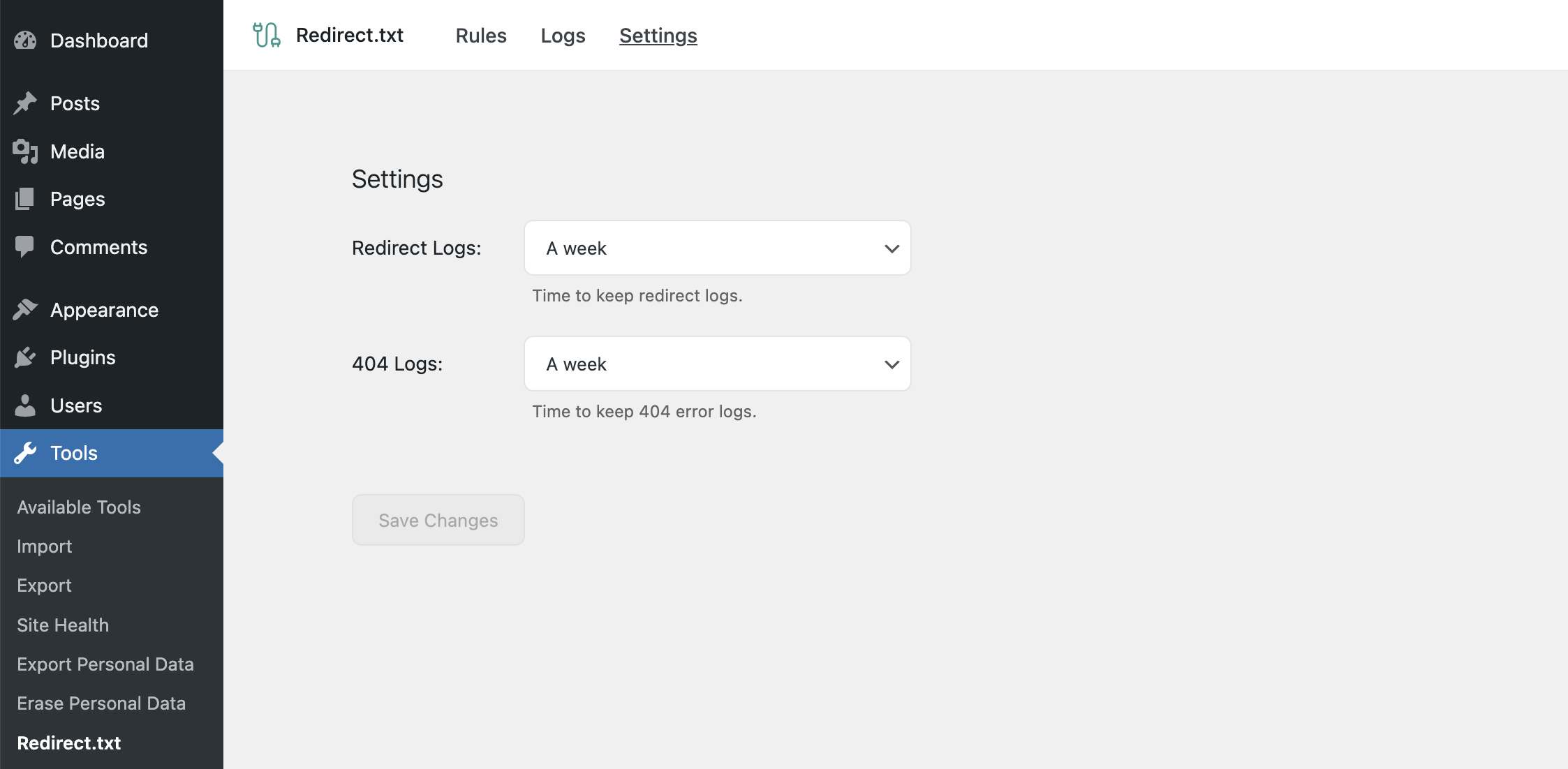
Settings
Changelog
0.2.5 – Nov 28, 2024
- added translation file
- check compatibility with WordPress 6.7
0.2.4 – Jul 3, 2024
- added support for redirects to links with hash
0.2.3 – May 26, 2024
- disable redirects from
wp-admin,wp-jsonandwp-login.phppaths
0.2.2 – May 17, 2024
- changed code editor to light mode by default, to prevent switch to dark when system is in dark mode
0.2.1 – May 12, 2024
- remove some dev folders from the plugin
0.2.0 – May 12, 2024
- Release