

Scheduled Content Block
Scheduled Content Block makes creating scheduled content within blocks simple and completely hands-free.
Plugin info
Maintenance & Compatibility
Maintenance score
Maintained • Last updated 128 days ago
Is Scheduled Content Block abandoned?
Likely maintained (last update 128 days ago).
Compatibility
Similar & Alternatives
Explore plugins with similar tags, and compare key metrics like downloads, ratings, updates, support, and WP/PHP compatibility.
Description
Scheduled Content Block is a WordPress plugin that enables easy scheduling of content on WordPress pages or posts via a Scheduled Content block. Add a Scheduled Container block, fill it with the content you’d like, set the schedule, and publish your post or page. The content you create inside the block will only be visible during its scheduled time.
Features
- Simple container block, allowing you to display content within the block during a specific timeframe.
- Optional integration with the Breeze caching plugin, purging the site’s cache when content is scheduled to become active or inactive.
- Change who is able to see scheduled content on your site with role-based controls.
Installation
- Upload the plugin files to the
/wp-content/plugins/scheduled-content-blockdirectory, or install the plugin through the WordPress plugins screen directly. - Activate the plugin through the ‘Plugins’ screen in WordPress
Frequently Asked Questions
Review feed
Screenshots

Search for or locate the Scheduled Container Block in the WordPress editor to get started.
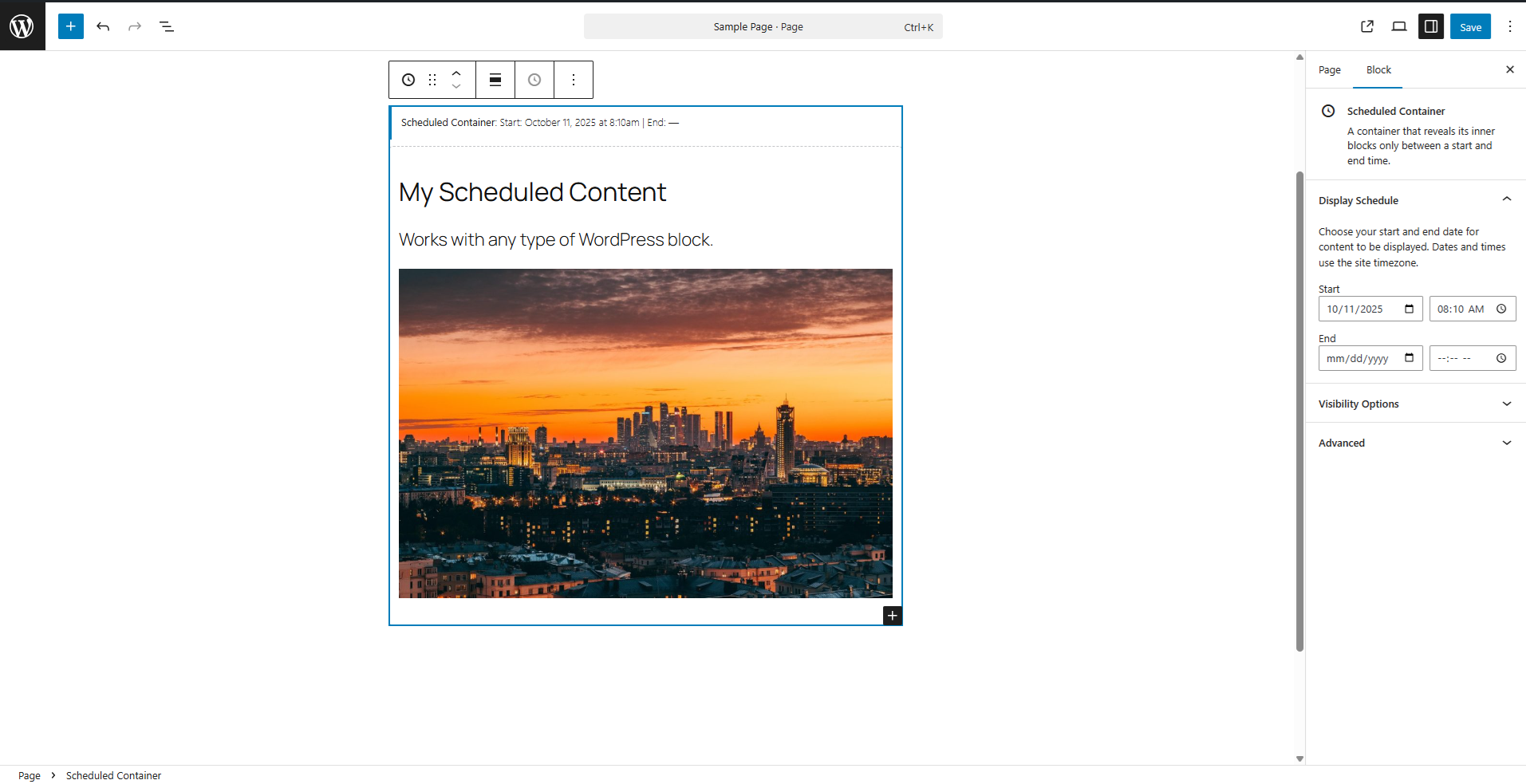
Place any content you'd like within your scheduled container and set the start/end time.
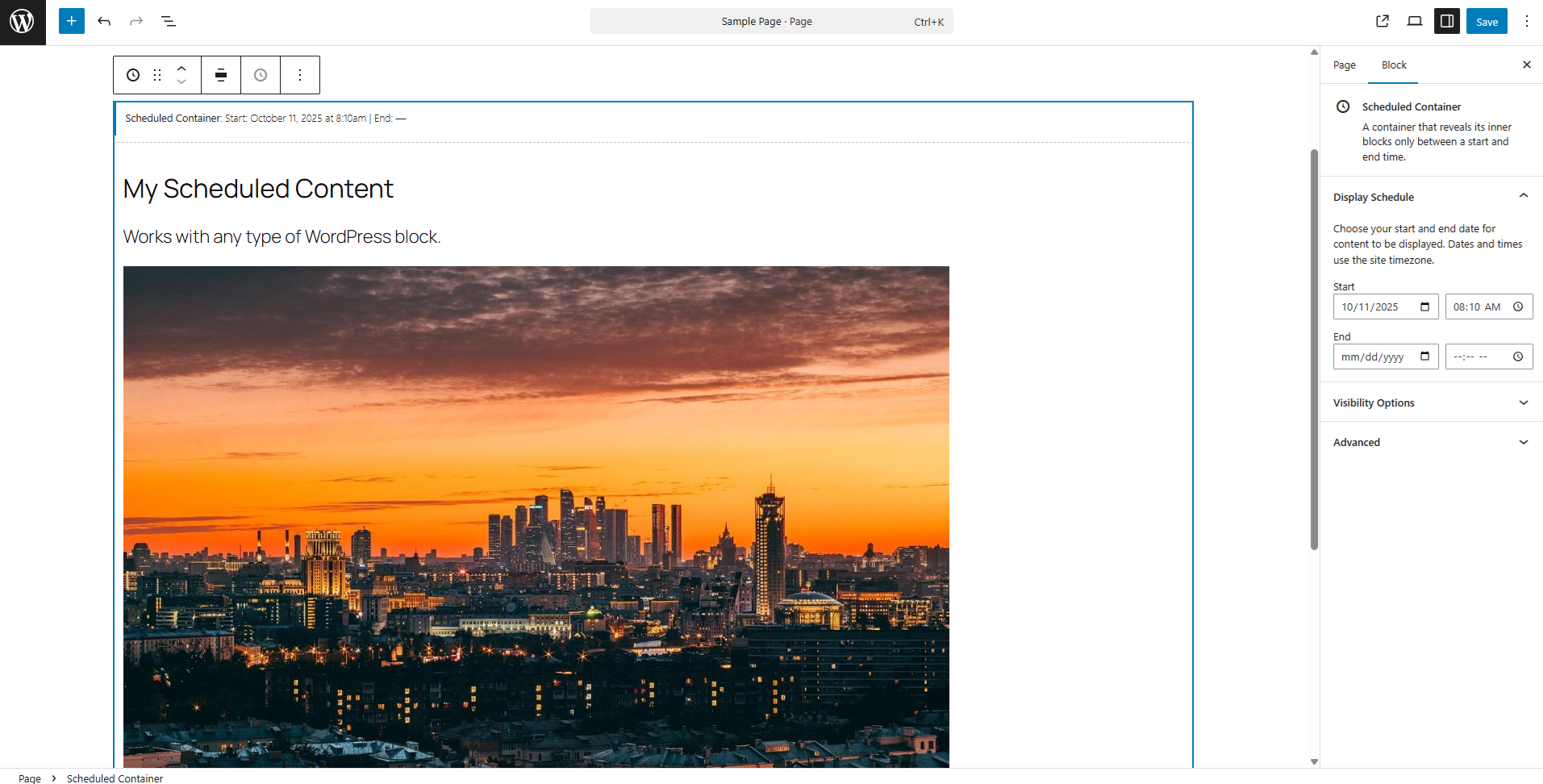
The Scheduled Container block will match the width of your other content but can also be set to Wide or Full-Width.
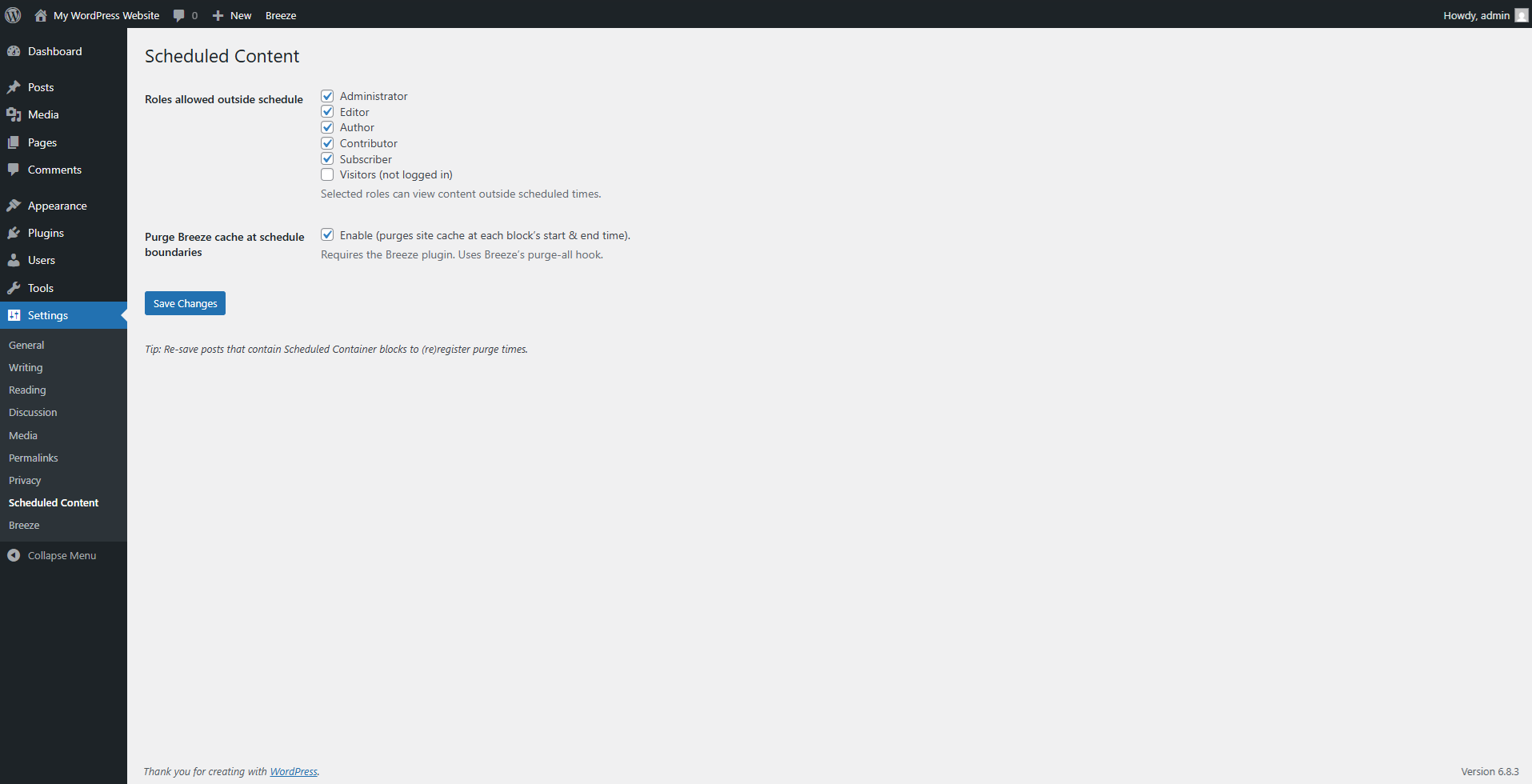
Use the plugin settings to change who can view the block outside of its set schedule and integrate with the Breeze cache plugin.
Changelog
1.0.2
- Prevent scheduling a stop time earlier than the start time and treat invalid ranges as hidden on the frontend.
1.0.1
- Replace the legacy
scbprefix across the plugin with the uniquescblknamespace. - Fix block editor loading by avoiding unescaped inline file contents during script registration.
- Remove unused legacy prefixes and migration helpers now that the plugin ships with the
scblknamespace.
1.0.0
- First stable release.
0.1.2
- Adjusted the required version to be a major release.
- Added short description.
- Modified features and long description.
0.1.1
- Fix undefined admin check in block editor.
0.1.0
- Beta release.