

Plugin info
Maintenance & Compatibility
Maintenance score
Possibly abandoned • Last updated 1447 days ago • 1 reviews
Is Simple Cart abandoned?
Possibly abandoned (last update 1447 days ago).
Compatibility
Similar & Alternatives
Explore plugins with similar tags, and compare key metrics like downloads, ratings, updates, support, and WP/PHP compatibility.
Description
Simple Cart is a cart solution that will provide your visitors with an easy view of their current cart status.
They are able to view Items, see the subtotal of the cart and also to update the quantity and remove those items.
Power-up your store and get your users a much easier way to handle their cart.
Current Integrations:
- WooCommerce – Storefront theme also works well with it.
- Easy Digital Downloads
Features:
- Button color customizations
- Position option
- Remove products from cart popup.
- Update quantities from cart popup.
Premium Add-ons
- Code Box – add any html in the popup (example: MailChimp form)
- Product Search – users can search and add products right from the popup
Installation
- Upload simple-cart to the
/wp-content/plugins/directory - Activate the plugin through the ‘Plugins’ menu in WordPress
Frequently Asked Questions
Yes. Each integrations uses the hooks provided by those plugins. WooCommerce provides a way to update several parts of the page.
We hook on their hooks and when the WooCommerce updates the cart, we also update the popup.
No. Just activating the plugin will make the cart button appear at the bottom left of your site.
The plugin will recognize which e-commerce plugin you’re using (WooCommerce for example) and use that integration.
Review feed
Simple yet awesome plugin
Screenshots
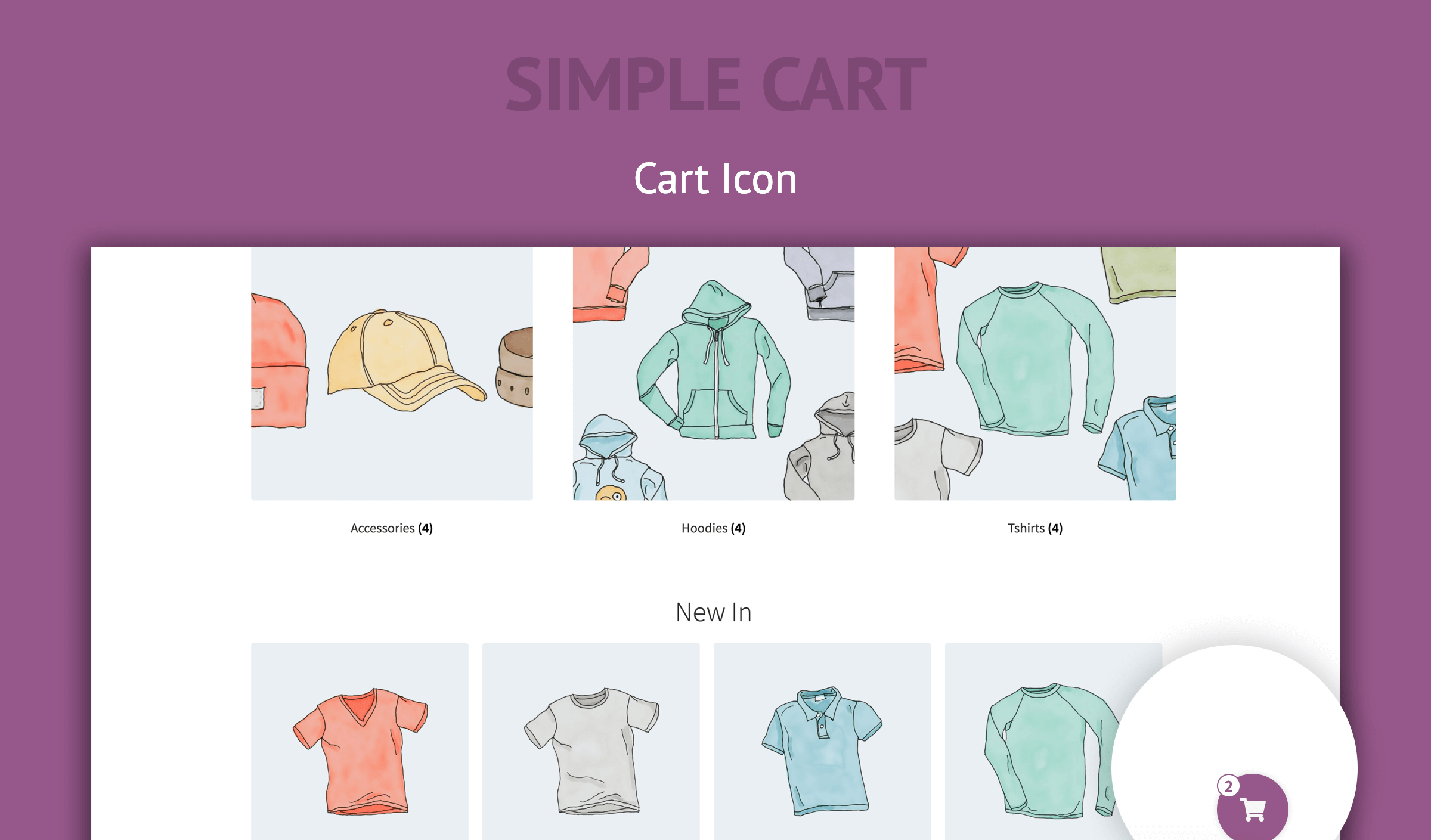
Cart Icon

Open Cart
Changelog
1.0.2 – 2022-04-17
- Security Fix
1.0.1 – 2020-02-21
- Update: Licensing Software updated
1.0.0 – 2020-02-21
- Added color options.
- Added position option.
- Added Freemius to show add-ons.
0.2.0
- Added Easy Digital Downloads Integration
0.1.0
- Initial release