

Smart Answer
Create custom questions, deploy via shortcodes, manage responses, mark favorites or ban.
Plugin info
Maintenance & Compatibility
Maintenance score
Stale • Last updated 289 days ago
Is Smart Answer abandoned?
Likely maintained (last update 289 days ago).
Compatibility
Similar & Alternatives
Explore plugins with similar tags, and compare key metrics like downloads, ratings, updates, support, and WP/PHP compatibility.
Description
This plugin empowers users to craft unique questions, seamlessly integrating them into custom pages through shortcodes. Users can not only receive responses but also exert control by marking answers as favorites for future reference or banning those that are undesirable. This comprehensive tool enhances user engagement and flexibility within the WordPress platform.
Usage
- After activation, go to the plugin settings to create custom questions.
- Copy the shortcode provided for your question.
- Paste the shortcode into any post or page where you want the question to appear.
Installation
- Upload the entire
smart-answerdirectory to the/wp-content/plugins/directory. - Activate the plugin through the ‘Plugins’ menu in WordPress.
Frequently Asked Questions
Navigate to the plugin settings, locate the “Create Question” option, and follow the prompts to design your personalized question.
After creating a question, you’ll receive a shortcode. Simply copy and paste this shortcode into the desired custom page or post.
Yes, within the plugin interface, you can view, favorite, or ban specific answers associated with your custom question.
Favoriting an answer allows you to easily reference and retrieve it later for quick access.
Banning an answer ensures it won’t be displayed, providing control over content quality.
The plugin supports the creation of multiple custom questions, allowing for diverse and personalized content.
Navigate to the WordPress dashboard, go to Plugins, find the plugin “Smart Answer”, and click “Deactivate” and then “Delete”.
Visit our support page or contact us via [email protected].
Review feed
Screenshots
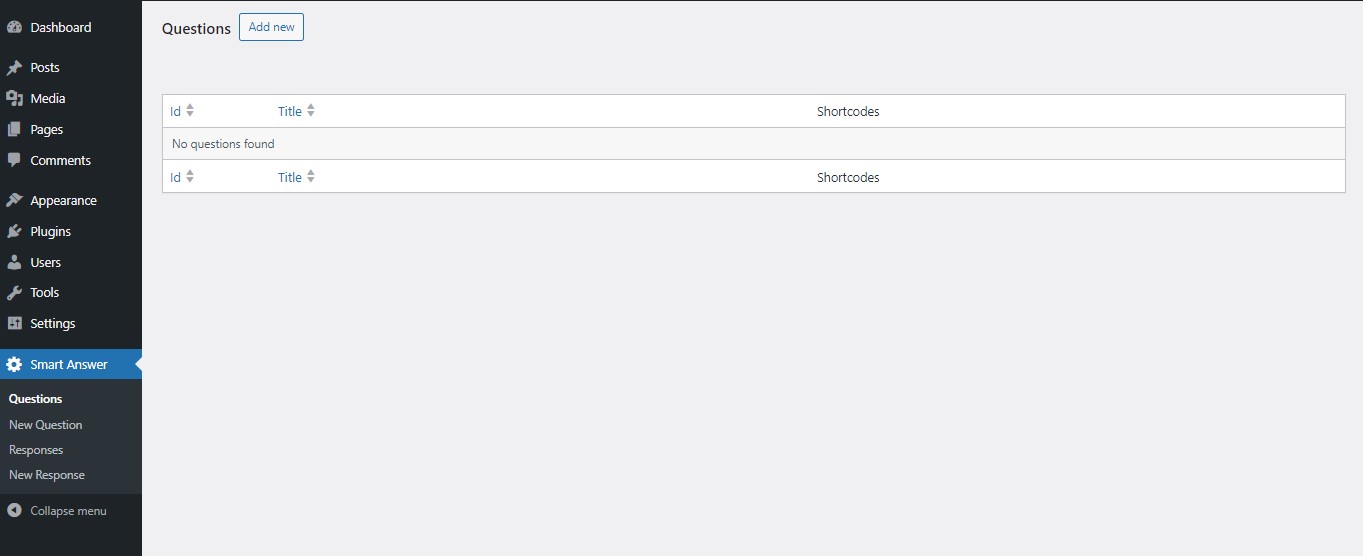
Desktop view

Mobile view


Changelog
2.1
Resolve plugin issues related to the review 3.
2.0
Resolve plugin issues related to the review 2.
1.9
Resolve plugin issues related to the review.
1.8
comment debug_translations function.
1.7
stripcslashes fields.
1.6
stripcslashes responses and update support email.
1.5
Fix Pagination Issues.
1.4
Add ES translations.
1.3
Fix plugin translations.
1.1
Fix the error that pertains to the display of the user’s response.
1.0
- Initial release