

Social Icons & Sharing Buttons by WPZOOM
Add social media icons and sharing buttons to your website! Social Icons & Sharing Buttons includes 400+ icons and customizable sharing buttons.
Plugin info
Maintenance & Compatibility
Maintenance score
Maintained • Last updated 120 days ago • 143 reviews
Is Social Icons & Sharing Buttons by WPZOOM abandoned?
Likely maintained (last update 120 days ago).
Compatibility
Similar & Alternatives
Explore plugins with similar tags, and compare key metrics like downloads, ratings, updates, support, and WP/PHP compatibility.
Description
Did you find this plugin helpful? Please consider leaving a 5-star review.
Social Icons & Sharing Buttons helps you to add social media icons and sharing buttons to your website. The plugin includes several icon sets, which gives you the possibility to use the widget for more than just linking to your social media profiles. You can use generic icons to add links to anything you want, and enable sharing buttons to let visitors share your content across social networks.
With the help of WPZOOM’s excellent Social Icons Widget plugin, you can link to all your social network profiles and add sharing buttons in no time, letting your visitors easily get in touch with you on all social media channels and share your content.
⭐️⭐️⭐️⭐️⭐️
WPKlik
What’s new in 4.5.0
- NEW: Social Sharing Buttons Block
- NEW: Add Social Sharing Buttons in posts and pages
What’s new in 4.4.0
- NEW: Add SVG Icons in the Social Icons Block
What’s new in 4.0.0
- NEW: Gutenberg Block
- New icon styles in the new Social Icons Block
- New options to customize your icons: change margin, padding, alignment, roundness etc.
What’s new in 3.0.0
- Added Global Color Picker to change the color of all icons
- Added a new color picker to change hover color on all icons
- Icons are now grouped in categories
What’s new in 2.2.0
- Added Padding and Size options for icons
- Added support for Skype links (skype:username)
What’s new in 2.1.0
- Search Icons by keywords
- FontAwesome Icon Set Integration
- Updated Instagram Icon
What’s new in 2.0
- New custom icons
- Color picker for each icon
- 3 Icon Sets from which you can choose more than 400 icons
Where I can view a Demo?
You can view the plugin live in all our themes at WPZOOM.
View Demo & Examples
- Foodica Theme – header bar and sidebar
- Inspiro Theme – sidebar panel and footer
Features:
Social Icons Block:
* SVG Icons Support – Upload custom SVG icons
* 400+ Custom Icons from 5 Icon Sets
* Gutenberg Block with Live Preview
* Drag & Drop Icons with Sortable Arrows
* Color Picker for Each Icon
* Search by Keywords
* Adjust Icon Size & Padding
* Multiple Styles: Icon Shape and Icon with Background
* 3 Background Styles: Rounded Corners, Round, Square
* Icon Sets + Shortcodes
* Elementor Widget Integration
Social Sharing Buttons Block:
* 12+ Sharing Platforms: Facebook, X, Threads, LinkedIn, Pinterest, Reddit, Pocket, Telegram, WhatsApp, Bluesky, Email, Copy Link, and Print
* Multiple Button Styles: Circle, Square, Rounded, Outlined, Minimal, One-tone
* Customizable Colors, Sizes, Padding & Margins
* Show/Hide Labels
* Print Button to Trigger Browser Print Dialog
* Copy Link Button with Visual Feedback
* X/Twitter Username Integration (via parameter)
General Features:
* 100+ Sites/Social Networks Supported
* FontAwesome Integration
* Academicons Integration: 38 Academia Icons for Academics
* Supports Email Addresses (mailto:[email protected])
* Supports Telephone Numbers (tel:12345)
* Supports Skype (skype:username?call)
* Supports Viber (viber://add?number=123456)
* Supports WhatsApp (https://api.whatsapp.com/send?phone=15551234567)
Icons
Twitter, X, Facebook, Instagram, Pinterest, Snapchat, Threads, Yelp, LinkedIn, Bloglovin’, Lookbook, Feedly, Periscope, SoundCloud, Spotify, Last.fm, YouTube, Vimeo, Flickr, 500px, Tumblr, Blogger, Reddit, Dribbble, Envato, Behance, DeviantArt, GitHub, RSS, Disqus, Stackoverflow, Komoot, Tiktok, Mailchimp, Podcasts, Telegram, TripAdvisor, AirBnb, Baidu, ebay, Medium, Periscope, Snapchat, Bandcamp, Eyem, Viber, Quora, Etsy, Meetup, Linode, IMDB, Overwatch, Strava, Tidal, Deezer, Unsplash, Codered, Udemy, CrunchBase, Angie’s List, App Store, Nextdoor, WhatsApp, ResearchGate, Slack, Songkick, ReverbNation, Bluesky, Pocket
Credits
Some Social Icons are provided by the Socicon icon font.
Academicons are provided by James Walsh.
GDPR COMPLIANCE
Social Icons & Sharing Buttons does not collect any information from your visitors, therefore it’s 100% GDPR compliant.
Get Involved
Looking to contribute code to this plugin? Go ahead and fork the repository over at GitHub.
Installation
Simply search for the plugin via the Plugins -> Add New dialog and click install, or download and extract the plugin, and copy the plugin folder into your wp-content/plugins directory and activate.
After that go to the Widgets page and add the widget Social Icons by WPZOOM to a widget area like Sidebar.
Frequently Asked Questions
On our website.
Add the Social Icons Block to the Gutenberg editor and customize the icons as you want. You can search for icons, drag & drop to reorder them, and customize colors, sizes, and styles.
Add the Social Sharing Buttons Block to your post or page. You can enable/disable specific sharing platforms in the block settings sidebar. The block includes support for Facebook, X (Twitter), LinkedIn, WhatsApp, Email, Print, and many more platforms.
Yes! The Social Sharing Buttons Block offers multiple style presets (Circle, Square, Rounded, Outlined, Minimal, One-tone) and extensive customization options including:
* Icon and label colors
* Button sizes and padding
* Border radius and styling
* Show/hide labels
* Margin and spacing
The plugin supports 12+ sharing platforms: Facebook, X (Twitter), Threads, LinkedIn, Pinterest, Reddit, Pocket, Telegram, WhatsApp, Bluesky, Email, Copy Link, and Print.
The Print button triggers the browser’s native print dialog, allowing visitors to print the current page. It’s disabled by default and can be enabled in the block settings.
The Copy Link button copies the current page URL to the visitor’s clipboard and displays a success message. It works without requiring any additional configuration.
Yes! In the Social Icons Block, you can upload custom SVG icons by clicking on any icon and selecting “Insert Custom SVG Icon” from the popover menu.
No. The plugin is optimized for performance and only loads the icon fonts and scripts that are actually being used on your pages. Fonts can be preloaded for even better performance.
Yes! Social Icons & Sharing Buttons does not collect any information from your visitors, therefore it’s 100% GDPR compliant.
Review feed
Useful Plugin
Quick and easy
Screenshots
Social Icons & Sharing Buttons Preview
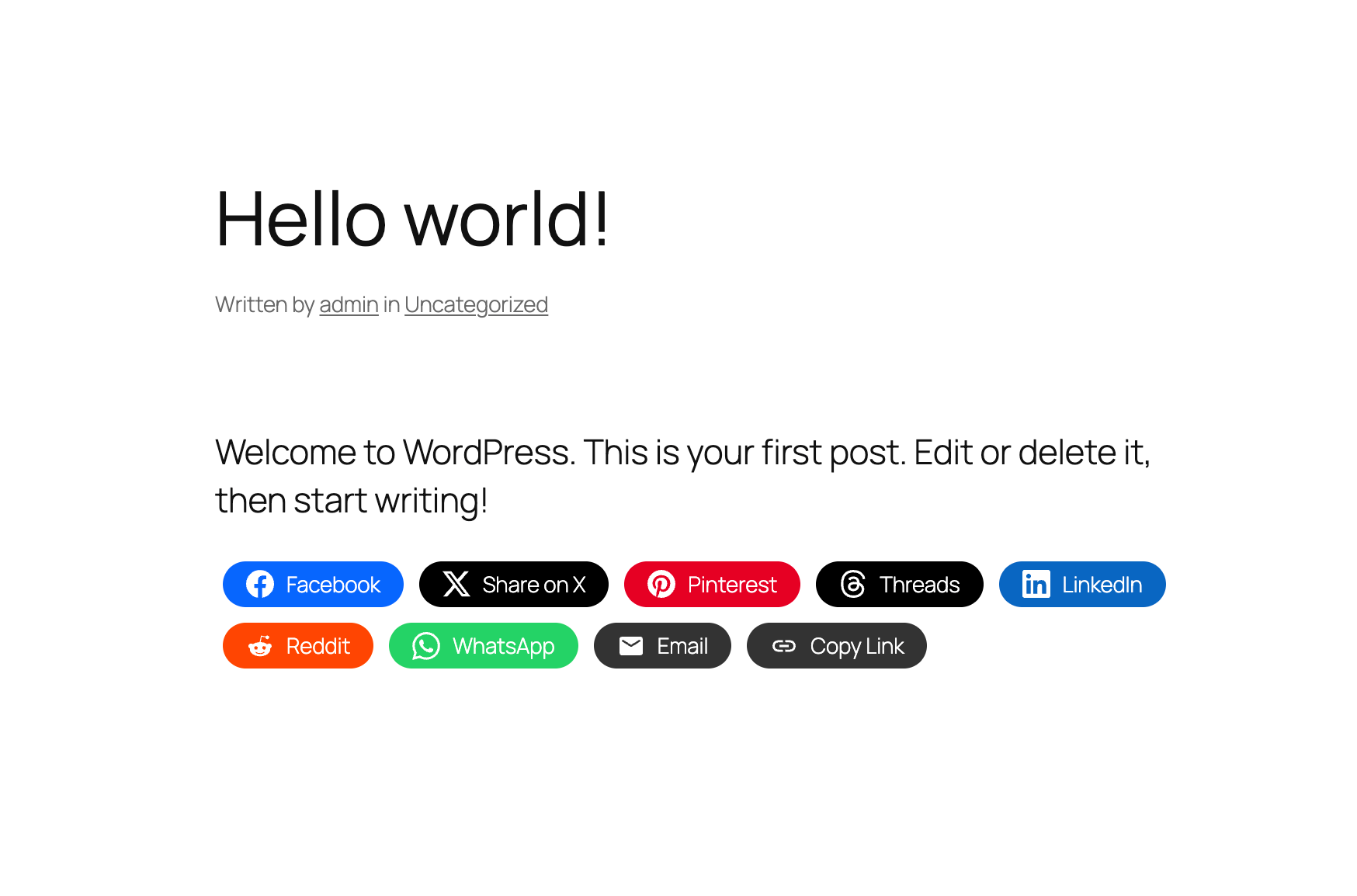
Sharing Buttons in Posts & Pages
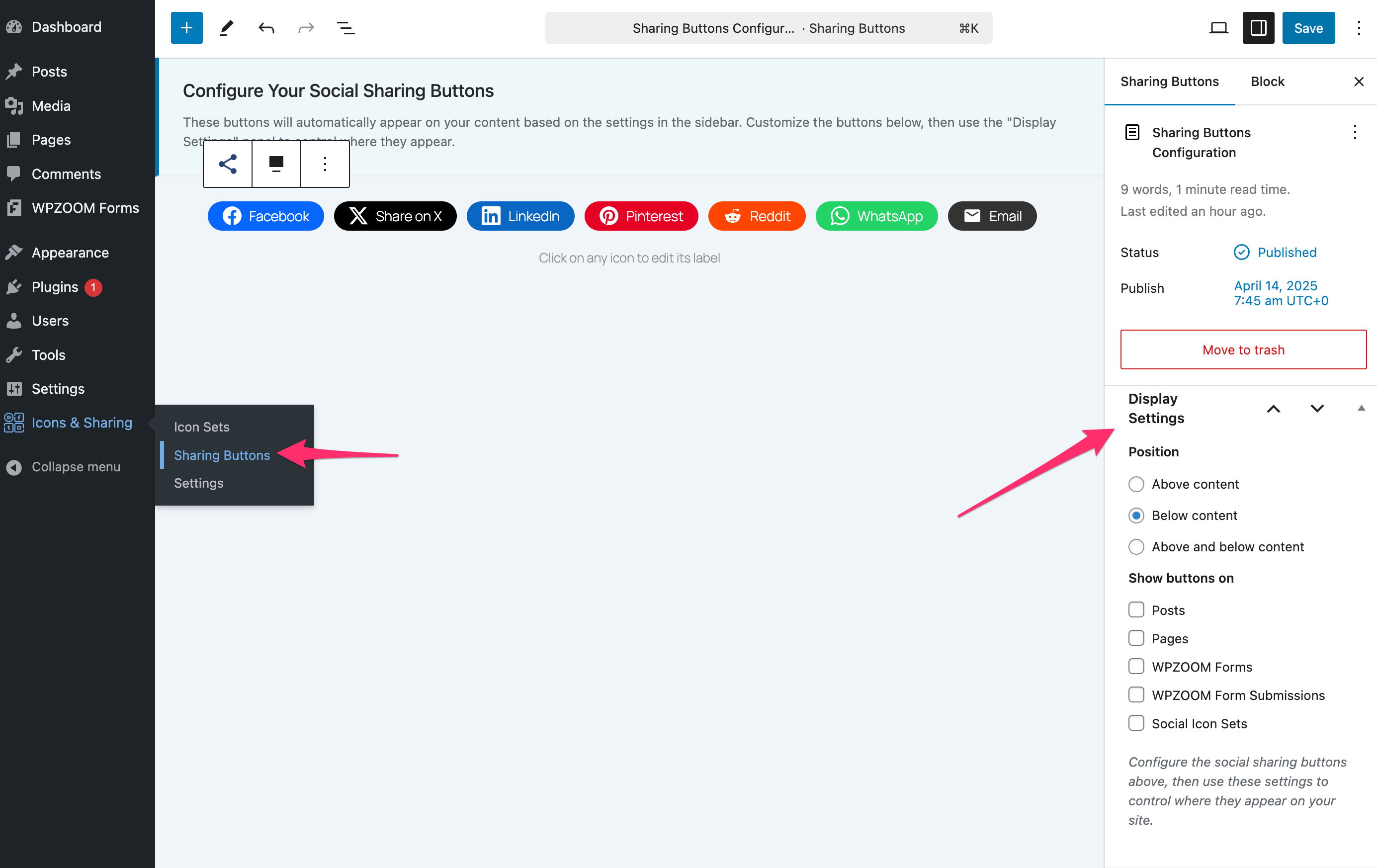
Customizing Sharing Buttons
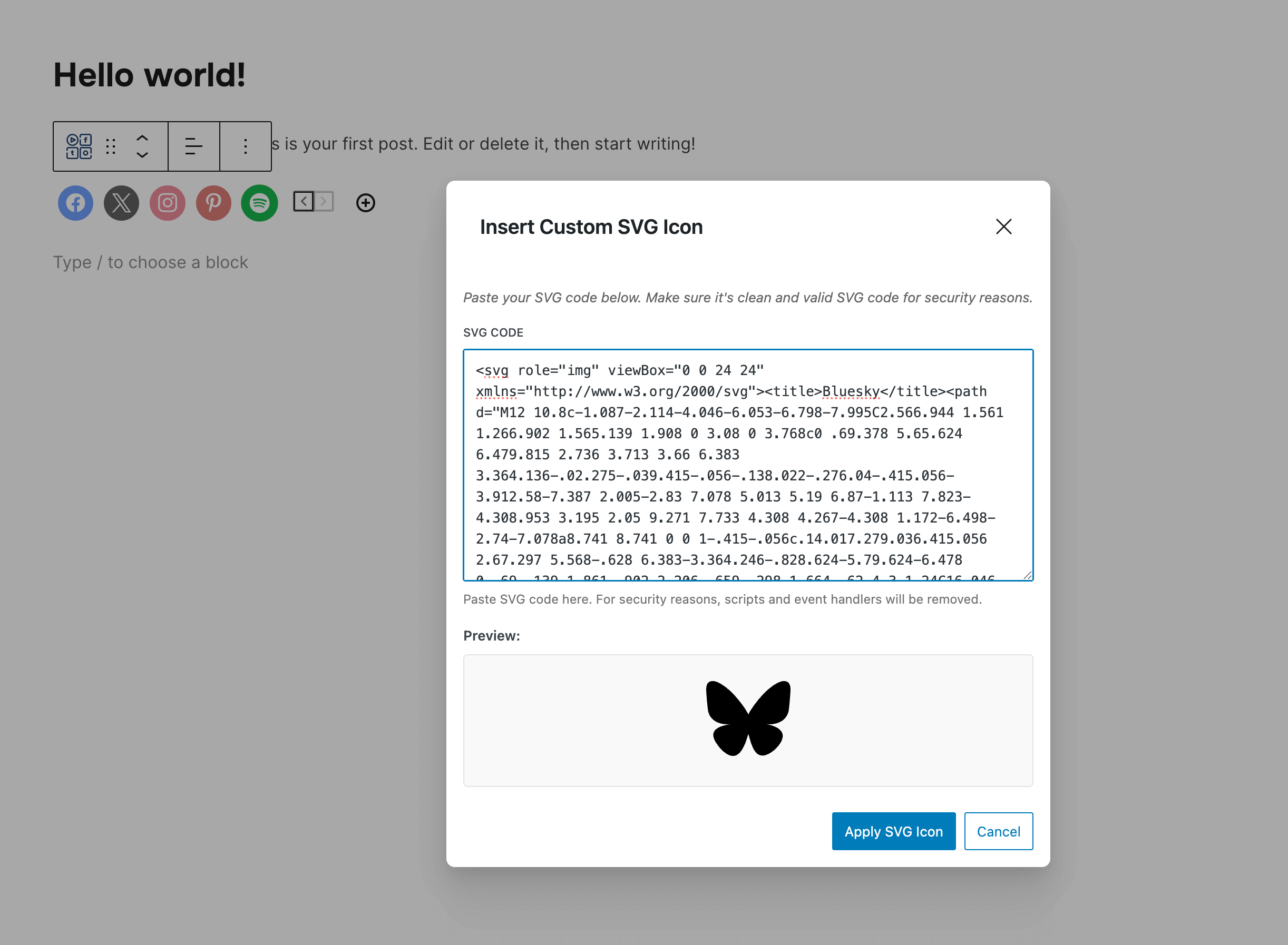
Custom SVG Icons
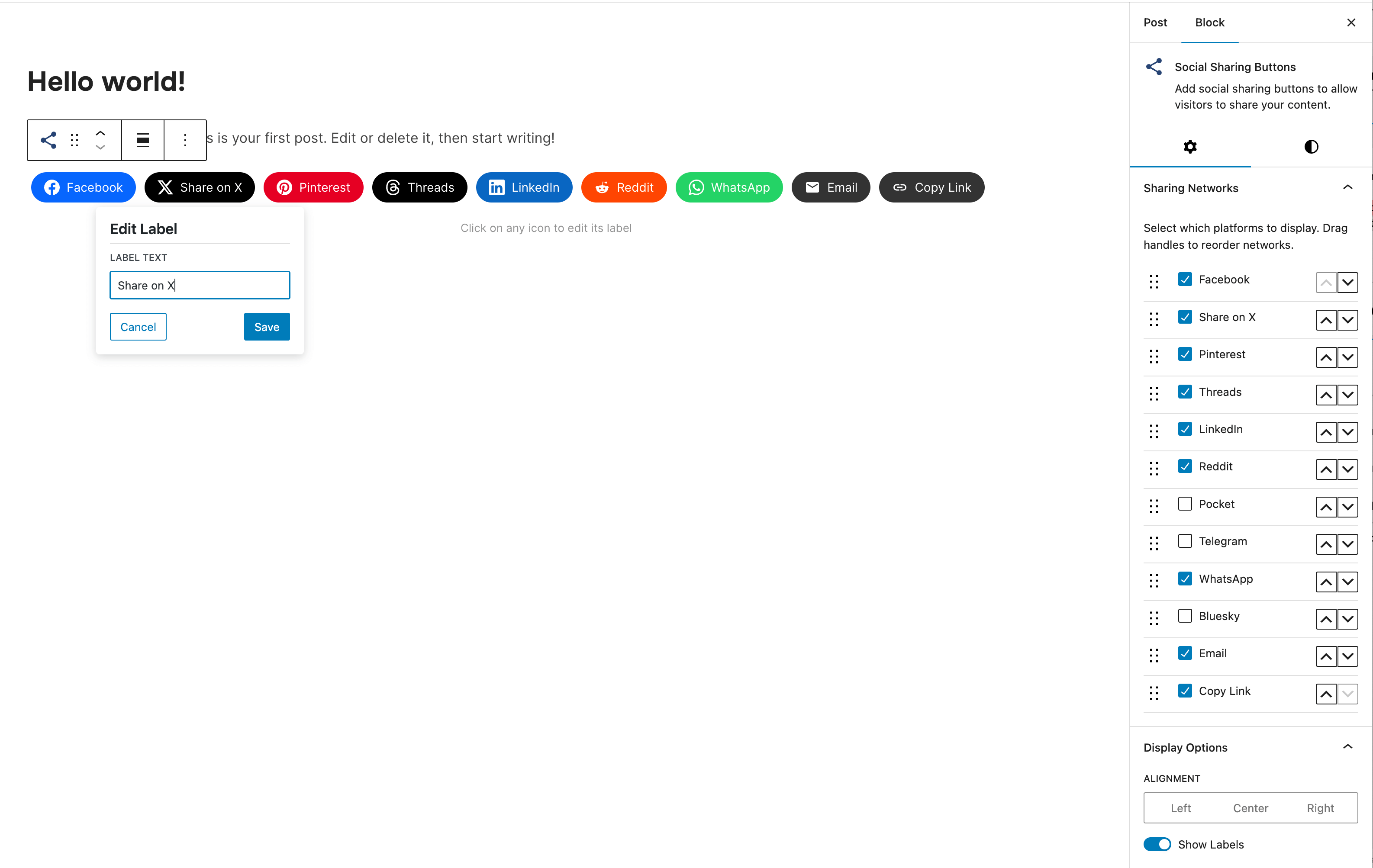
Social Sharing Block
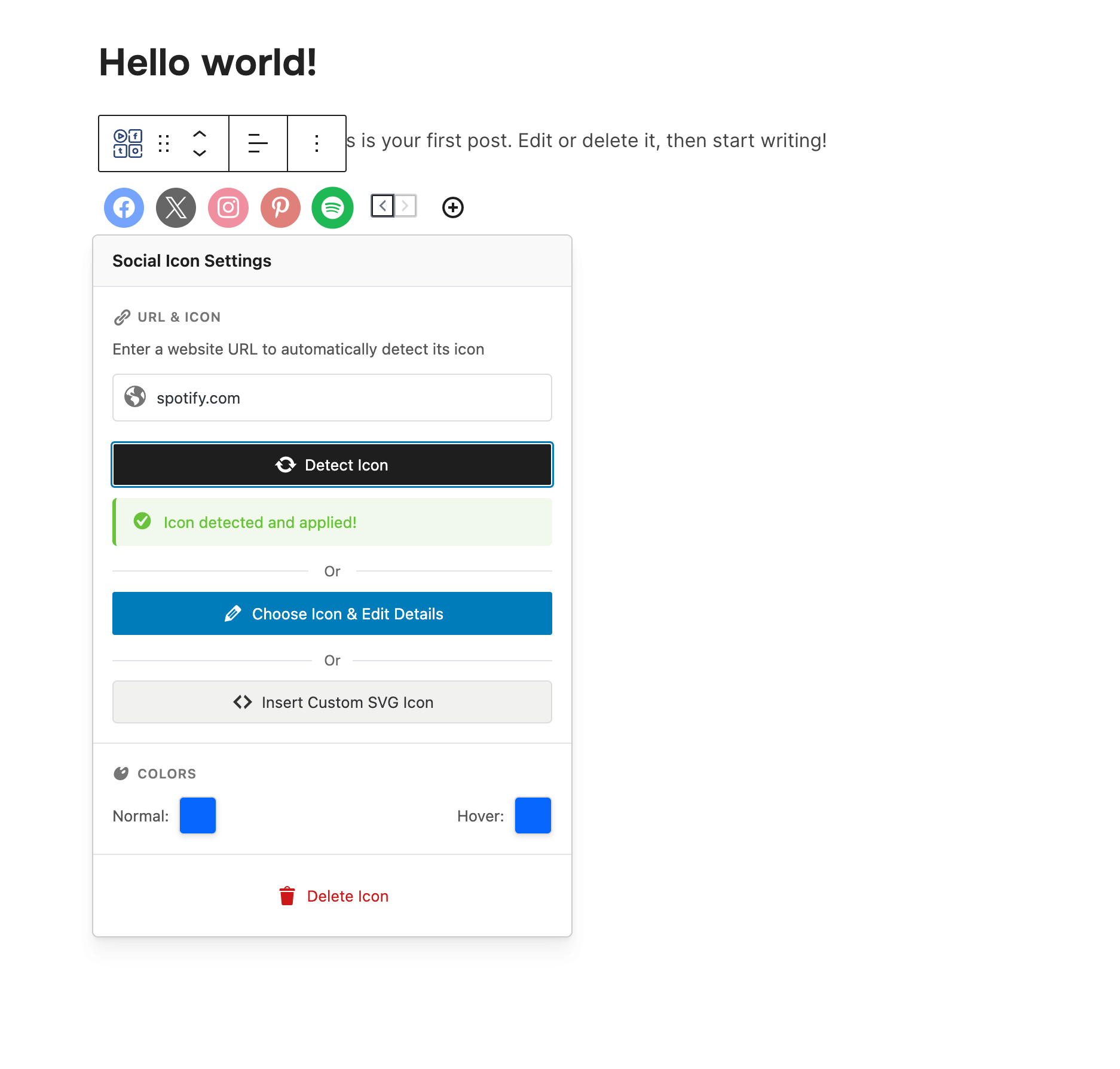
Social Icons Block
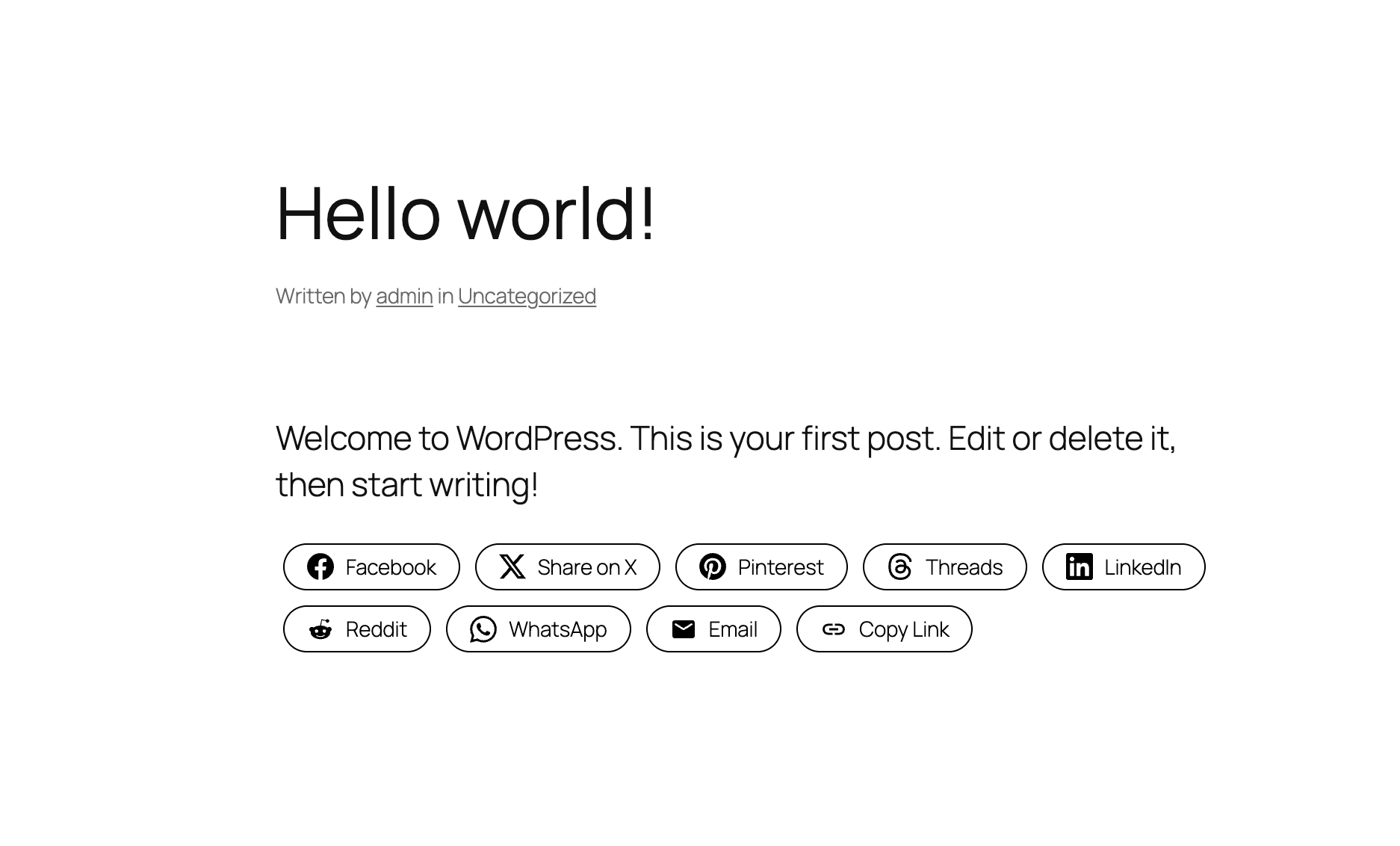
Social Sharing Buttons - Outline Style
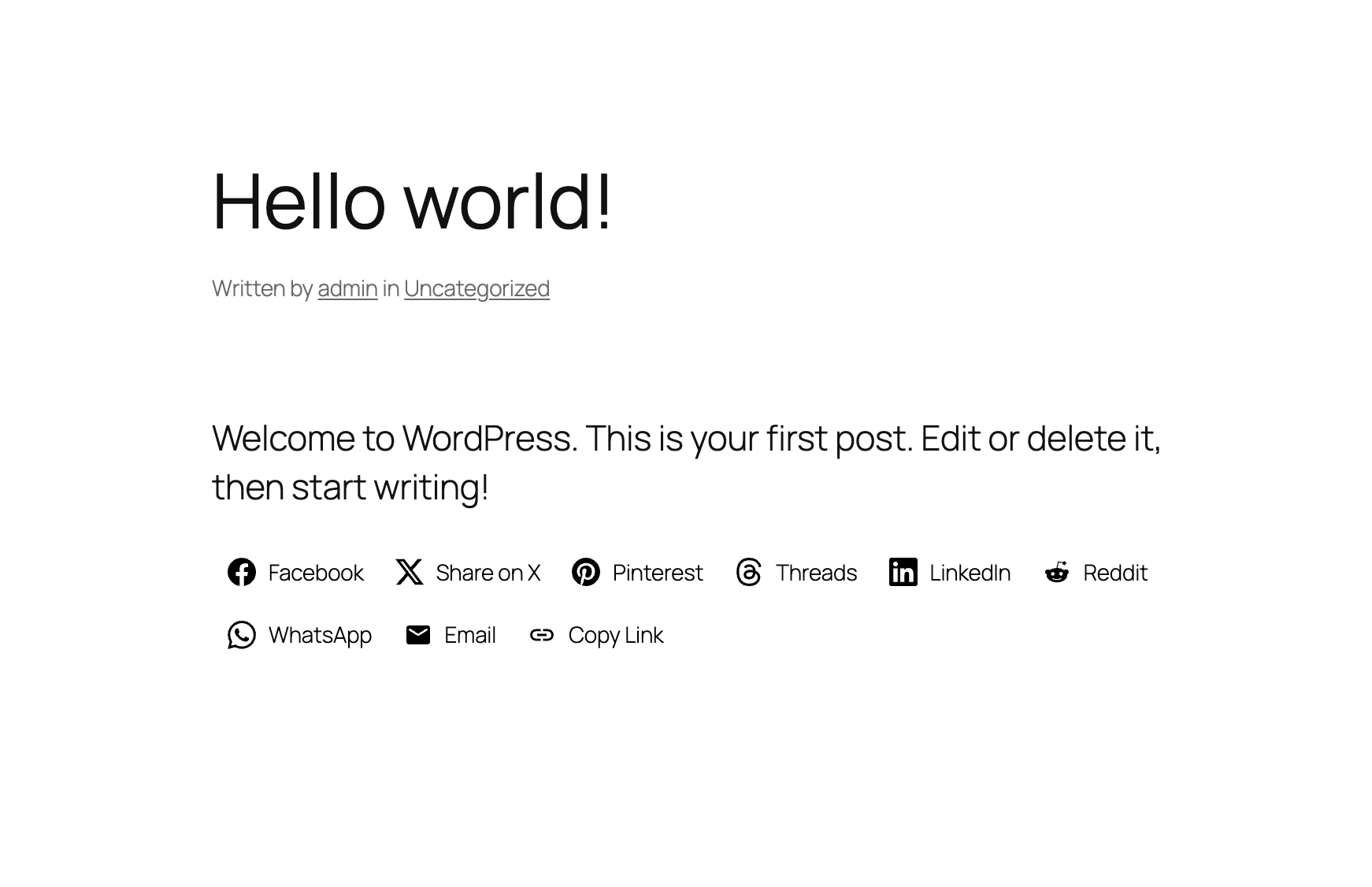
Social Sharing Buttons - Minimal Style
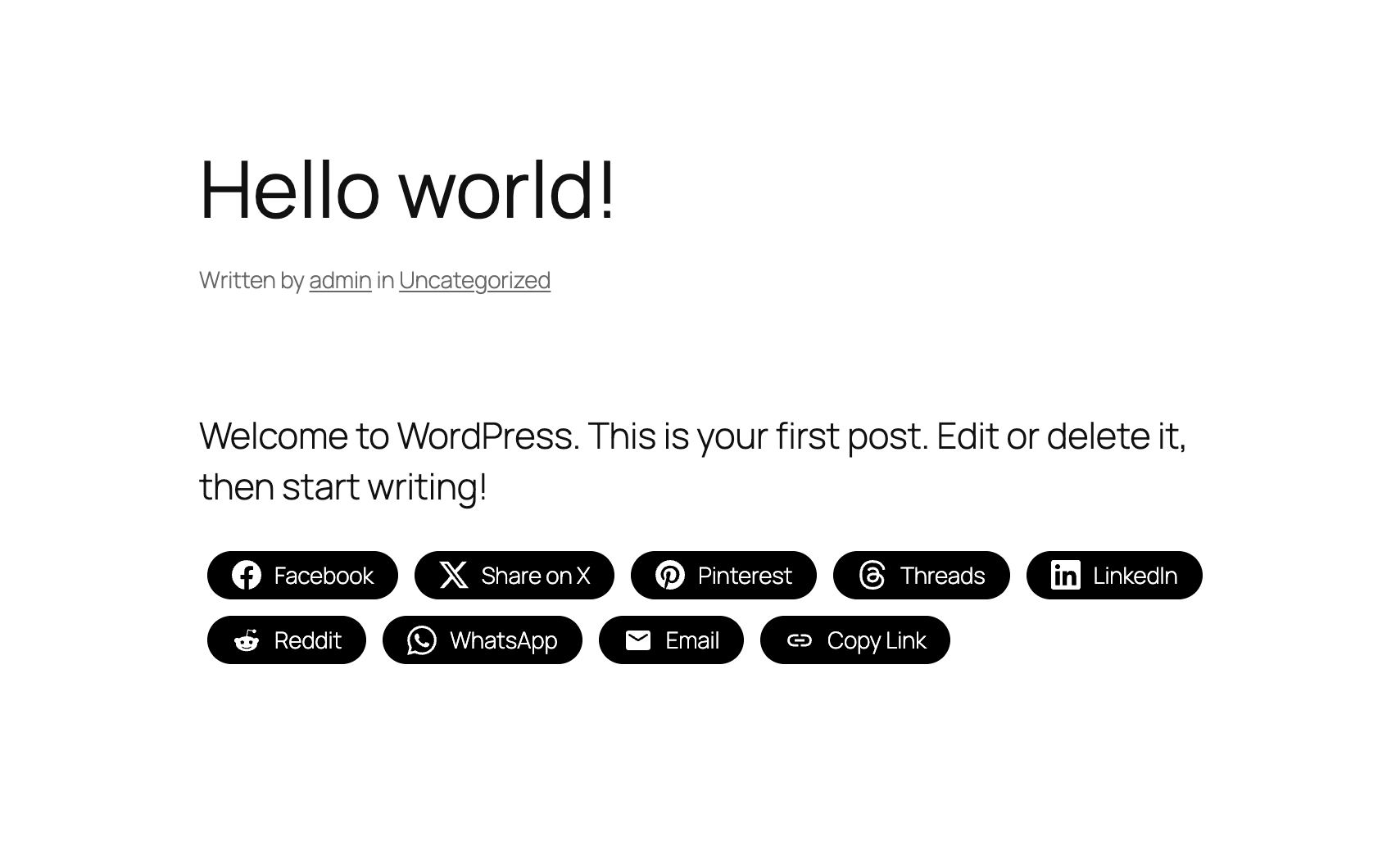
Social Sharing Buttons - One-tone Style
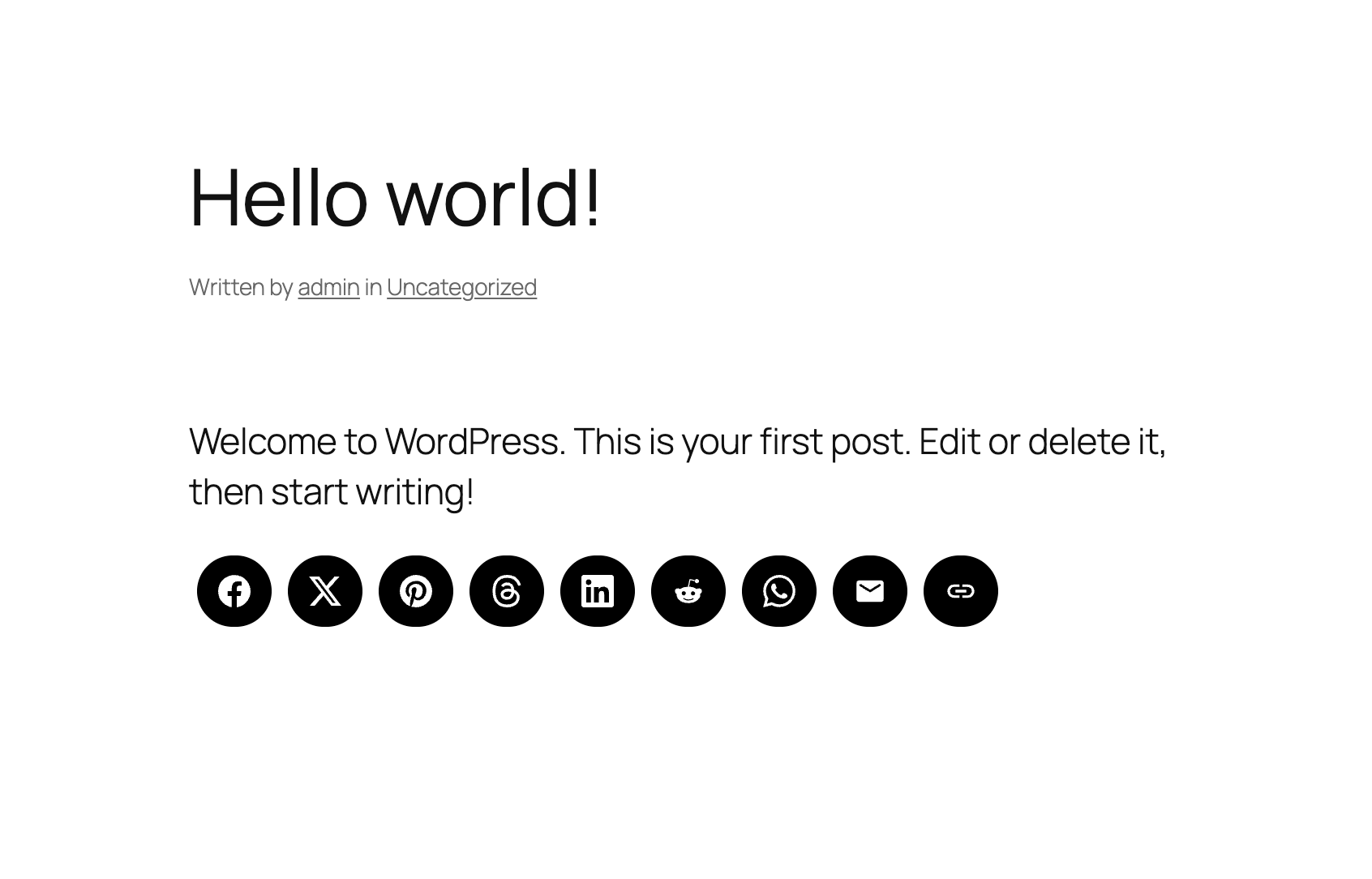
Social Sharing Buttons - No Label Style
Changelog
4.5.3
- Minor bug fix
4.5.2
- Adding a new Print button in the Social Sharing Buttons block
4.5.1
- Added new field to add your X/Twitter username in the Sharing Buttons block
4.5.0
- NEW: Social Sharing Buttons Block
- NEW: Add Social Sharing Buttons in posts and pages (Icons & Sharing > Sharing Buttons)
4.4.0
- Added SVG Icons support in the Social Icons Block
- UI Improvements to the Block
4.3.4
- Minor bug fixes
4.3.3
- New: Bluesky icon
4.3.2
- Minor bug fix
4.3.1
- Added a new Elementor widget to display icon sets created using this plugin
4.3.0
- Create Icon Sets and embed them anywhere with Shortcodes
- Minor bug fixes
4.2.18
- Fixed an issue with arial label escaping
4.2.17
- Fixed an issue with the values of some fields not being escaped
4.2.16
- Removed the pointer from the Widgets page
4.2.15
- Updates to the Twitter icon
4.2.14
- New icons: X (use x.com/username for the new Twitter icon), Matrix, Element
4.2.13
- New icons: Threads, Venmo, Wise, Revolut, Gutenberg, Gravatar, OpenAI, Midjourney, WeChat, Roblox, OnlyFans, Figma, Elementor, Shopify, Woo, Gumroad, Artgram, Cubebrush, Aristree, OpenSea