

Social Images Widget
Social Images Widget is a no fuss, simple to use WordPress widget to display your latest Instagram photos.
Plugin info
Maintenance & Compatibility
Maintenance score
Possibly abandoned • Last updated 2079 days ago • 1 reviews
Is Social Images Widget abandoned?
Possibly abandoned (last update 2079 days ago).
Compatibility
Similar & Alternatives
Explore plugins with similar tags, and compare key metrics like downloads, ratings, updates, support, and WP/PHP compatibility.
Description
Social Images Widget is a no fuss, simple to use WordPress widget to display your latest Instagram photos.
Due to the changes in the way the Instagram API can be utilized, this widget can only be used to display your own own profile info and media. Inspired by the simplicity of the WP Instagram Widget (which is no longer maintained), this plugin uses sensible and simple markup, and provides no styles/css – it is up to you to style the widget to your theme and taste.
Setup / Instagram Authentication
This plugin requires that you authenticate your Instagram account. In order to do so:
- We will redirect your request to the Instagram authorization URL.
- If the you are not logged in to Instagram, you will be asked to log in.
- You will then be asked if you would like to grant our Instagram application “LyraThemes Social Images Widget” access to your Instagram data.
- Our application simply facilitates your access to the Instagram API, so you can use our plugin to access your Instagram feed. Please note, while your access data gets routed through our website at https://www.lyrathemes.com, it does not get stored at all in any form and is a simply a means to move the authentication data back to your own website.
Instagram Basic Display API
Instagram Platform Policy / Terms of Use
Installation
- Upload the plugin files to the
/wp-content/plugins/plugin-namedirectory, or install the plugin through the WordPress plugins screen directly. - Activate the plugin through the ‘Plugins’ screen in WordPress
- Use the Settings > Instagram Widget screen to configure the plugin
Frequently Asked Questions
I am getting an error “Instagram not authorized.”
This happens when your Instagram authentication is not set up properly. Either you have not yet logged into Instagram via your website/plugin or the access has expired. Please go to Settings > Instagram Widget to connect / reconnect your Instagram account.
I am getting an error “Instagram did not return a 200.” or “Instagram has returned invalid data.”
This could be because Instagram did not return data in a format that we were expecting. Please connect with our support team and we’d be happy to look into this for you.
When I go to the Instagram widget under Appearance > Widgets, it shows an “Authorize Instagram” button.
This happens when we do not have an authorized user connected to your website. Please connect your Instagram account by either clicking on the “Authorize Instagram” button or going to Settings > Instagram Widget.
I want to use a different Instagram user, not the one currently connected to my website.
In order to disconnect the currently authorized Instagram user, simply go to Settings > Instagram Widget and click “Remove Instagram User”. You can now connect a new user to the website.
My Instagram feed is not styled, it appears as a list?
This plugin uses a simple markup, and provides no styles/CSS – it is up to you to style the widget to your theme and taste.
Review feed
Screenshots
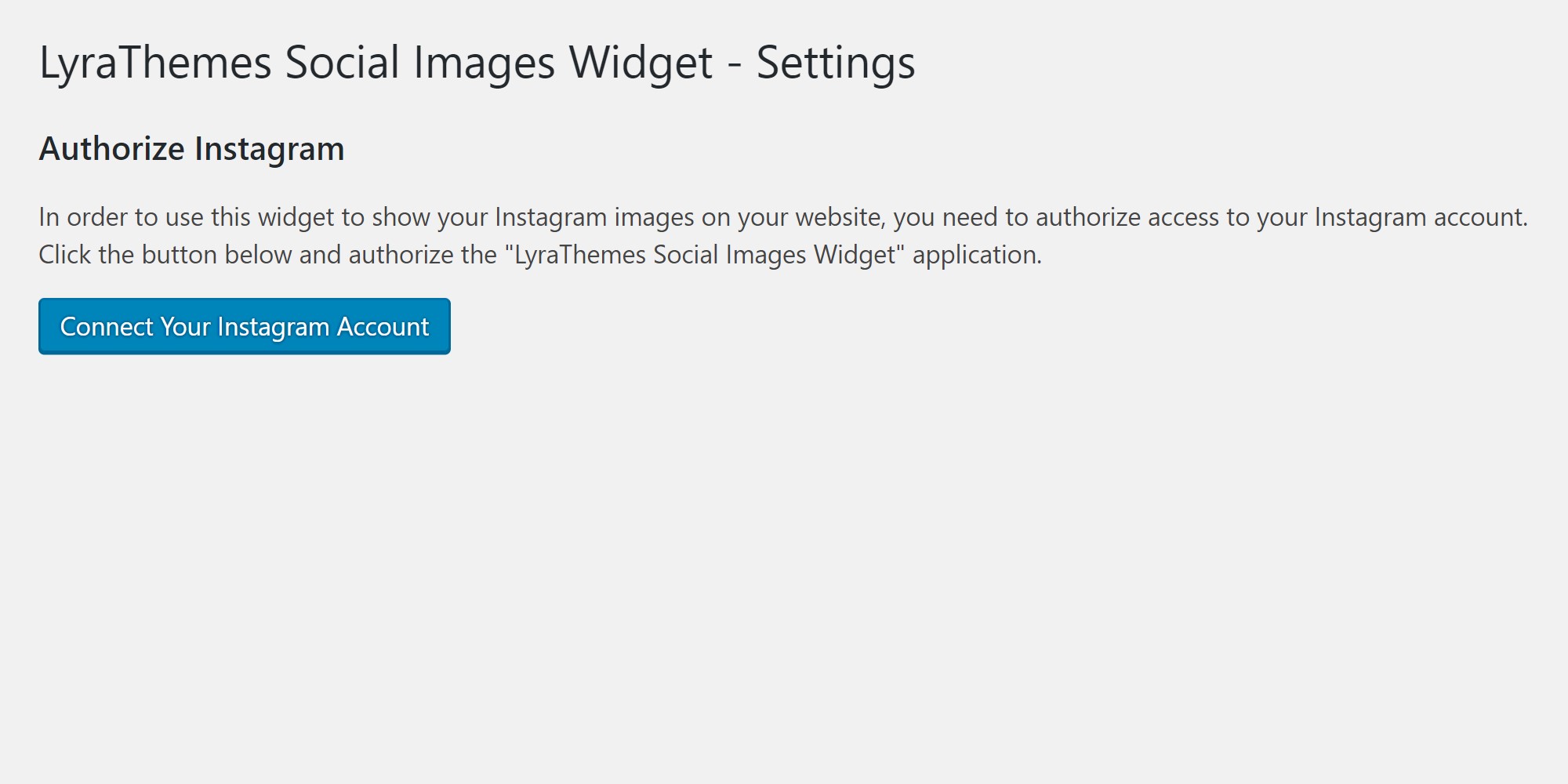
Authorize screen, Settings > Instagram Widget

Instagram application authorization

Saving your Instagram account is important, this is the last step to finalize the connection

Instagram account is connected, you can now go to the Widgets screen to add your widget

Add "Instagram" to the desired widget location

The settings screen after the connection is finalized; you can optionally remove the authenticated user

A sample front end display with widget options set to display small images, 3 in a row
Changelog
= 2.1
* Long-lived token now being refreshed every day
* Uninstall logic
* Grid display added
* Screenshots updated
= 2.0
* Updated to use the Instagram Basic Display API
* Added front end stylesheet
* Styling added for image sizes (only one image size being returned by the new Instagram Basic Display API)
* Default target is now “_blank”
1.1
- Updated readme.txt
- Updated widget heading/title
- Added screenshots
1.0
- Initial release