

SpamScrubber
A simple and robust anti-spam plugin that adds a submission delay, JavaScript token, and a honeypot field to your site's forms.
Plugin info
Maintenance & Compatibility
Maintenance score
Stale • Last updated 221 days ago
Is SpamScrubber abandoned?
Likely maintained (last update 221 days ago).
Compatibility
Similar & Alternatives
Explore plugins with similar tags, and compare key metrics like downloads, ratings, updates, support, and WP/PHP compatibility.
Description
SpamScrubber helps block bots and spam submissions by:
– Adding a customizable delay to all form submit buttons.
– Obfuscating form actions for non-JavaScript users.
– Adding a honeypot field (with customizable label) to trap bots.
– Blocking direct POSTs by requiring a JavaScript token.
– Providing admin stats for various spam attempt types.
License
This plugin is free software released under the GPLv2 or later.
Installation
- Upload the
spamscrubberfolder to the/wp-content/plugins/directory. - Activate the plugin through the ‘Plugins’ menu in WordPress.
- Configure the plugin in Settings > SpamScrubber.
Frequently Asked Questions
Yes, all forms output on the front-end will have protection by default. You can exclude specific pages/posts.
No, it only targets public forms output in your theme.
Yes, it works alongside most popular form plugins.
Review feed
Screenshots
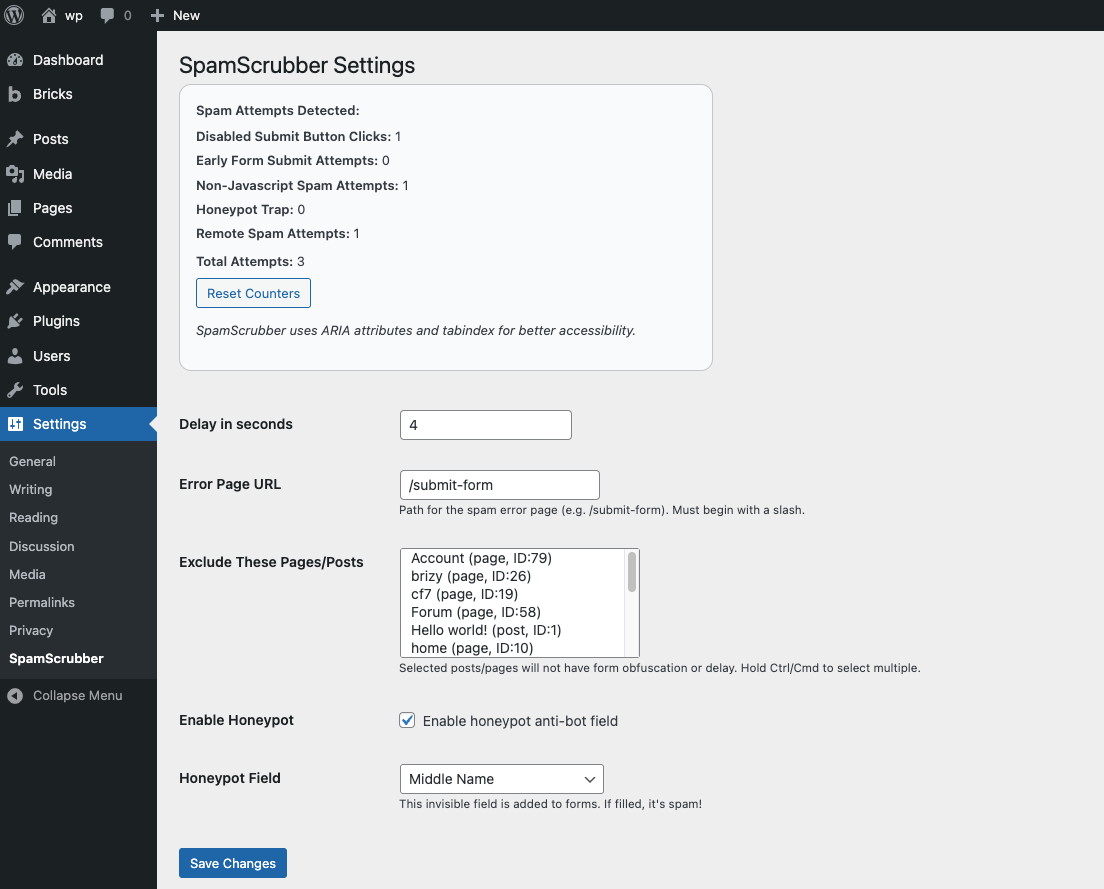
Settings page with counters.
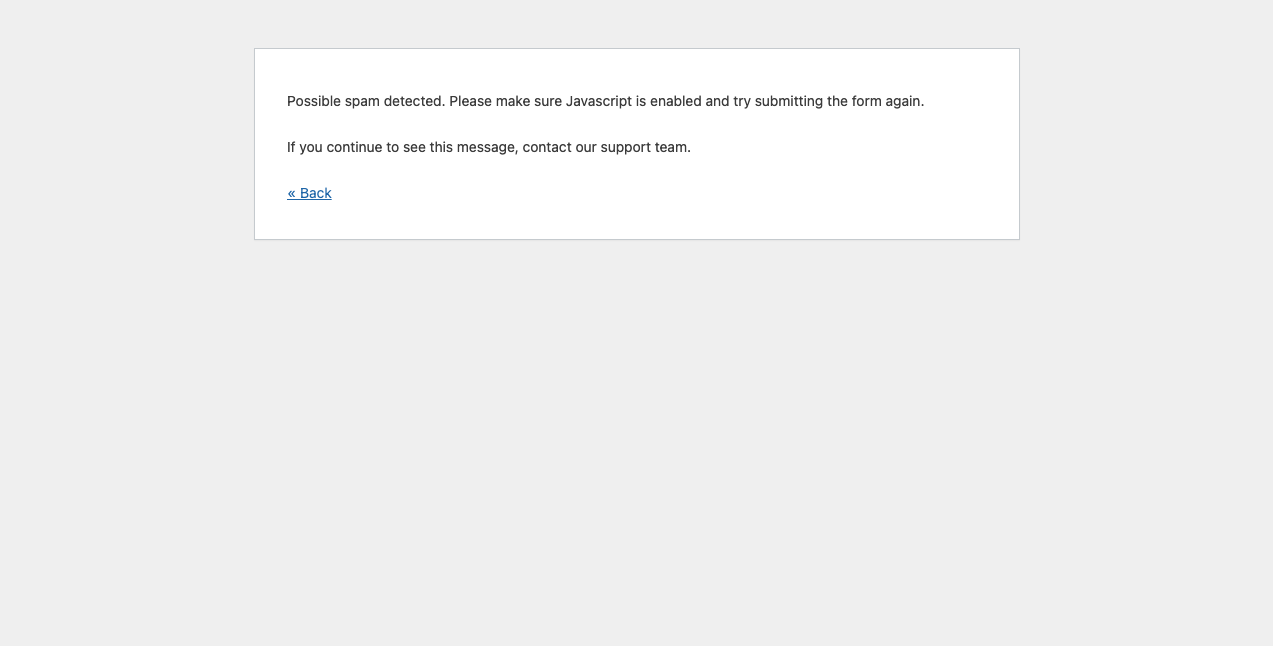
Submission Blocked error page.
Changelog
1.0.0
- Initial release.