

TranslateX for TranslatePress
Integrate the TranslateX automatic translator API with the TranslatePress plugin for seamless, neural machine translations.
Plugin info
Maintenance & Compatibility
Maintenance score
Stale • Last updated 287 days ago • 1 reviews
Is TranslateX for TranslatePress abandoned?
Likely maintained (last update 287 days ago).
Compatibility
Similar & Alternatives
Explore plugins with similar tags, and compare key metrics like downloads, ratings, updates, support, and WP/PHP compatibility.
Description
This plugin connects the TranslateX automatic translator API, a powerful neural machine translation engine, directly into TranslatePress, allowing you to effortlessly translate your content with advanced automation.
External services
This plugin connects to TranslateX API to obtain translations.
It sends the original text strings you choose to translate every time there is a translation request from TranslatePress (e.g., every time TranslatePress discovers new content).
The data is transmitted over a secure HTTPS connection to api.translatex.com and processed on TranslateX servers located in the United States and the European Union.
This service is provided by “GTranslate, Inc.”: Terms of Service, Privacy Policy
Installation
- Upload the plugin files to the
/wp-content/plugins/translatex-for-translatepressdirectory, or install the plugin through the WordPress plugins screen directly. - Activate the plugin through the ‘Plugins’ screen in WordPress
- Navigate to Settings → TranslatePress → Automatic Translation, select the TranslateX engine, and enter your TranslateX API key
- (Optional) To prevent TranslatePress’s default daily limits, either disable the “Limit machine translation / characters per day” option or increase the limit significantly (e.g., 100x)
Frequently Asked Questions
Yes, registration is required. You can sign up on our website: translatex.com
Yes, we have a Free plan for personal or non-commercial sites. For commercial projects or bigger needs, upgrade to a premium plan.
We have tested TranslateX starting from TranslatePress version 2.9.16. The plugin works with both the free and paid versions of TranslatePress.
Please check Translatex for TranslatePress Forum and feel free to create a new topic if you cannot find answers.
We support the following languages: English, Arabic, Bulgarian, Bengali, Czech, Danish, German, Greek, Spanish, Finnish, French, Hindi, Croatian, Hungarian, Indonesian, Italian, Hebrew, Japanese, Korean, Lithuanian, Dutch, Norwegian, Polish, Portuguese, Romanian, Russian, Slovak, Slovenian, Swedish, Thai, Turkish, Ukrainian, Vietnamese, Chinese (Simplified), Chinese (Traditional)
Review feed
Screenshots
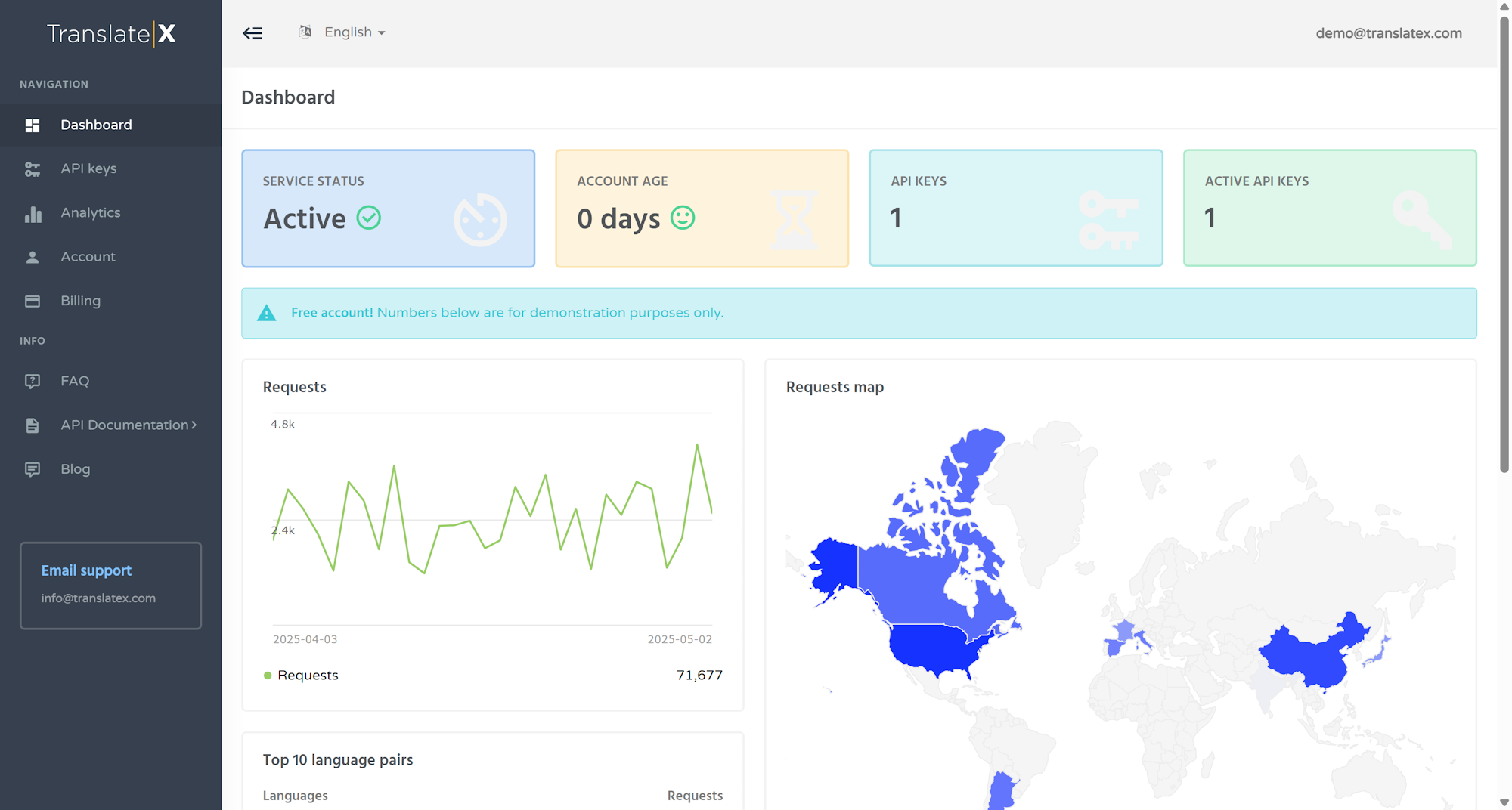
TranslateX dashboard

TranslatePress Automatic Translation settings page

Increase the default translation limits
Changelog
1.0.0
- Initial release