

Ultimate Member – User Profile, Registration, Login, Member Directory, Content Restriction & Membership Plugin
Membership & community plugin with user profiles, registration & login, member directories, content restriction, user roles and much more.
Plugin info
Maintenance & Compatibility
Maintenance score
Maintained • Last updated 120 days ago • Support resolved 72% • 1,444 reviews
Is Ultimate Member – User Profile, Registration, Login, Member Directory, Content Restriction & Membership Plugin abandoned?
Likely maintained (last update 120 days ago).
Compatibility
Languages
Similar & Alternatives
Explore plugins with similar tags, and compare key metrics like downloads, ratings, updates, support, and WP/PHP compatibility.
Description
User Profile & Membership Plugin for WordPress
The ultimate user profile & membership plugin for WordPress. The plugin makes it a breeze for users to sign-up and become members of your website. The plugin allows you to add beautiful user profiles to your site and is designed for creating advanced online communities and membership sites. Lightweight and highly extendible, Ultimate Member will enable you to create almost any type of site where users can join and become members with absolute ease.
Features of the plugin include:
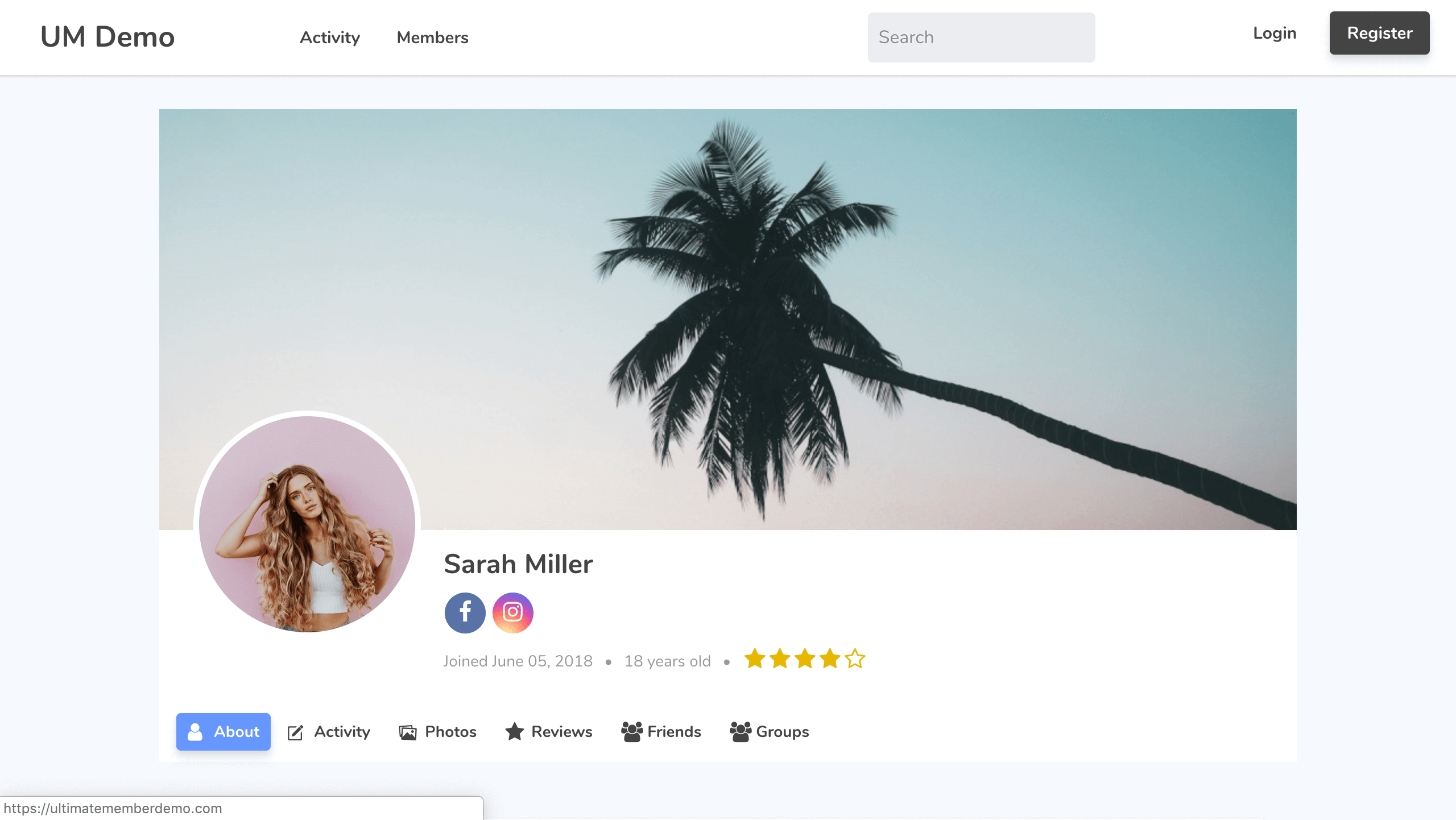
- Front-end user profiles
- Front-end user registration
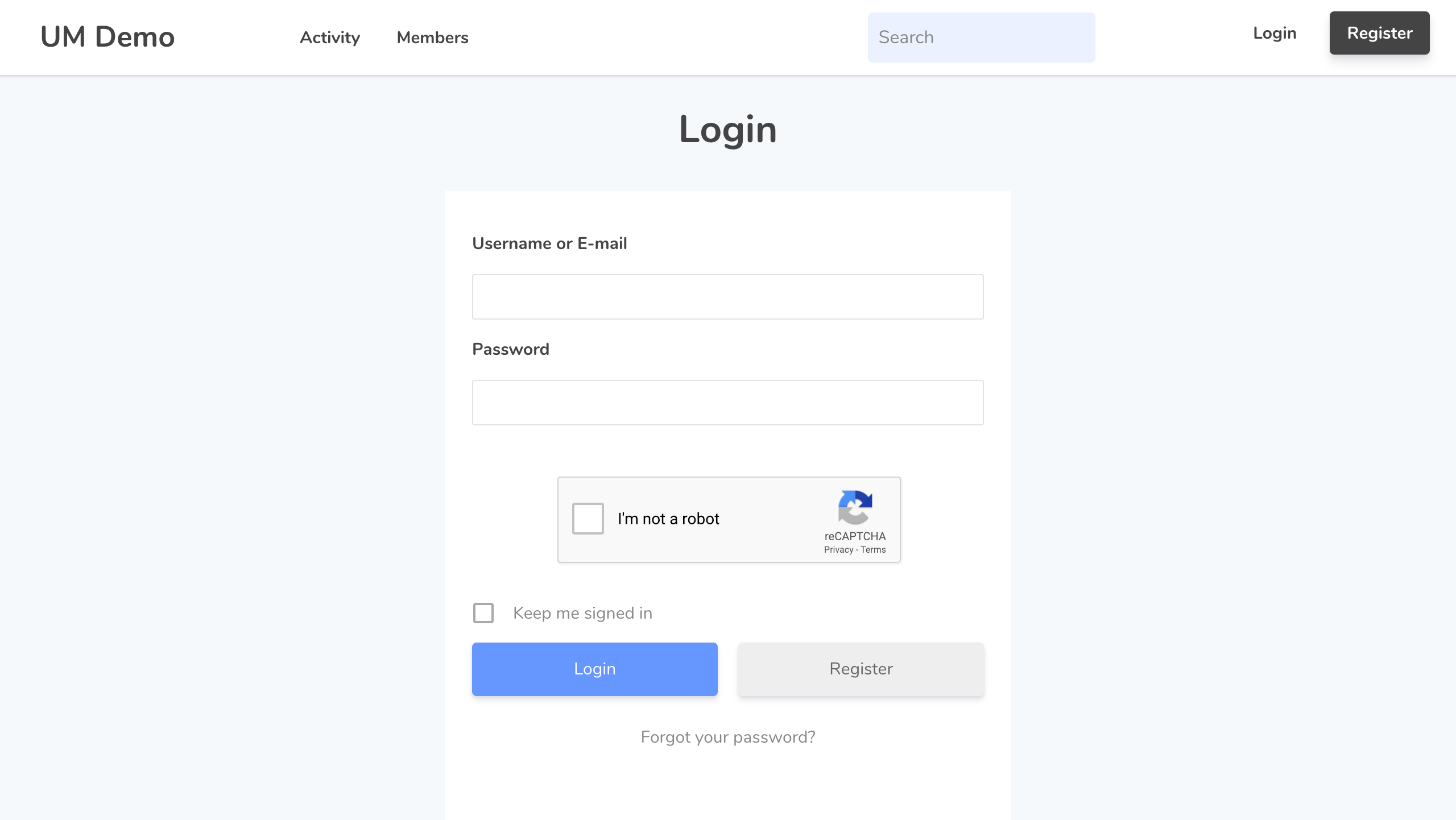
- Front-end user login
- Custom form fields
- Conditional logic for form fields
- Drag and drop form builder
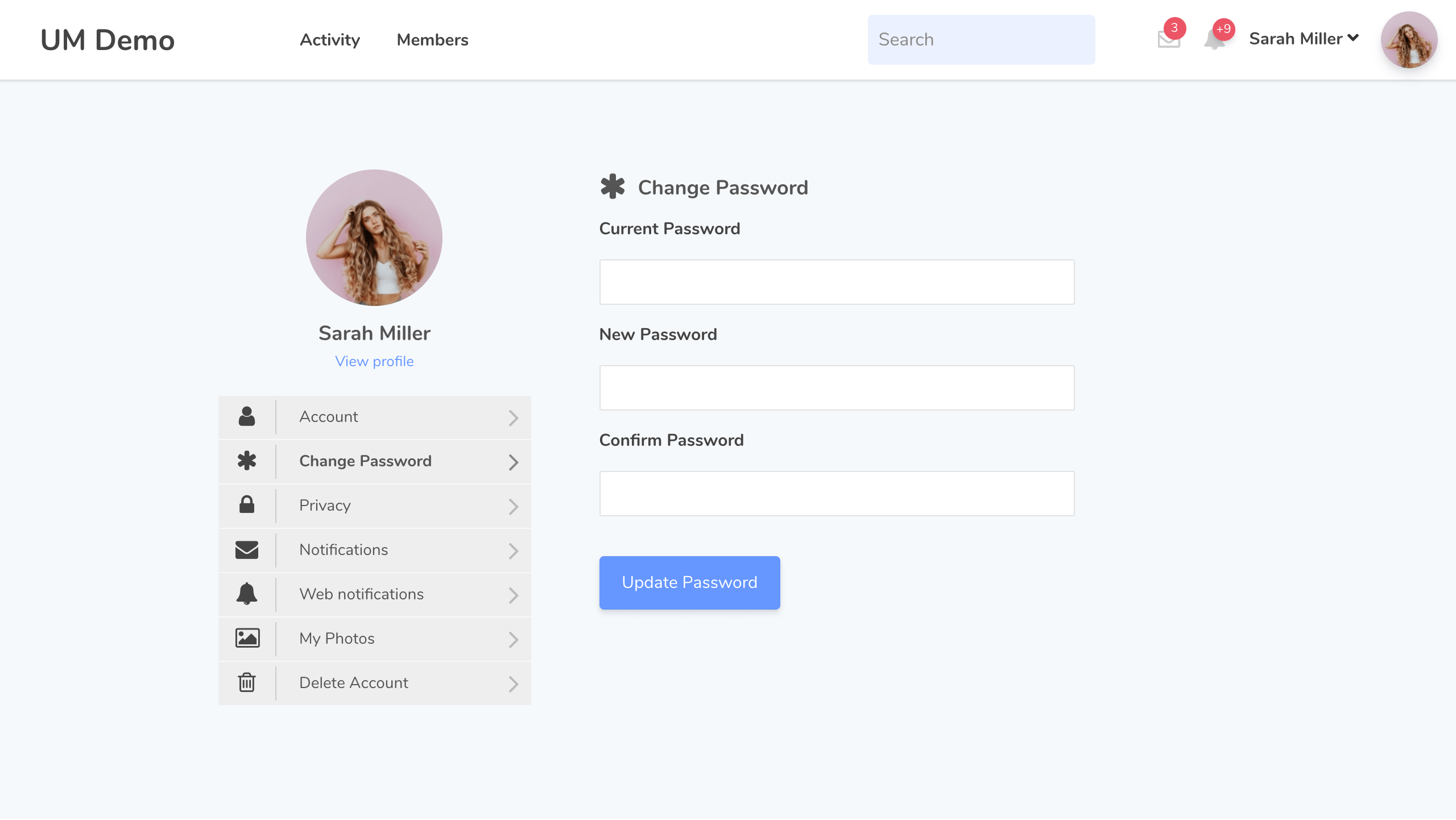
- User account page
- Custom user roles
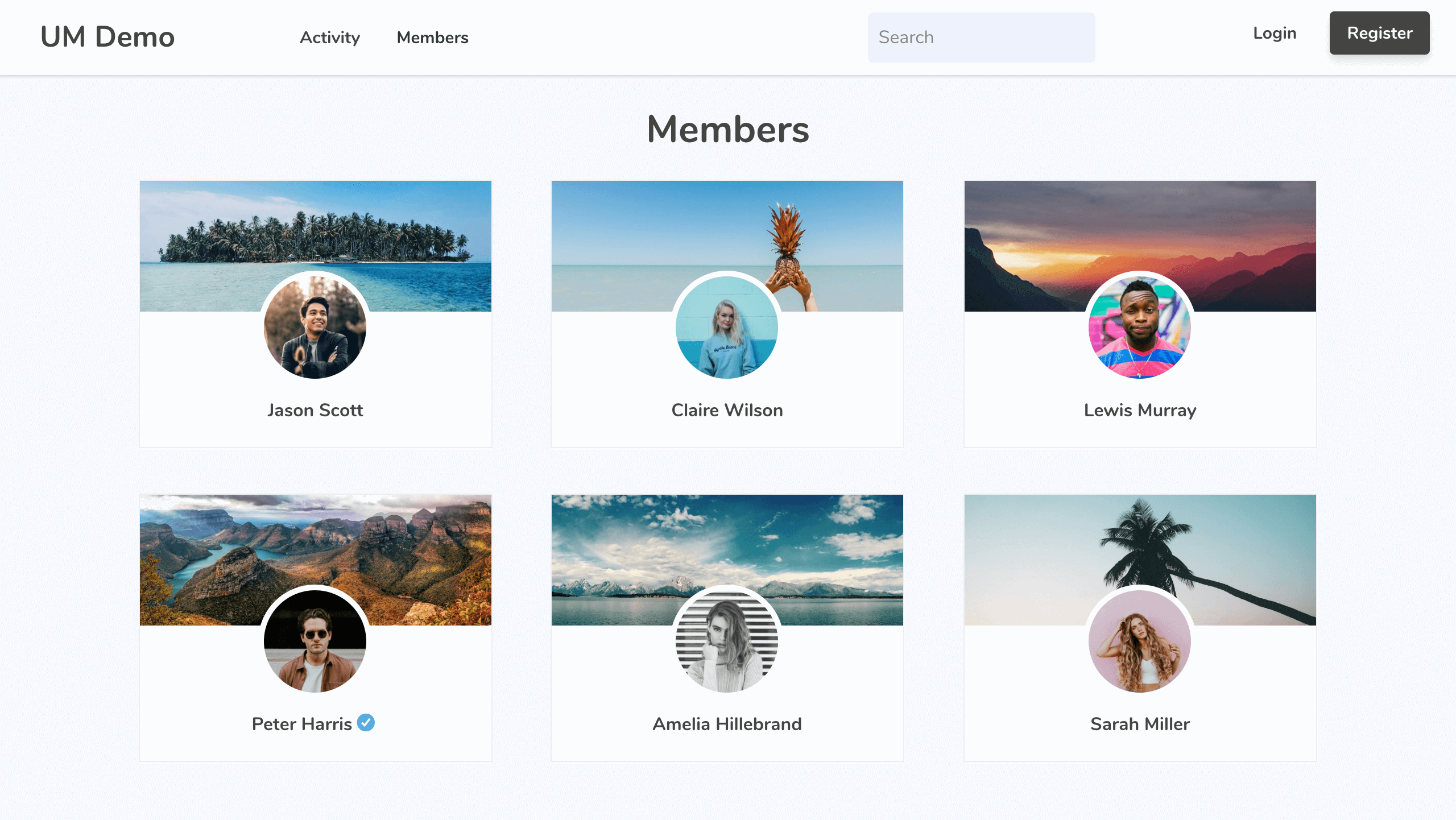
- Member directories
- User emails
- Content restriction
- Conditional nav menus
- Show author posts & comments on user profiles
- Developer friendly with dozens of actions and filters
Read about all of the plugin’s features at Ultimate Member
Paid Extensions
Ultimate Member has a range of extensions that allow you to extend the power of the plugin. You can purchase all of these extensions at a significant discount with one of our paid plans or you can purchase extensions individually.
- Zapier – Allow to integrate the Zapier popular apps with Ultimate Member
- Stripe – Sell paid memberships to access your website via Stripe subscriptions
- User Notes – Allow users to create public and private notes from their profile
- Profile Tabs – Allow to add the custom tabs to profiles
- User Locations – Allow to display users on a map on the member directory page and allow users to add their location via their profile
- Unsplash – Allow users to select a profile cover photo from Unsplash from their profile
- User Bookmarks – Allow users to bookmark content from your website
- User Photos – Allow users to upload photos to their profile
- Groups – Allow users to create and join groups around shared topics, interests etc.
- Private Content – Display private content to logged in users that only they can access
- User Tags – Lets you add a user tag system to your website
- Social Activity – Let users create public wall posts & see the activity of other users
- WooCommerce – Allow you to integrate WooCommerce with Ultimate Member
- Private Messages – Add a private messaging system to your site & allow users to message each other
- Followers – Allow users to follow each other on your site and protect their profile information
- Real-time Notifications – Add a notifications system to your site so users can receive real-time notifications
- Social Login – Let users register & login to your site via Facebook, Twitter, G+, LinkedIn, Instagram and Vkontakte (VK.com)
- bbPress – With the bbPress extension you can beautifully integrate Ultimate Member with bbPress
- MailChimp – Allow users to subscribe to your MailChimp lists when they signup on your site and sync user meta to MailChimp
- User Reviews – Allow users to rate & review each other using a 5 star rate/review system
- Verified Users – Add a user verification system to your site so user accounts can be verified
- myCRED – With the myCRED extension you can integrate Ultimate Member with the popular myCRED points management plugin
- Notices – Alert users to important information using conditional notices
- Profile Completeness – Encourage or force users to complete their profiles with the profile completeness extension
- Friends – Allows users to become friends by sending & accepting/rejecting friend requests
Free Extensions
- JobsBoardWP – This free extension integrates Ultimate Member with the job board plugin JobBoardWP.
- ForumWP – This free extension integrates Ultimate Member with the forum plugin ForumWP.
- Terms & Conditions – Add a terms and condition checkbox to your registration forms & require users to agree to your T&Cs before registering on your site.
- Google reCAPTCHA – Stop bots on your registration & login forms with Google reCAPTCHA
- Online Users – Display what users are online with this extension
Theme
Our official theme is purpose built for websites that have logged in and out users. The theme has deep integration with Ultimate Member plugin and the extensions, different header designs for logged-in/out users and works alongside the Beaver Builder and Elementor page builders.
Our other plugins
In addition to Ultimate Member, we also have two other plugins: ForumWP and JobBoardWP.
ForumWP
ForumWP is a forum plugin which adds an online forum to your website, allowing users to create topics and write replies. Forums are a great way to build and grow an online community.
JobBoardWP
JobBoardWP is a job board plugin which adds a modern job board to your website. Display job listings and allow employers to submit and manage jobs all from the front-end.
Development * Translations
If you’re a developer and would like to contribute to the source code of the plugin you can do so via our GitHub Repository.
Want to add a new language to Ultimate Member? Great! You can contribute via translate.wordpress.org.
If you are a developer and you need to know the list of UM Hooks, make this via our Hooks Documentation or Hooks Documentation v2.
If you are a developer and you need to know the structure of our code, make this via our Documentation API.
Documentation & Support
Got a problem or need help with Ultimate Member? Head over to our documentation and perform a search of the knowledge base. If you can’t find a solution to your issue then you can create a topic on the support forum.
Installation
- Activate the plugin
- That’s it. Go to Ultimate Member > Settings to customize plugin options
- For more details, please visit the official Documentation page.
Frequently Asked Questions
No, we have built Ultimate Member to be extremely easy to use and does not require you to manually build shortcodes or have any coding knowledge.
Yes. Ultimate Member is designed to adapt nicely to any screen resolution. It includes specific designs for phones, tablets and desktops.
Yes. Ultimate Member works great on both single site and multi-site WordPress installs.
Yes. Ultimate Member will work with any properly coded theme. However, some themes may cause conflicts with the plugin. If you find a styling issue with your theme please create a post in the community forum.
The plugin works with popular caching plugins by automatically excluding Ultimate Member pages from being cached. This ensures other visitors to a page will not see the private information of another user. However, if you add features of Ultimate Member to other pages you have to exclude those pages from being cached through your cache plugin settings panel.
The plugin does not restrict access to the wp-login.php page when active, so that our plugin does not interfere with the existing functionality of a website or other plugins that may utilise the default login page. If you wish to restrict access to the wp-login.php page you can use a plugin such as WPS Hide Login or another plugin that removes the ability to login via wp-login.php.
No, you do not need to use our plugin’s login or registration pages and can use another plugin or the default WordPress methods for user registration and login.
No specific extensions are needed. But we highly recommended keep active these PHP modules: mbstring, json, dom, exif, gd, fileinfo, curl, iconv. wp-admin > Tools > Site Health page has a summary about your installation and required modules. All major extensions are listed here.
Review feed
Useless plugin can not set profile and member directory
Developer friendly plugin
Screenshots
Screenshot 1
Screenshot 2
Screenshot 3
Screenshot 4
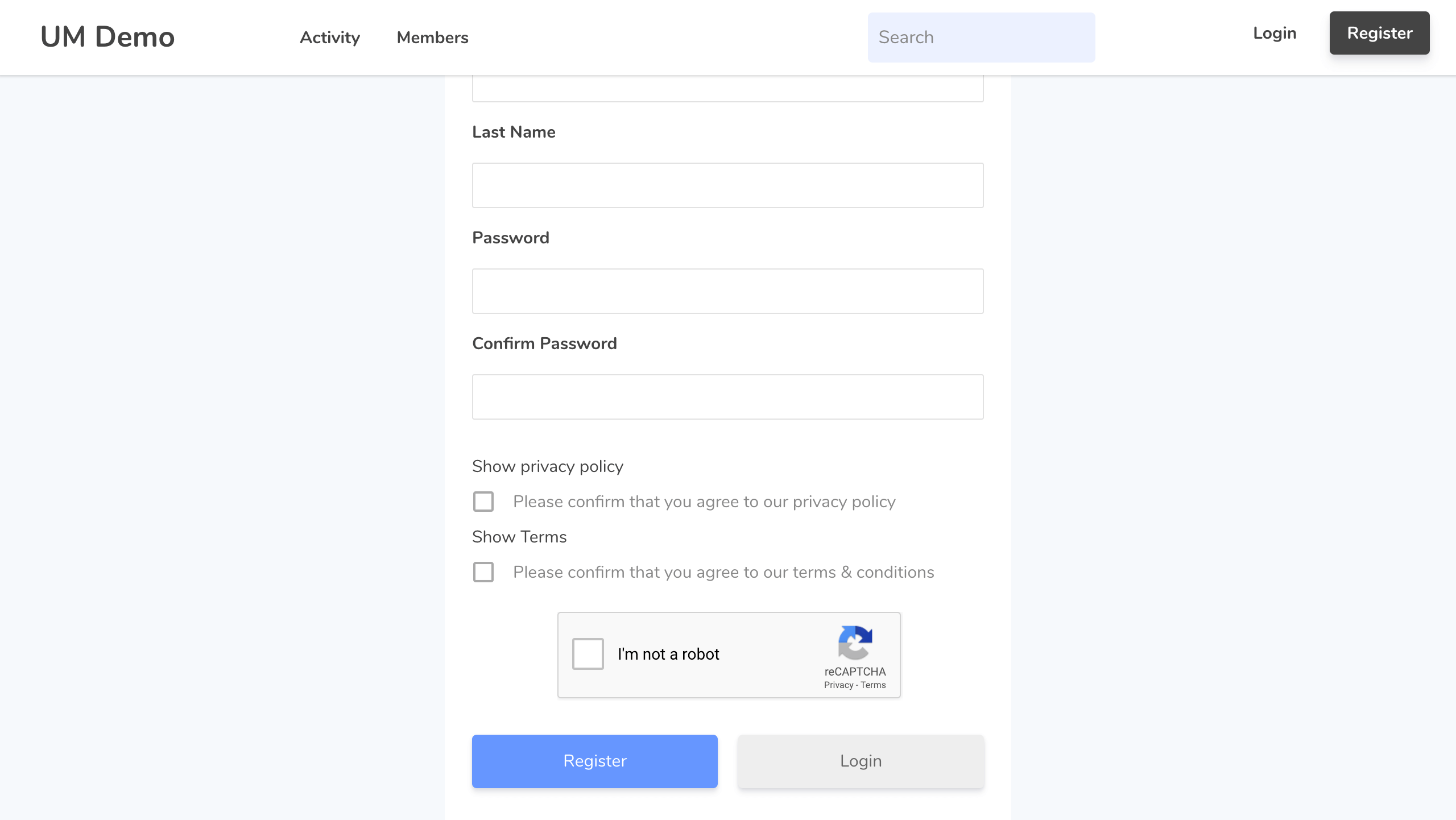
Screenshot 5
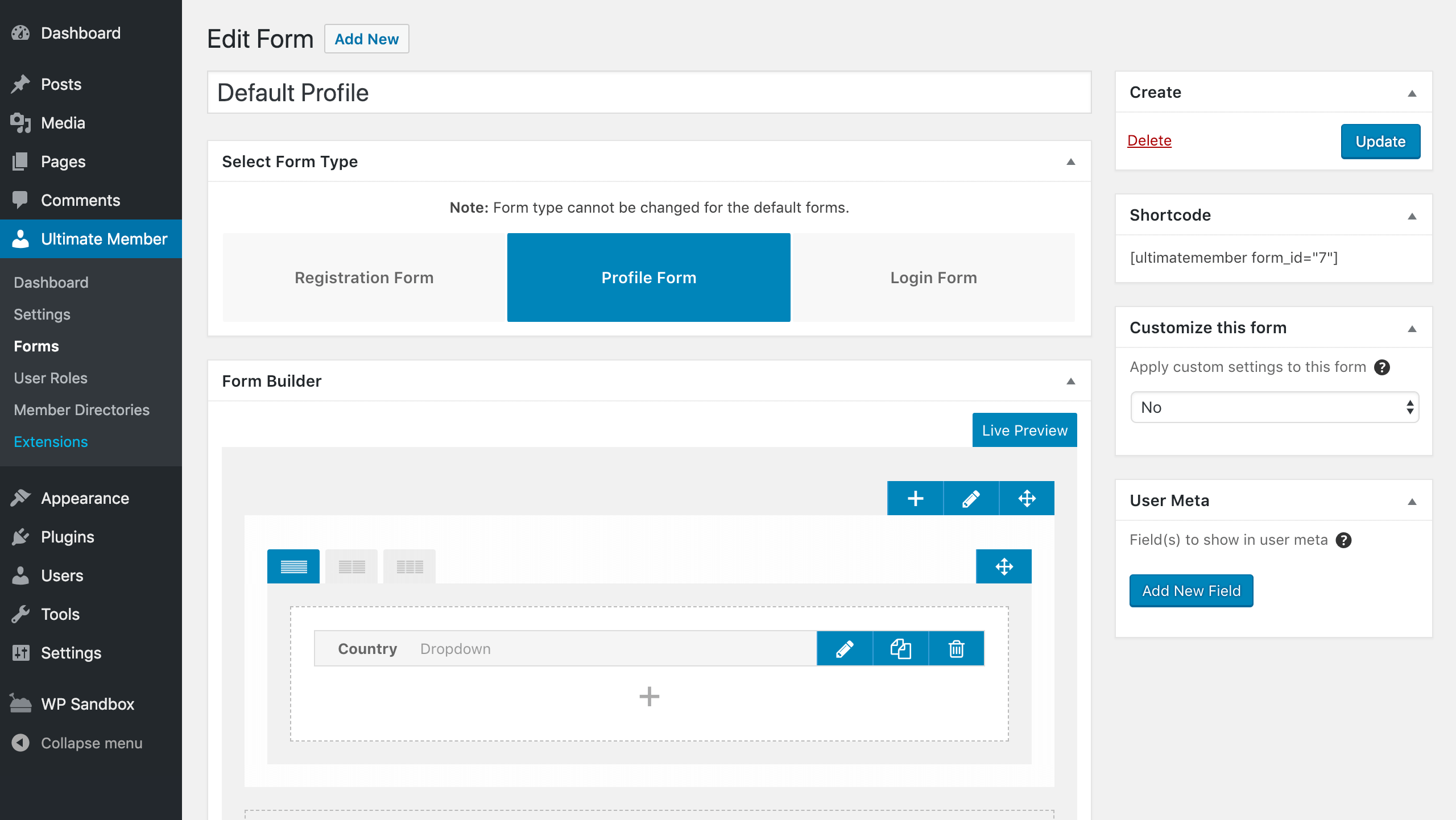
Screenshot 6
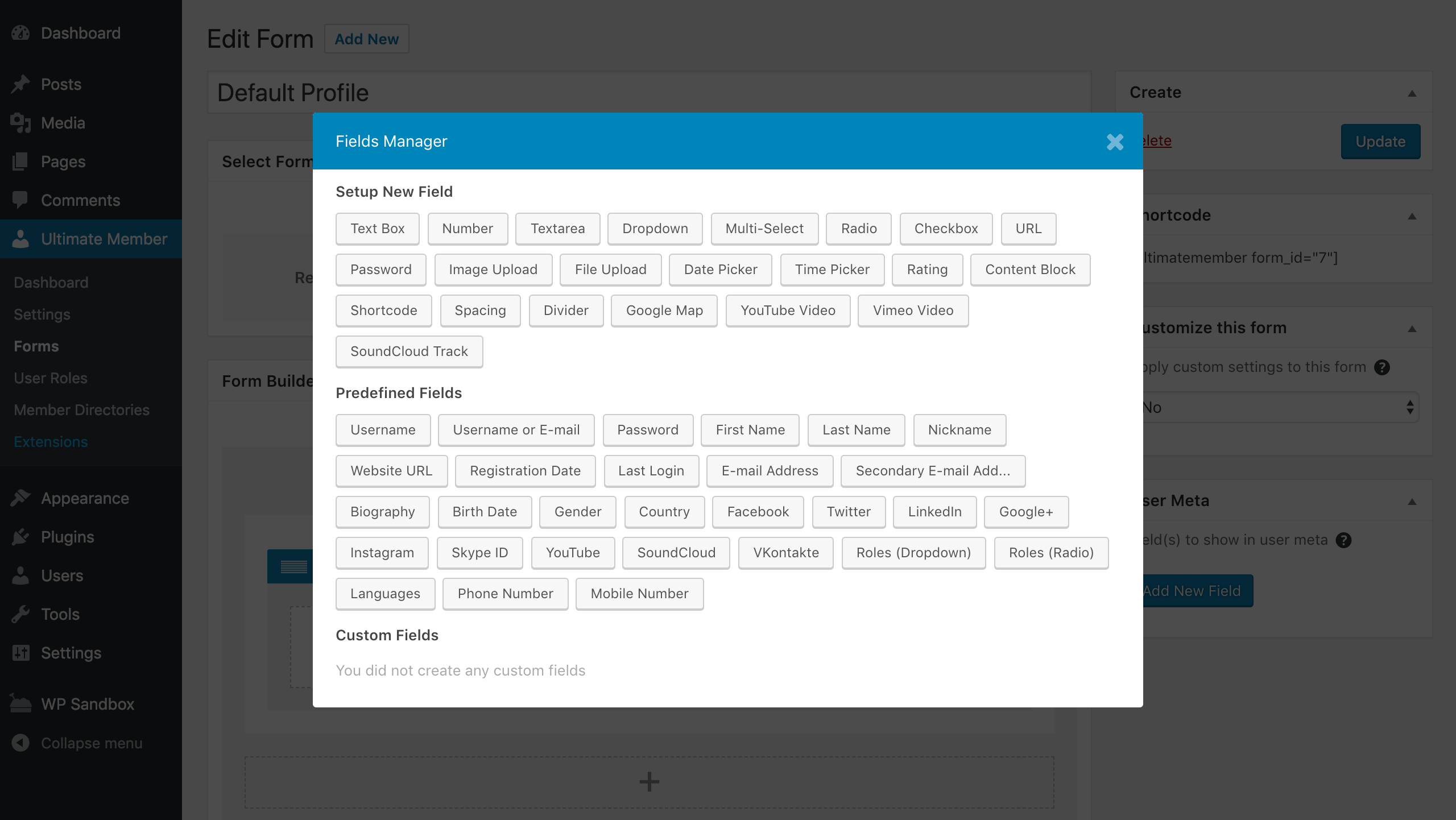
Screenshot 7
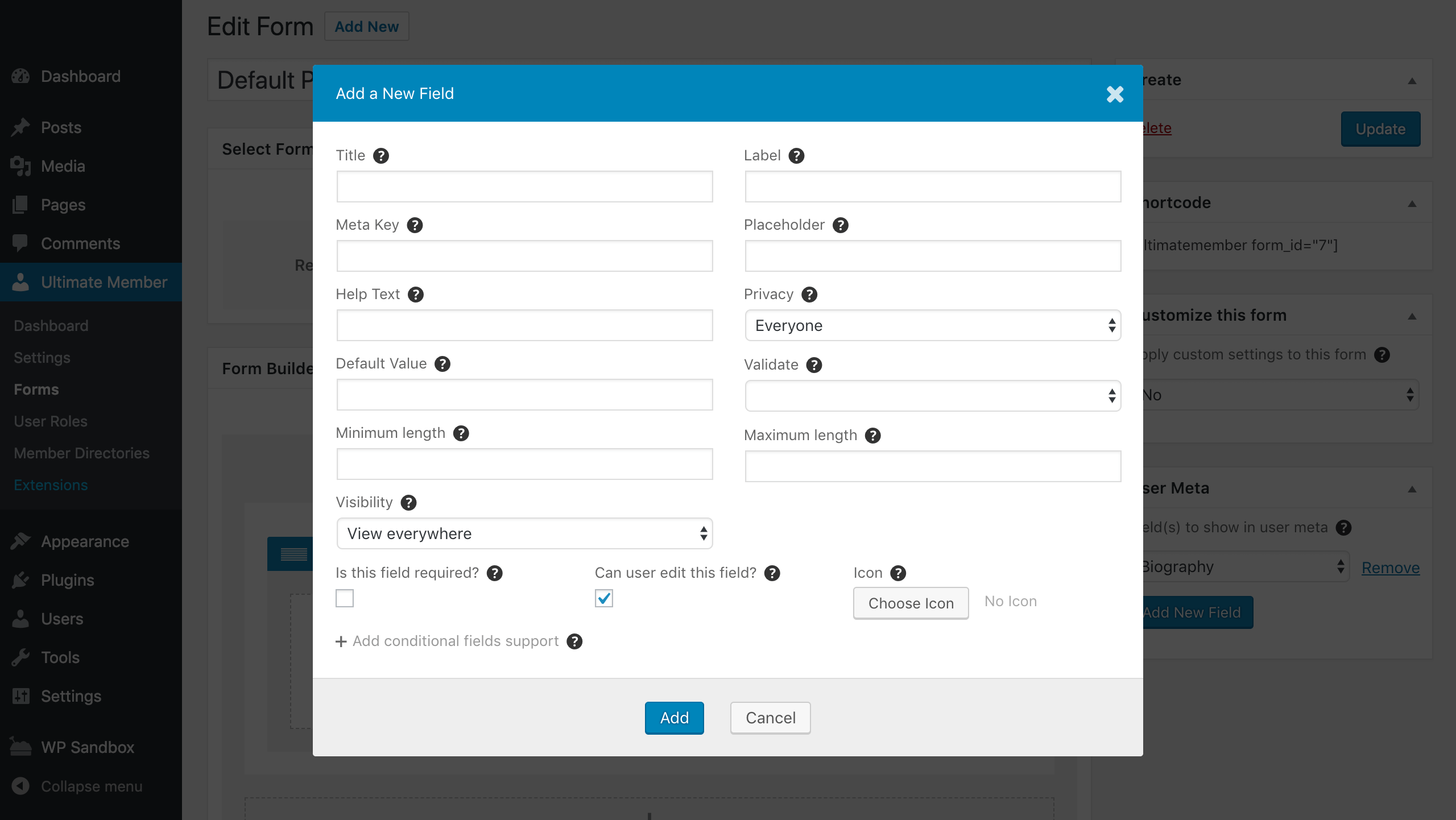
Screenshot 8
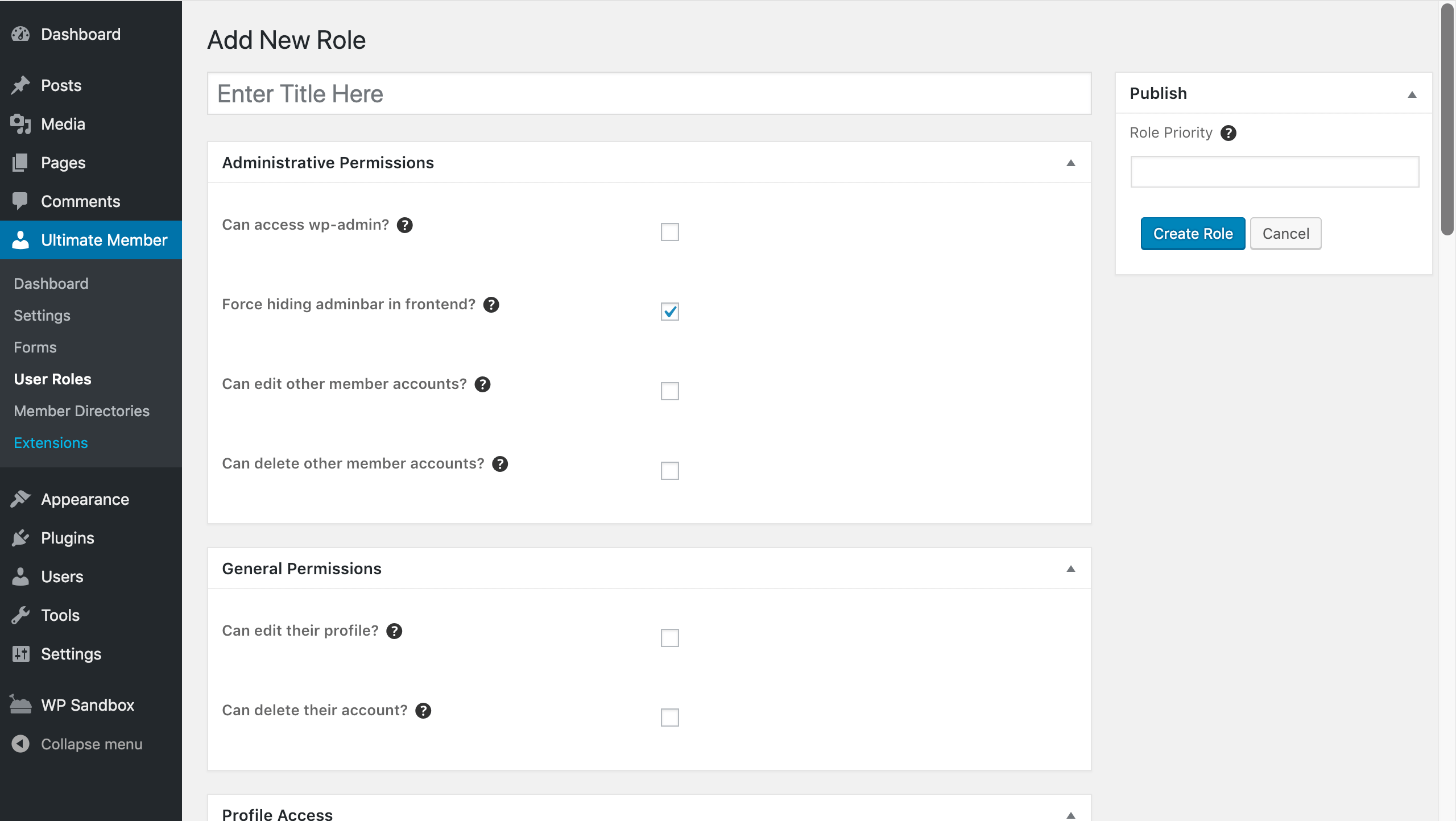
Screenshot 9
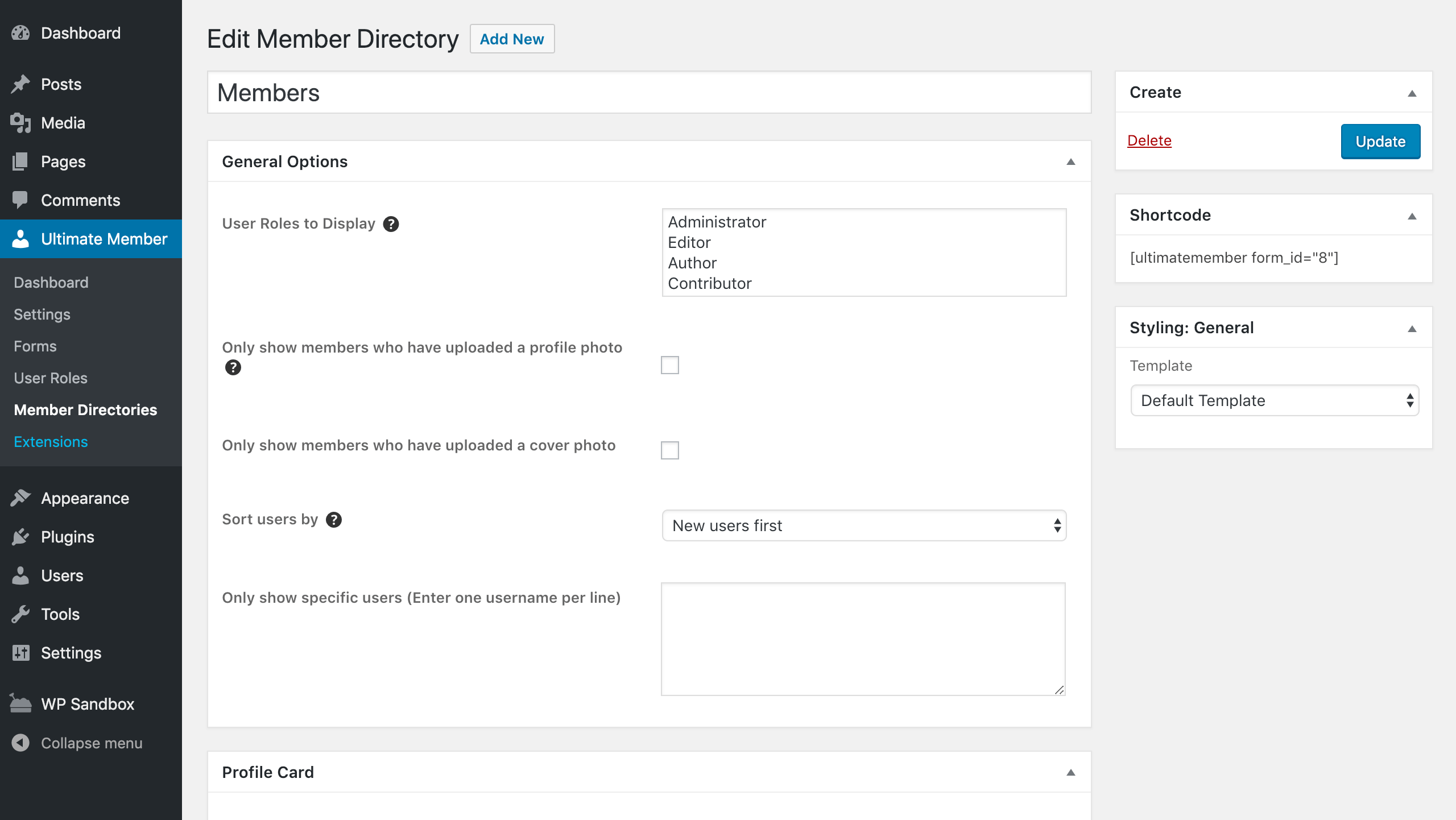
Screenshot 10
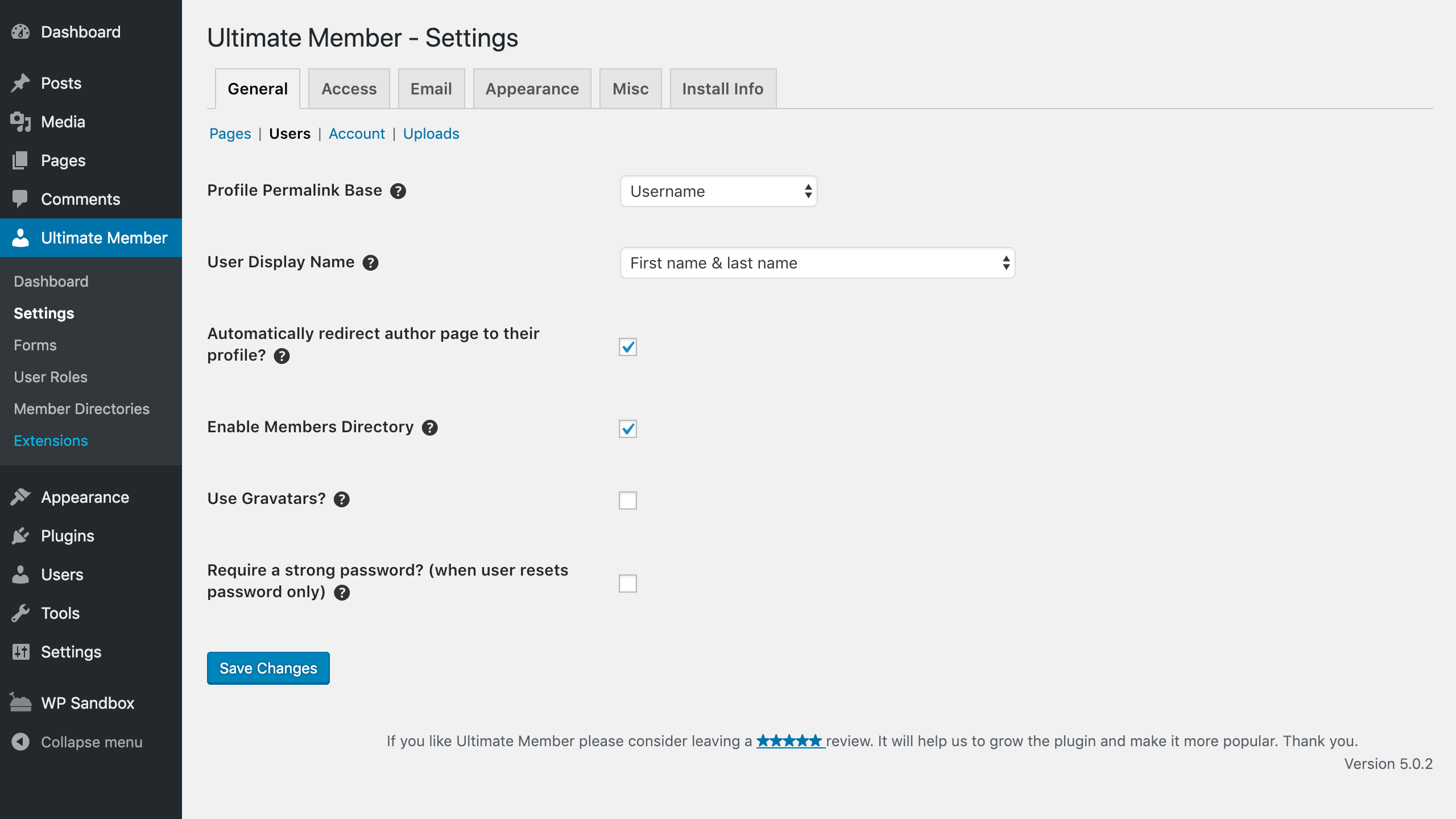
Screenshot 11
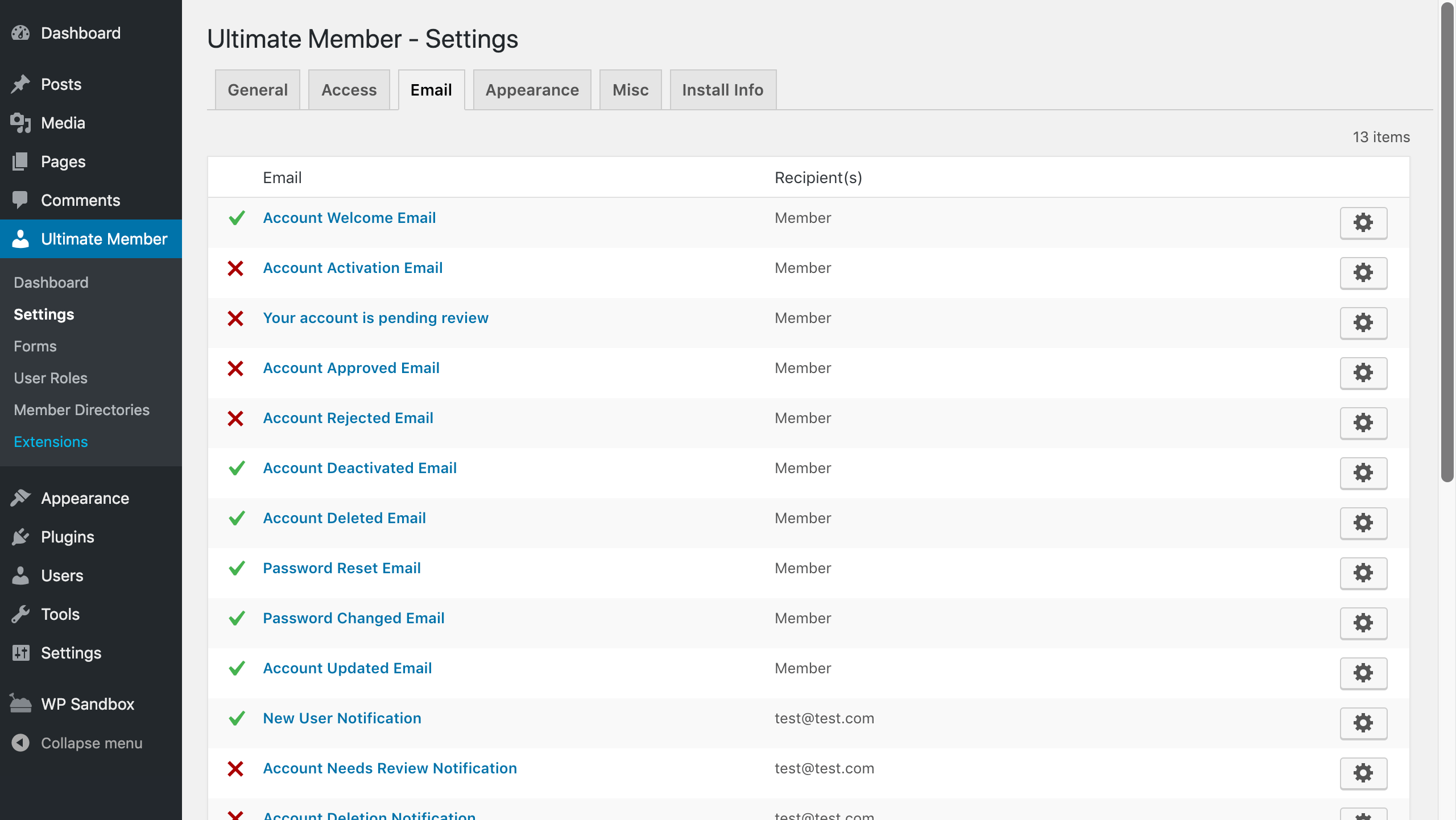
Screenshot 12
Changelog
Important:
IMPORTANT: PLEASE UPDATE THE PLUGIN TO AT LEAST VERSION 2.6.7 IMMEDIATELY. VERSION 2.6.7 PATCHES SECURITY PRIVILEGE ESCALATION VULNERABILITY. PLEASE SEE THIS ARTICLE FOR MORE INFORMATION
2.11.0 2025-12-02
Enhancements
- Added: Extra condition for checking the license activation requests.
- Added: 2nd
$argsattribute to the action hook ‘um_cover_area_content’. - Added:
$argsand$user_idattributes to the action hook ‘um_after_profile_header_name’. - Added: Class
um-profile-subnav-{$subnav_id}-linkto the sub navigation links in the User Profile page. - Tweak: Updated
Extensions_Updaterclass to use Action Scheduler in the upgrade process of the UM extensions.
Bugfixes
- Fixed: User profile links in the comments section on the frontend when the
$comment->user_idis empty. - Fixed: The
emotizefunction regexp for better emoji converting. - Fixed: The conflict between the image uploader and lazy-loading attribute added by 3rd-party plugins.
- Fixed: PHP warnings for roles without meta data.
- Fixed: Typo in labels.
2.10.6 2025-10-02
Enhancements
- Added: Avoid caching of the UM Forms on the mobile devices via adding the nocache headers to the screens with UM Forms.
- Added: Filter hook
um_get_empty_status_users_query_resultfor changing default query on the different websites to optimize it. - Added: Filter hook
um_admin_settings_get_pages_list_argsfor changing WP_Query arguments for getting pages visible in the dropdown fields in UM Settings. - Added: JS filter hook
um_admin_blocks_prefixes_excludedfor excluding 3rd-party Gutenberg blocks with predefined prefixes from UM restriction arguments. - Added: WebP file-extension support for UM uploader.
- Added:
UM_LICENSE_REQUEST_DEBUGconstant for debugging license activation process when it’s needed. - Added:
Extensions_Updaterclass to standardize the upgrade process in UM extensions. - Added: Sanitize handlers
sanitize_array_key_intandsanitize_array_keyfor making sanitize in UM extensions’ settings.
Bugfixes
- Fixed: Changed the view and the edit user profile links in the comments section on the frontend.
- Fixed:
Containsconditional logic operand when value is array. - Fixed: Getting cover_size for displaying it in the member directory card.
- Fixed: Filter’s range for numeric-type fields to avoid getting the empty values.
- Fixed: Integer validation for the ‘start_of_week’ WP native setting.
- Fixed: Dependencies with Action Scheduler library.
Cached and optimized/minified assets(JS/CSS) must be flushed/re-generated after upgrade
2.10.5 2025-06-25
Enhancements
- Added: Filter hook
um_password_reset_form_primary_btn_classesfor primary button classes in UM Password Reset form. - Added: Filter hook
um_login_form_primary_btn_classesfor primary button classes in UM Login form. - Added: Filter hook
um_register_form_primary_btn_classesfor primary button classes in UM Registration form. - Tweak: Refactored Site Health data, added hooks for 3rd-party integration.
- Tweak: Avoid using
um_user( 'password_reset_link' )and make it directly withUM()->password()->reset_url( $user_id )for getting a proper reset URL. - Tweak: Avoid using
um_user( 'account_activation_link' )and make it directly withUM()->permalinks()->activate_url( $user_id )for getting a proper activation URL.
Bugfixes
- Fixed: Stripped shortcodes in the user data during the Account, Registration and Profile forms submission. (Thanks to MissVeronica)
- Fixed: Email placeholders values.
- Fixed: Refactor deactivation logic to un-schedule Action Scheduler actions.
- Fixed: Action Scheduler library errors. Updated to the recent 3.9.2 version.
- Fixed: Secondary email field validation.
- Fixed: Action Scheduler batch actions with users who have Undefined status.
- Fixed: Restrictions for 3rd-party Gutenberg Blocks.
- Fixed: Date/time picker filter-types range query on Member Directories.
- Fixed: Renamed “Macedonia, the former Yugoslav Republic of” to the official “North Macedonia”.
Deprecated
- Fully deprecated
account_activation_link_tags_patterns( $placeholders )function. It’s not used previously. Used email function arguments instead. - Fully deprecated
account_activation_link_tags_replaces( $replace_placeholders )function. It’s not used previously. Used email function arguments instead. - Fully deprecated
UM()->profile()->add_placeholder()function. Used email function arguments instead. - Fully deprecated
UM()->profile()->add_replace_placeholder()function. Used email function arguments instead. - Fully deprecated
UM()->user()->add_activation_placeholder()function. Used email function arguments instead. - Fully deprecated
UM()->user()->add_activation_replace_placeholder()function. Used email function arguments instead. - Deprecated
UM()->user()->maybe_generate_password_reset_key( $userdata )function. UseUM()->common()->users()->maybe_generate_password_reset_key( $userdata )instead. - Deprecated
UM()->user()->set_last_login()function. UseUM()->common()->users()->set_last_login( $user_id )instead.
Templates required update
- password-reset.php
Cached and optimized/minified assets(JS/CSS) must be flushed/re-generated after upgrade
2.10.4 2025-05-15
Bugfixes
- Fixed: Security issue CVE ID: CVE-2025-47691. Used “sniccowp/php-scoper-wordpress-excludes” for getting the recent WordPress functions list and added them to the dynamic blacklist based on the WordPress version.
- Fixed: The Action Scheduler action
um_set_default_account_status. Case when some users were approved manually or deleted, and we need to reset the admin notice. Addederror_log()to the wrong conditions. - Fixed: Reset Password request from not a predefined password reset page. It’s possible to submit reset password form sitewide using block or shortcode.
- Fixed: Setting ‘Allow users to change email’ for the Account page. It works now for any role instead of only the roles with ‘Can edit other member accounts?’ capability enabled.
2.10.3 2025-04-24
Enhancements
- Added: The
Ignore the "User Role > Registration Options"setting. It provides an ability to auto-approve users if they were created via wp-admin > Users screen. - Tweak: Avoid email notifications to Administrator about user registration via wp-admin > Users screen.
- Tweak: Updated the Action Scheduler implementation to improve flexibility and clarity. Refactor Action Scheduler for not only email handling.
Bugfixes
- Fixed: Member Directory styles when it’s rendered on the Gutenberg builder page.
- Fixed: Member Directory filtering query when the custom users metatable is used.
- Fixed: PHP Warning that occurs when using the
getimagesizefunction with an image from an external source. - Fixed: Reset Password email notification’s the {password_reset_link}` placeholder.
- Fixed: Changed “Turkey” to the current official term “Türkiye”.
Cached and optimized/minified assets(JS/CSS) must be flushed/re-generated after upgrade
2.10.2 2025-04-02
Enhancements
- Added:
UM()->common()-filesystem()::maybe_init_wp_filesystem();method. - Added:
UM()->common()-filesystem()::remove_dir();method.
Bugfixes
- Fixed: Security issue CVE ID: CVE-2025-1702. Reviewed general search scripts and suggested another solution that uses only
$wpdb->prepare().
2.10.1 2025-03-03
Bugfixes
- Fixed: Security issue CVE ID: CVE-2025-1702.
- Fixed: Activation link redirects to Reset Password after registration without password field and required email activation.
- Fixed: Honeypot scripts/styles for themes without pre-rendered shortcodes. Enqueue honeypot scripts/styles everytime.
- Fixed: Profile photo metadata when Gravatar image is used.
Cached and optimized/minified assets(JS/CSS) must be flushed/re-generated after upgrade
2.10.0 2025-02-18
Enhancements
- Added: User Profile
form-idattribute and updated code for Profile/Cover photos actions dropdowns. - Added: Honeypot scripts/styles via
wp_add_inline_script(),wp_add_inline_style()changed from direct adding in header and footer. - Updated: We’ve made improvements to requests for extension updates to boost stability.
- Updated: PHP requirement – the minimum PHP version is now upgraded to 7.0.
- Updated: Using $wpdb and WPCS for queries. Set minimum required version to 6.2 due to using %i for
$wpdb->prepare(). - Updated: Revised wp-admin user actions handling. Now, the required capability is
edit_usersinstead ofmanage_options. - Removed: User Profile hidden inputs on view mode.
- Tweak: WPCS enhancements.
Bugfixes
- Fixed: Security issue CVE ID: CVE-2024-12276.
- Fixed: Custom usermeta table metakeys for filtering in member directory (from
_money_spenttowc_money_spent_and addedwc_order_count_). - Fixed: Layout for “Download your data” and “Erase of your data” fields.
- Fixed: Image sizes used for Open Graph meta in User Profile headers are now corrected.
- Fixed: “Delete account text” settings visibility issue in wp-admin.
- Fixed: The “Privacy Policy” field in the registration form. Disallowed HTML from the “Privacy Policy” content (like
<form>) is filtered out by thewp_kses()function. - Fixed: Password fields are now sanitized the WordPress native way, with
wp_unslash()omitted post-submission.
Templates required update
- gdpr-register.php
- profile.php
Cached and optimized/minified assets(JS/CSS) must be flushed/re-generated after upgrade