

Feedback
Feeback is the easiest way to gather feedback, identify bugs, and collect ideas from website visitors. Free Trial!
Plugin info
Maintenance & Compatibility
Maintenance score
Possibly abandoned • Last updated 1917 days ago • 4 reviews
Is Feedback abandoned?
Possibly abandoned (last update 1917 days ago).
Compatibility
Similar & Alternatives
Explore plugins with similar tags, and compare key metrics like downloads, ratings, updates, support, and WP/PHP compatibility.
Description
Feedback by Social Intents helps you engage your visitors early and often with an easy to set up feedback popup form. Quickly learn about problems, gather new ideas, and get an overall view of customer satisfaction. Our Feedback app gives you private, unbiased, and instant user feedback. Instead of a separate page or sidebar, Feedback brings
extra attention by popping up a beautiful in-page feedback widget. Customize targeting rules, add your css and your logo. Best of all – it won’t slow your site down.
It’s a must have for any WordPress site! Includes a 14-Day Free Trial!
Combine this plugin with our Live Chat for Slack plugin to improve your site and boost sales!
Questions about our feedback plugin? Contact us at www.socialintents.com.
Getting Started with User Feedback and Ratings
Step 1: Login to WordPress Admin and search for the plugin ‘Feedback by Social Intents’ and install it.
Step 2: Register for a Free Trial Account right from the plugin or at our website.
Need help getting set up? We can help! Contact us at www.socialintents.com.
Why choose Feedback by Social Intents
- Private and Unbiased Feedback – not skewed by competitors posting on public boards
- Quickly and Effectively Gather Realtime Website Feedback
- Find and Address Bugs
- Target specific pages or website visitors
- Proactive Popup
- Customize the widget look and feel with custom CSS, logos, and messages
Other Social Intents Apps
We also have Live Chat for Slack, Exit Intents, and Social Offers apps available that can be used to grow your audience and boost your sales.
To learn more about Social Intents visit us at socialintents.com.
Installation
-
If you don’t have a Social Intents account, you can sign up right from the widget.
-
In the admin section of your WordPress site, click ‘plugins’ and then ‘add new’
-
Search for ‘Feedback by Social Intents’
-
Click ‘Install Now’
-
After Installation, enter your widget key or Register for a new Account.
Frequently Asked Questions
Do I need a Social Intents account for my feedback widget
Yes, you do. You can sign up for a free trial at socialintents.com..
Do I have to install software on my server to get this working?
No, Feedback is a service. Simply sign up for the service, grab your widget key, and save it in your plugin.
Review feed
Screenshots

Feedback Example

Feedback Settings
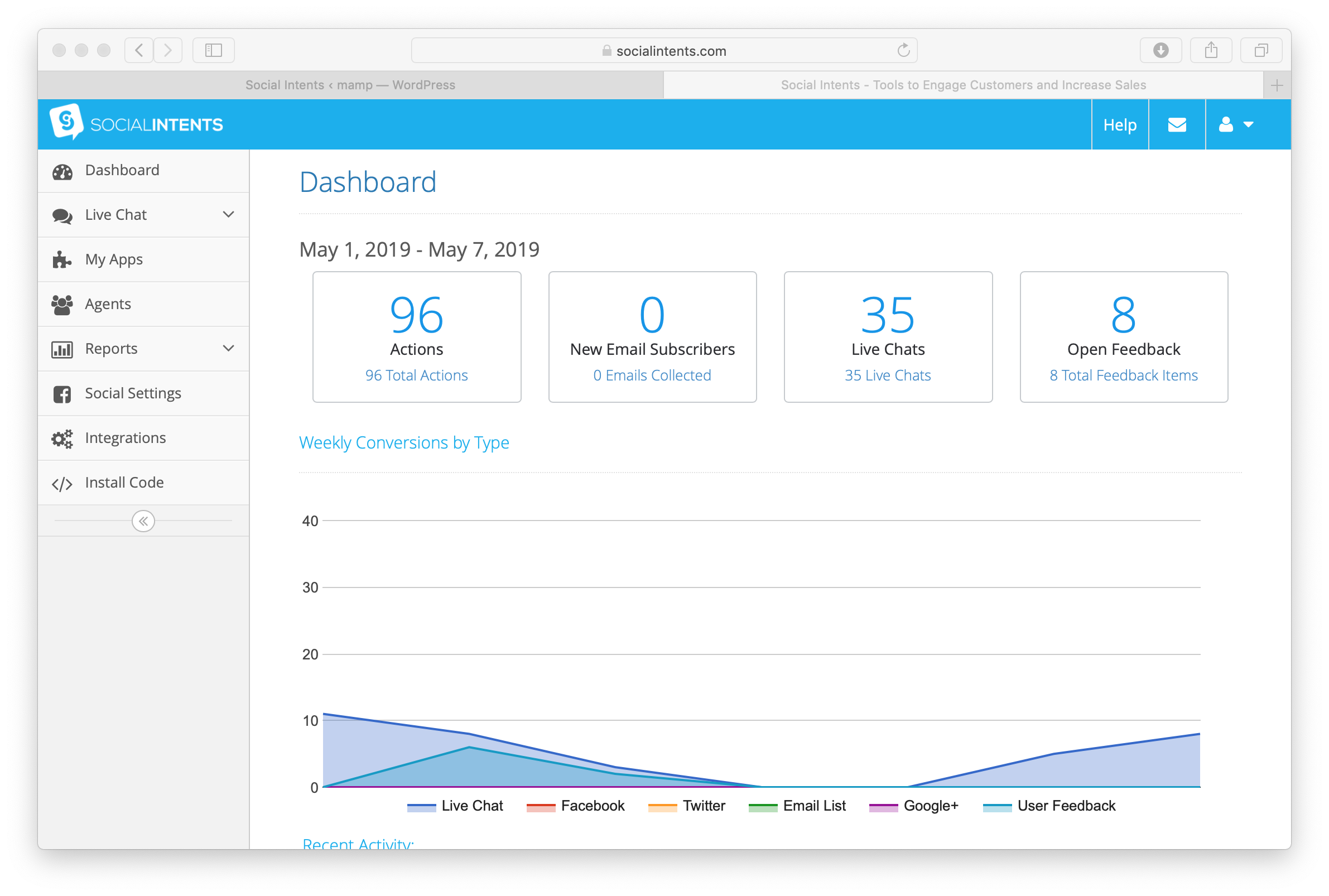
Feedback Dashboard

Social Intents Overview
Changelog
1.0.24
- 4.6 support