

Webcam Gallery
Take Images with Web Cam , apply effects and create gallery and embed in post using Gutenberg block.
Plugin info
Maintenance & Compatibility
Maintenance score
Stale • Last updated 303 days ago
Is Webcam Gallery abandoned?
Likely maintained (last update 303 days ago).
Compatibility
Similar & Alternatives
Explore plugins with similar tags, and compare key metrics like downloads, ratings, updates, support, and WP/PHP compatibility.
Description
With this Gutenberg block you can apply differnt types of effects to images take pictures with web cam apply 3 differnt types of gallery (all written by me) and embed the gallery
to the post and view images in overlay gallery viewer.
What’s Next
Explore my other WordPress projects:
- Multi Image Cam for Gravity Form 📸 – Capture and upload stunning mutiple photos with ease with multiplcam as a field, all within Gravity Forms.”
- Webcam for Gravity Forms 📸 – Capture, edit, and upload stunning photos with ease with webcam as field, all within Gravity Forms.”
- PicTweak 📸 – Capture, edit, and upload stunning photos with ease with webcam, all within WordPress.”
- CTC Gallery 🎨 – Four different types of Galleries in same plugin.
- Carousel Block 🎠 – Create an image carousel with a block.
- CT Commerce Lite 🛒 – A block-based eCommerce plugin.
Installation
This section describes how to install the plugin and get it working.
e.g.
- Upload the plugin files to the
/wp-content/plugins/webcam-gallerydirectory, or install the plugin through the WordPress plugins screen directly. - Activate the plugin through the ‘Plugins’ screen in WordPress
Frequently Asked Questions
Yes you can add multiple gallery to one post.
Yes you option to choose camera from setting section to take picture given that you have multiple camera in your tablet or PC.
Review feed
Screenshots
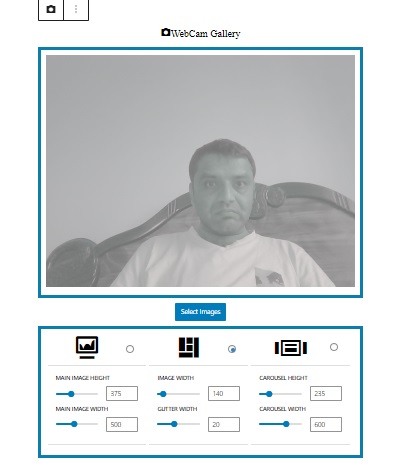
Gutenberg Editor with block
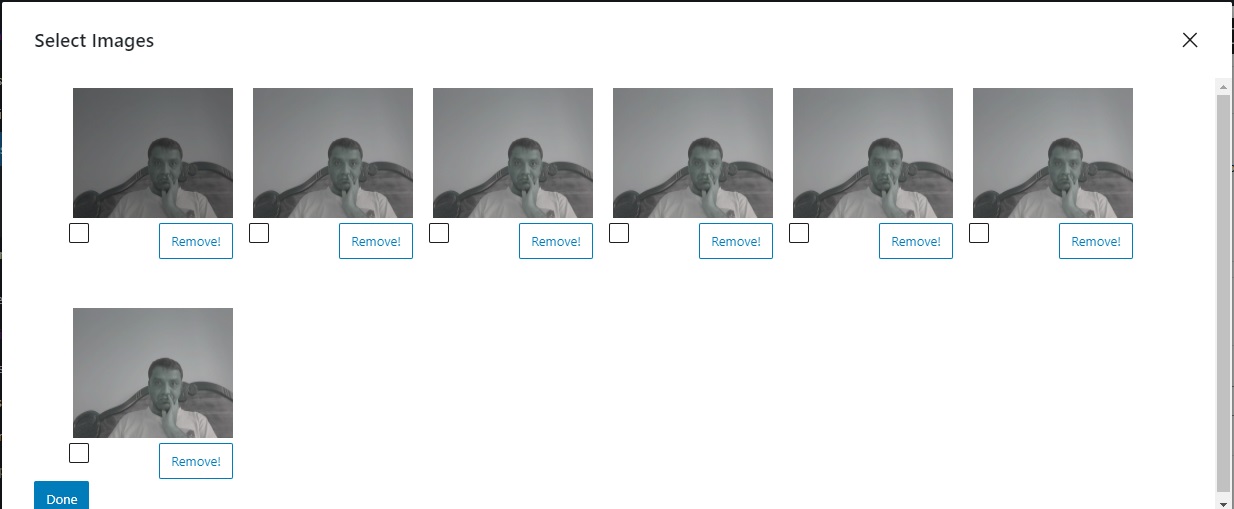
Images In Modal
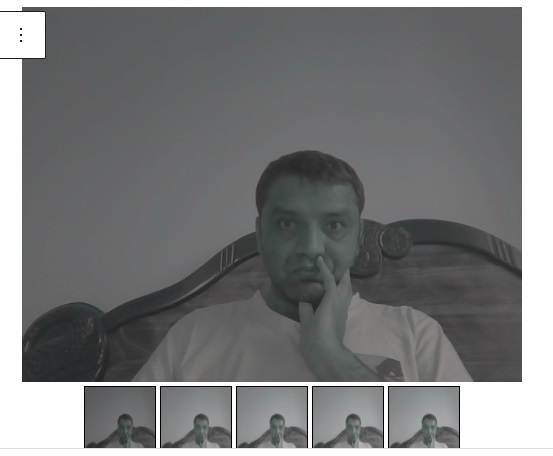
Gallery 1
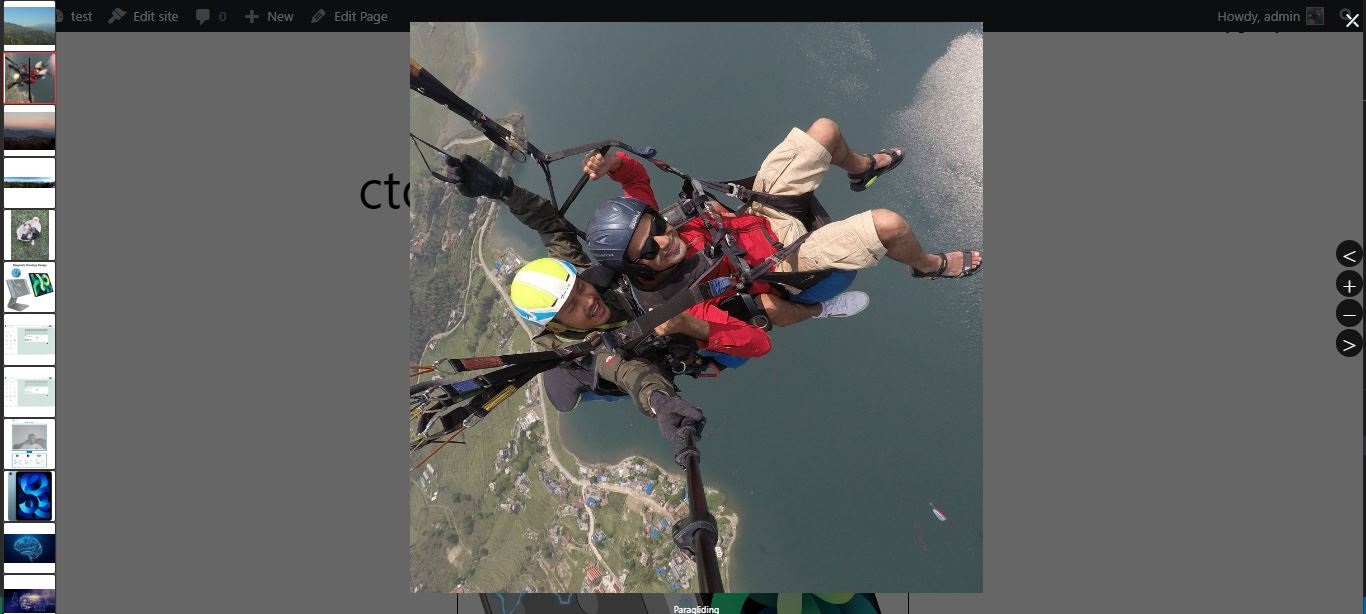
Block Settings
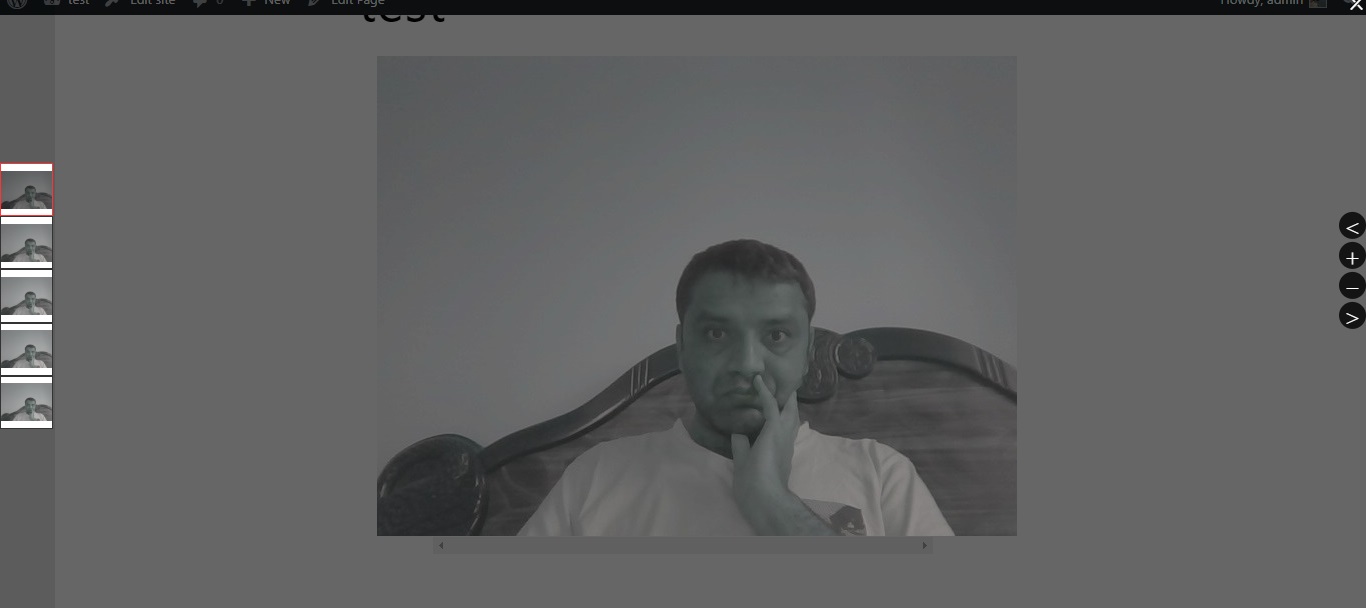
Frontend Overlay
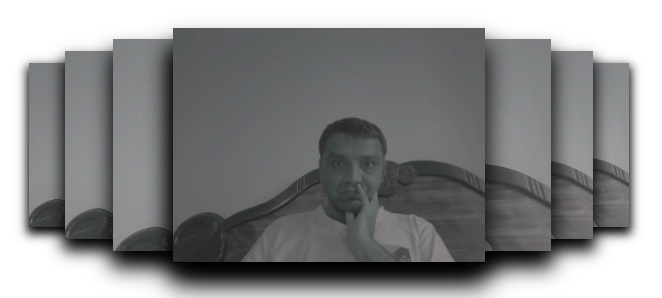
Carousel Gallery
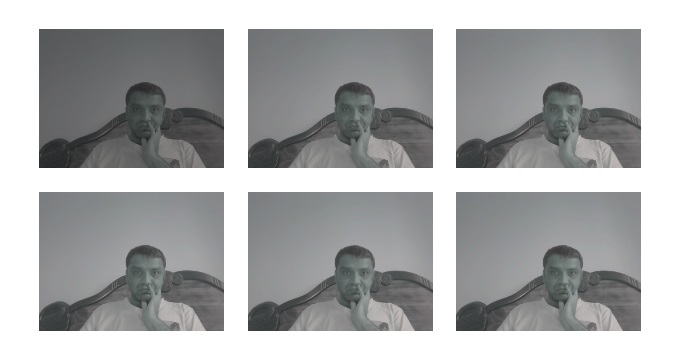
Masonry Gallery
Changelog
0.1.0
- Release