

WP Font Awesome
This plugin allows you to easily embed Font Awesome icon to your site with simple shortcodes.
Plugin info
Maintenance & Compatibility
Maintenance score
Possibly abandoned • Last updated 632 days ago • 9 reviews
Is WP Font Awesome abandoned?
Possibly abandoned (last update 632 days ago).
Compatibility
Similar & Alternatives
Explore plugins with similar tags, and compare key metrics like downloads, ratings, updates, support, and WP/PHP compatibility.
Description
This plugin allows you to easily embed Font Awesome icon to your website using HTML or built-in shortcode handlers.
Features
- Shortcode support. Example: For Font Awesome 5
[wpfa5s icon=""],[wpfa5r icon=""],[wpfab icon=""], and for Font Awesome 4.7+[wpfa icon=""] - Use Larger Icon:
[wpfa icon="" size="2x"]. Sizes:xs,sm,lg,2x,3x,5x,7x,10x - Add Font Awesome icon in Menu with shortcode.
- Support shortocde in Widgets.
- Support post and page title.
- Font Awesome version 6
- Support Font Awesome version 5.+ and 4.7.0
- Add Font Awesome icon from editor Toolbar button.
Shortcodes
Introduced three new shortcode for Font Awesome support.
Font Awesome v6 & v5
[wpfa5s icon=”home”] for Solid style.
[wpfa5r icon=”user”] for Regular style. support only in few icon.
[wpfa5b icon=”wordpress”] for Brands.
Font Awesome 4.7+
[wpfa icon=””].
Note
The fa prefix has been deprecated in version 5. The new default is the fas solid style far regular style and the fab style for brands.
WP Font Awesome plugin still support Font Awesome version 4
Installation
- Unzip the download package
- Upload
wp-font-awesometo the/wp-content/plugins/directory - Activate the plugin through the ‘Plugins’ menu in WordPress
Manual Plugin Installation
- Download WP Font Awesome Plugin to your desktop.
- If downloaded as a zip archive, extract the Plugin folder to your desktop.
- With your FTP program, upload the Plugin folder to the
wp-content/pluginsfolder in your WordPress directory online. - Go to Plugins screen and find Content WP Font Awesome in the list.
- Click Activate Plugin to activate it.
Frequently Asked Questions
Font Awesome v6 & v5
[wpfa5s icon="home"]or[wpfa5s icon="fa-home"]for Solid style.[wpfa5r icon="user"]or[wpfa5r icon="fa-user"]for Regular style. support only in few icon.[wpfa5b icon="wordpress"]or[wpfa5b icon="fa-wordpress"]for Brands.
Font Awesome 4.7+
Use the [wpfa icon="fa-home"] or [wpfa icon="home"] shotcode to add an icon.
Sizes
Sizes: xs, sm, lg, 2x, 3x, 5x, 7x, 10x.
Example: [wpfa5b icon="wordpress" size="3x"]
Color
[wpfa ….. color=”#336699″]
Superscript
[wpfa ….. sub=”yes”]
Font Awesome v6 & v5
[wpfa5s icon=”home”] for Solid style.
[wpfa5r icon=”user”] for Regular style. support only in few icon.
[wpfa5b icon=”wordpress”] for Brands.
Font Awesome 4.7+
[wpfa icon=””].
Note: Don’t use double quotes (" ") on shortcode in Widget title.
Review feed
Nice and easy
Screenshots
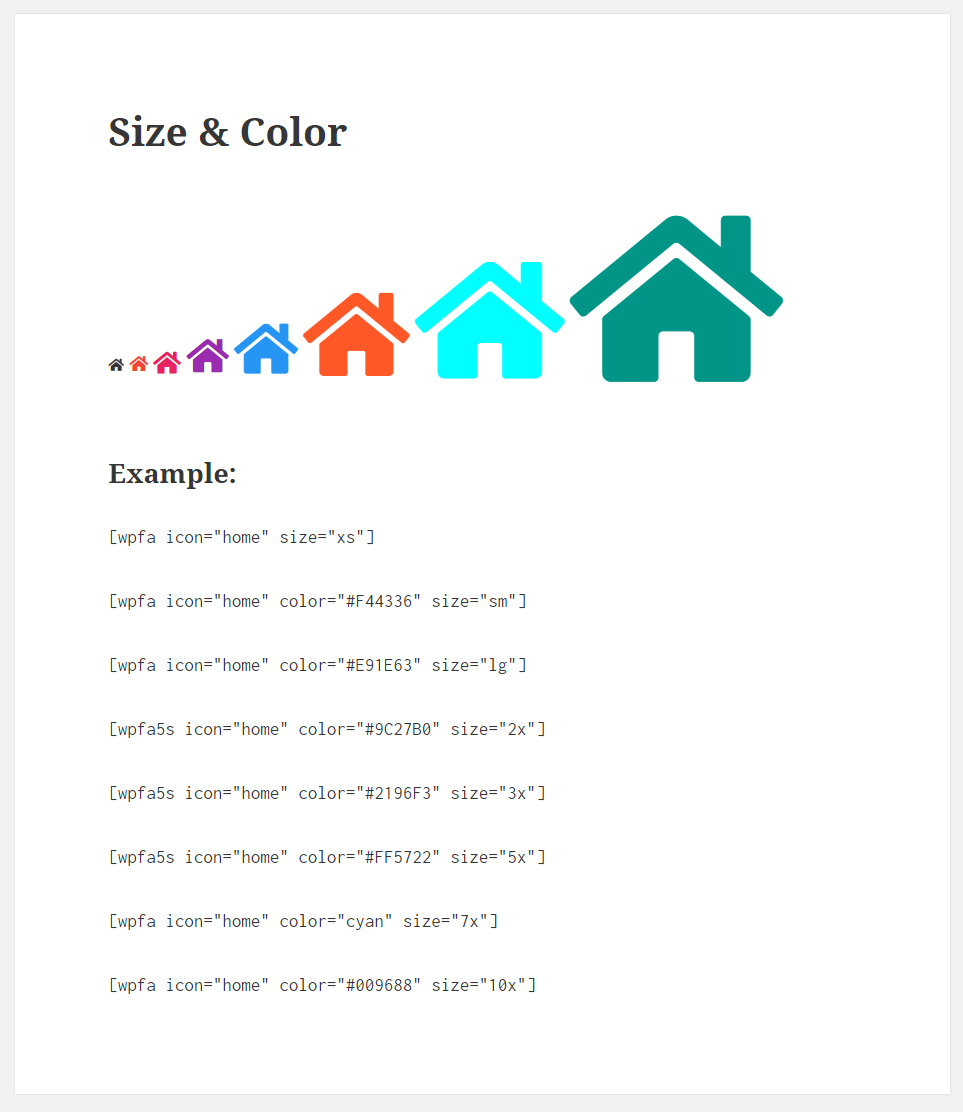
Shortcodes

Shortcodes result
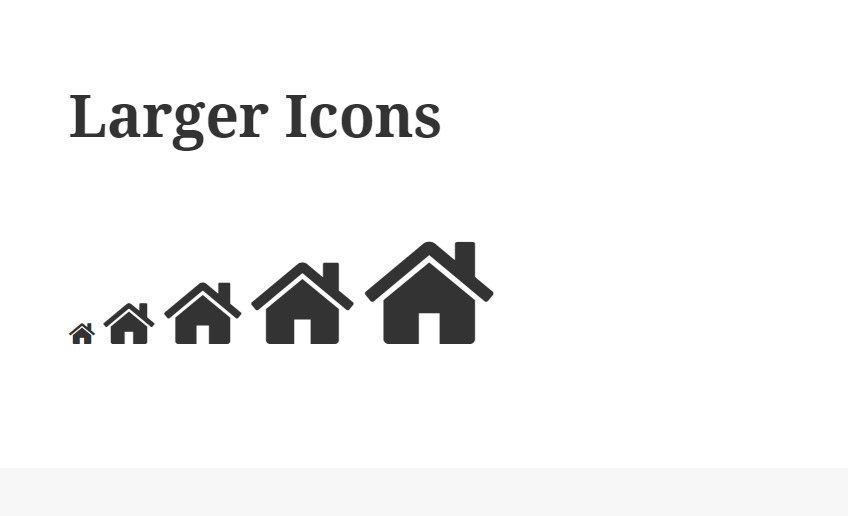
Larger Icon

Menu

Widget
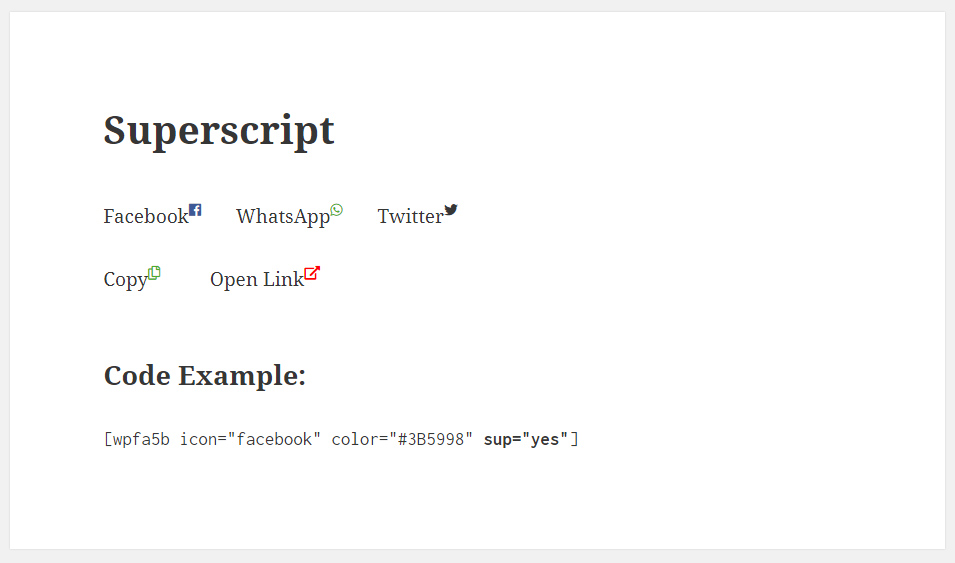
Superscript

Changelog
1.7.9
- Security fixes
1.7.8
- Updated FontAwesom to v6
1.7.7
- Updated FontAwesom to v5.15
1.7.6
- Fixed font load issue.
1.7.5
- Add Font Awesome icon from editor Toolbar button.
- Updated FontAwesom to v5.12
1.7.4
- Updated FontAwesom to v5.4
1.7.3
- Fixed fonts loading issue
1.7.2
- Updated FontAwesom to v5.2.0
1.7.1
- Added Superscript option.
1.7
- Added color option
1.6
- Updated Font Awesome to v5.0.10
- Introduced 3 additional shortcode for Font Awesome 5+
- Still support Font Awesome v4
1.5
- Updated Font Awesome to v4.7.0
1.4
- Bug fixes.
1.3
- Added Larger Icon option.
- Updated Font Awesome to v4.6.0
1.2
- Added font icon support in post and page title.
1.1
- Updated Font Awesome to v4.5.0
- 20 New Icons in Font Awesome v4.5
1.0
- First Release