

WP Maintenance Mode & Site Under Construction
WP plugin for Under Construction, Maintenance Mode & Coming Soon Pages. Enable with one click & show a landing page to visitors easily.
Plugin info
Maintenance & Compatibility
Maintenance score
Stale • Last updated 303 days ago • Support resolved 0% • 4 reviews
Is WP Maintenance Mode & Site Under Construction abandoned?
Likely maintained (last update 303 days ago).
Compatibility
Similar & Alternatives
Explore plugins with similar tags, and compare key metrics like downloads, ratings, updates, support, and WP/PHP compatibility.
Description
WP Maintenance Mode & Site Under Construction– Seamlessly Manage Your Site’s Downtime!
Keep your visitors engaged while your site is under maintenance or construction—without losing their trust!
With WP Maintenance Mode & Site Under Construction, you can effortlessly set up a stunning “Coming Soon” or “Maintenance Mode” page in just one click. Let your visitors know you’re working on improvements while building anticipation for your comeback. No technical skills required—just simple settings, a responsive design, and powerful features to maintain your site’s professionalism during downtime.
🌟 Key Features to Keep Visitors Engaged:
🔧 One-Click Activation:
Switch to maintenance or construction mode with a single click.
🖼️Customizable Full-Screen Background:
Upload your own image or choose from sleek default options to create a visually appealing page.
⏱️Dynamic Countdown Timer:
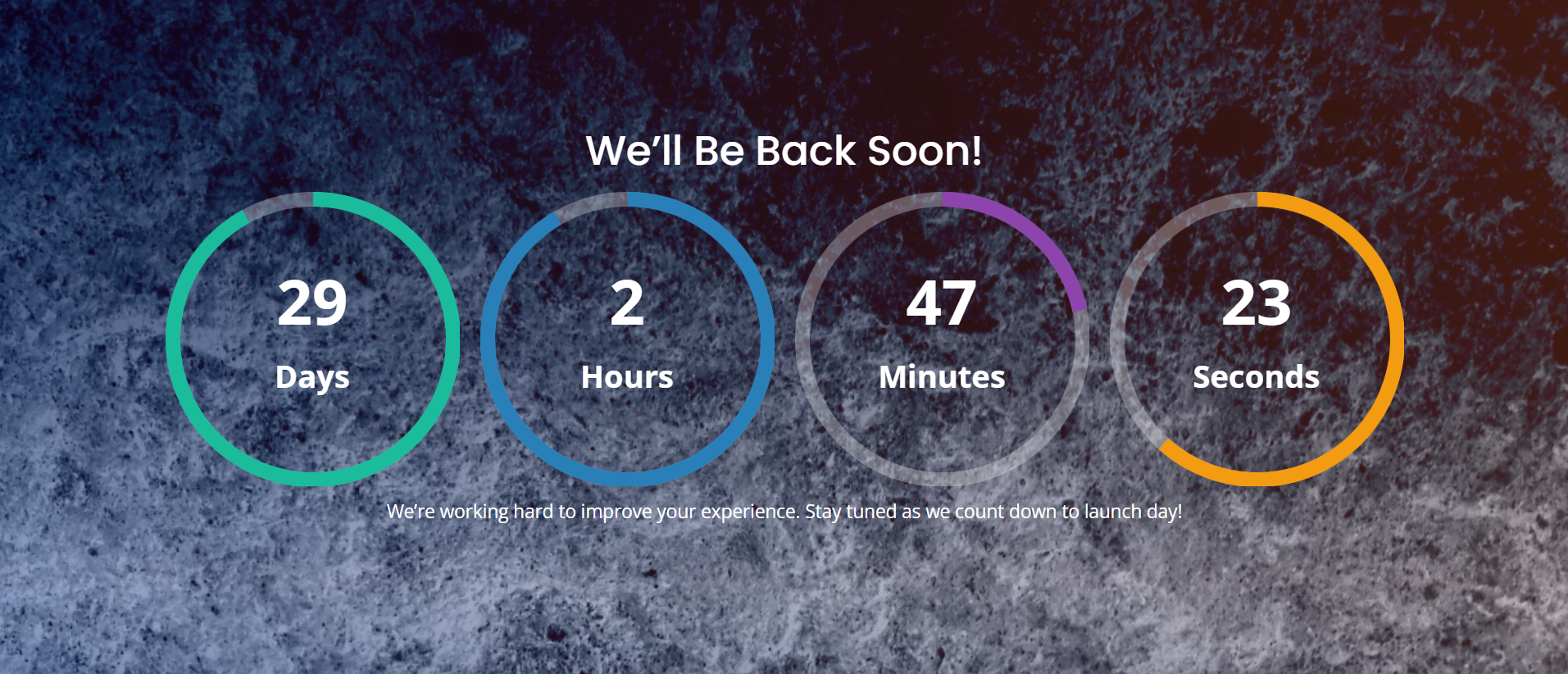
Let visitors know when you’ll be back with an eye-catching countdown.
👥User Role Exclusion:
Allow admins, editors, or specific user roles to access the site while visitors see the maintenance page.
🛠️Seamless Plugin Integration:
No conflicts with caching or other essential plugins.
📝Customizable Titles & Descriptions:
Easily add personalized messages to communicate with your visitors.
💌Built-In Contact Form:
Enable visitors to reach you even while your site is offline.
📱Fully Responsive Design:
Looks fantastic on all devices, from desktops to smartphones.
🌗Flexible Display Modes:
Choose between full-screen mode or a half-screen layout with the contact form.
🎯Why Choose WP Maintenance Mode?
–Easy Setup:No complicated configurations—just activate and customize.
–Professional Appearance:Maintain trust with a sleek and informative maintenance page.
–Marketing Advantage:Use the downtime to generate excitement and capture leads.
🚀 Don’t Let Downtime Cost You Visitors!
Install WP Maintenance Mode & Site Under Construction today to maintain your site’s credibility while you work behind the scenes.
👉Get Started Now – Because First Impressions Matter!
SUPPORT:
If you have any problems, questions or recommendations about WP Maintenance please feel free to contact us directly. We try to answer all questions as fast as possible!
Want to say “thank you”? Please leave a review.
Installation
Installation steps
1.Download the package.
2.Extract the contents of the downloaded zip file to wp-content/plugins/ folder You should get a folder called wp-maintenance-mode-and-site-under-construction
3.Activate the Plugin in WP-Admin.
4.Goto plugins list >WP Maintenance Mode & Site Under Construction> Settings to configure options.
5.You will find all options there.
Thanks!
Frequently Asked Questions
Review feed
Screenshots
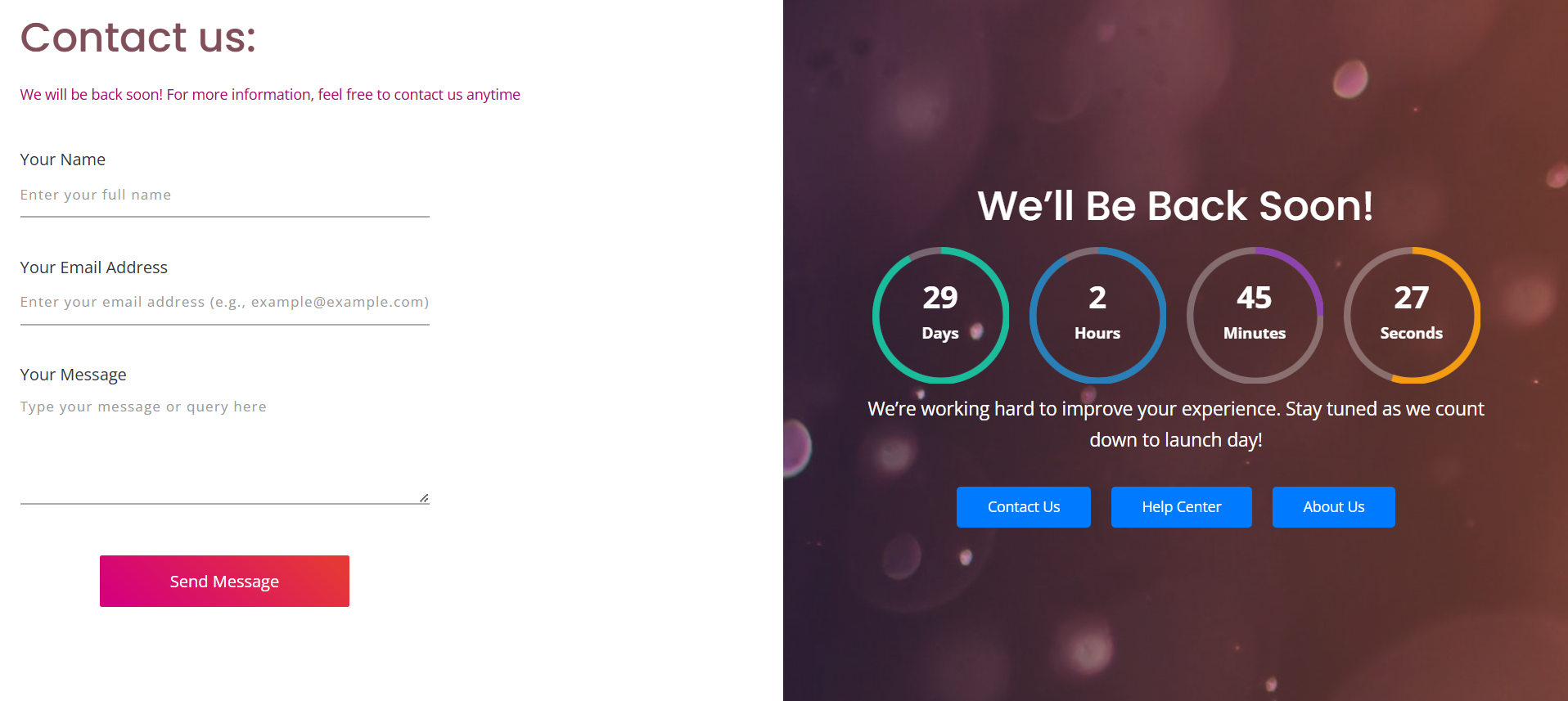
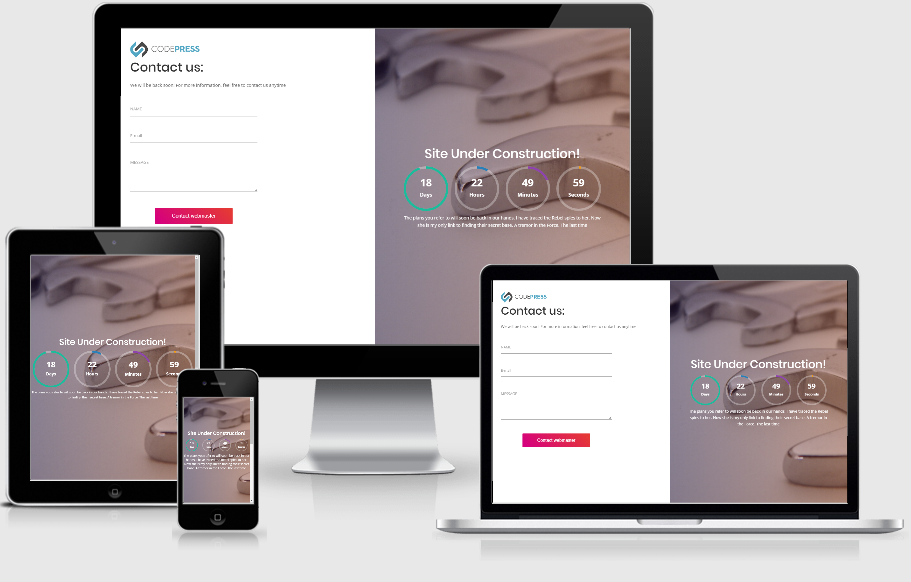
Maintenance Mode in IPad
Maintenance Mode contact form
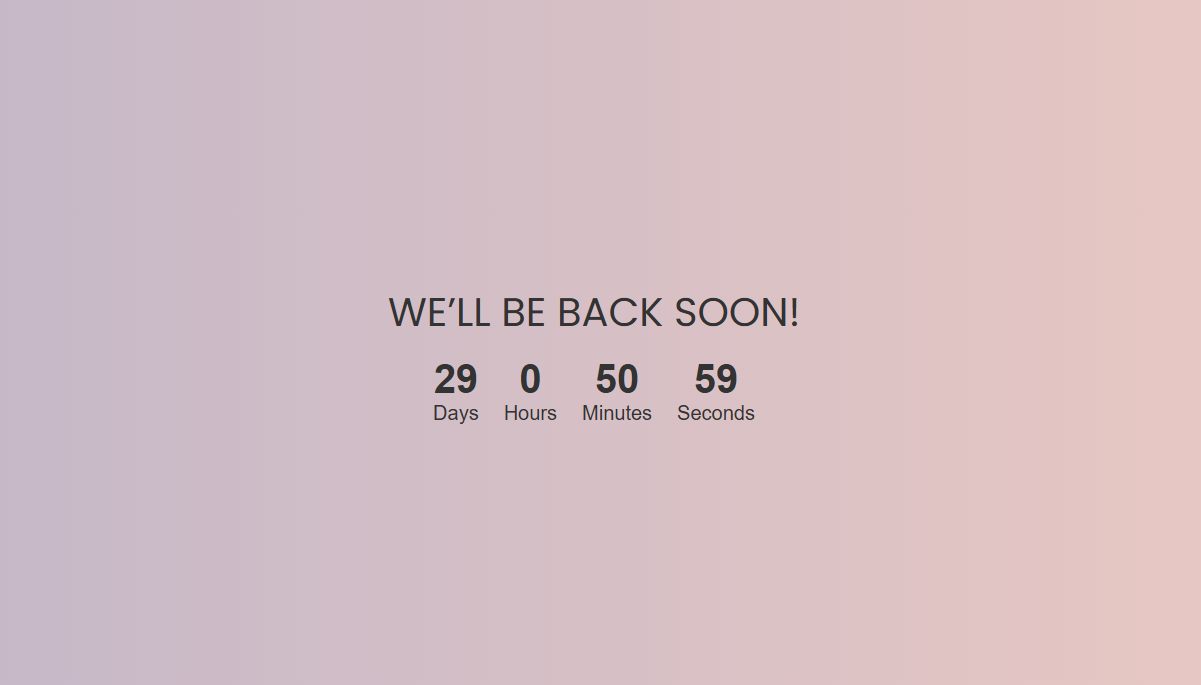
Its responsive on all devices
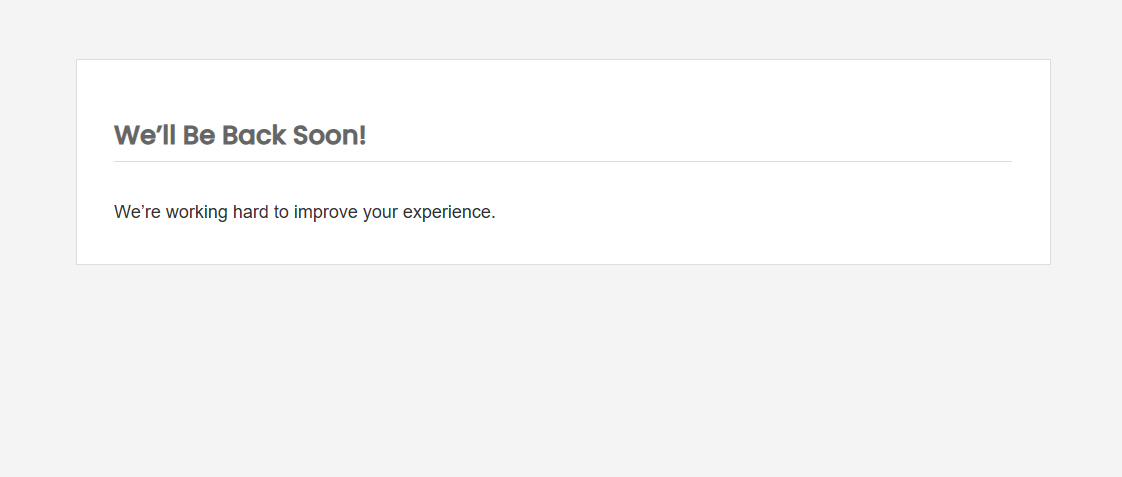
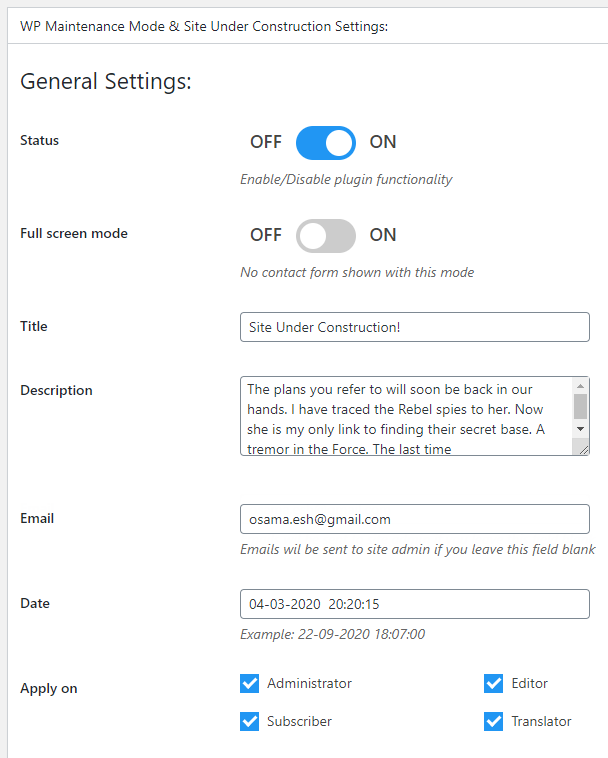
very simple easy to use options page
Changelog
4.4
- Bug fixes
4.3
- Allowing xmlrpc.php and media access
4.2
- Slim mode – bug fixing
4.1
- Introduced slim mode for improved functionality.
- Added new options and features for enhanced customization.
- Ensured compatibility with the latest WordPress version 6.7
3.1
- New admin panel design
- Bug fixes
- Test with wordpress last version 6.2.2
2.5
- Test with wordpress last version 6.2
2.4
- Test with wordpress version 6.1.1
2.3
- Test with wordpress version 5.9
2.2
- Important Code fix & Security check & check with the new wordpress update
1.9
- Code fix & check with the new wordpress update
1.8.2
- Code fix & check with the new 5.7 wordpress update
1.8.1
- Important fix for 1.7 update
- Add links to dismiss the new start page links
1.7
1.6
- New free texture added
- Review bar added
1.5
- Must added version because of readme issue with version 1.4
1.4
- Change plugin textdomain to make plugin properly prepared for localization as wordpress.org rules (wp-maintenance-mode-site-under-construction)
- Add textures function
1.3
- Change plugin textdomain to make plugin properly prepared for localization as wordpress.org rules
1.2
- Add a function to Load plugin textdomain to load translations
- Add languages folder
1.1
- Remove jQuery outdated library
- Rplace outdated bootstrap library
1.0
- initial version