

Admin User Messages
Admin User Messages is a simple plugin that allows communication just between Admin and single users, but not a communication between user and user.
Plugin info
Maintenance & Compatibility
Maintenance score
Possibly abandoned • Last updated 4252 days ago • 5 reviews
Is Admin User Messages abandoned?
Possibly abandoned (last update 4252 days ago).
Compatibility
Similar & Alternatives
Explore plugins with similar tags, and compare key metrics like downloads, ratings, updates, support, and WP/PHP compatibility.
Description
With this plugin admins are able to communicate with their users. That is useful if you have a website where you don\’t want your users to talk with each other. Every term of the plugin is customizable, so you can translate it in your own language.
You will need to create some pages, to put following shortcodes in:
Inbox-Page: [admin_user_messages_inbox]
Sent-Messages-Page [admin_user_messages_sent_messages]
Write-Message-Page: [admin_user_messages_write_message]
Read-Message-Page [admin_user_read_message]
Answer-Message-Page [admin_user_answer_message]
Search-Page [admin_user_messages_search]
Update Notice
0.1.3
Update Notice
0.1.4 Secured function if another plugin uses same function, so it don’t has to be redeclared
Update Notice
0.1.5
– bugfix mysql error when someone calls sent messages and still no message is sent. See support forum read_message.php Error
– bugfix set dynamic term page on sent messages page. See support forum read_message.php Error
Update Notice
0.1.6
Big update! Now it is possible to search within the messages. That is usefull if you have many messages. It is a full text search in the messages and their subjects.
Installation
- Upload admin_user_messages to the /wp-content/plugins/ directory
- Activate the plugin through the \’Plugins\’ menu in WordPress.
- Create Pages, like described in Description
- Find the settings page \”Admin User Messages\” within the main settings section
- Customize your plugin
- Have fun!
Frequently Asked Questions
Comming soon, when first FAQ are asked.
Review feed
Screenshots
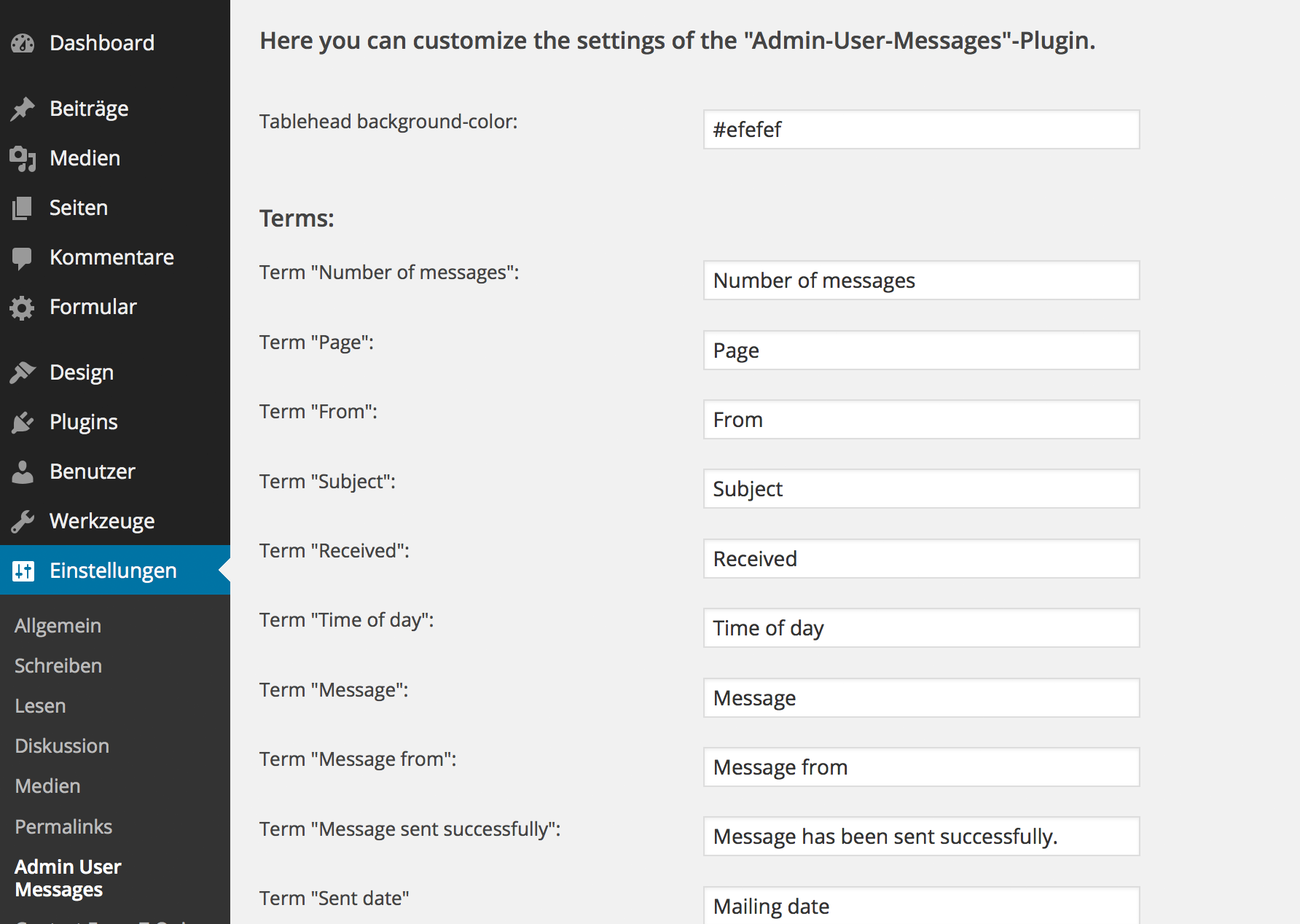
Translate the plugin into your language

Write E-Mails to your users.

Receive E-Mails from your users
Changelog
0.1.2 Now it is possible to edit the javascript alerts when missing receiver, subject and message