

All in one Avada Addons
This plugin add new features to the Avada theme. The best selling theme ever.
Maintenance 22/1001708d since update
Active installs
50
Downloads
3,871
Reviews
3
Age
5.3y
Plugin info
Total downloads: 3,871
Active installs: 50
Total reviews: 3
Average rating: 5
Support threads opened: 0
Support threads resolved: 0 (0%)
Available in: 1 language(s)
Contributors: 1
Last updated: 7/29/2021 (1708 days ago)
Added to WordPress: 12/12/2020 (5 years old)
Minimum WordPress version: 3.0
Tested up to WordPress version: 5.8.12
Minimum PHP version: 5.6
Maintenance & Compatibility
Maintenance score
Possibly abandoned • Last updated 1708 days ago • 3 reviews
22/100
Is All in one Avada Addons abandoned?
Possibly abandoned (last update 1708 days ago).
Compatibility
Requires WordPress: 3.0
Tested up to: 5.8.12
Requires PHP: 5.6
Similar & Alternatives
Explore plugins with similar tags, and compare key metrics like downloads, ratings, updates, support, and WP/PHP compatibility.
SilentShield – Captcha & Anti-Spam for WordPress (CF7, WPForms, Elementor, WooCommerce)
Rating 4.6/5 (16 reviews) • Active installs 9,000
Double Opt-In for Contact Form 7 & Avada – Secure, GDPR-Compliant Email Verification
Rating 5.0/5 (6 reviews) • Active installs 900
Fancy Elements for Avada
Rating 5.0/5 (1 reviews) • Active installs 400
Search Placeholder Avada
Rating 5.0/5 (1 reviews) • Active installs 200
QuadMenu – Avada Mega Menu
Rating 0.0/5 (0 reviews) • Active installs 200
Hide and Seek Header
Rating 4.0/5 (5 reviews) • Active installs 100
Description
This plugin add additional features to the “Avada” theme that don’t exist by default, adding new layouts for woocommerce products or post types. The features are visible and usable directly from the fusion builder.
Features List
- Post Card Templates for Custom Post Types
- Carousel for Custom Post Type
- Post and Custom Post Type Archive
Add Elements by Fusion Builder
You can add individual components directly from the fusion builder. To do this you will need to search for the following elements in the builder elements:
- Credit AIO
- Post Card AIO
- Post Carousel AIO
- WooCommerce Product AIO
Installation
- Unzip the download package
- Upload
all-in-one-avada-addonsto the/wp-content/plugins/directory - Activate the plugin through the \’Plugins\’ menu in WordPress
Frequently Asked Questions
No FAQ available
Review feed
No reviews available
Screenshots
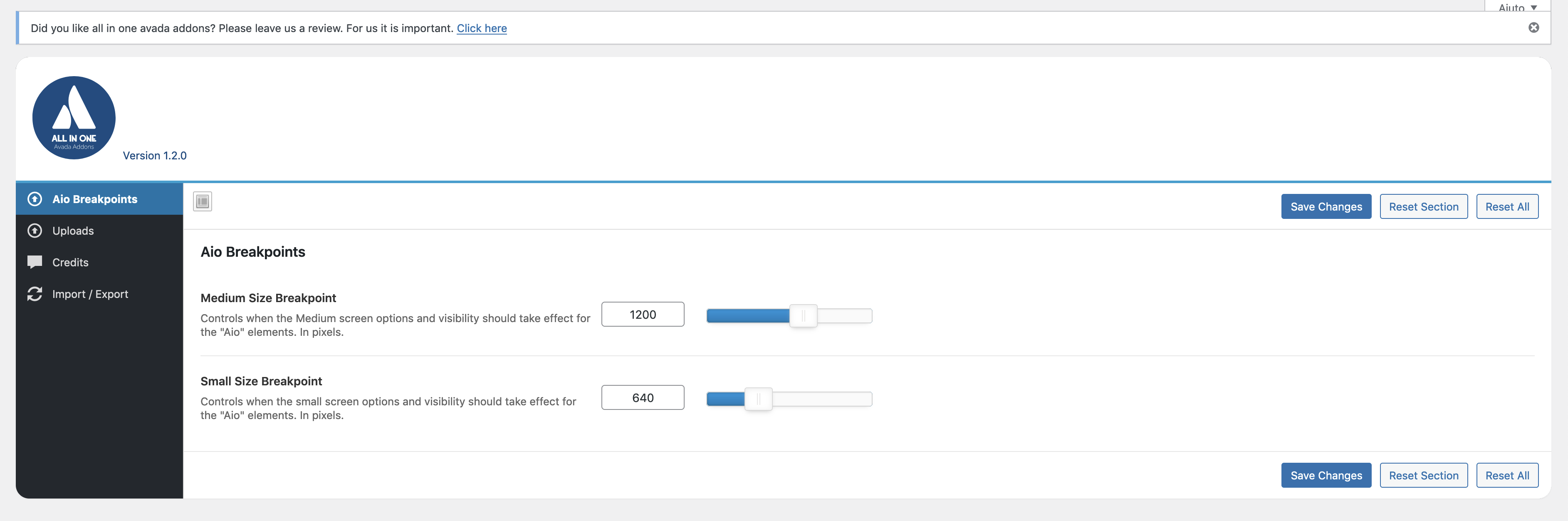
add element
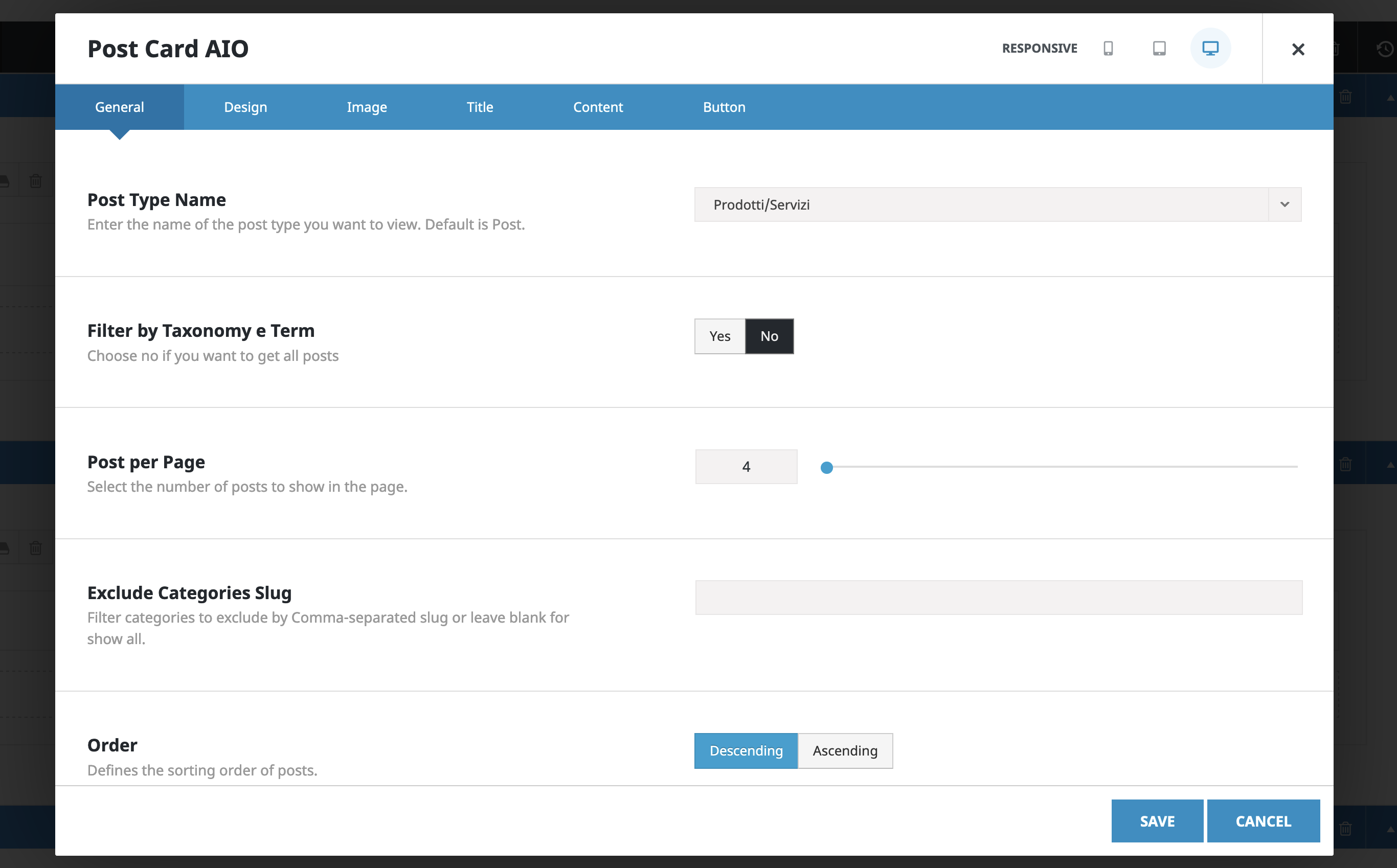
change setting


Changelog
No changelog available