

Maintenance 26/100450d since update
Active installs
10
Downloads
478
Reviews
0
Age
1.2y
Plugin info
Total downloads: 478
Active installs: 10
Total reviews: 0
Average rating: 0
Support threads opened: 0
Support threads resolved: 0 (0%)
Available in: 1 language(s)
Contributors: 1
Last updated: 1/7/2025 (450 days ago)
Added to WordPress: 1/7/2025 (1 years old)
Minimum WordPress version: 6.0
Tested up to WordPress version: 6.7.4
Minimum PHP version: 8.1
Maintenance & Compatibility
Maintenance score
Possibly abandoned • Last updated 450 days ago
26/100
Is Antelope Bluesky Poster abandoned?
Possibly abandoned (last update 450 days ago).
Compatibility
Requires WordPress: 6.0
Tested up to: 6.7.4
Requires PHP: 8.1
Similar & Alternatives
Explore plugins with similar tags, and compare key metrics like downloads, ratings, updates, support, and WP/PHP compatibility.
ORQADESIGN Bluesky Feed
Rating 0.0/5 (0 reviews) • Active installs 10
Revive To Sky – Post old content to Bluesky
Rating 5.0/5 (1 reviews) • Active installs 0
Simple Share Buttons Adder
Rating 4.3/5 (626 reviews) • Active installs 40,000
XPoster – Share to Bluesky and Mastodon
Rating 3.8/5 (68 reviews) • Active installs 10,000
Simple Auto-Poster for Bluesky
Rating 5.0/5 (7 reviews) • Active installs 800
Social Integration for BlueSky
Rating 5.0/5 (2 reviews) • Active installs 500
Description
This plugin will automatically post content to Bluesky when a post is published. Users can select which categories to post to Bluesky.
If the post is less than 300 characters, the entire post will be posted. If the post is longer than 300 characters, the post excerpt will be posted along with a link to the full post.
The post title is always ignored.
Installation
- Upload “alf-bsky-poster.zip” via the WordPress admin or install from the WordPress repository.
- Activate the plugin through the “Plugins” menu in WordPress.
- Go to the “Settings” menu and set the Bluesky API credentials. We recommend using a Bluesky application password specifically for this plugin and not your main Bluesky account password.
Frequently Asked Questions
No FAQ available
Review feed
No reviews available
Screenshots
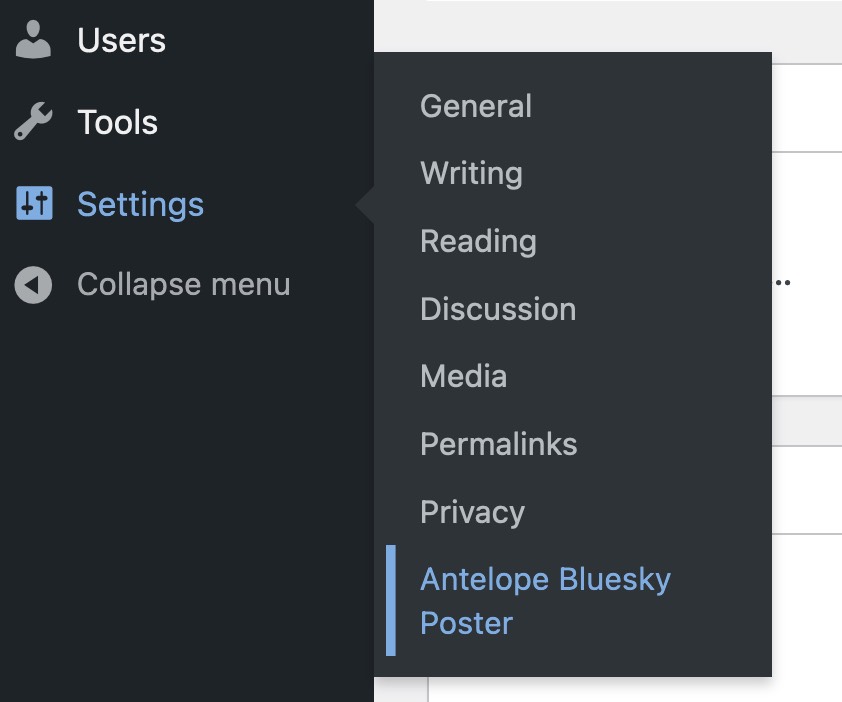
The Bluesky settings menu.
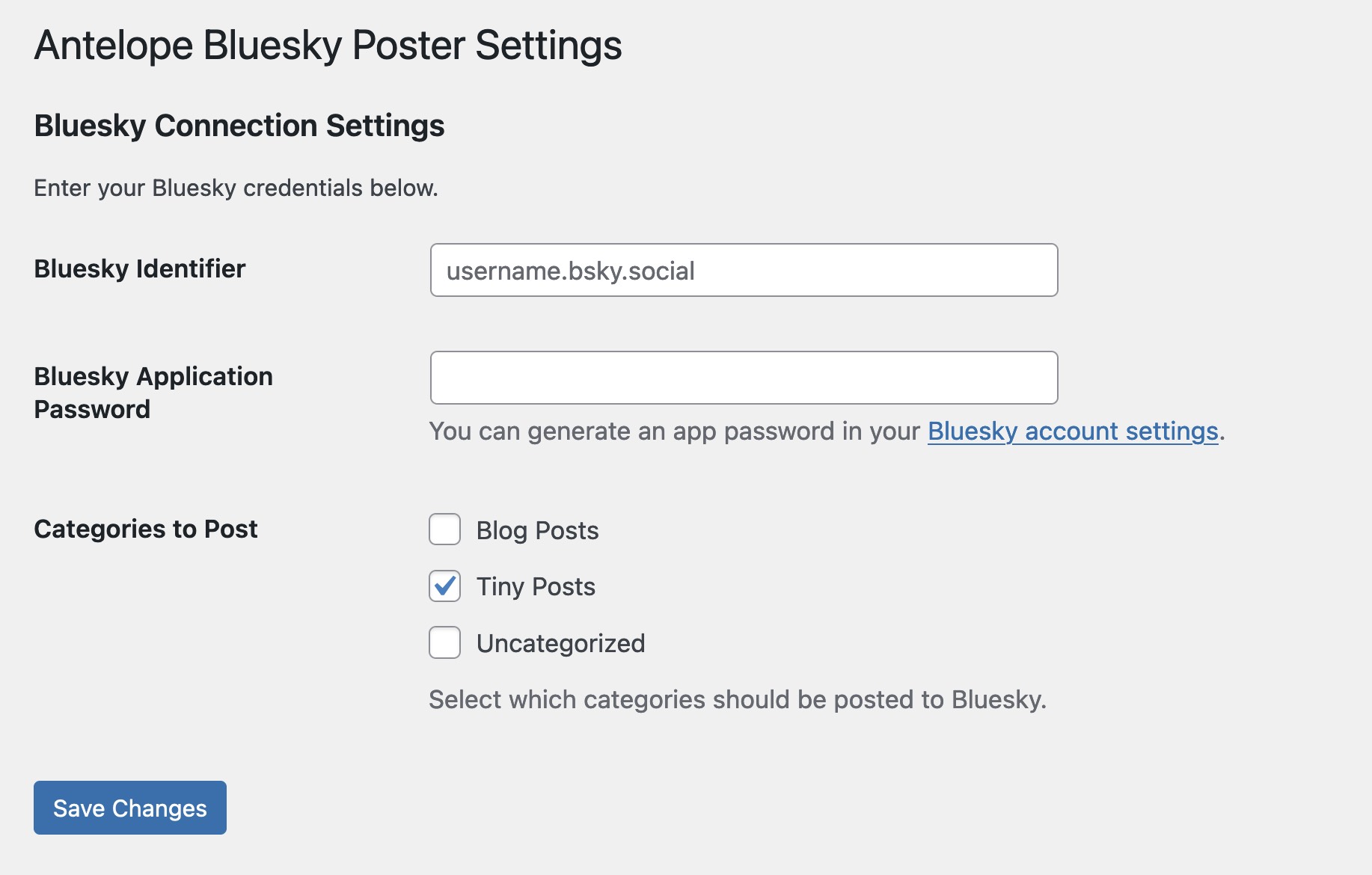
The Bluesky settings page
Changelog
0.1.0
- Initial release.