

B2BinPay Payments for WooCommerce
Accept Bitcoin, Bitcoin Cash, Litecoin, Ethereum, and other CryptoCurrencies via B2BinPay on your WooCommerce store.
Plugin info
Maintenance & Compatibility
Maintenance score
Possibly abandoned • Last updated 2303 days ago
Is B2BinPay Payments for WooCommerce abandoned?
Possibly abandoned (last update 2303 days ago).
Compatibility
Similar & Alternatives
Explore plugins with similar tags, and compare key metrics like downloads, ratings, updates, support, and WP/PHP compatibility.
Description
This is a B2BinPay Payment Gateway for WooCommerce.
B2BinPay allows you to accept Crypto on your store & Receive Crypto or FIAT Settlements directly into your Bank Account.
Available CryptoCurrencies
Bitcoin, Bitcoin Cash, Ethereum, DASH, Litecoin, Monero, NEO, NEM, Ripple, B2BX, and any ERC20, NEO tokens.
Our Fees
We are proud to provide one of the best CryptoCurrency Payment Solution with the Lowest Fees in the industry! Accept Money Across Borders for as low as 0.5%.
Installation
Minimum Requirements
- PHP version 7.0 or greater
- PHP extensions enabled: BCMath, cURL, JSON
- WordPress 4.6 or greater
- WooCommerce 2.2.0 or greater
Automatic installation
- Install the plugin via Plugins -> New plugin. Search for ‘B2BinPay Payments for WooCommerce’.
- Activate the ‘B2BinPay Payments for WooCommerce’ plugin through the ‘Plugins’ menu in WordPress.
- Get API Credentials in b2binpay.com
- Set your B2BinPay API key and secret at WooCommerce -> Settings -> Payments -> B2BinPay -> Set up
- You’re done.
Manual installation
- Unpack the download package
- Upload the directory ‘b2binpay-payments-for-woocommerce’ to the
/wp-content/plugins/directory - Activate the ‘B2BinPay Payments for WooCommerce’ plugin through the ‘Plugins’ menu in WordPress.
- Get API Credentials in b2binpay.com
- Set your B2BinPay API key and secret at WooCommerce -> Settings -> Payments -> B2BinPay -> Set up
- You’re done.
Frequently Asked Questions
Does this support both production mode and sandbox mode for testing?
Yes, it does. But you need to get API Credentials from b2binpay.com for each production and sandbox mode.
Will this plugin work with my theme?
Yes, this plugin will work with any theme but may require some styling to make it match nicely. If you’re
looking for a theme with built-in WooCommerce integration we recommend Storefront.
Review feed
Screenshots

B2BinPay settings in WooCommerce Payments.

B2BinPay Payment Method on Store Front.
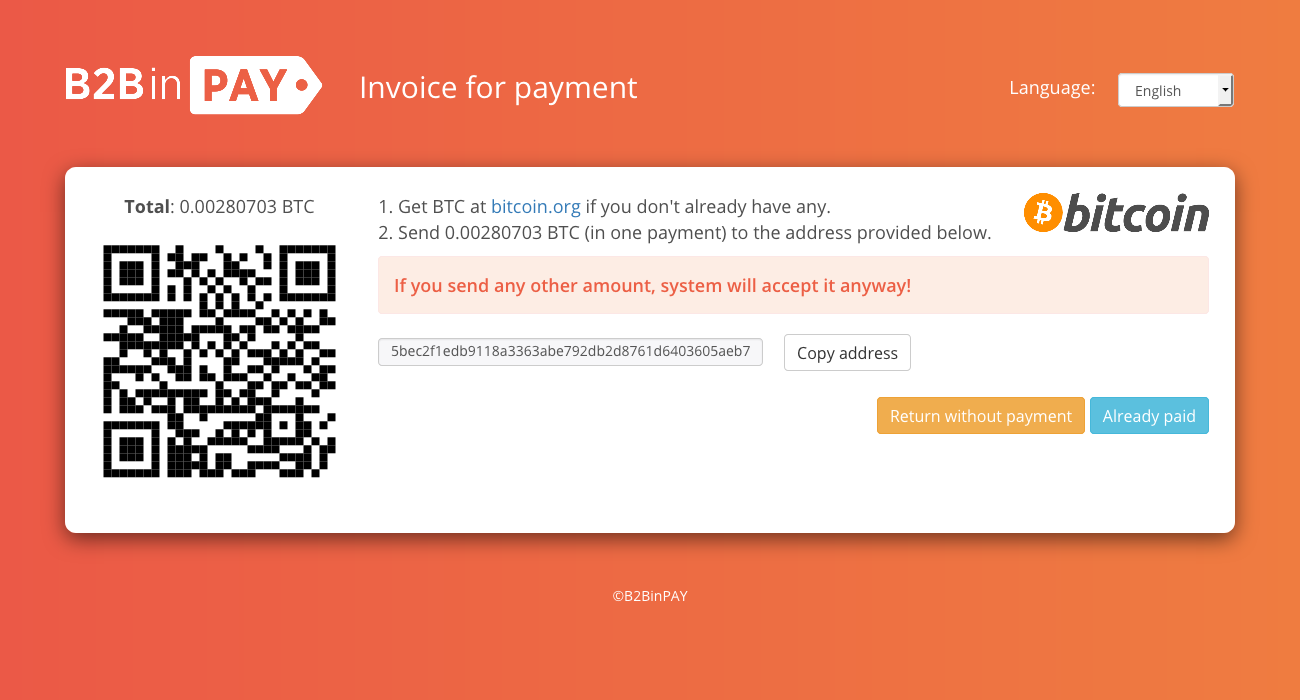
B2BinPay new invoice page.
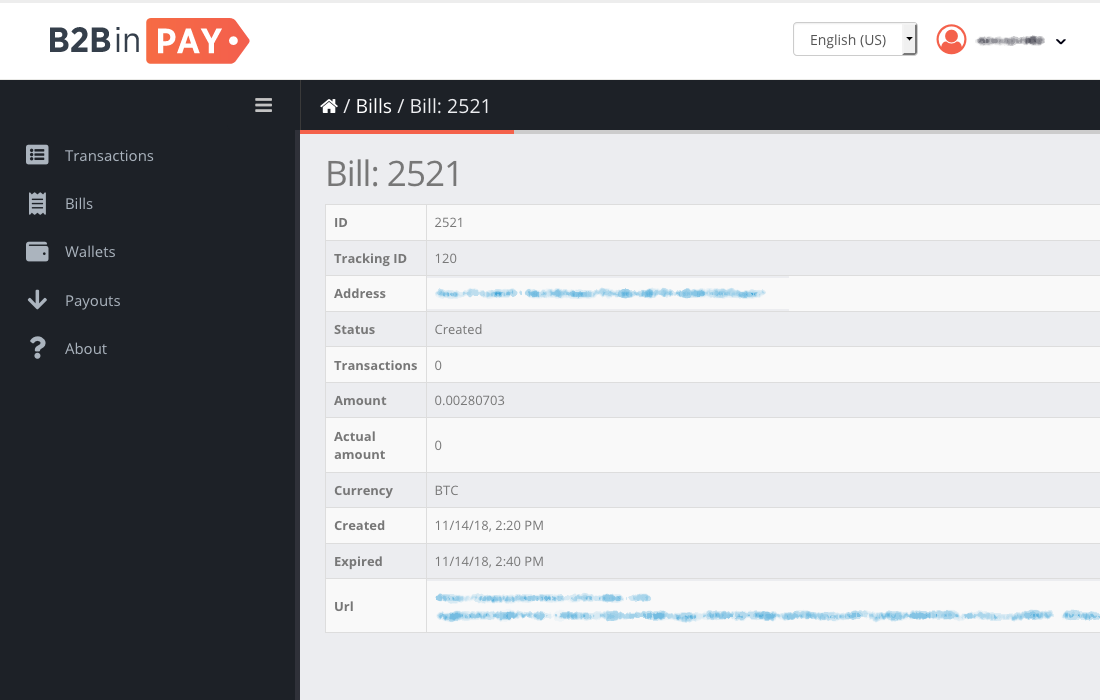
A new bill in B2BinPay admin page.

Order notes in WordPress admin page.