
Blocks Export Import
Blocks Export Import allows to Export and Import blocks as JSON in Gutenberg Block Editor.
Maintenance 52/100104d since update
Active installs
1,000
Downloads
13,735
Reviews
1
Age
7.1y
Plugin info
Total downloads: 13,735
Active installs: 1,000
Total reviews: 1
Average rating: 5
Support threads opened: 0
Support threads resolved: 0 (0%)
Available in: 2 language(s)
Contributors: 4
Last updated: 11/5/2025 (104 days ago)
Added to WordPress: 1/4/2019 (7 years old)
Minimum WordPress version: 6.2
Tested up to WordPress version: 6.8.3
Minimum PHP version: 5.4
Maintenance & Compatibility
Maintenance score
Maintained • Last updated 104 days ago • 1 reviews
52/100
Is Blocks Export Import abandoned?
Likely maintained (last update 104 days ago).
Compatibility
Requires WordPress: 6.2
Tested up to: 6.8.3
Requires PHP: 5.4
Languages
Similar & Alternatives
Explore plugins with similar tags, and compare key metrics like downloads, ratings, updates, support, and WP/PHP compatibility.
Backup Copilot – Database Backup & Restore
Rating 0.0/5 (0 reviews) • Active installs 0
Customizer Export/Import
Rating 4.8/5 (114 reviews) • Active installs 100,000
Import and export users and customers
Rating 4.7/5 (253 reviews) • Active installs 80,000
WP Import Export Lite
Rating 4.0/5 (112 reviews) • Active installs 50,000
WP CSV Exporter
Rating 3.0/5 (11 reviews) • Active installs 10,000
Customizer Backup & Reset
Rating 4.4/5 (14 reviews) • Active installs 8,000
Description
Blocks Export Import plugin allows you to import and export blocks as JSON in Gutenberg Block Editor.
All the code and sources for this plugin are publicly available as part of https://github.com/Codeinwp/otter-blocks.
Installation
Activating this plugin is just like any other plugin. If you’ve uploaded the plugin package to your server already, skip to step 5 below:
- Install using the WordPress built-in Plugin installer, or Extract the zip file and drop the contents in the wp-content/plugins/ directory of your WordPress installation.
- Activate the plugin through the ‘Plugins’ menu in WordPress.
- Go to Gutenberg editor and play around with the block.
Frequently Asked Questions
No FAQ available
Review feed
Ivan Barreda
Fantastic and easy
Perfect, it works fine and easy
Screenshots
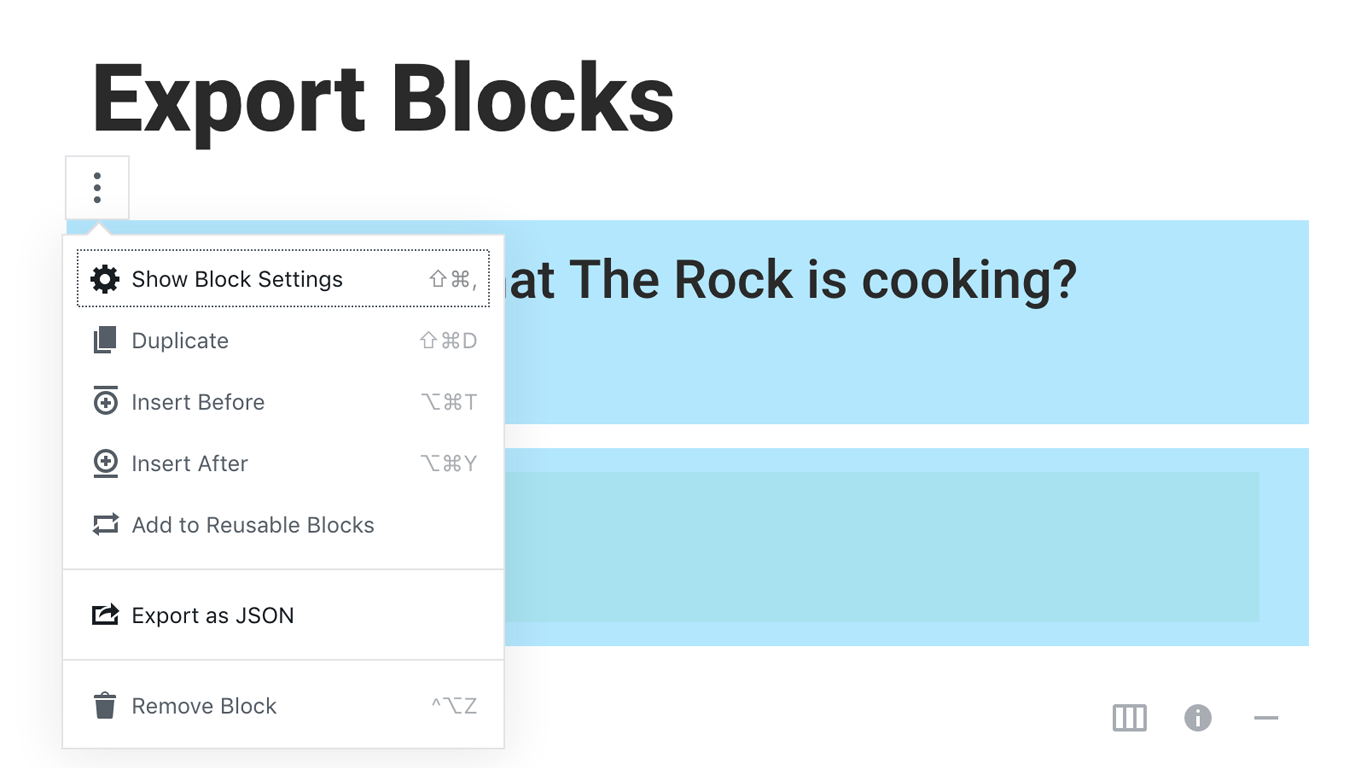
Export Blocks.
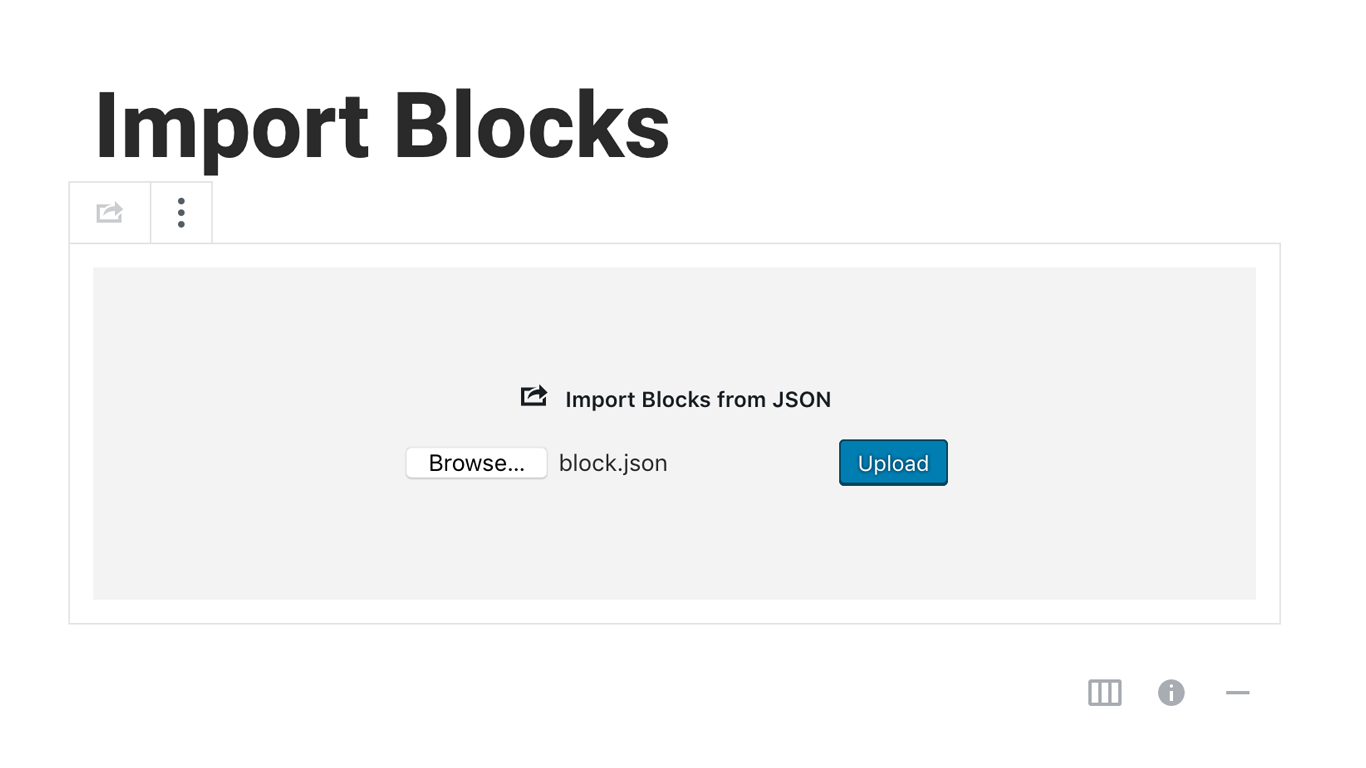
Import Blocks
Changelog
You can check the changelog here.