

FluentC – AI-Powered Translation for WP
Effortless website translation with AI-powered technology, enhanced performance, and unlimited translations.
Plugin info
Maintenance & Compatibility
Maintenance score
Maintained • Last updated 152 days ago • 4 reviews
Is FluentC – AI-Powered Translation for WP abandoned?
Likely maintained (last update 152 days ago).
Compatibility
Similar & Alternatives
Explore plugins with similar tags, and compare key metrics like downloads, ratings, updates, support, and WP/PHP compatibility.
Description
Try for Free with no account needed!
FluentC transforms your WordPress site into a multilingual powerhouse with AI-powered translations in over 130 languages. It’s designed to be fast, reliable, and easy to use, without the need for technical expertise. Enjoy SEO-optimized translations to increase international traffic and sales, all while maintaining top performance on your WordPress site.
Key Features:
– AI-Powered Automatic Translation: Translate your WordPress site in over 130 languages with AI precision, ensuring high-quality, human-like translations.
– Flat-Rate Pricing: Per language with unlimited translations. No hidden fees or word limits.
– SEO-Optimized: Automatically generates SEO-friendly translations, including meta tags, URL slugs, and schema.org data.
– No Performance Impact: Translations occur without slowing down your website, ensuring optimal speed even with multiple languages.
– Manual Translation Edits: Easily fine-tune and manually adjust translations to get them just right for your audience.
– Compatible with Popular Plugins: Seamless integration with WooCommerce, Yoast SEO, WPForms, Contact Form 7, Elementor, and ACF, ensuring all your site’s elements are translated.
FluentC for WooCommerce:
Boost your WooCommerce store’s global reach with automated translations for:
– Product Pages: Translate product descriptions, categories, attributes, and more.
– SEO Optimization: FluentC translates WooCommerce schema.org data for improved multilingual SEO.
– Full Metadata Translation: Ensure your products are accurately translated, including meta keywords and descriptions for improved search engine visibility.
Advanced Features:
– Hreflang Tags: Automatically generated hreflang tags help search engines index your multilingual pages properly.
– Manual Translation Control: Take control by manually editing translations without losing context.
Installation
Install the plugin from the WordPress plugin directory
Activate the plugin
Go to FluentC Settings in your WordPress dashboard
Sign up for a FluentC account and enter your API key
Choose your target languages and configure display settings
Add the FluentC widget to your site using
Frequently Asked Questions
FluentC offers free manual with unlimited translations for all WordPress sites. This makes FluentC the most affordable option for multilingual WordPress websites. You only pay for automated translations.
No, FluentC is designed to deliver translations without impacting your website’s speed or performance.
Yes, FluentC fully supports WooCommerce, including automatic translations for product pages, categories, schema.org data, and product metadata.
FluentC automatically generates SEO-optimized translations, including translated meta tags, URLs, and schema.org microdata, which helps your site rank higher in search engines across multiple languages.
Yes, FluentC allows you to manually edit and adjust translations for precision, giving you complete control over how your content appears in different languages.
Review feed
Screenshots
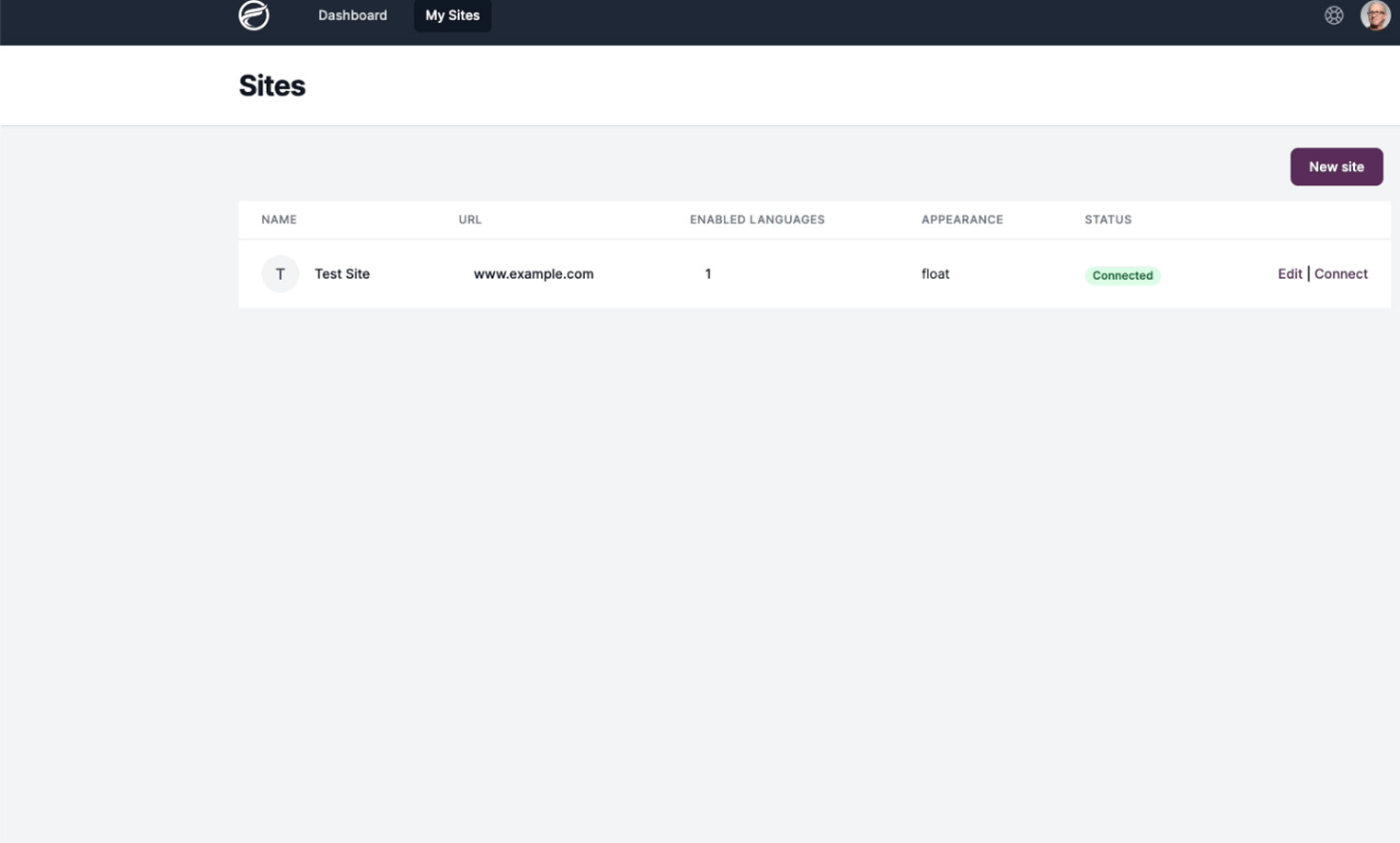
FluentC Dashboard for adding your website
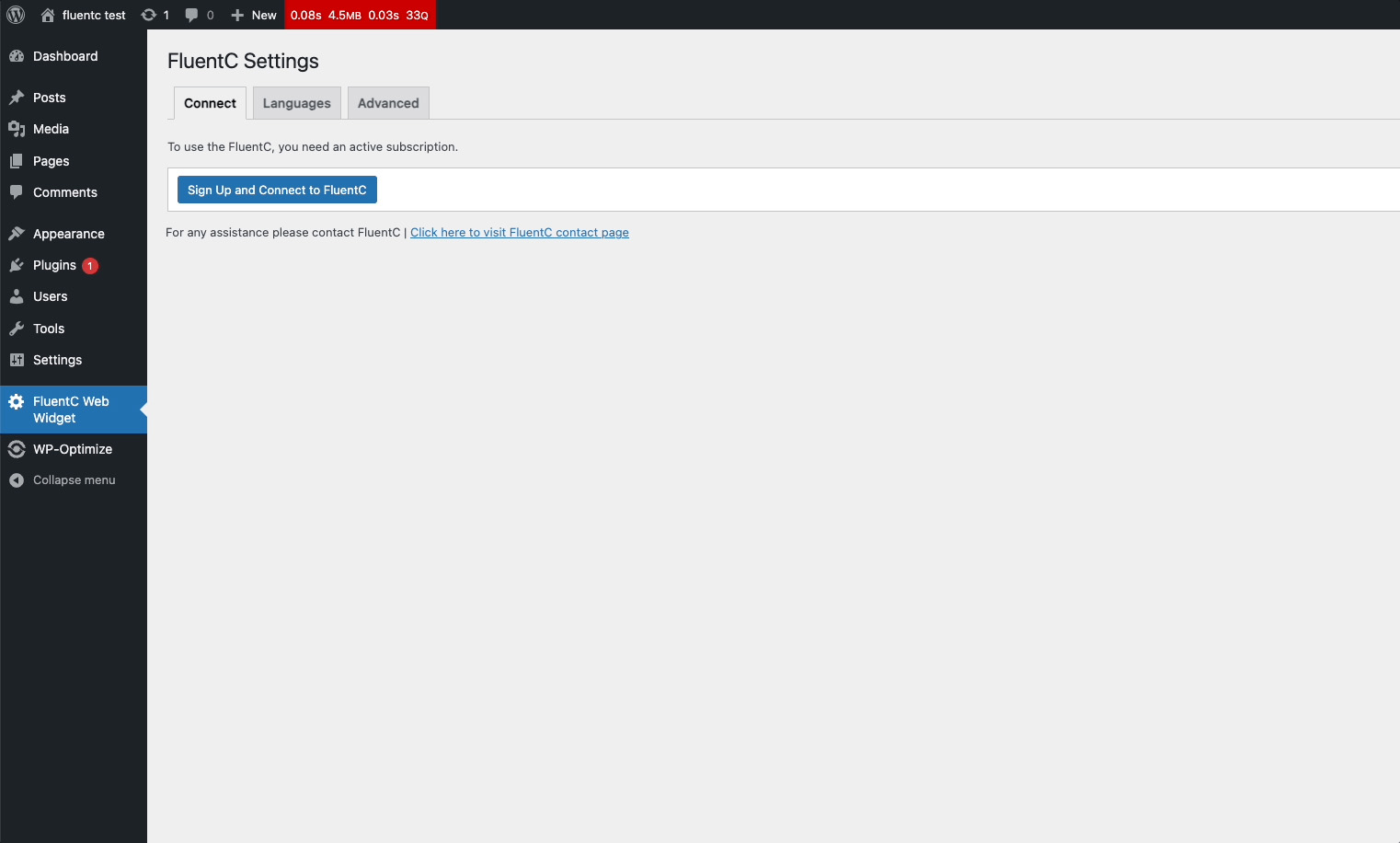
First screen after installing FluentC
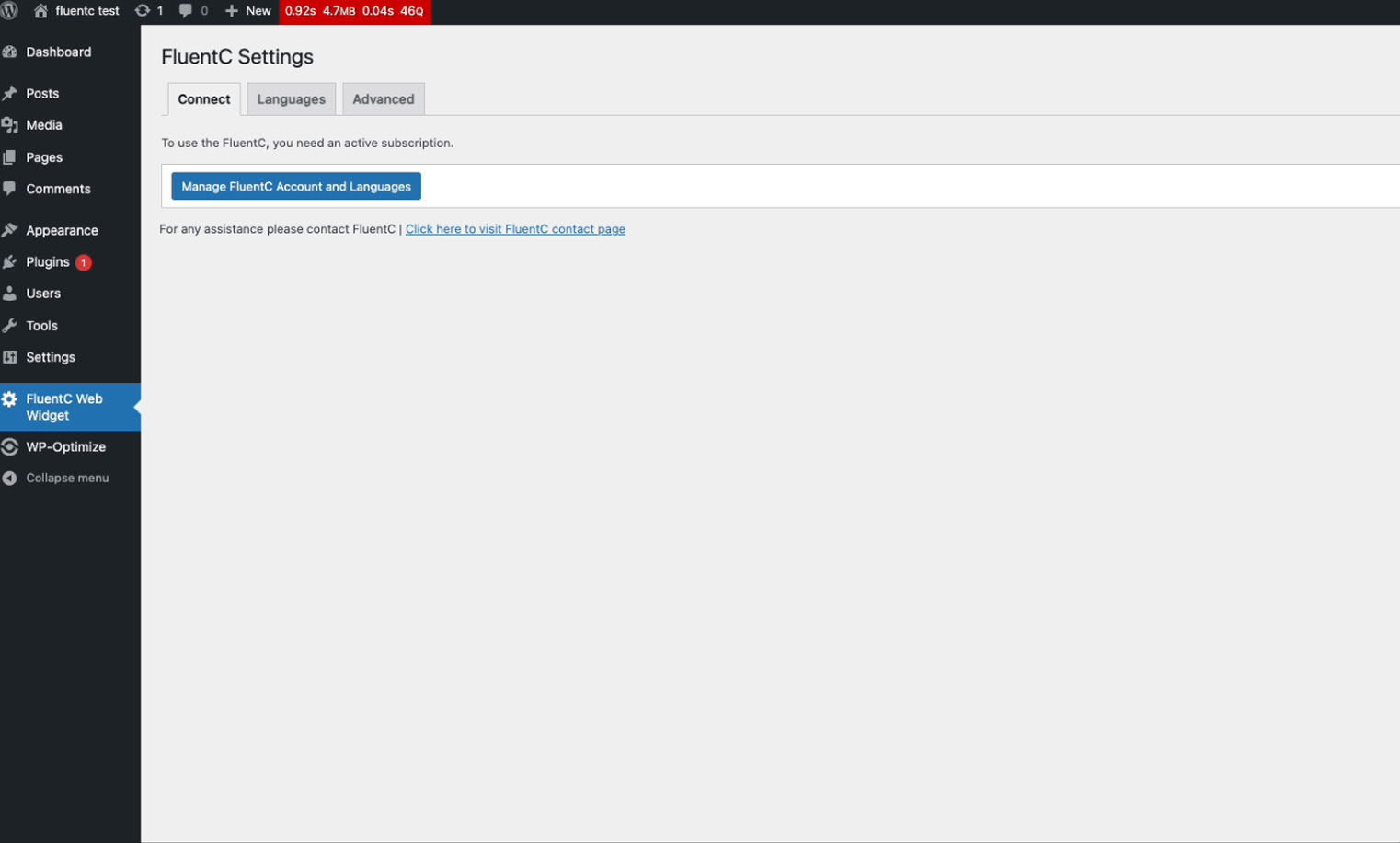
Connecting your site to FluentC
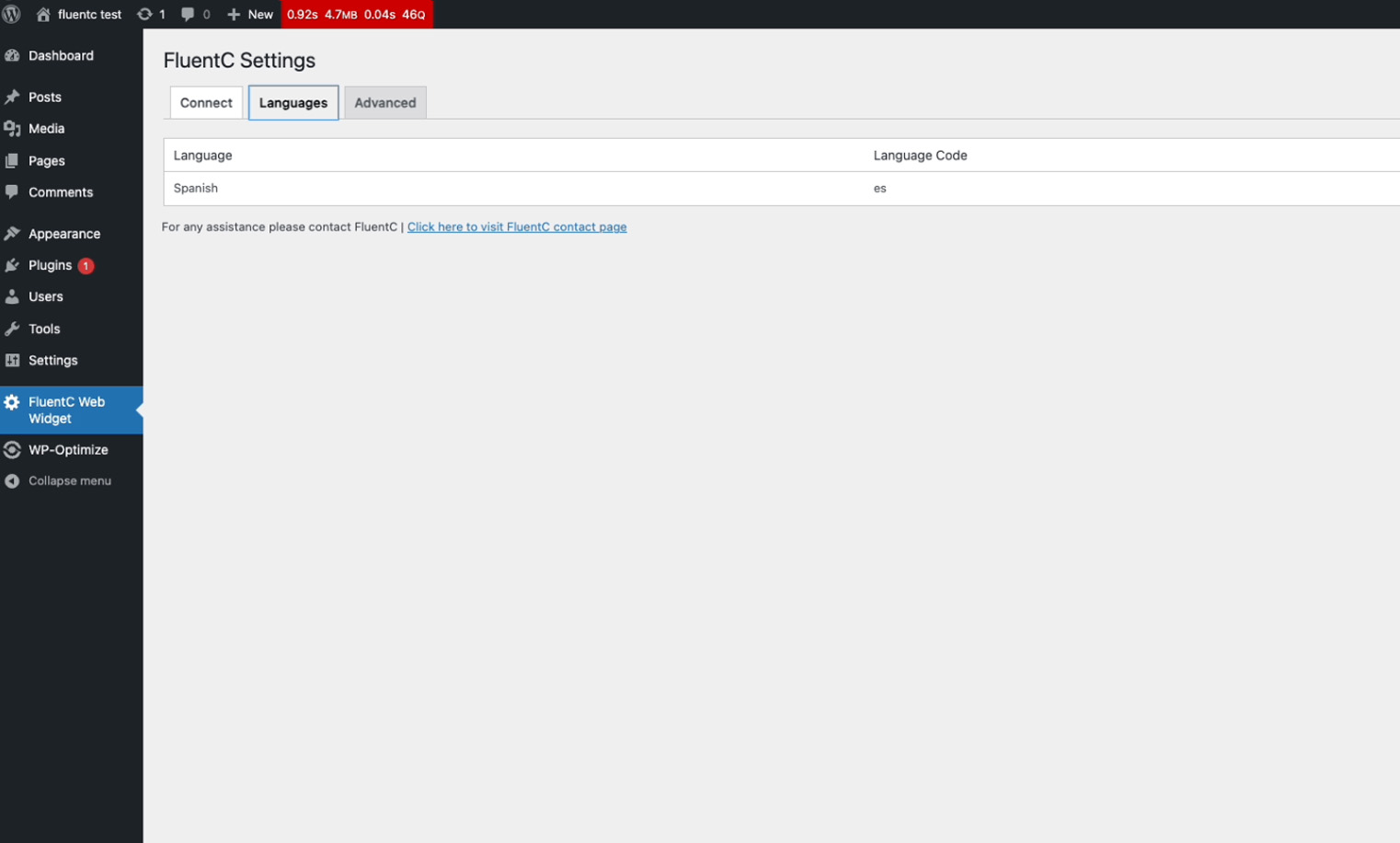
Available languages selection
Changelog
2.5
Updated Ajax control
Improved editing capabilities
Free Manual translations
1.9
Improved edit translation capabilities for fine-tuning your multilingual content
Added support for Elementor, ACF, WPForo and SiteOrigin builder.
1.7
Introduced powerful edit translation capabilities for fine-tuning your multilingual content
Added support for the Navigation Menu Block, enabling easy language switcher placement
Launched the versatile FluentC block for flexible integration anywhere in your theme
Unveiled our groundbreaking proactive translation tool, revolutionizing site-wide language adaptation
1.6
Introduced AI-powered translation improvements
Enhanced SEO features for multilingual sites
1.5
Added compatibility with WordPress 6.6
Bug fixes and stability improvements