

Radio Player Page
Create a dedicated page for your Icecast, Shoutcast, or MP3 radio. Continuous playback without interruptions.
Plugin info
Maintenance & Compatibility
Maintenance score
Maintained • Last updated 116 days ago • 3 reviews
Is Radio Player Page abandoned?
Likely maintained (last update 116 days ago).
Compatibility
Developers
Languages
Similar & Alternatives
Explore plugins with similar tags, and compare key metrics like downloads, ratings, updates, support, and WP/PHP compatibility.
Description
Radio Player Page creates dedicated, independent pages for up to six radio streams, providing continuous playback without interruptions.
Its architecture and design are optimised to keep listeners engaged throughout their visit.
Set up in minutes, no coding required, and the lightweight page runs independently of your theme, preserving site performance.
The plugin is fully internationalised and responsive on mobile, tablet, and desktop devices.
Key Features:
- Easy setup – launch a player page in minutes, no coding required.
- Multiple stream support – up to six independent streams, each with its own page.
- Broad stream support – compatible with Icecast, Shoutcast, and MP3.
- Real‑time visualization – built‑in waveform visualizer.
Installation
- Upload the
radio-player-pagefolder to the/wp-content/plugins/directory, or install the plugin via the Plugins screen. - Activate the plugin via the Plugins screen.
- Navigate to Settings Radio Player Page Settings.
- For each stream you want to configure:
- Enter your streaming URL (Icecast, Shoutcast, or MP3).
- Select the page where the player should appear.
- Optionally add a custom stream title.
- Save your settings.
- Open the assigned page to see the player in action.
Frequently Asked Questions
The player is minimal by design. It automatically uses your site’s favicon and site title (or a custom stream title) for branding.
Yes. The plugin is free and open‑source, suitable for both commercial and non‑commercial stations.
Visit the WordPress Support Forum for help, feature requests, and to report any bugs.
The source code is hosted on GitHub. See the repository for contributions and issue tracking.
Review feed
Screenshots
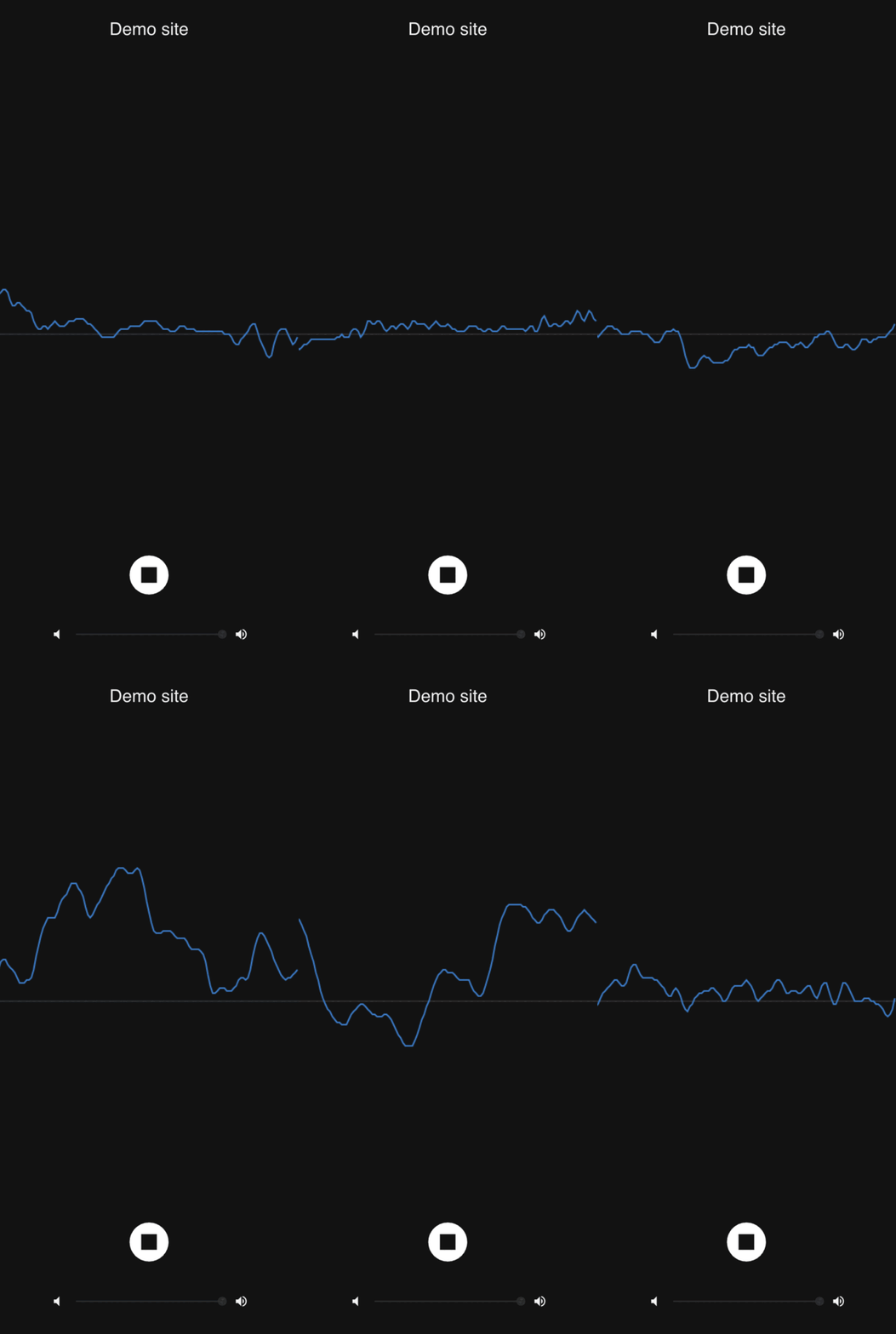
Radio Player Page displayed on a mobile device, showing the clean, minimal interface optimized for mobile listening.

Radio Player Page on a desktop device, featuring the waveform visualizer and full player controls.
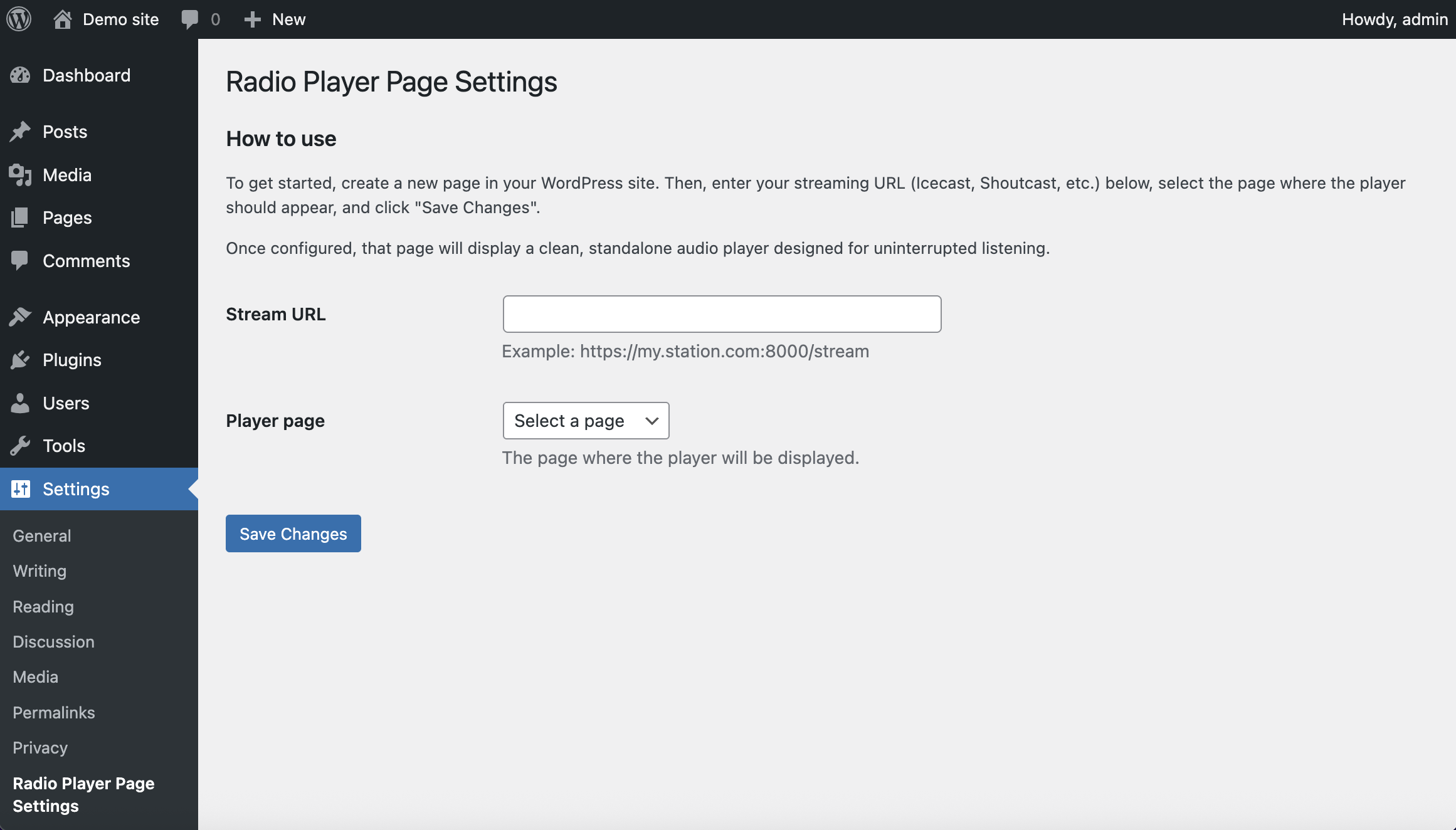
Plugin Settings screen, showing the interface for managing multiple streams.
Changelog
1.2.1
- Added support for HLS and DASH streaming using hls.js and dash.js
1.2.0
- Added support for multiple streams (up to six streams)
- Added optional custom stream title field for each stream
- Improved Settings screen with dynamic streaming management interface
- Added backward compatibility migration for existing users upgrading from single-stream version
- Enhanced user experience with better form validation and page selection
1.1.4
- Changed WordPress compatibility to 6.9
- Changed to WordPress.org community translations
1.1.3
- Added complete internationalization (i18n) support for plugin administration screen and player interface
- Integrated translations for English (en_US) and Spanish (es_ES)
- Player interface now automatically detects and matches WordPress locale
1.1.2
- Updated documentation and use cases
1.1.1
- Updated readme with short description
- Added accessibility features to the player Page
- Refactored locale handling in the player Page
1.1.0
- Added volume control to the player
- Displays Site name in the player Page
- Shows Site favicon in the player Page
- Updated readme with screenshots
- Fixed minor translation bugs in the player Page