

StreamCast – Live Radio Streaming Player
StreamCast allows you to play IceCast, Shoutcast, Radionomy, RadioJar, RadioCo and more beautifully inside WordPress.
Plugin info
Maintenance & Compatibility
Maintenance score
Maintained • Last updated 131 days ago • 6 reviews
Is StreamCast – Live Radio Streaming Player abandoned?
Likely maintained (last update 131 days ago).
Compatibility
Languages
Similar & Alternatives
Explore plugins with similar tags, and compare key metrics like downloads, ratings, updates, support, and WP/PHP compatibility.
Description
The #1 No-Code Radio Player Plugin for WordPress – Trusted by Thousands Worldwide
StreamCast is a simple, accessible, and fully customizable online radio streaming player for WordPress.
Play IceCast, Shoutcast, RadioCo, RadioJar, Radionomy, and many more stream types using shortcodes or Gutenberg blocks — without writing code.
It’s lightweight, fast, responsive, and works across all major browsers and devices.
Whether you run an online radio station, podcast live stream, community FM, or educational broadcast—StreamCast lets you embed your live stream beautifully inside WordPress.
StreamCast | Documentation | Pricing | Support | Demo
How To Use It? Learn Quick
Key Features (Free)
- Responsive Radio Player – Works on desktop, tablet, and mobile.
- Supports Major Providers – IceCast, Shoutcast, Radiojar, Radionomy, RadioCo & more.
- No-Code Setup – Add with a simple shortcode or Gutenberg block.
- Customizable Skins – Adjust background colors and styles.
- Cross-Browser Compatible – Chrome, Firefox, Safari, Edge.
- Lightweight & Fast – Minimal load, no performance issues.
- Single Station Player – Designed for one stream per page.
- Background Color Support – Personalize using shortcode attributes.
🎧 StreamCast Pro – Unlock Premium Features
Upgrade to StreamCast Pro to access advanced player controls, premium skins, and full customization options.
Pro Features Include:
- Advanced Player UI (85+ Radio Player)
- Professional Skin Library
- Automatic Station Name From Stream URL
- Brand Color Picker & Custom Colors
- Text Color & Typography
- Ultimate Player Type
- More Stream Compatibility
- Custom CSS Styling
- Priority Support & Future Updates
How to Use
Add a Simple Player
Use this shortcode: [stream url=”YOUR_STREAM_URL”]
Add a Background Color
[stream url=”YOUR_STREAM_URL” background=”#333333″]
Supports color names or hex values.
Or use the Gutenberg StreamCast Block for a visual setup.
Important Notes
⚠️ Chrome 80+ Restriction
If your website uses HTTPS but your stream is HTTP, Chrome will block playback.
✔ Both website and stream must use the same protocol (preferably HTTPS).
More info: https://blog.chromium.org/2019/10/no-more-mixed-messages-about-https.html
Use Cases
- Online radio stations
- Internet broadcast channels
- Podcast live streams
- Religious or community radio
- Live music streams
- FM/AM radio going digital
- Educational radio broadcasts
User Feedback
⭐⭐⭐⭐⭐ “This is exactly what I was looking for – I have a station on Live365 and their ‘player’ is too large, I wanted a simple player without all the mumbo jumbo. So far so good.”
⭐⭐⭐⭐⭐ “It’s best radio player, so many features. can put player anywhere by short code.
I recommended”
Have suggestions? Let us know: https://bplugins.com/contact
Installation
This section describes how to install the plugin and get it working.
e.g.
- Upload
plugin-directoryto the/wp-content/plugins/directory - Activate the plugin through the ‘Plugins’ menu in WordPress
- Use shortcode in page, post or in widgets.
- If you want the player in your theme php file, Place
<?php echo do_shortcode('YOUR_SHORTCODE'); ?>in your template file.
Frequently Asked Questions
You can install it as other regular WordPress plugins. No different way. Please see on installation tab.
Check the protocols.
If your website is HTTPS and your stream is HTTP, the browser will block it.
Use matching protocols (HTTPS HTTPS).
Multiple players on a single page are not supported.
Please report security bugs found in the source code of the StreamCast plugin through the Patchstack Vulnerability Disclosure Program. The Patchstack team will assist you with verification, CVE assignment, and notify the developers of this plugin.
Review feed
Recommended
Screenshots
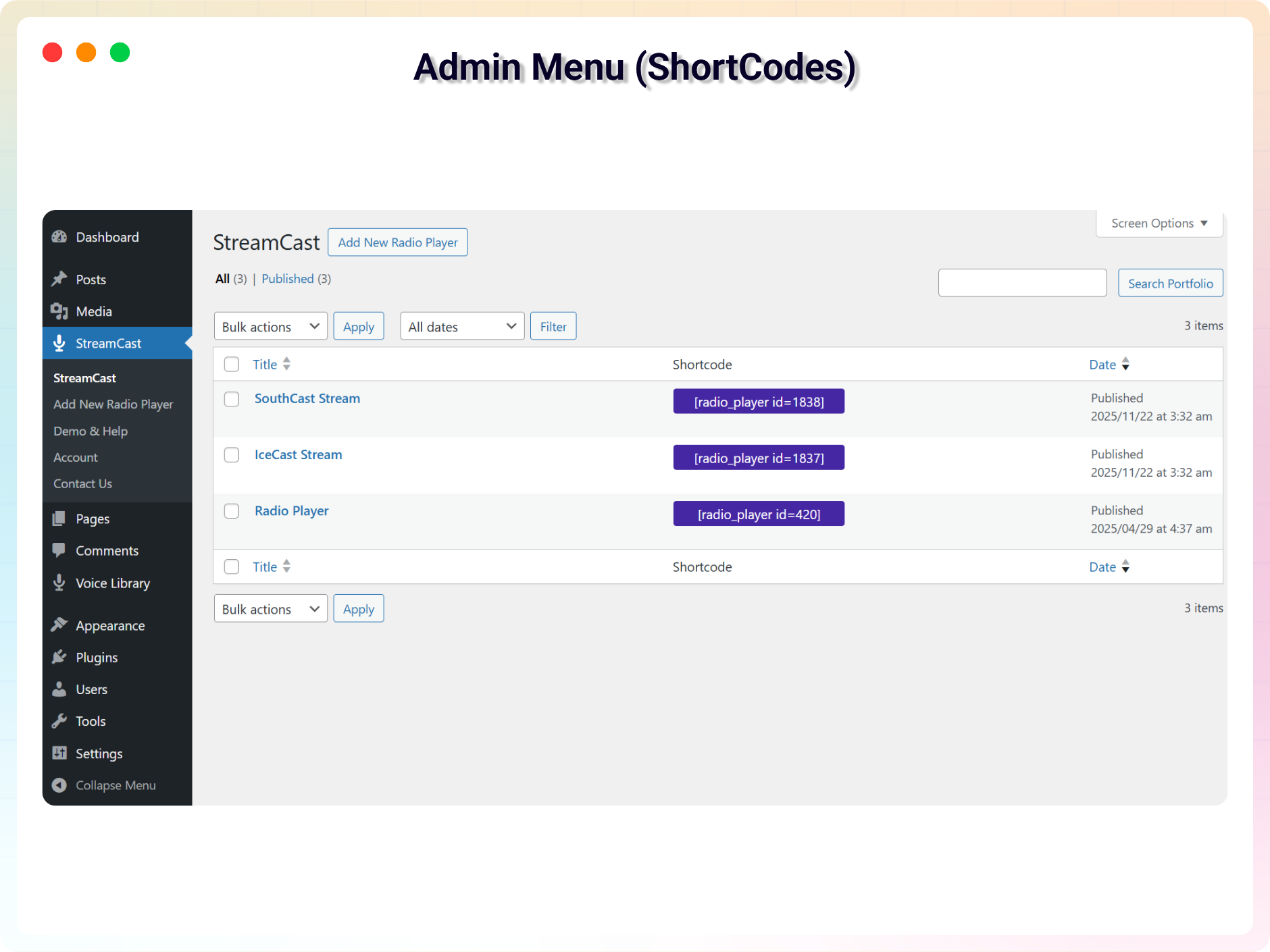
Admin Menu (ShortCodes)
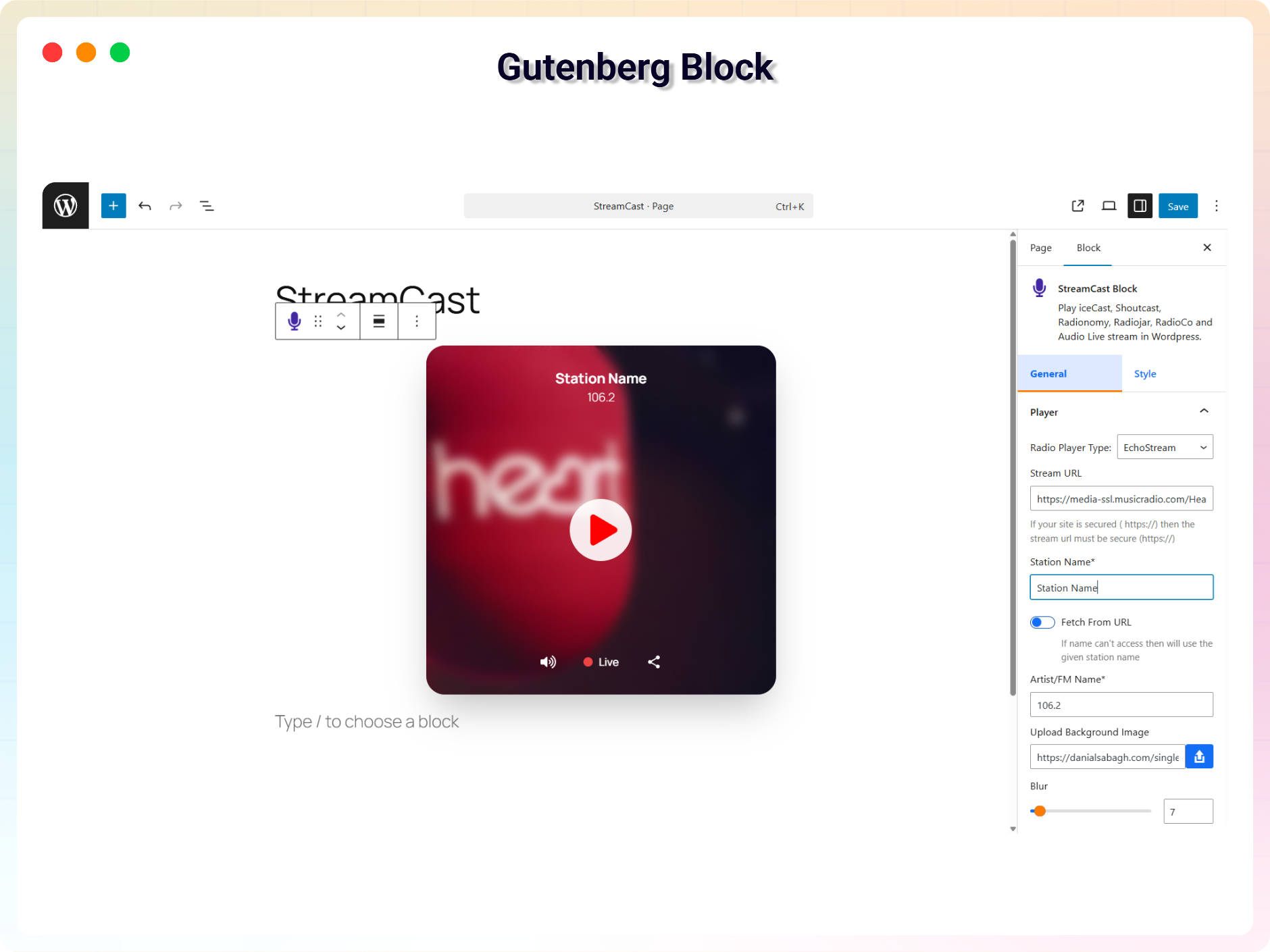
Gutenberg Block
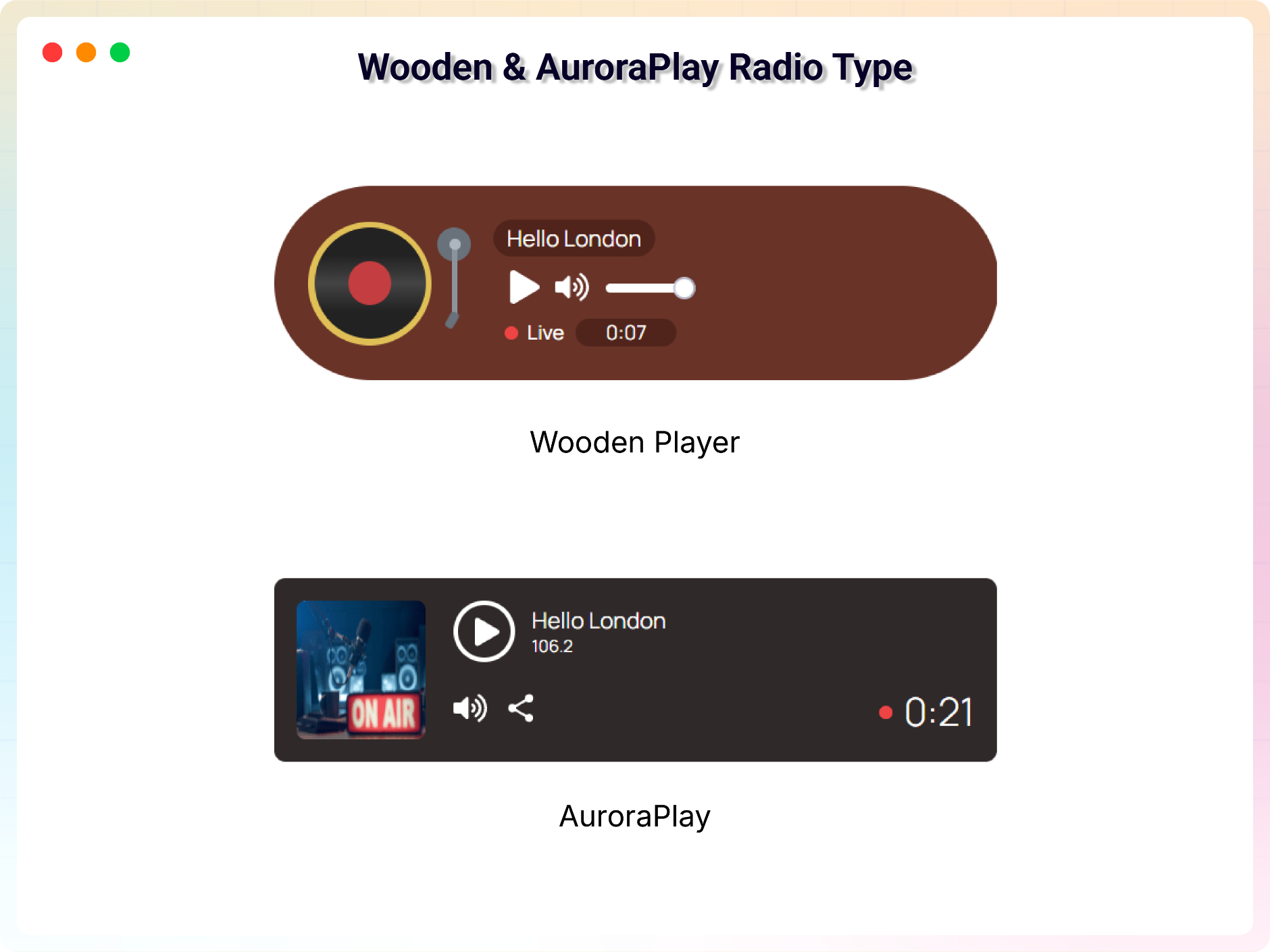
Wooden and AuroraPlay Radio Type
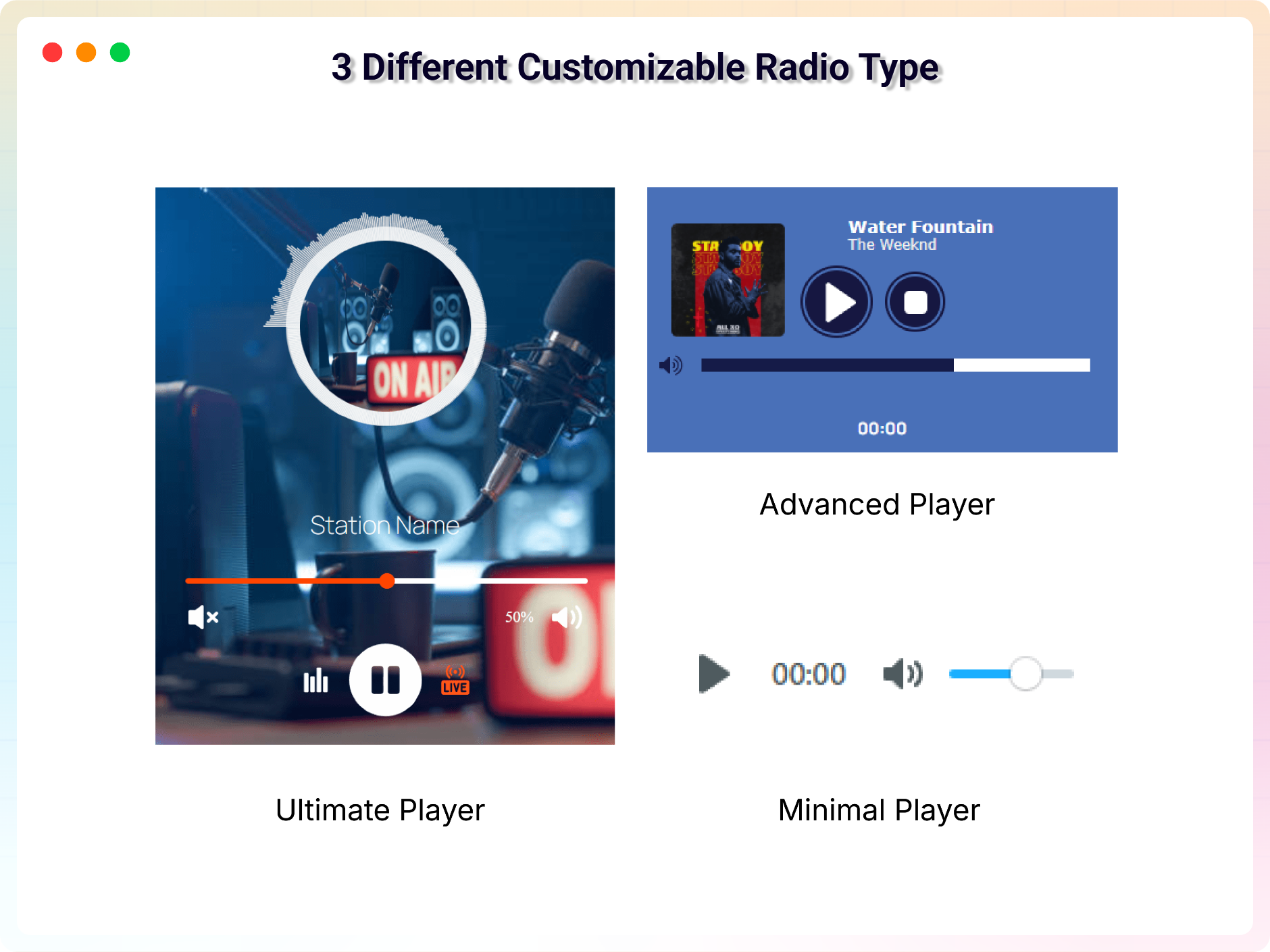
3 Different Customizable Radio Type
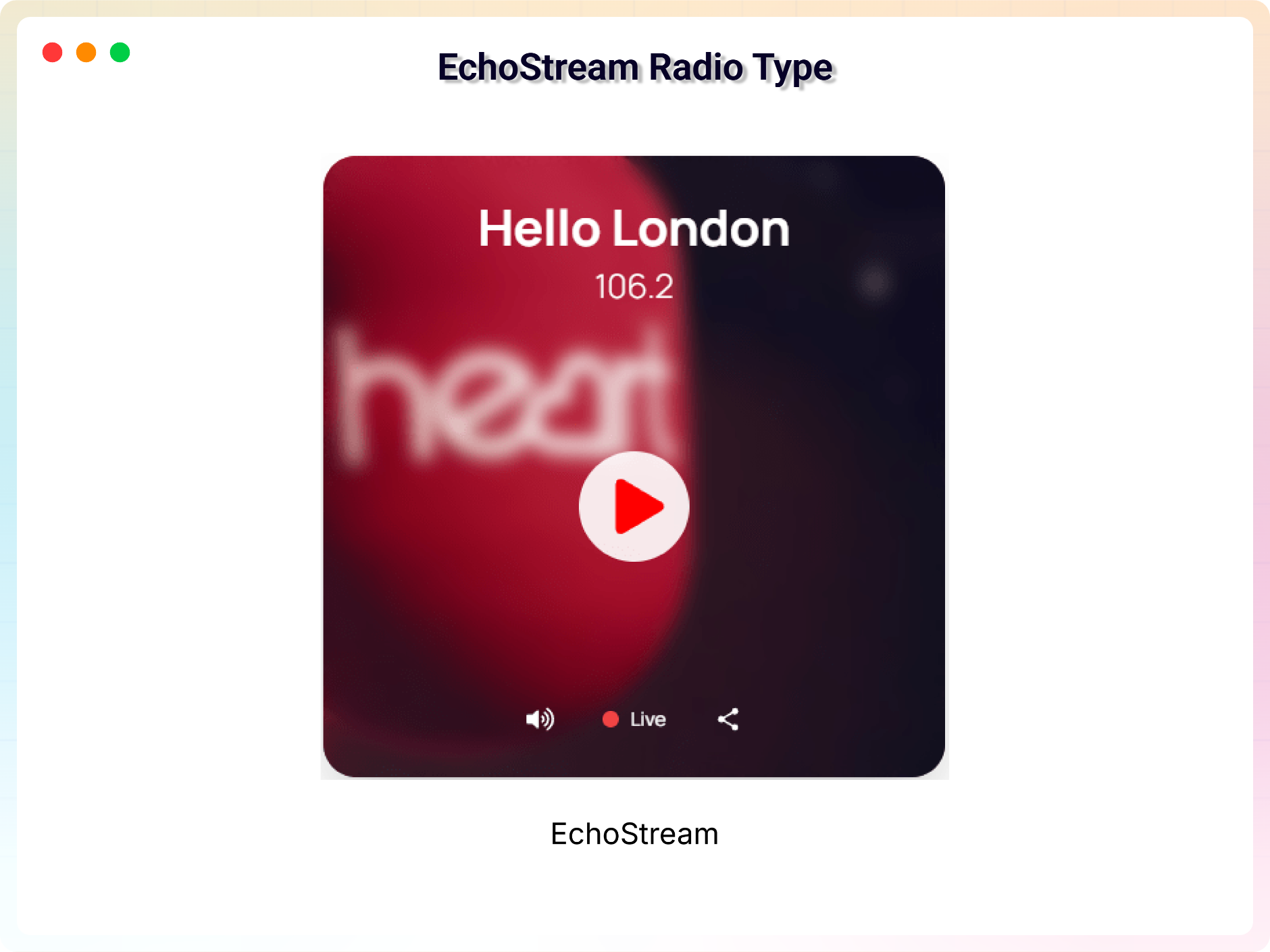
EchoStream Radio Type
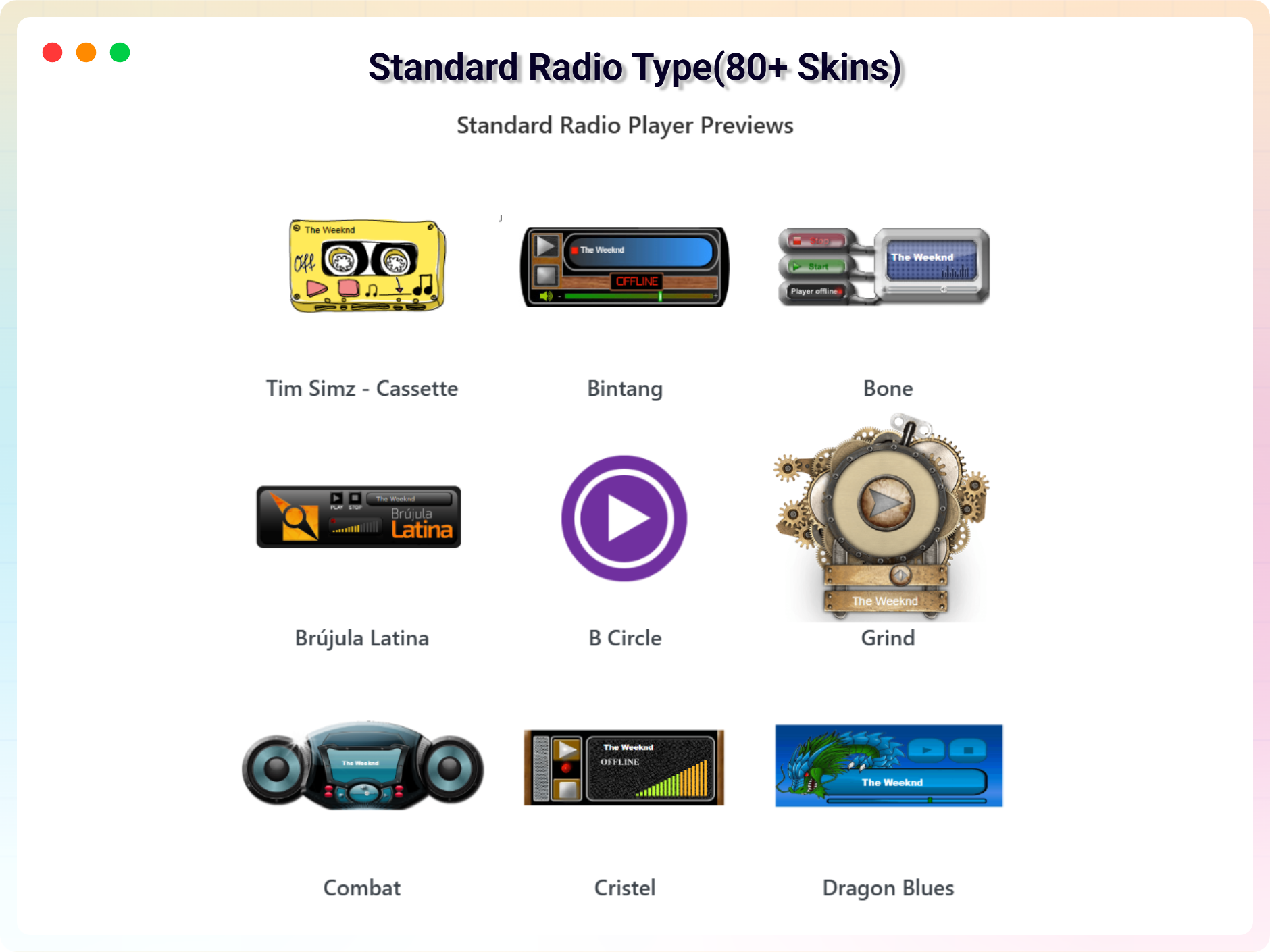
Standard Radio Type(80+ Radio Skins)
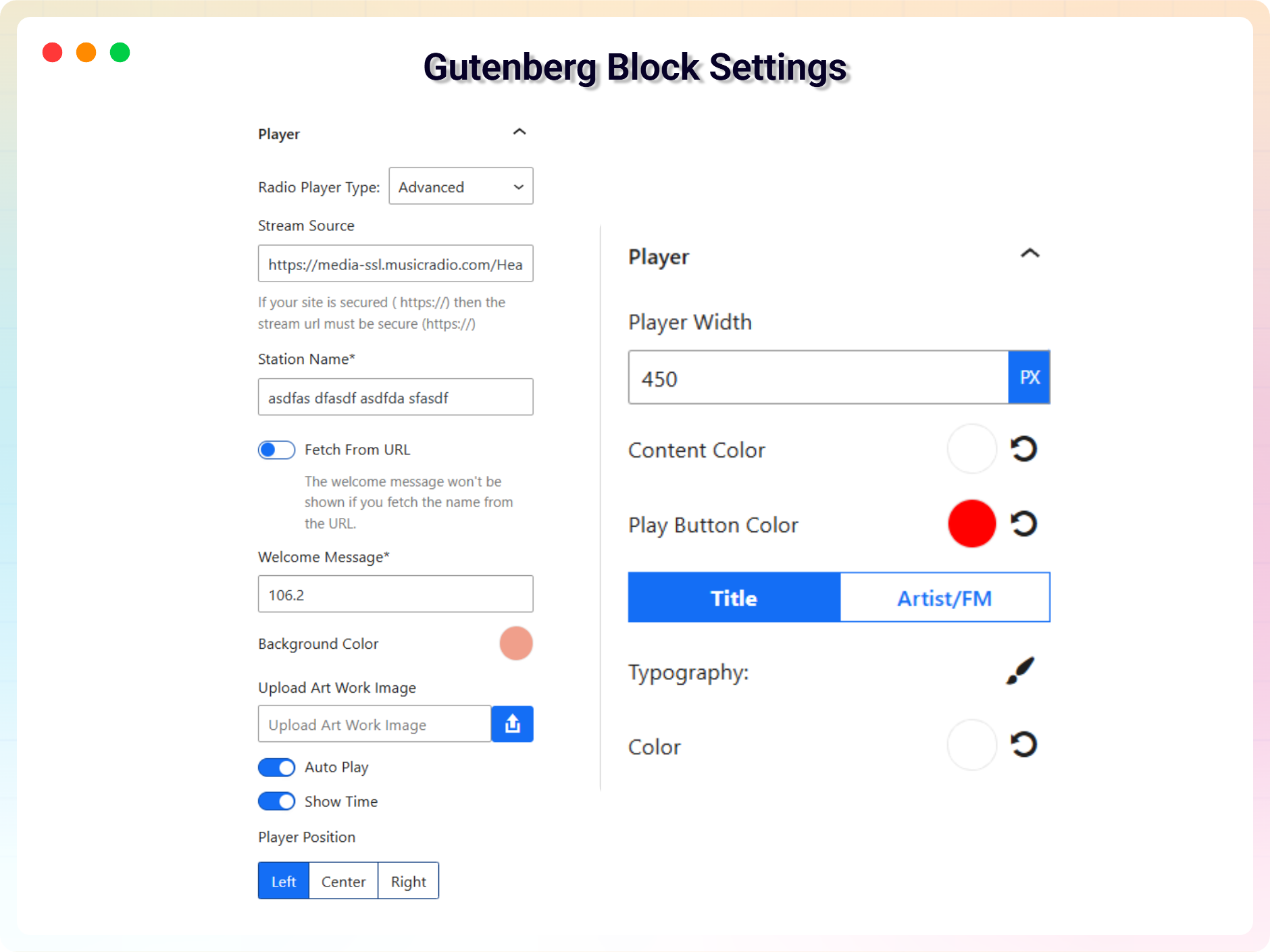
Gutenberg Block Support
Changelog
2.3.7 – 22 November 2025
- Updated readme.txt and fixed issues
2.3.6 – 2 November 2025
- Updated Advanced Radio Player
2.3.5 – 23 September 2025
- Accessibility: Added screen reader support
2.3.4 – 17 September 2025
- Added Modern Dashboard
2.3.1 – 17 May 2025
- Added new radio skin
2.3.0 – 19 Feb 2025
- Added Gutenberg block and redesigned plugin
2.2.4 – 30 July 2024
- Fixed Cross Site Scripting issue
2.2.3 – 4 July 2024
- Updated WordPress SDK
2.2.2 – 1 Jan 2024
- Fixed unexpected number issue
2.2.0 – 26 Aug 2023
- Added new premium skin “B Circle”
2.1.11 – 26 Aug 2023
- Fixed uncaught error at line 335
2.1.9 – 1 May 2023
- Updated Freemius SDK
2.1.8 – 1 May 2023
- Fixed ops issue
2.1.6 – 1 May 2023
- Added support for normal stream on ultimate player
2.1.6 – 22 Oct 2022
- Minor fixes
2.1.4
- Updated Freemius SDK
2.0.0
- Added player themes
- Added Ultimate Radio Player type
- Added custom color options
- Added modern skins
1.0
- Initial Release