

Schedule Unpublish
A plugin to schedule an unpublish date and time field when editing posts. A scheduled task runs hourly in the background to update the post status.
Plugin info
Maintenance & Compatibility
Maintenance score
Stale • Last updated 260 days ago • 1 reviews
Is Schedule Unpublish abandoned?
Likely maintained (last update 260 days ago).
Compatibility
Similar & Alternatives
Explore plugins with similar tags, and compare key metrics like downloads, ratings, updates, support, and WP/PHP compatibility.
Description
A plugin to schedule an unpublish date and time field when editing posts. A scheduled task runs hourly in the background to update the post status.
Installation
- Upload the plugin files to the
/wp-content/pluginsdirectory, or install the plugin through the WordPress plugins screen directly. - Activate the plugin through the ‘Plugins’ screen in WordPress
- Use the Tools->Unpublish Queue screen to view posts in the queue to be unpublished.
Frequently Asked Questions
No, this functionality is already built into WordPress. You can do this by scheduling the post date in the future.
Review feed
Does 1 thing
Screenshots
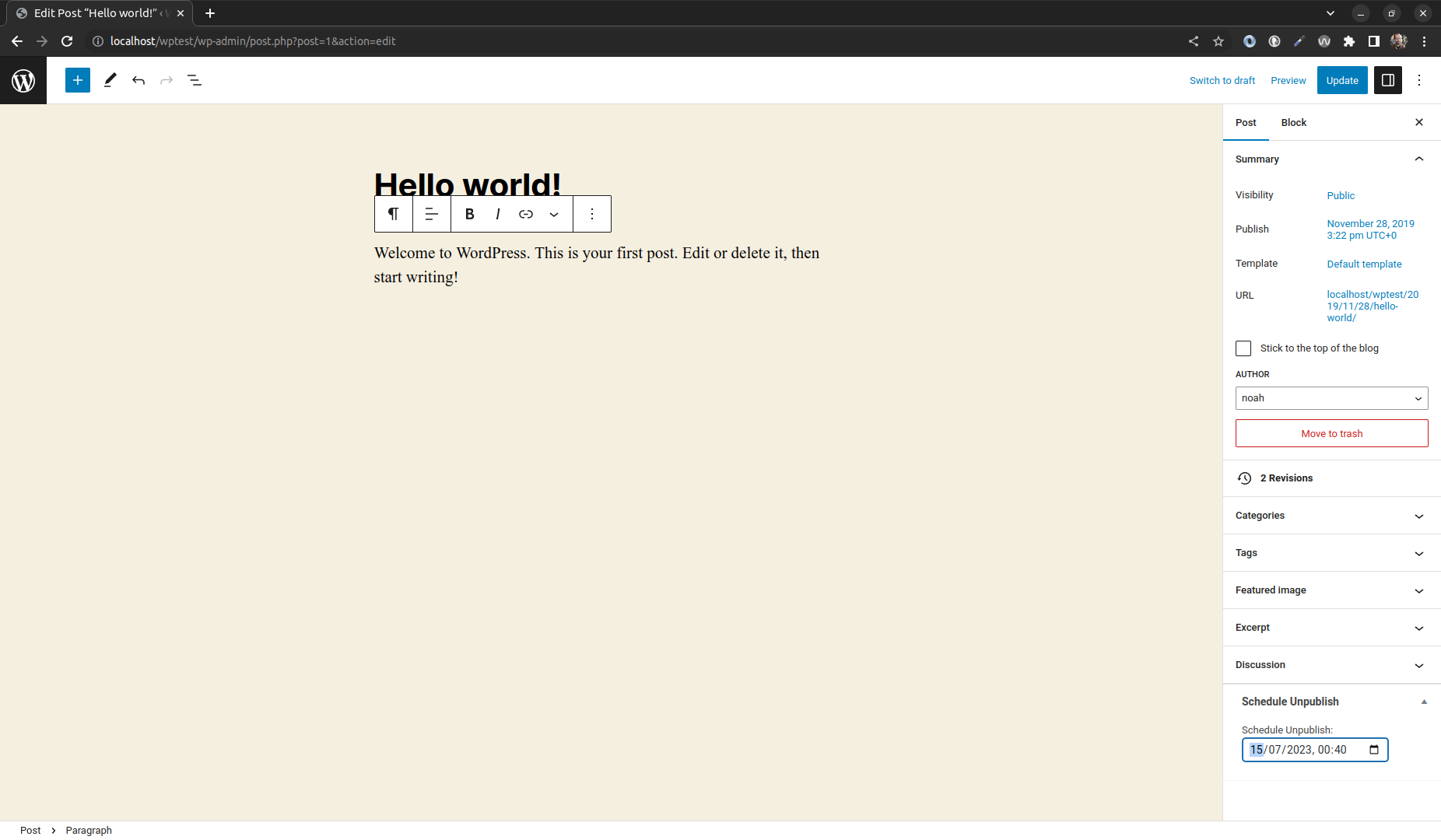
The schedule unpublish field is added as a meta box on the edit post screen.
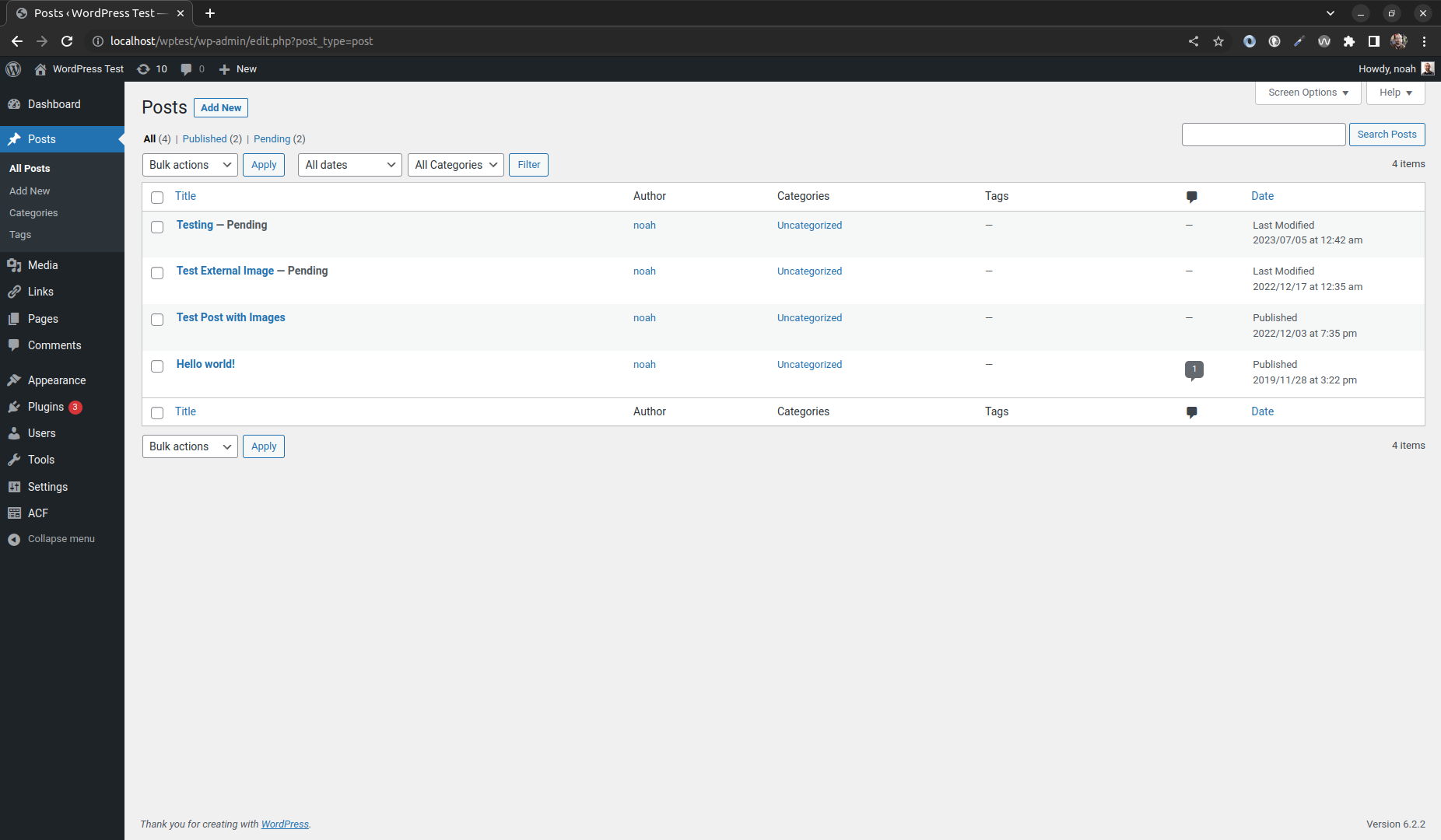
The post Unpublish Queue can be viewed under the Tools menu.
Changelog
0.1.0
- Release
Initial release.