

Plugin info
Maintenance & Compatibility
Maintenance score
Possibly abandoned • Last updated 627 days ago • 2 reviews
Is Todo List Block abandoned?
Possibly abandoned (last update 627 days ago).
Compatibility
Developers
Languages
Similar & Alternatives
Explore plugins with similar tags, and compare key metrics like downloads, ratings, updates, support, and WP/PHP compatibility.
Description
Editor-friendly blocks
While diving into this project I’ve explored a few areas where I can improve my personal publishing flow. The first was bringing editor comments into Gutenberg with my Markdown Comment block, and this Todo List block.
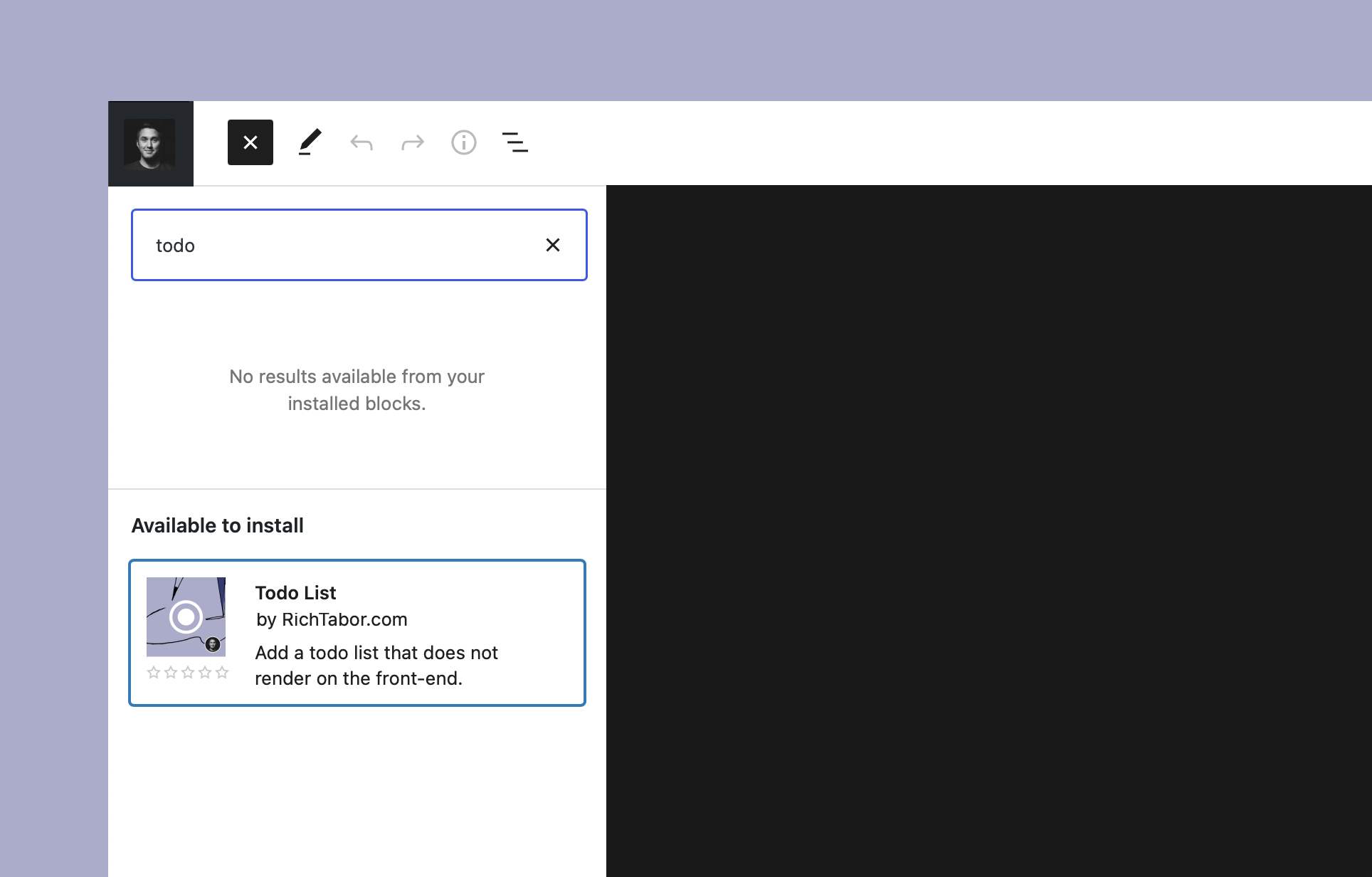
Todo List is a simple, editor-only block designed to quickly add tasks directly within the editor.
Todo List makes it easy to keep track of those tasks, all in the context of a particular post. You may also use it to add a publishing checklist to the post, such as using a headline analyzer, adding featured images, adding social images, etc.
Transforms
I’m a huge fan of blocks transforms and how they improve the WordPress publishing experience. Being able to morph a block into another, without loosing content/attributes, is a powerful way to level-up editing.
That saying, you may transform paragraph text, list items and even editorial comments added by Markdown Comment directly into actionable todos, just like you can in the iOS Notes app for example. You may even take multiple blocks of the sort and convert them all into a single todo list.
Todo List also supports block prefixes, which are keyboard shortcuts in a sense, to toss blocks in the editor with a few keystrokes. Adding [], or -[] plus the space key will add a Todo List to the page.
Installation
- Upload the
todo-list-blockfolder to your/wp-content/plugins/directory or alternatively upload the todo-list-block.zip file via the plugin page of WordPress by clicking ‘Add New’ and selecting the zip from your local computer. - Activate the plugin through the ‘Plugins’ menu in WordPress.
- Search for the block within the Gutenberg block editor.
Frequently Asked Questions
Yes! If you’re using Gutenberg (i.e. the block editor) on your site, you should have no issues with the block. It’s relatively simple to modify the CSS variables to tweak the comment styling if you’d like — learn more here.
Please reach out via the official plugin support forum.
As a WordPress entrepreneur, designer and developer all wrapped up in one, @richard_tabor is recognized as one of the top leaders in this post-Gutenberg era of WordPress. His design chops have topped the 2018 Automattic Design Awards and led him to found CoBlocks – a top-notch set of page builder blocks and tools for Gutenberg, ThemeBeans – a premier WordPress theme shop and Iceberg – a markdown editor for Gutenberg.
Review feed
Good Start.
Screenshots


Changelog
1.0.1
- Add back the default color.
- Ensure only todo items can exist within the todo list block.
1.0.0
- Simplify block styles to lean on theme.
0.1.4
- Add block.json to registerBlockType
- Add block title to register function
0.1.3
- WordPress 5.9 support
0.1.2
- Update readme
0.1.0
- Initial release