

WebAbility Accessibility Widget
Easy-to-use accessibility widget that makes your website compliant with WCAG and ADA standards. Simple setup with customizable positioning.
Plugin info
Maintenance & Compatibility
Maintenance score
Maintained • Last updated 150 days ago
Is WebAbility Accessibility Widget abandoned?
Likely maintained (last update 150 days ago).
Compatibility
Similar & Alternatives
Explore plugins with similar tags, and compare key metrics like downloads, ratings, updates, support, and WP/PHP compatibility.
Description
WebAbility Accessibility Widget is a powerful yet simple plugin that adds a comprehensive accessibility toolbar to your WordPress website. Our widget helps make your site compliant with WCAG 2.2 AA, ADA, AODA and EAA standards, ensuring equal access for all users.
- Fix compliance issues in minutes
- WebAbility.io helps you meet accessibility standards without manual coding or expensive audits.
- Auto-detect accessibility barriers across text, navigation, media, and forms
- Apply AI-powered real-time fixes to alt text, structure, and keyboard navigation
- Adapt to new standards like WCAG 2.2 with continuous updates
Key Features
- Easy Setup: One-click installation with automatic script generation
- Customizable Position: Choose from 4 corner positions (bottom-right, bottom-left, top-right, top-left)
- Pixel-Perfect Positioning: Fine-tune widget placement with offset controls
- Domain Verification: Built-in verification system to ensure proper setup
- Lightweight: Minimal impact on your site’s performance
- Responsive Design: Works seamlessly on all devices
- Privacy Focused: No tracking, no data collection
Accessibility Features
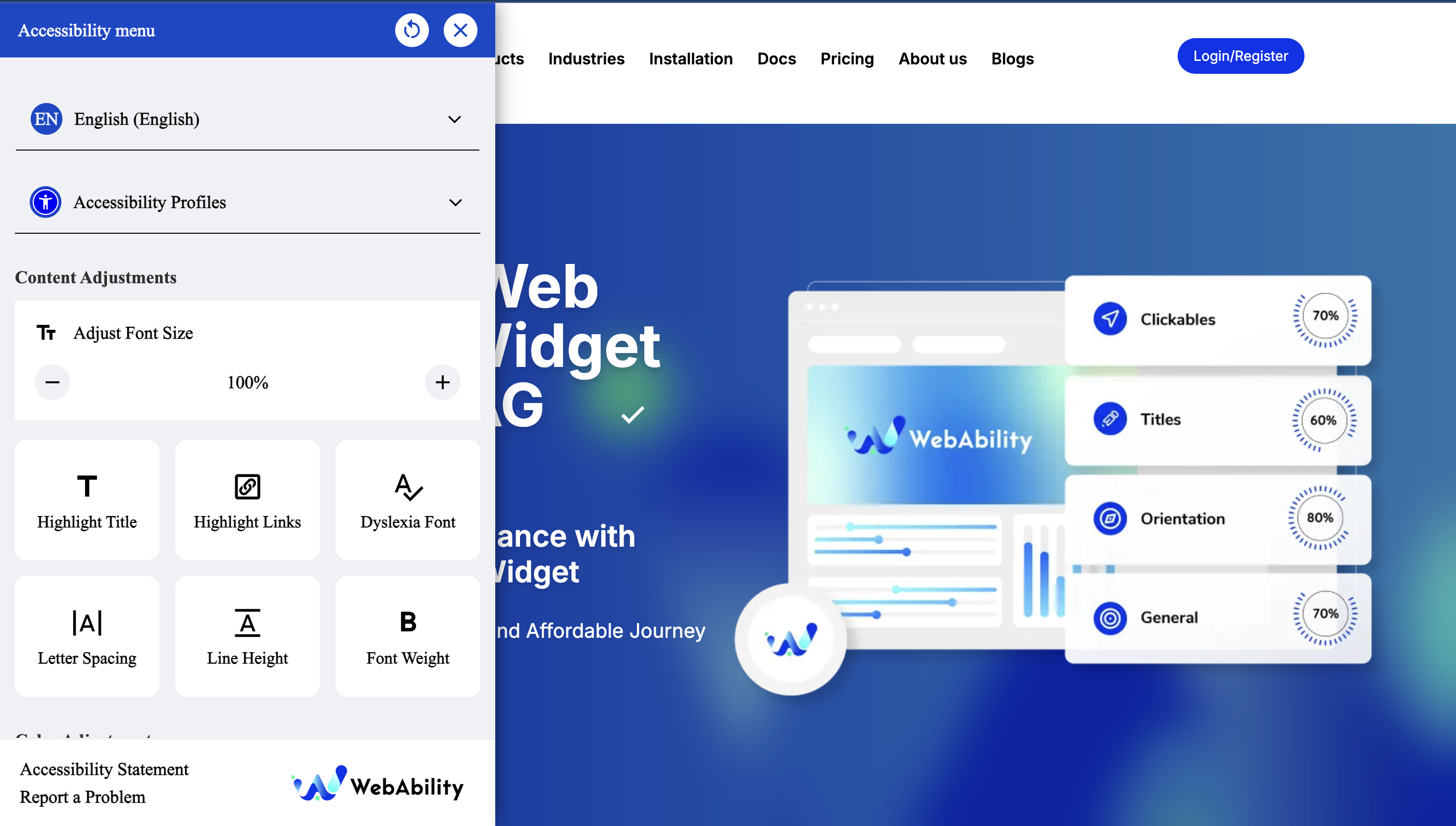
- Webability Accessibility Widget lets users adjust text size, color contrast, and cursor settings
- Screen reader compatibility
- Keyboard navigation support
- Offer text-to-voice options for users who need auditory support
- The widget is fully customizable to match your brand while giving users the accessibility tools they need.
Champion a more inclusive internet
- Meet key compliance guidelines while staying welcoming to all users
- Show customers your brand values inclusivity and accessibility
- Create a safer, more respectful online space for every visitor
- Making your website accessible shouldn’t be complicated—or expensive.
With WebAbility.io, you can meet global standards, protect your brand, and welcome every visitor confidently.
Learn More: How to Make My WordPress Website Accessible in 2025: A Complete Guide
Support
Contact the Webability support team at [email protected]
Privacy Policy
This plugin does not collect any personal data. The WebAbility widget respects user privacy and operates in compliance with GDPR and other privacy regulations.
Installation
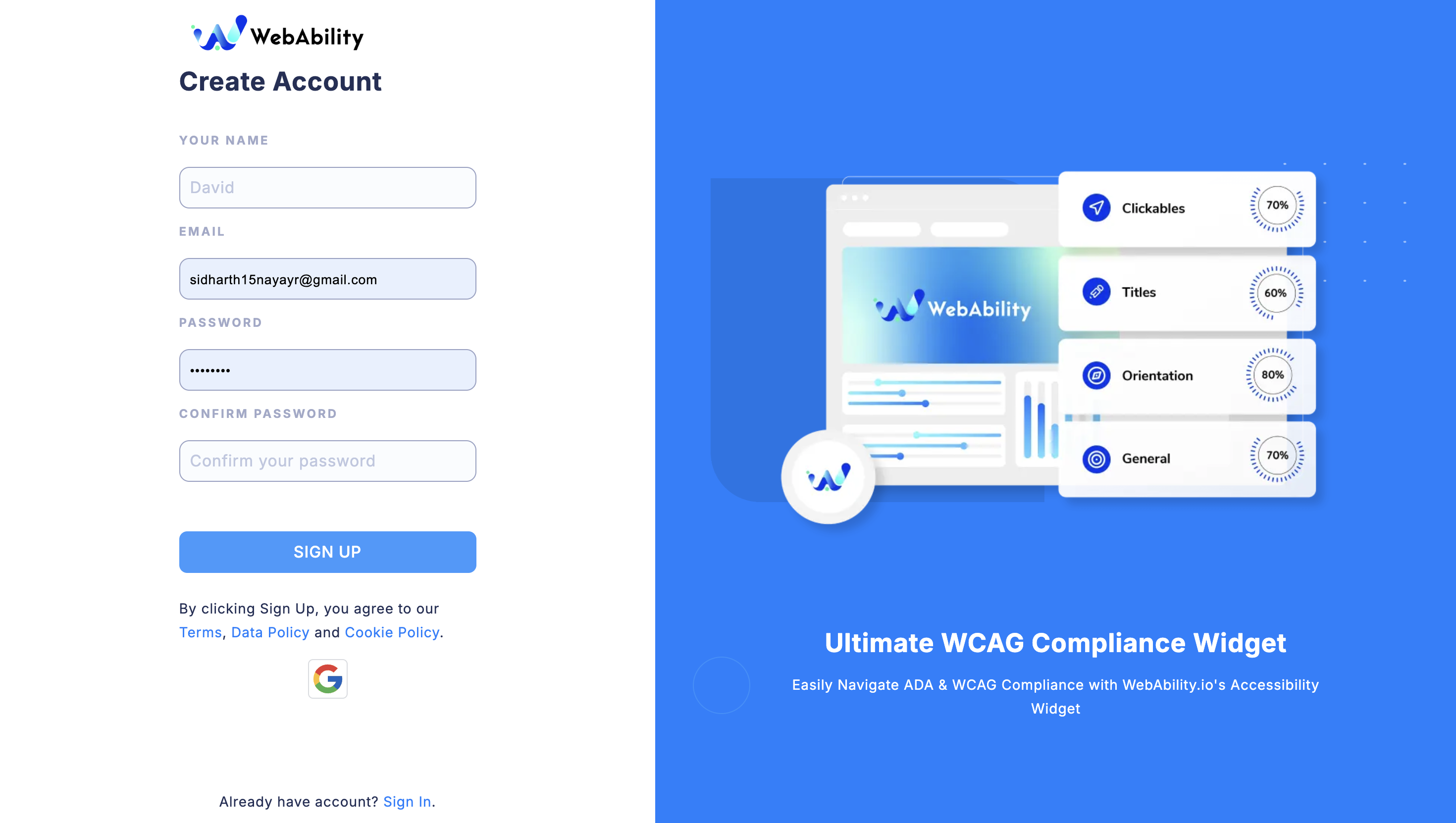
- Sign up for Webability. If you already have an account, select Log in.
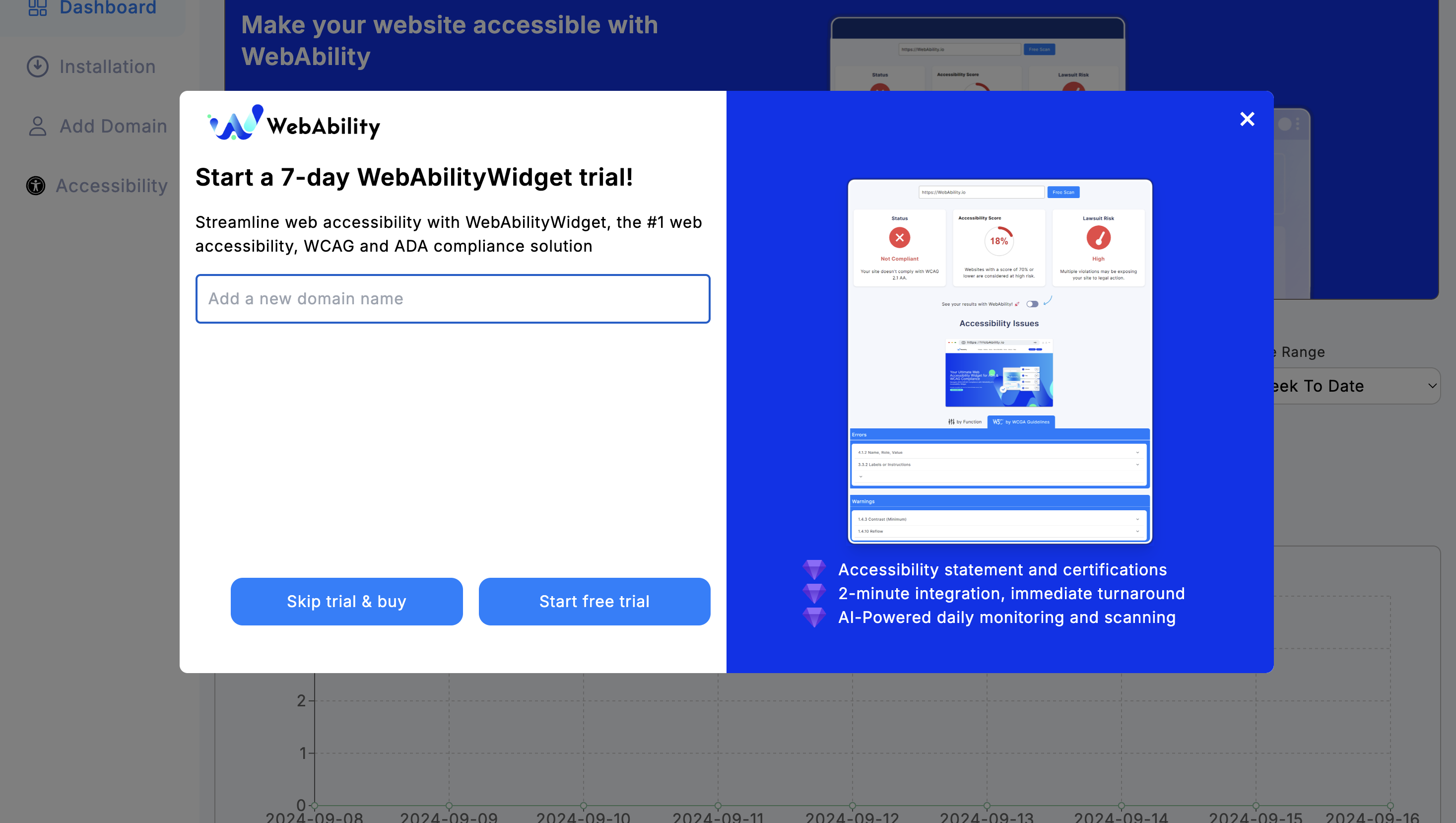
- Add your domain in the Add Domain tab. Start your 30 or 15 day free trial.
- In your WordPress dashboard, go to Plugins > Add Plugins. Search for WebAbility Accessibility Widget.
- Select Install Now. Once it’s installed, the Install Now button will change to Activate.
- Select Activate.
- Go to Settings > WebAbility to configure the widget.
- Enable the widget and customize the position to your preference.
- Use the verify button to ensure your domain is properly configured.
Service Provider Information
Service Provider: WebAbility.io
Terms of Service: https://www.webability.io/terms-of-use
Privacy Policy: https://www.webability.io/privacy-policy
By using this plugin, you acknowledge that your website will connect to WebAbility.io services as described above. We recommend reviewing WebAbility’s terms of service and privacy policy to understand how they handle data.
Note: This plugin is developed to work with WebAbility.io services. You must have an active account with WebAbility.io for the widget to function properly.
Frequently Asked Questions
Yes, you need to register your domain at WebAbility.io to use this widget. The plugin includes a verification system to check if your domain is properly registered.
Yes! You can choose from 4 corner positions and fine-tune the placement with pixel-perfect offset controls.
No, the WebAbility widget is designed to be lightweight and loads asynchronously to minimize any impact on your site’s speed.
Yes, the WebAbility widget is designed to work with any WordPress theme as it’s positioned absolutely on the page.
Yes, there’s an option to exclude the widget from appearing for logged-in users (like administrators).
Yes, the WebAbility widget respects user privacy and doesn’t collect or track personal data.
Review feed
Screenshots
Changelog
2.0.0
- MAJOR UPDATE: Moved plugin to top-level admin menu for better accessibility
- Updated to WebAbility Widget v2 with enhanced features
- Added accessibility icon (universal access) to admin menu
- Improved user experience with prominent menu placement
- Better integration with WordPress admin interface
1.0.0
- Initial release
- Automatic script generation
- Customizable widget positioning
- Domain verification system
- Offset controls for precise placement
- Multi-language support preparation
- WordPress 6.8 compatibility