

WordPress HelpDesk & Support Ticket System Plugin – Octrace Support
Octrace Support is a help desk & support ticket system plugin that helps manage your support requests with ease directly from your WordPress site.
Plugin info
Maintenance & Compatibility
Maintenance score
Possibly abandoned • Last updated 791 days ago • 2 reviews
Is WordPress HelpDesk & Support Ticket System Plugin – Octrace Support abandoned?
Possibly abandoned (last update 791 days ago).
Compatibility
Languages
Similar & Alternatives
Explore plugins with similar tags, and compare key metrics like downloads, ratings, updates, support, and WP/PHP compatibility.
Description
Octrace Support is a help desk & support ticket system plugin that helps manage your support requests with ease directly from your WordPress site.
Easy support requests management – Spend less time and effort on providing support for your customers and focus on your business instead.
Enjoy Quick and Simple Integration – Just copy-paste two shortcodes from the documentation into your website to start.
Features
- Basic Support Functionality
- Unlimited Support tickets
- Unlimited websites
- Ticket Attachments
- Support Satisfaction Survey
- Ticket Private Notes
- Support Agents Roles & Permissions
- Custom Support Statuses
- Ticket Scheduling
- Guest Tickets
PRO
Extend the basic functionality with Octrace Support PRO version, which includes the following extra features:
- Email Support Module
- Support Products Module
- Automatic Tickets Assignment
Installation
From your WordPress dashboard
- Visit Plugins > Add New
- Search for “Octrace Support”
- Activate Octrace Support from your Plugins page
- Add the
Support Request FormGutenberg block into any of your pages to start receiving support requests from it. - Read the documentation to get additional info
Frequently Asked Questions
Email: Support is provided via [email protected] email.
Help Desk: Open a Support Ticket
Review feed
Screenshots

Support Dashboard

Manage Support Tickets

Support Agents

General Support Configuration
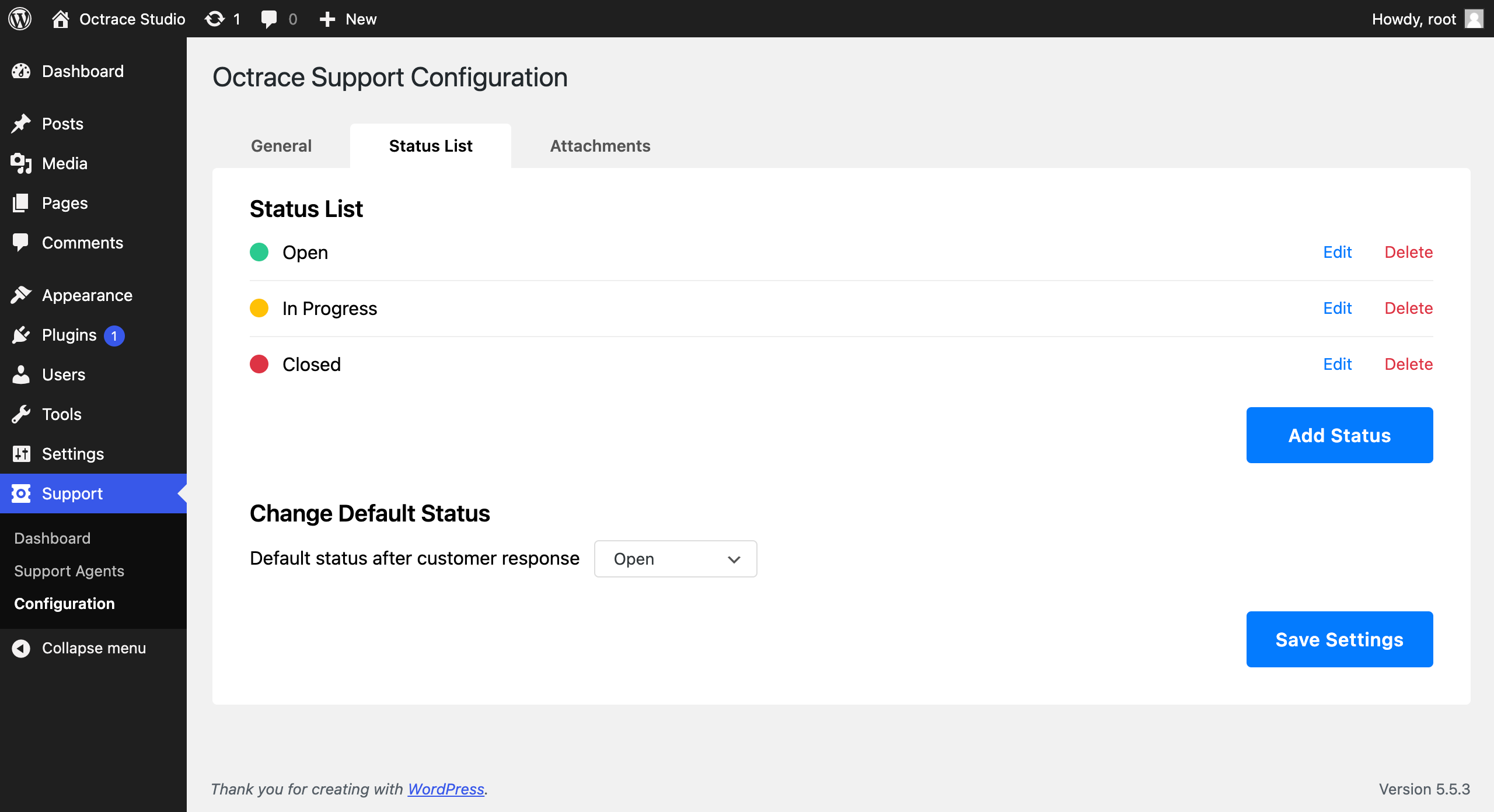
Support Status List Configuration

Support Attachments Configuration
Changelog
1.2.7
Release Date – 1 February 2024
- Fix – Resolved conflict with external login forms
1.2.6
Release Date – 25 November 2023
- Fix – Removed deprecated jQuery code
1.2.5
Release Date – 8 November 2023
- Fix – Improved protocol processing during redirects
- Fix – Security patch
1.2.4
Release Date – 13 February 2023
- Fix – Resolved installation errors
1.2.3
Release Date – 19 March 2022
- Fix – Security patch
1.2.2
Release Date – 27 February 2021
- Added – Guest Ticket
- Fix – Paperclip icon size
1.2.1
Release Date – 12 December 2020
- Fix – Icon visual appearance fix
- Fix – Minor changes
1.2.0
Release Date – 4 November 2020
- Added – Support Agents
- Added – Custom Support Statuses
- Added – Support Customer Survey
- Added – Ticket Private Notes
- Added – Ticket Attachments Module
- Added – Scheduled Tickets Management
- Fix – Ensured Octrace Support doesn’t load unnecessary css and js files.
1.1.0
Release Date – 1 November 2020
- Gutenberg Block: Support Ticket Request Form
- Gutenberg Block: Support Ticket List
1.0.0
Release Date – 30 October 2020
- Octrace Support