

Really Simple Login Logo
A lightweight and user-friendly plugin to customize your WordPress login page logo.
Plugin info
Maintenance & Compatibility
Maintenance score
Stale • Last updated 262 days ago • 1 reviews
Is Really Simple Login Logo abandoned?
Likely maintained (last update 262 days ago).
Compatibility
Similar & Alternatives
Explore plugins with similar tags, and compare key metrics like downloads, ratings, updates, support, and WP/PHP compatibility.
Description
Really Simple Login Logo is a lightweight plugin that allows you to easily customize your WordPress login page logo. It provides a simple, intuitive interface in the WordPress admin area to select and manage your custom login logo.
No upsells. No dashboard advertising. No bloat. Just keeping it simple.
This plugin was developed specifically for freelancers, agencies, and users who have a desire to remove the default WordPress logo and set their own. No custom uploads by file managers or FTP clients, no need for page builder templates. This plugin is meant to be super simple. Upload an image from your device or select one from the WordPress Media Library. Then save. No bloated options. No hoops to jump through or URL changes. Just set and forget. Simply brand the login page for your client or agency.
Key Features
- Simple and intuitive admin interface
- WordPress Media Library integration
- Support for multiple image formats (JPEG, PNG, GIF, WebP, AVIF)
- No unnecessary options or settings
- Lightweight and fast
- Mobile-friendly
- Translation ready
Why Choose Really Simple Login Logo?
- Super Simple: No complex settings or confusing options
- Lightweight: Minimal code footprint, no unnecessary features
- Well Maintained: Regular updates and security patches
- WordPress Standards: Follows WordPress coding standards and best practices
Privacy Policy
This plugin does not collect any personal data. It only stores the URL of your selected logo in the WordPress options table.
Installation
- Upload the
really-simple-login-logofolder to the/wp-content/plugins/directory - Activate the plugin through the ‘Plugins’ menu in WordPress
- Go to Settings > Login Logo to configure your custom logo
- Select your logo from the Media Library
- Save your changes
- Visit your login page to see the new logo
Requirements
- WordPress 5.8 or higher
- PHP 7.4 or higher
- Administrator access to WordPress
Frequently Asked Questions
The plugin supports the following image formats:
* JPEG/JPG
* PNG
* GIF
* WebP
* AVIF
You can literally only change the WordPress login logo. Nothing more.
Yes, the maximum file size is 5MB. This is to ensure optimal performance and security.
Yes, you can use any image from your WordPress Media Library that meets the format and size requirements.
No, the plugin is designed to be lightweight and has minimal impact on your site’s performance.
Yes, the plugin is fully translation-ready and includes a .pot file for translators.
Yes, once you’ve selected a logo, you can use the “Preview Login Page” button to see how it looks.
Accounts with administrative capabilities only have the ability to change the logo.
With this plugin, none; it’s the login logo only. You can check https://plugins.crftd.dev. We have a login screen customizer that’s super lightweight. It’s paid, though.
Review feed
Screenshots
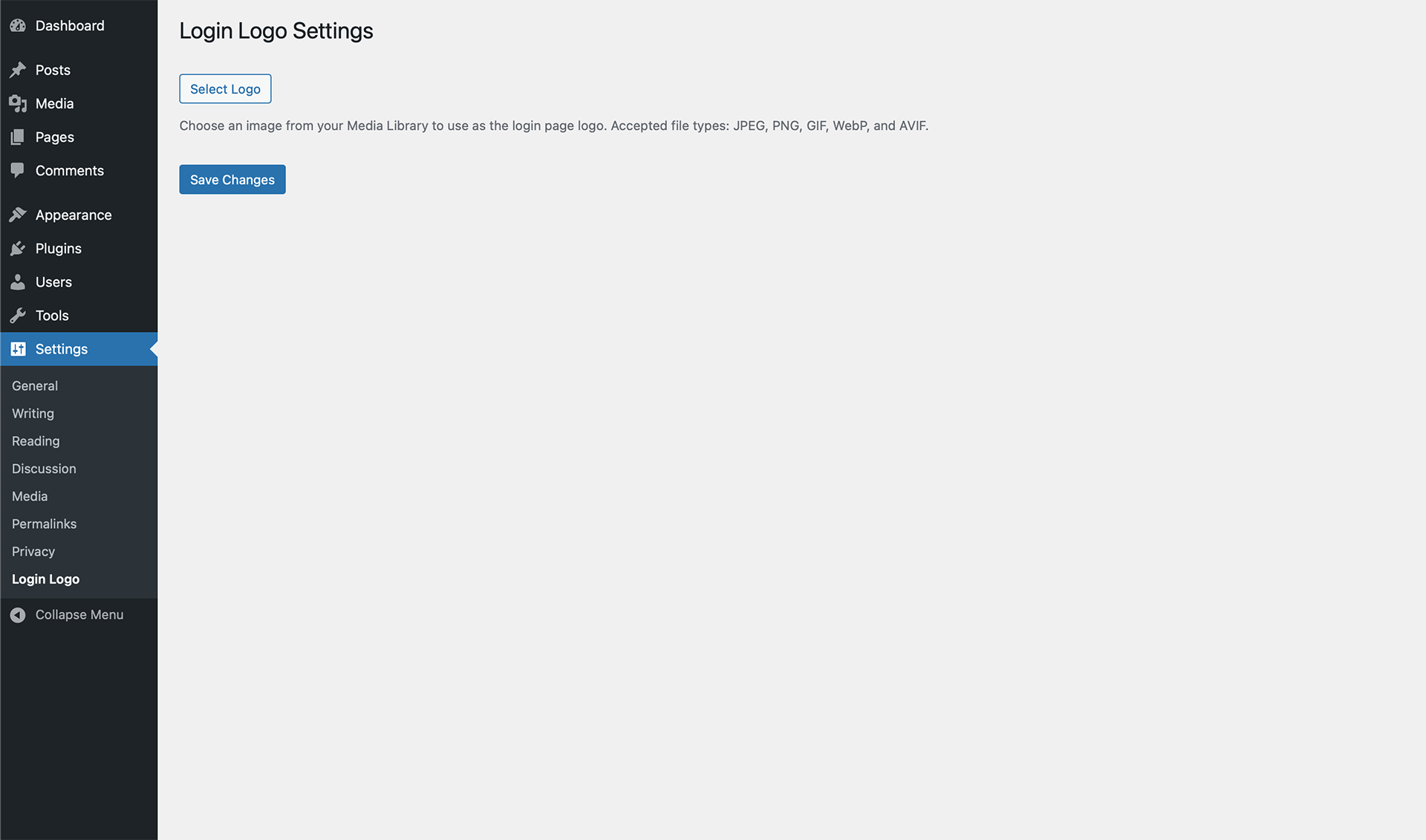
Admin interface for managing the login logo
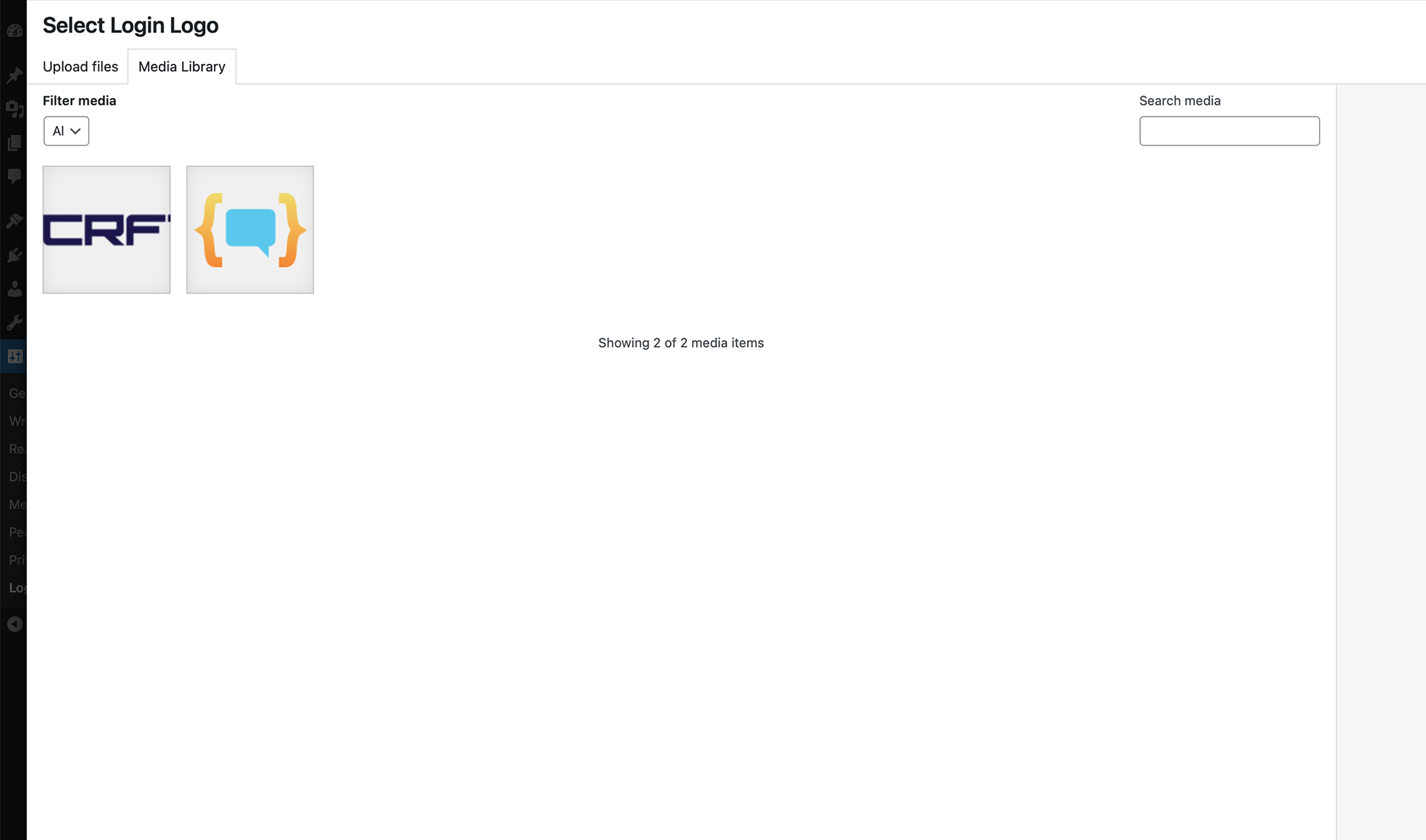
Media Library integration
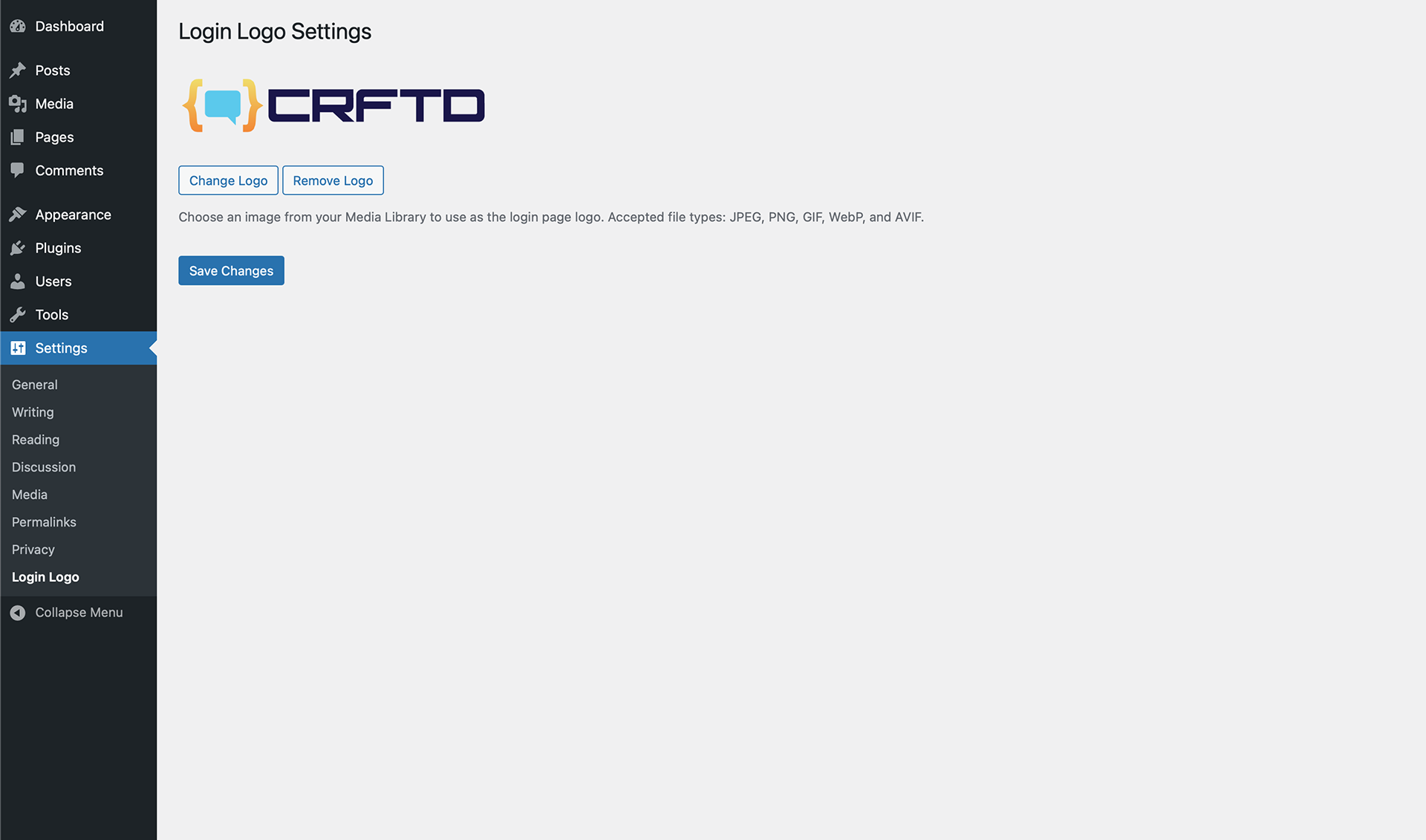
Admin interface with selected logo
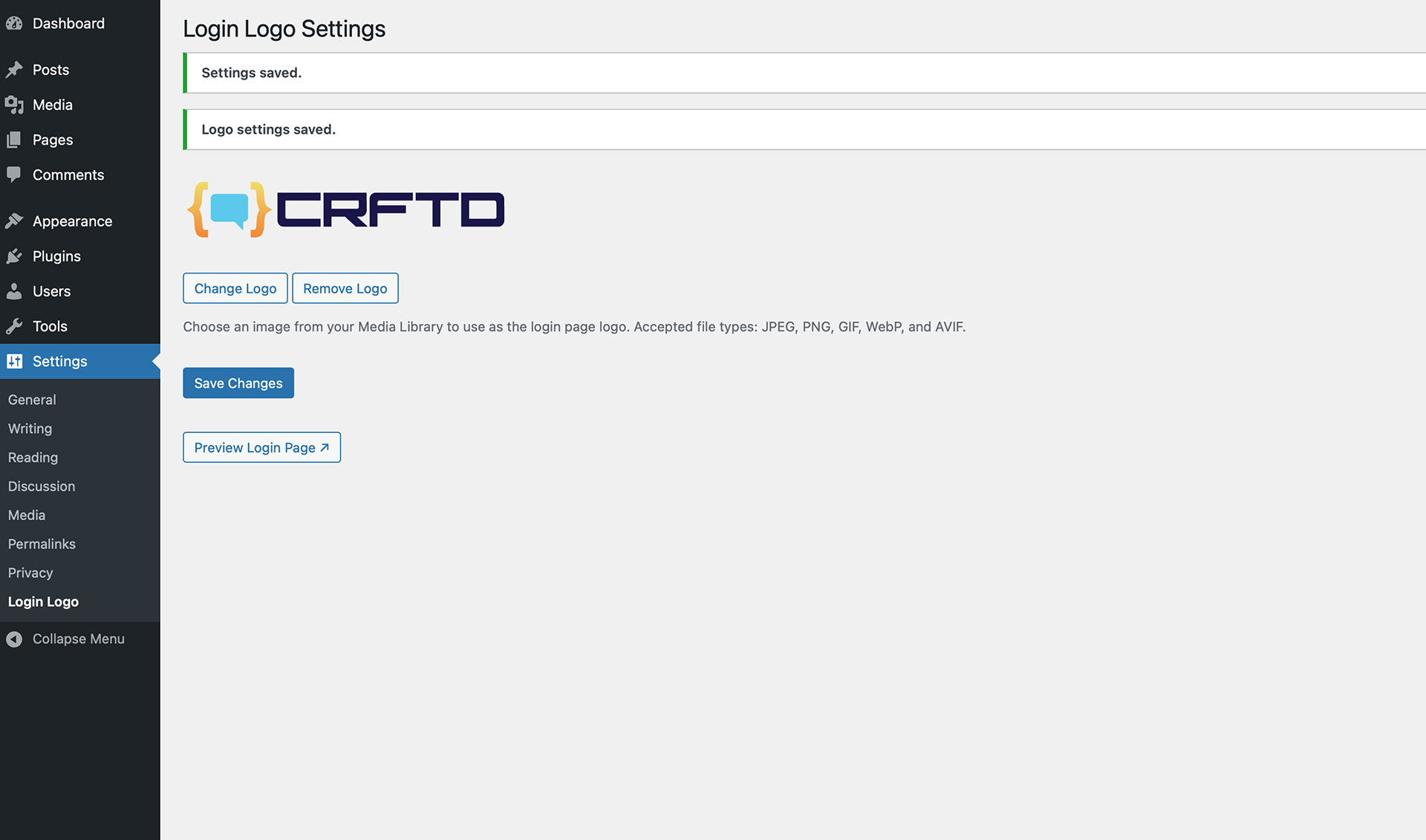
Admin interface with saved logo notifications and preview option
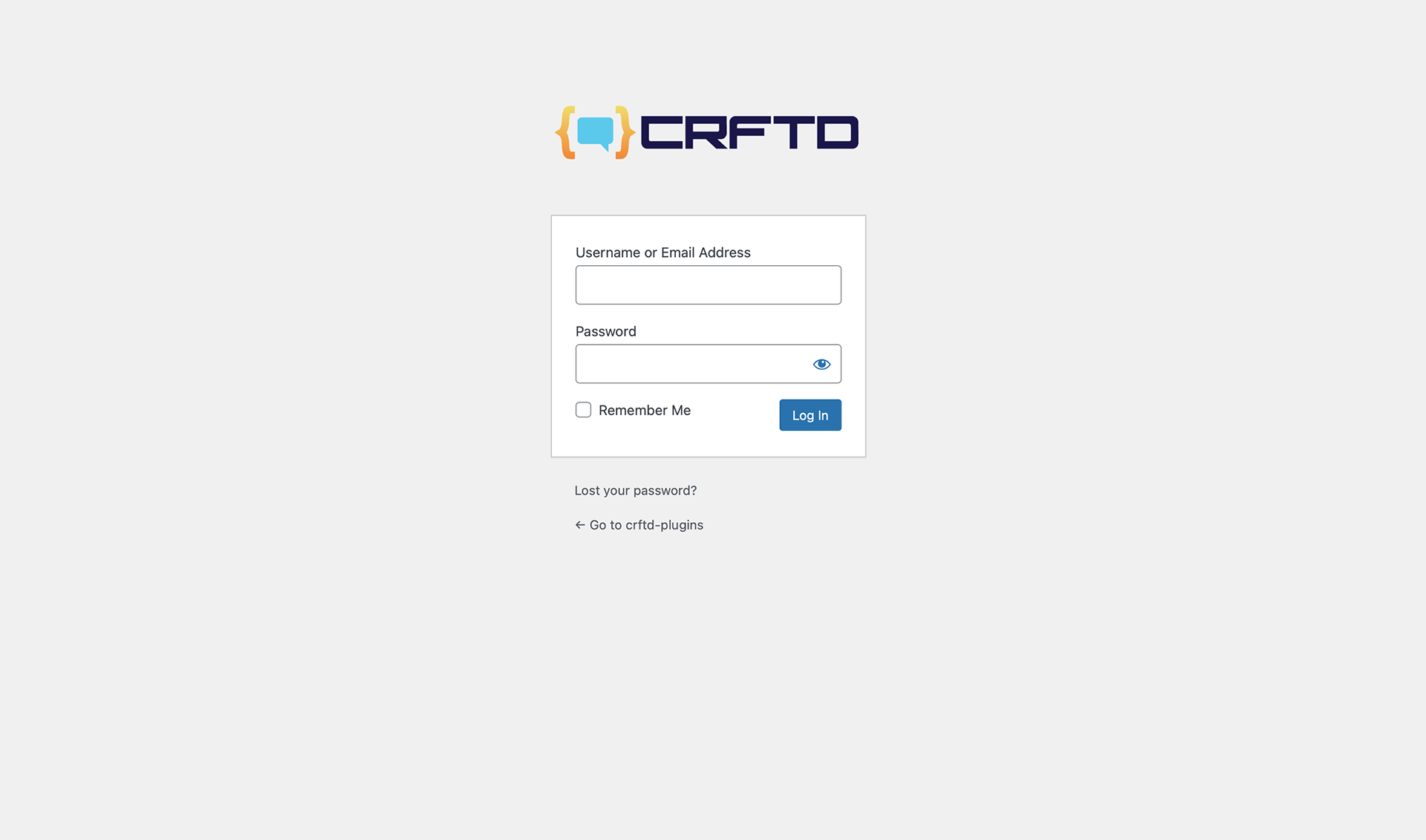
Login page with custom logo
Changelog
1.16.1
- Security Enhancements
- WordPress Plugin Guidelines Compliance
- Code Quality Improvements
1.16.0
- Major Security and Compatibility Updates
- Enhanced Security Measures
- JavaScript Improvements
- New Features
- Bug Fixes
1.15.5
- Removed AppSero integration
- Simplified codebase